 SaaSFrame
SaaSFrame Pro
2 more steps in this flow
Free accounts see the first 3 steps of each flow. Pro unlocks every step of every flow, plus every screen, section and Copy in Figma.

Deel Sign Up Flow
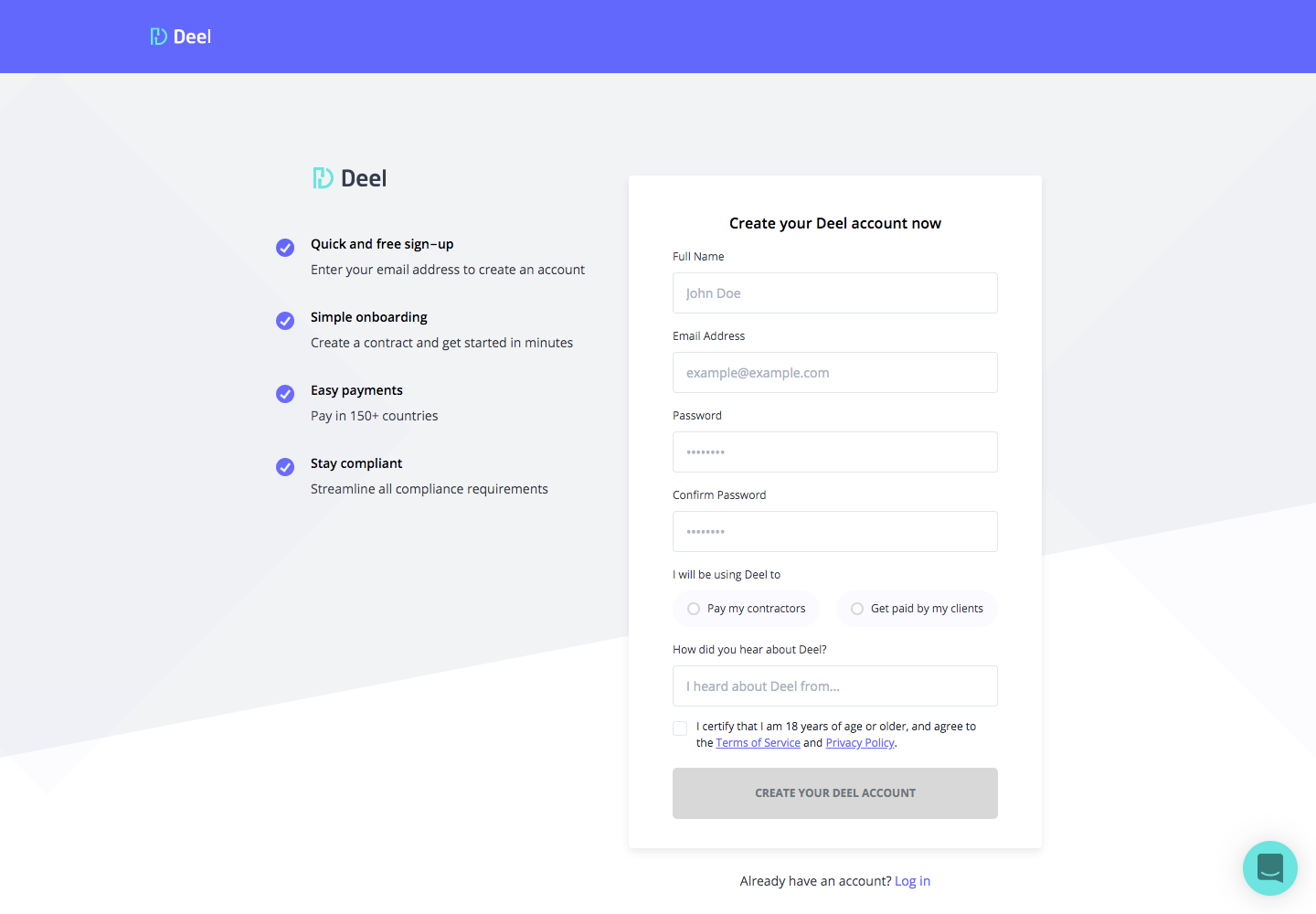
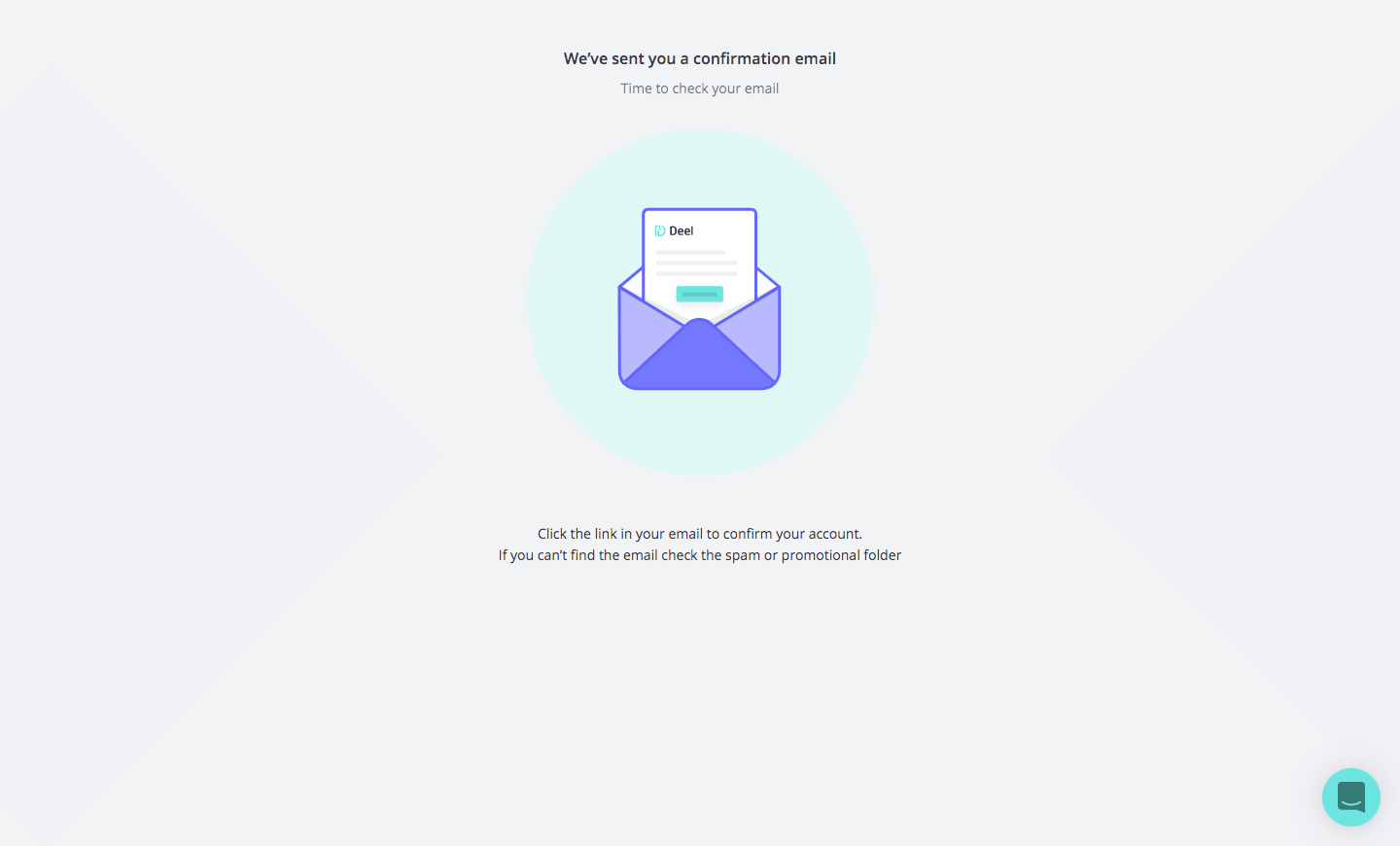
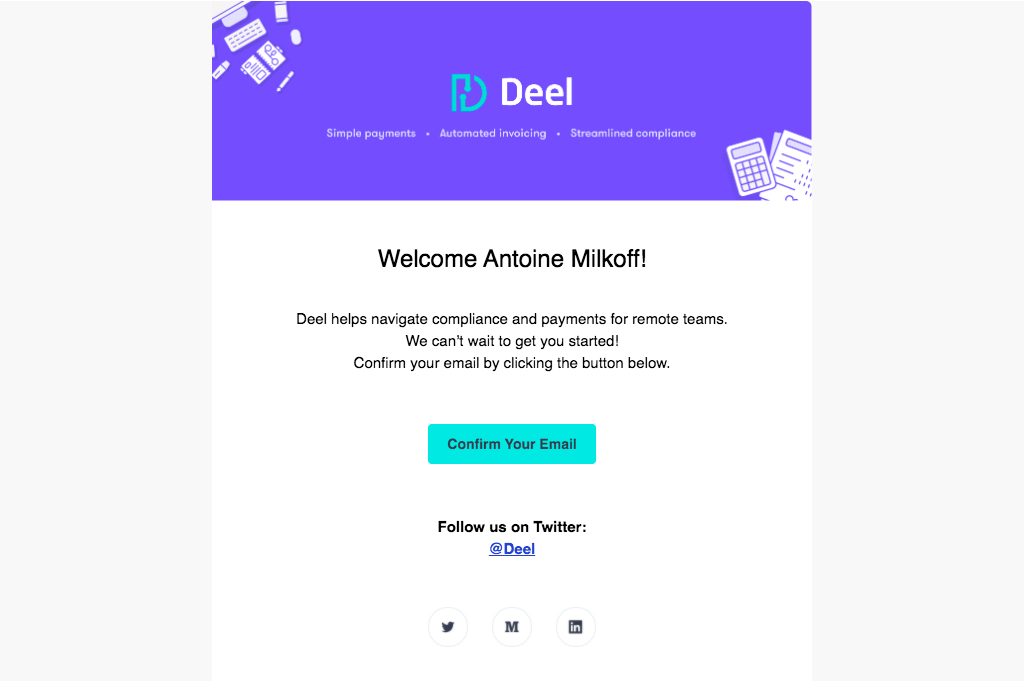
Deel's sign-up flow covers five steps, from the account form and confirmation email to choosing an account type and filling in personal details. A purple top bar frames each app screen, and the sign-up form sits beside a checklist of benefits. Email steps use an envelope illustration and a cyan button, the account type is chosen between two illustrated cards, and the last step is a long form.
Follow Deel’s sign up flow flow step by step: 5 real screens captured from the live product, from sign up page to sign up flow: personal details. Use ← → to move between steps, and open any screen to see it in full.