SaaSFrame
2 more steps in this flow
Free accounts see the first 3 steps of each flow. Pro unlocks every step of every flow, plus every screen, section and Copy in Figma.
Confetti User Onboarding
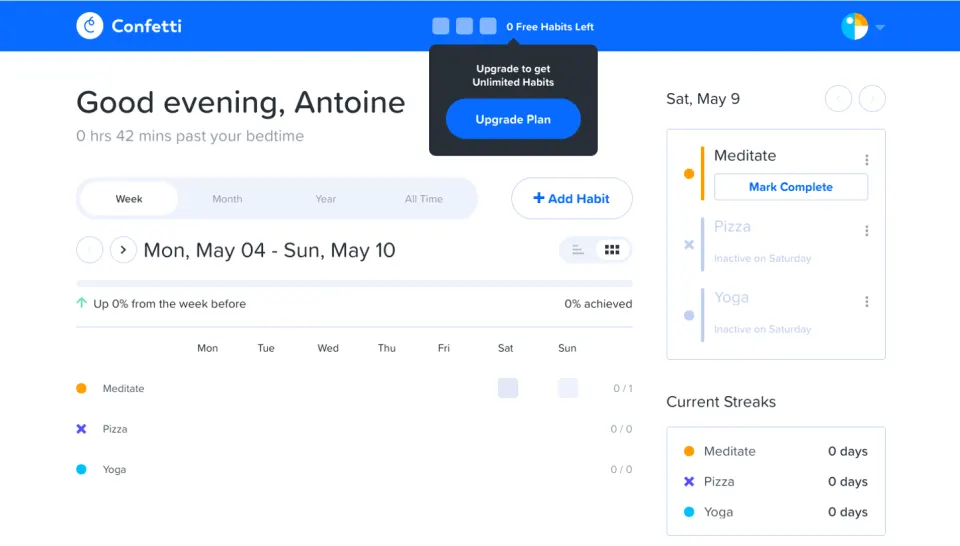
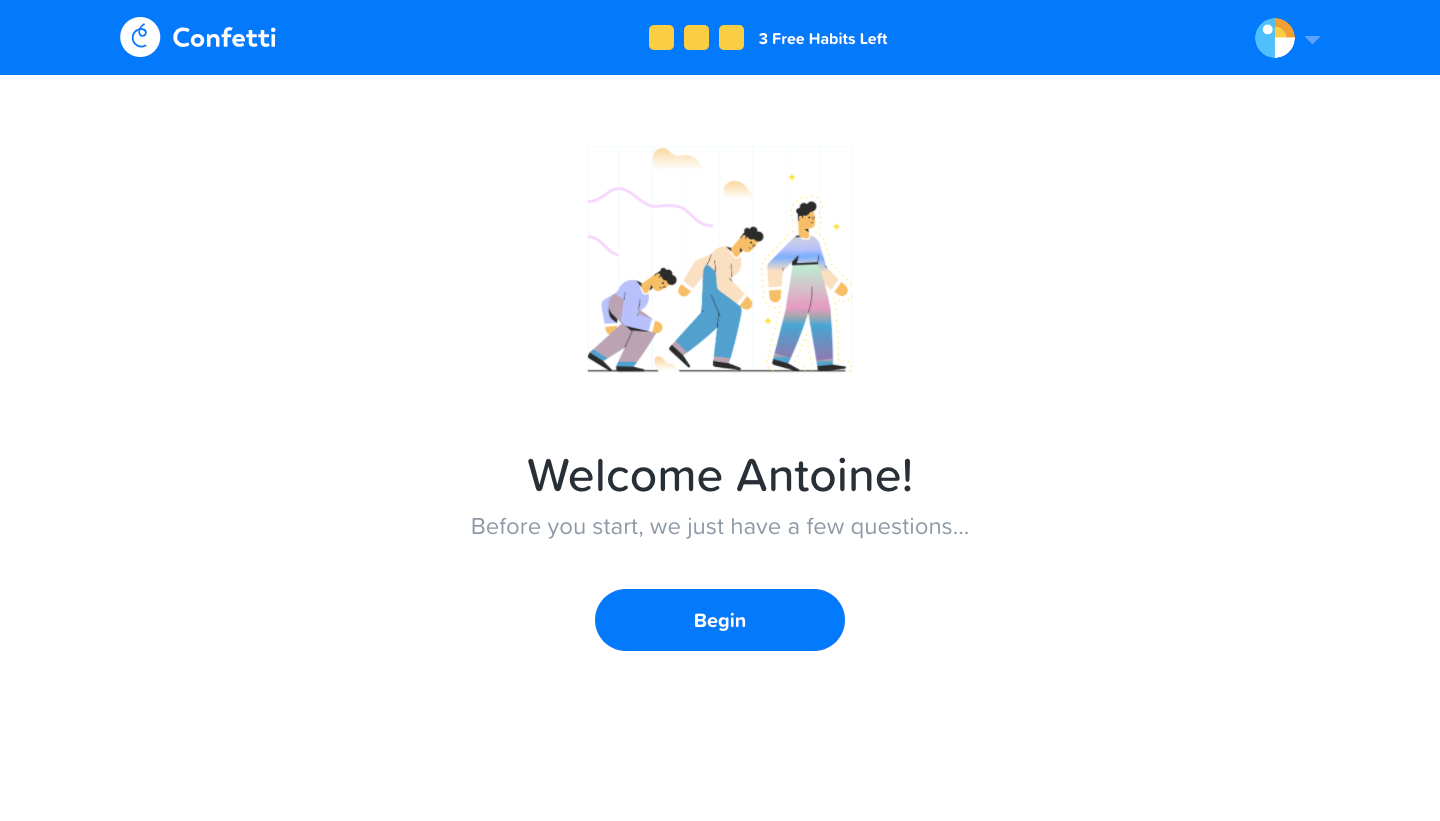
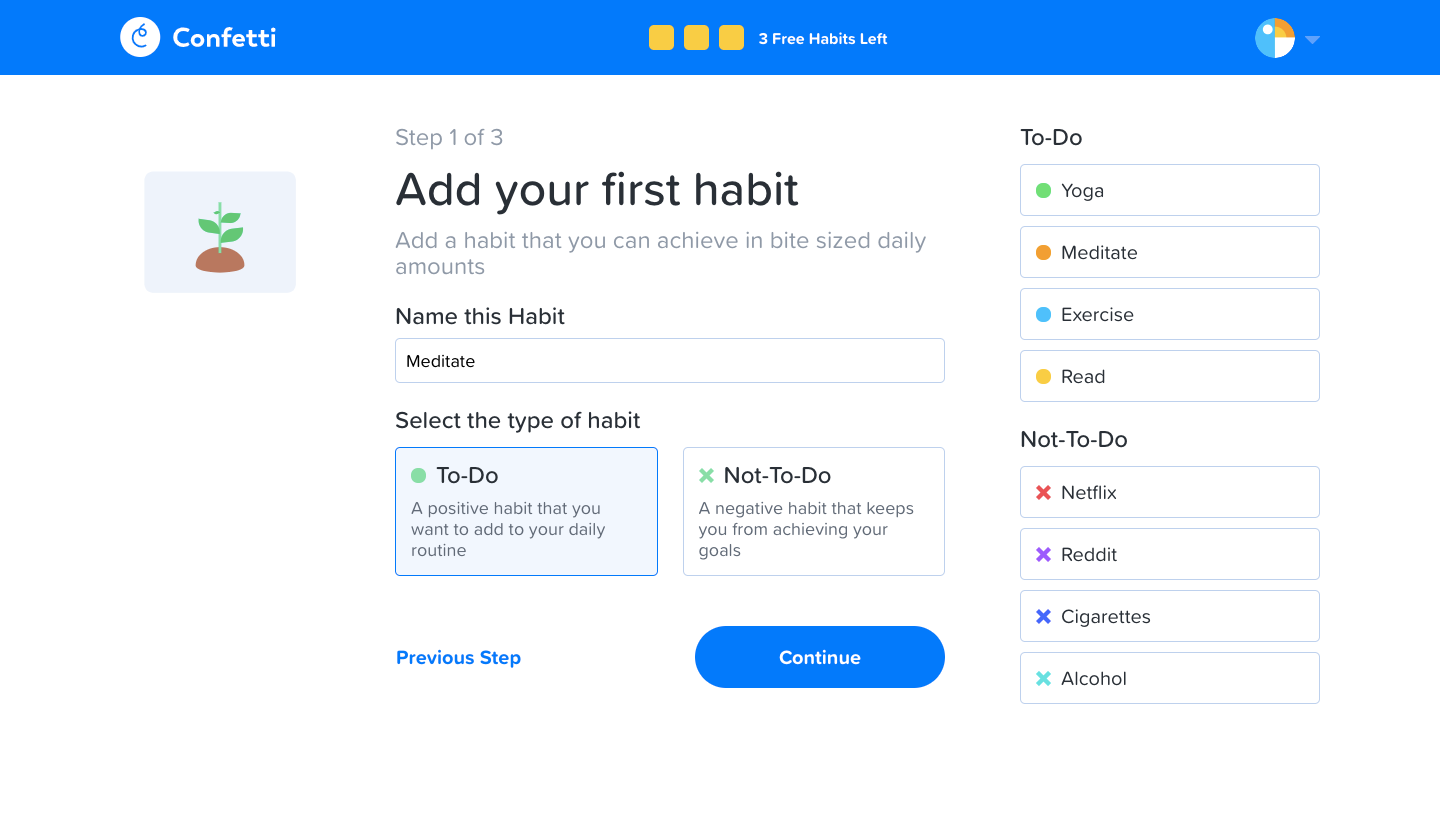
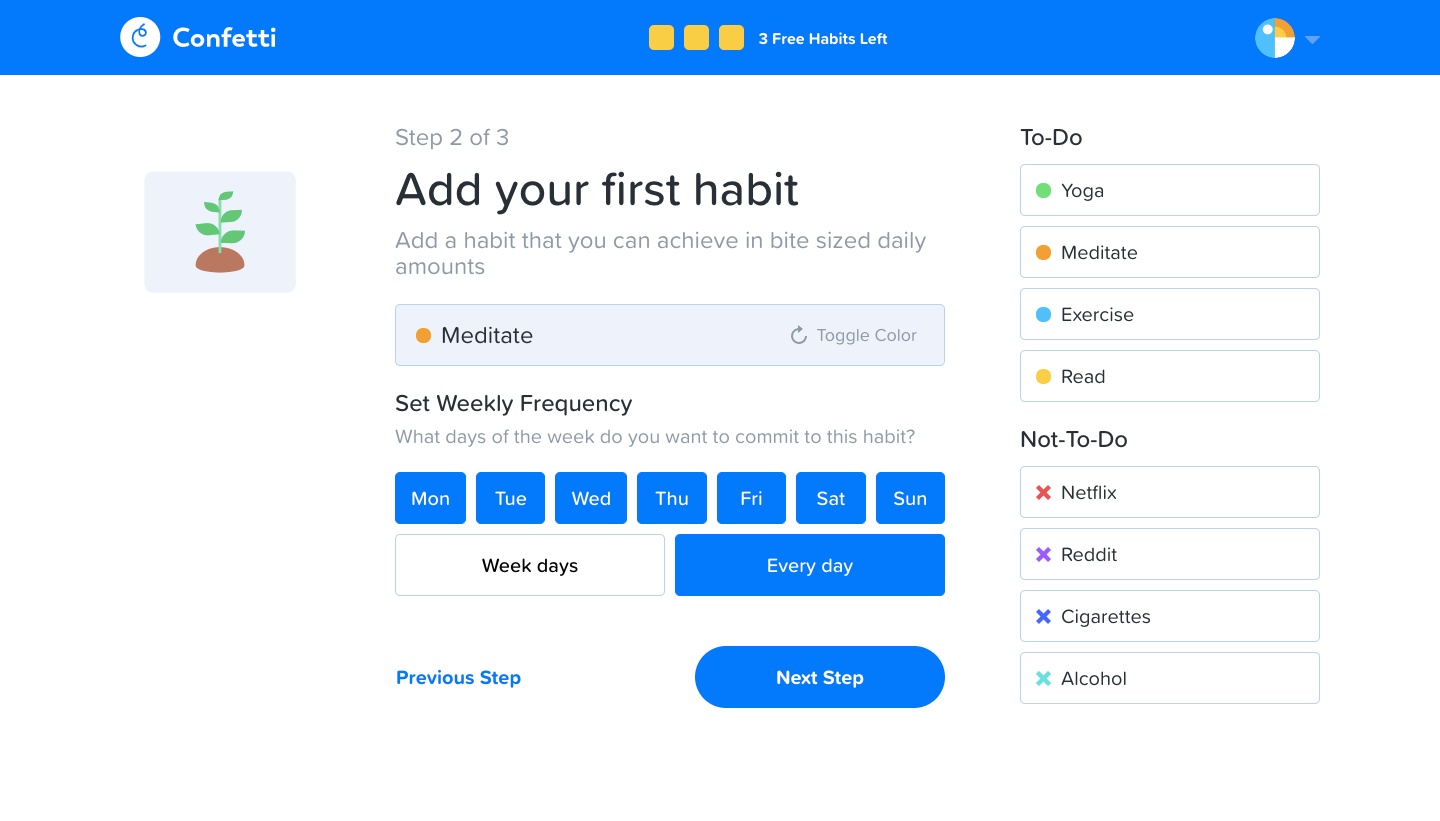
Confetti's user onboarding creates your first habit in three numbered steps under a bright blue app bar, ending on a habit dashboard. A friendly illustration welcomes you before a form pairs the habit name, type cards and suggestions. Frequency uses blue day-of-week chips with a weekdays or every-day toggle, bedtime gets a time field with an AM or PM switch, and the dashboard shows an empty weekly tracker.
Follow Confetti’s user onboarding flow step by step: 5 real screens captured from the live product, from user onboarding: welcome to user onboarding: habit dashboard. Use ← → to move between steps, and open any screen to see it in full.
Steps in this flow
More flows from Confetti
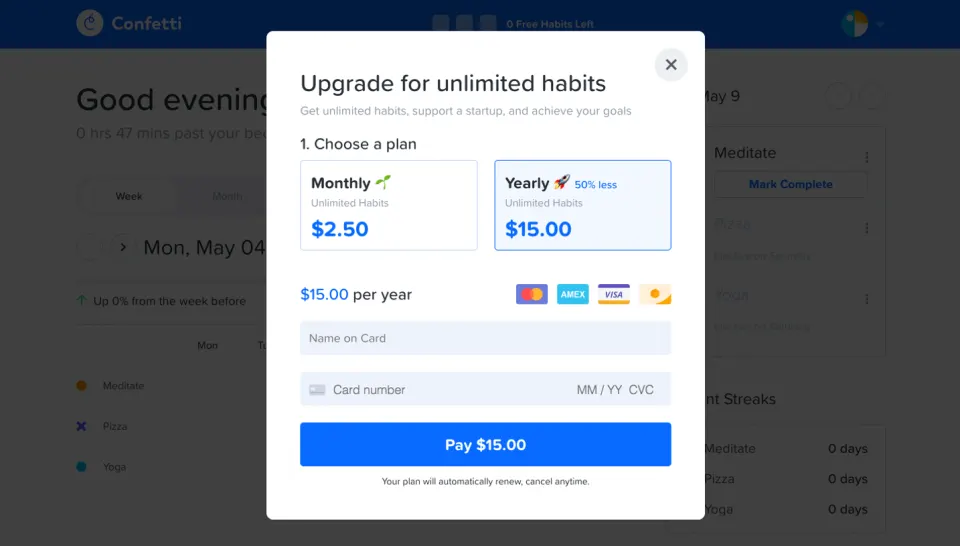
All Confetti Confetti Upgrading
2 screens