SaaSFrame
Confetti Upgrading
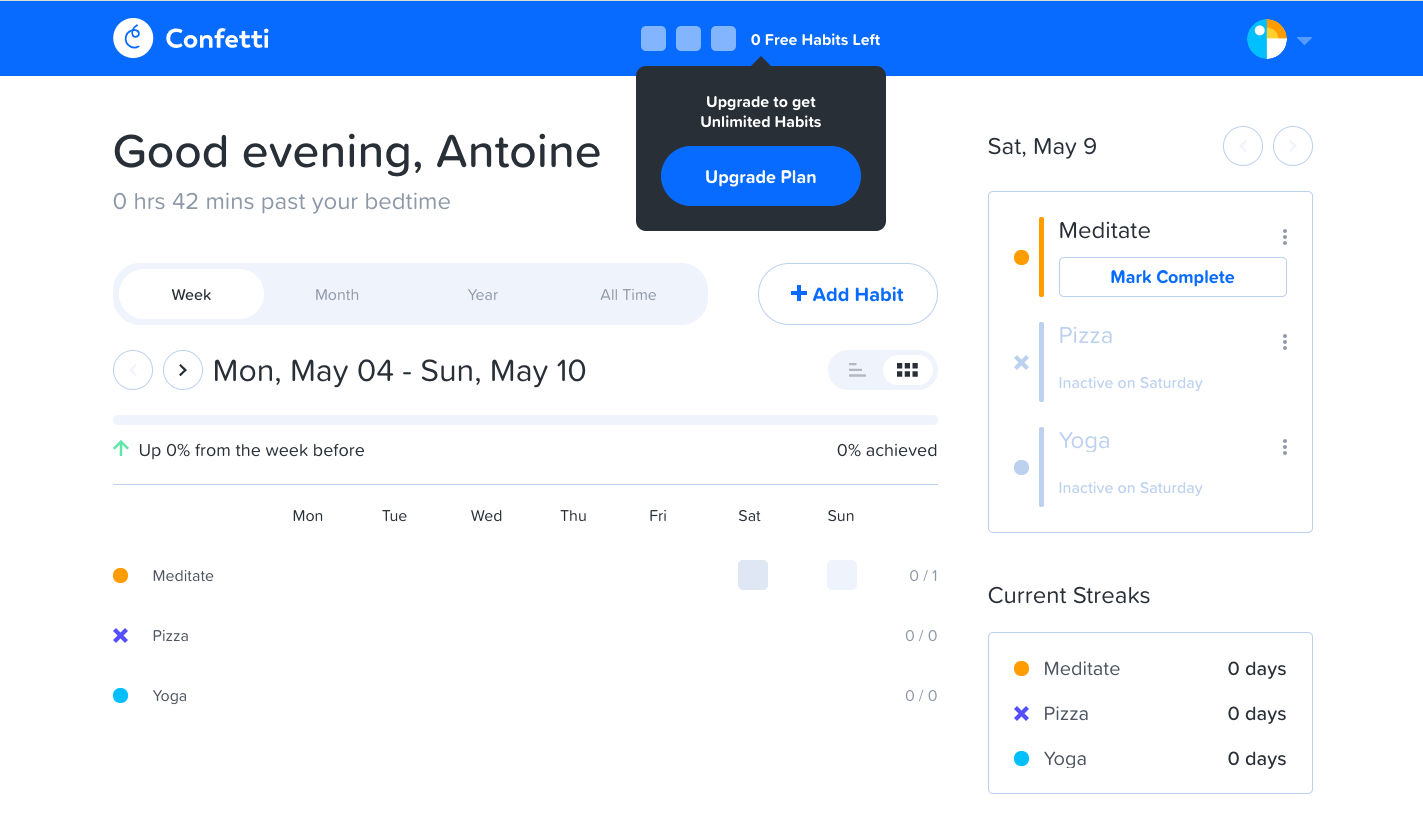
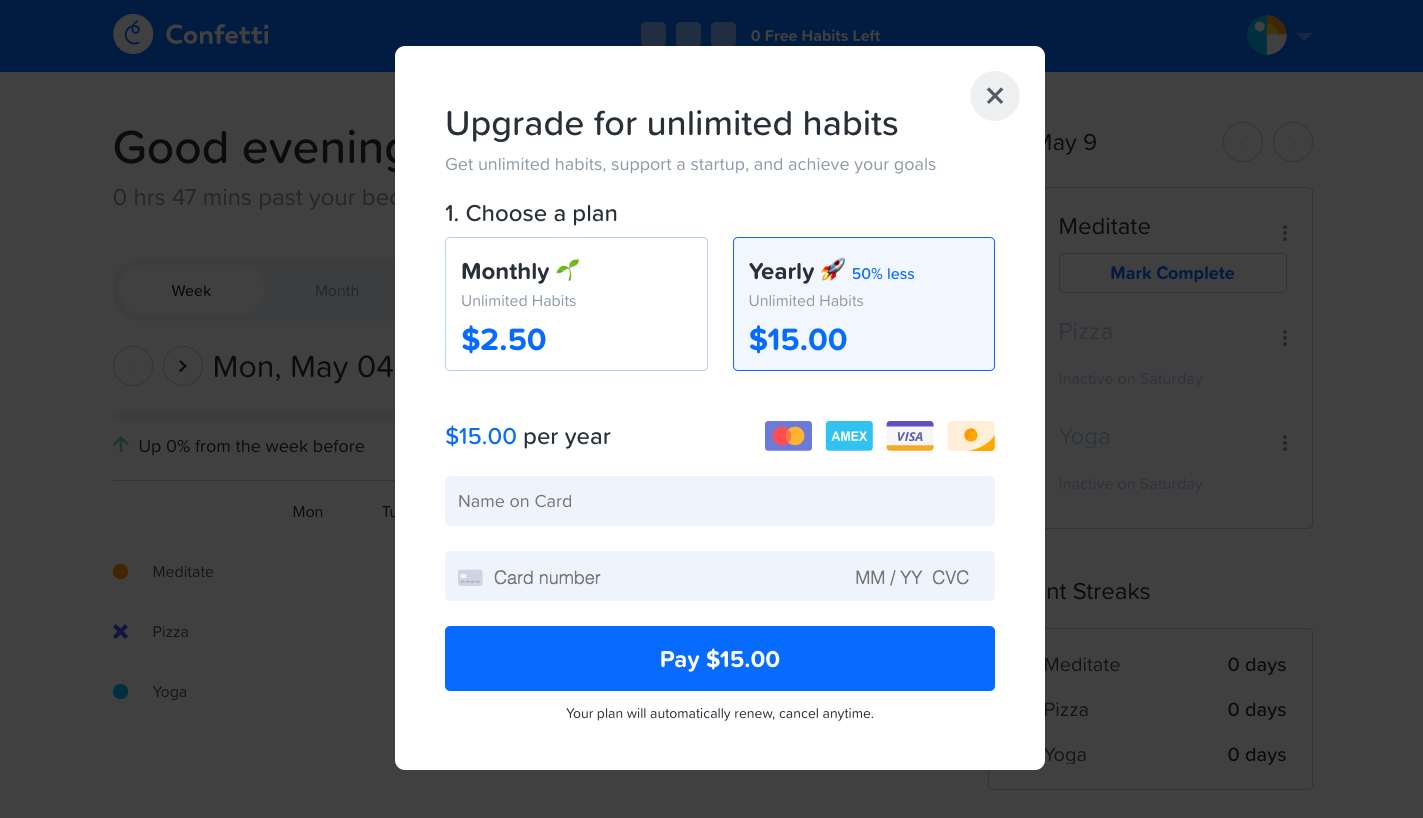
Confetti's upgrade flow unlocks unlimited habits in two steps, from a dark tooltip on the habit dashboard to a compact payment modal. The tooltip anchors under the free habits counter in the blue top bar with a single Upgrade Plan button. The modal offers monthly and yearly cards, with yearly highlighted and a savings badge, above name and card fields and a full-width blue pay button.
Follow Confetti’s upgrading flow step by step: 2 real screens captured from the live product, from upgrading to checkout. Use ← → to move between steps, and open any screen to see it in full.
Steps in this flow
More flows from Confetti
All Confetti Confetti User Onboarding
5 screens