 SaaSFrame

SaaSFrame Pro
2 more steps in this flow
Free accounts see the first 3 steps of each flow. Pro unlocks every step of every flow, plus every screen, section and Copy in Figma.

Clearbit Sign Up Flow
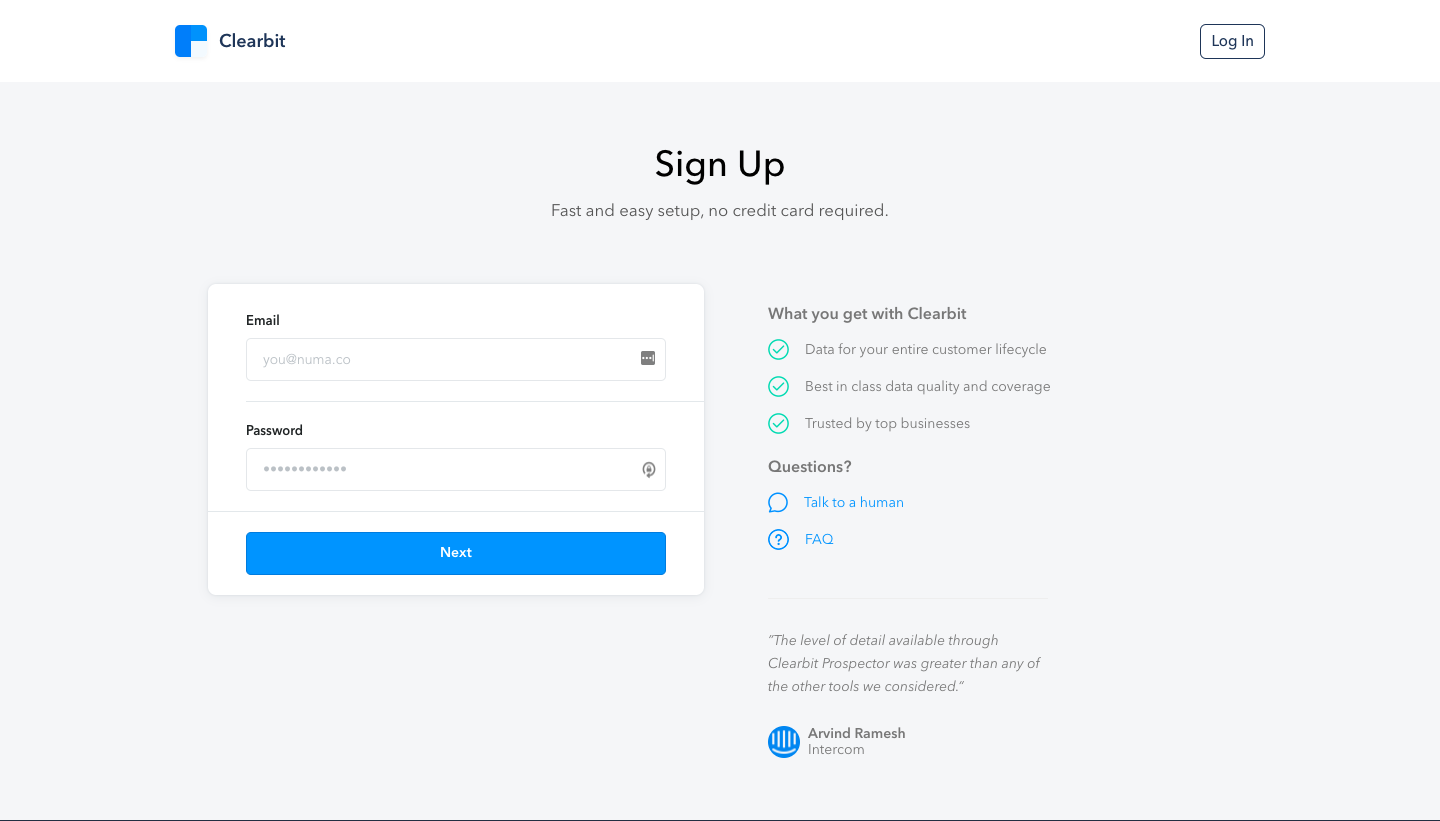
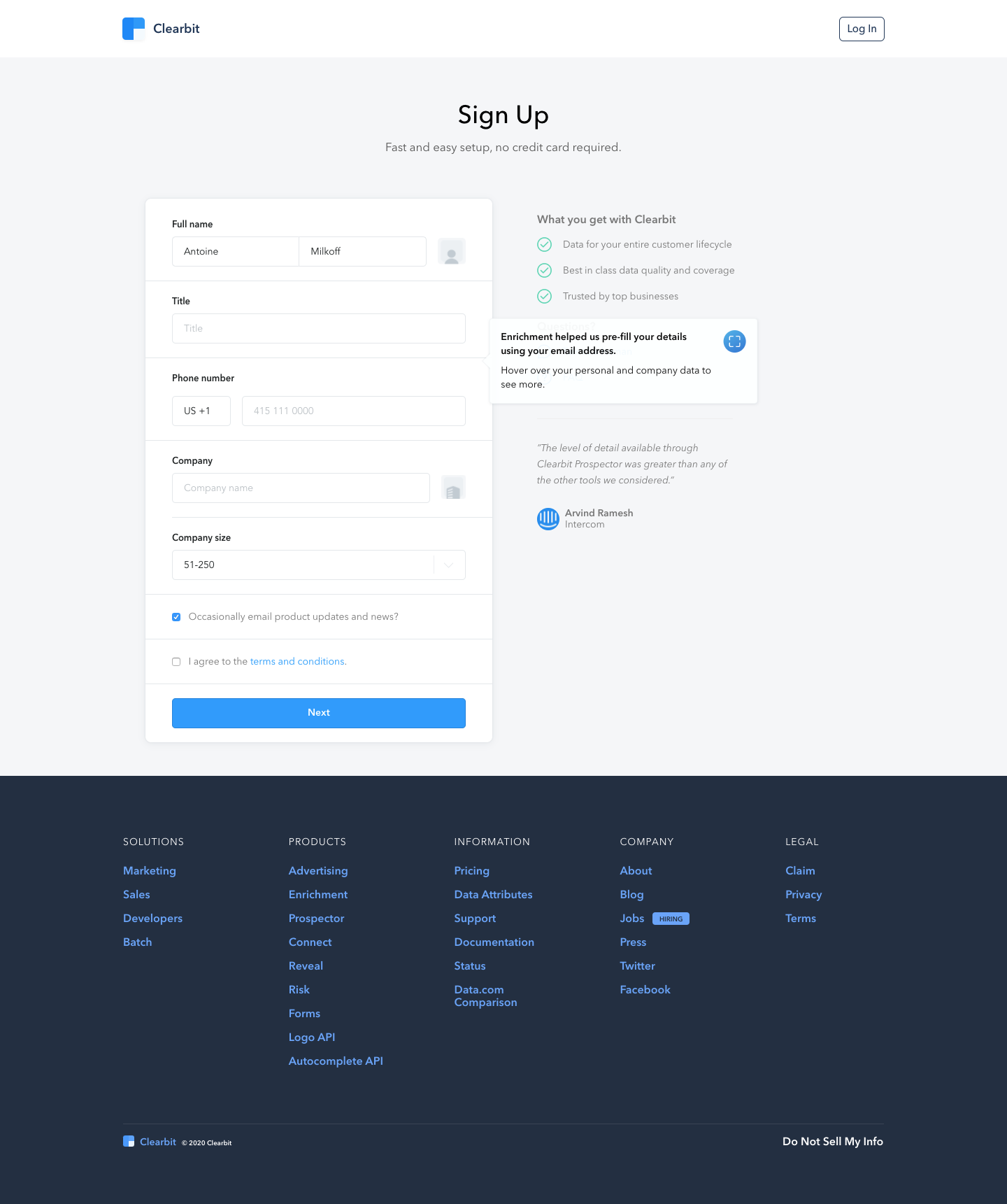
Clearbit's sign up flow starts with a dark hero email capture and continues through light, centered forms and short qualifying questions. The account and profile steps keep a benefits list and a customer quote beside the form, with a small callout explaining auto-filled details. Use cases come as a checklist, and the last question is answered with two side-by-side blue buttons.
Follow Clearbit’s sign up flow flow step by step: 5 real screens captured from the live product, from sign up page: step 1 to sign up flow: salesforce question. Use ← → to move between steps, and open any screen to see it in full.