SaaSFrame Pro
1 more step in this flow
Free accounts see the first 3 steps of each flow. Pro unlocks every step of every flow, every screen and section, plus the MCP for your AI tools and the Chrome extension.
Clay Settings
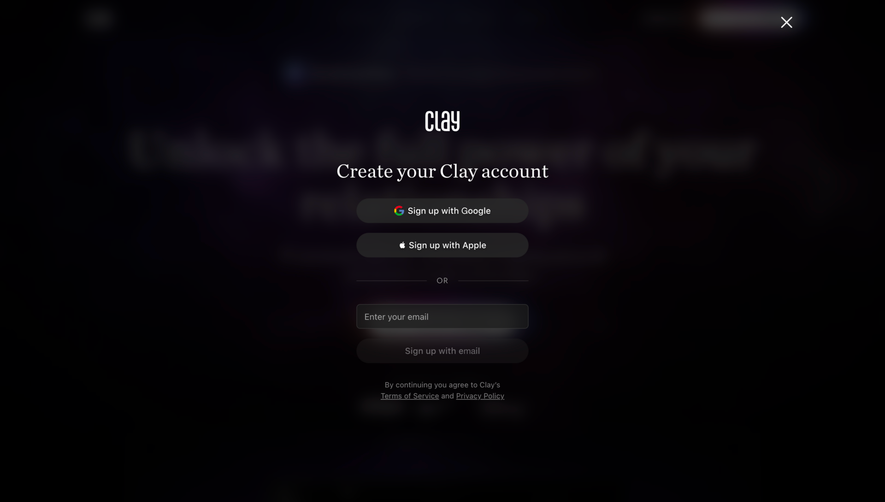
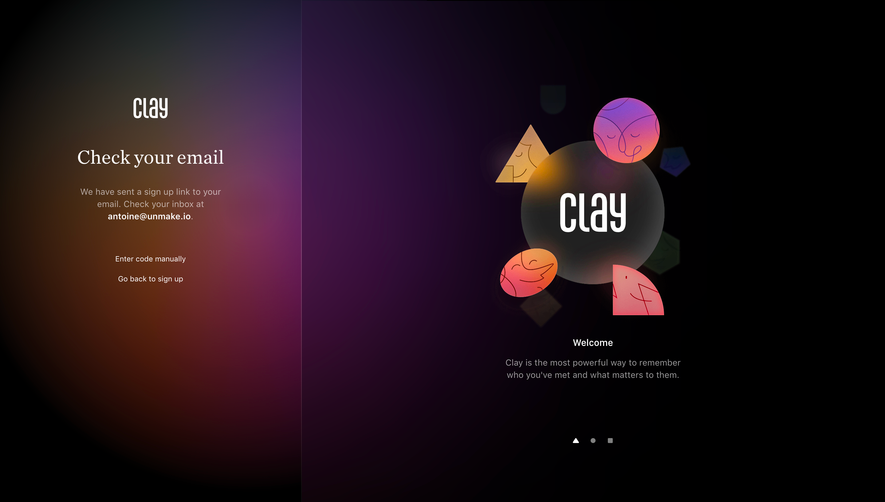
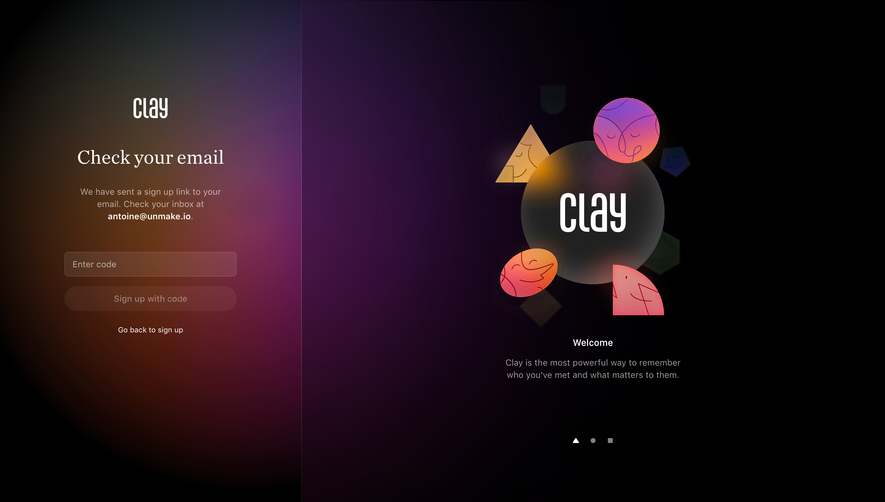
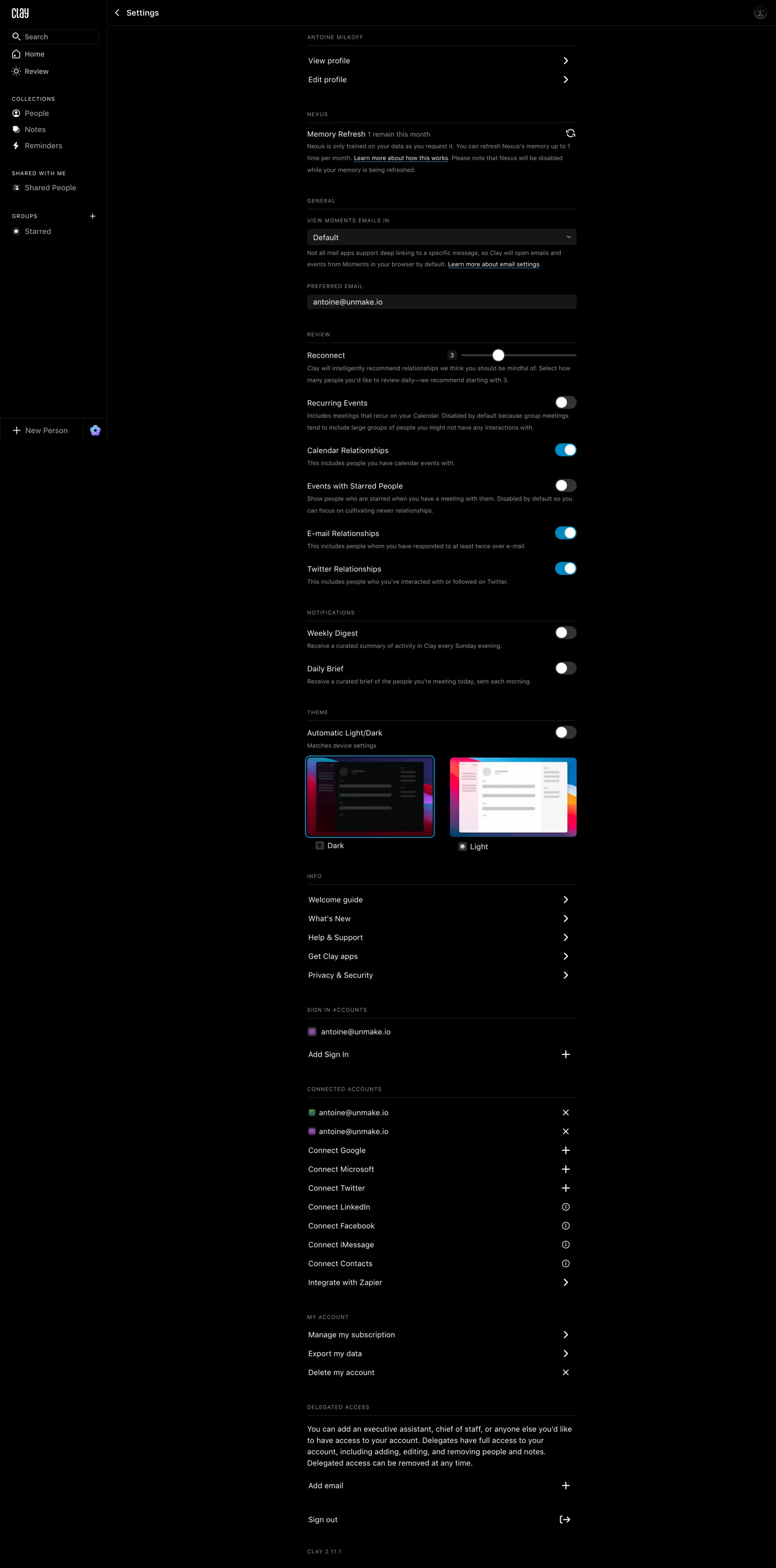
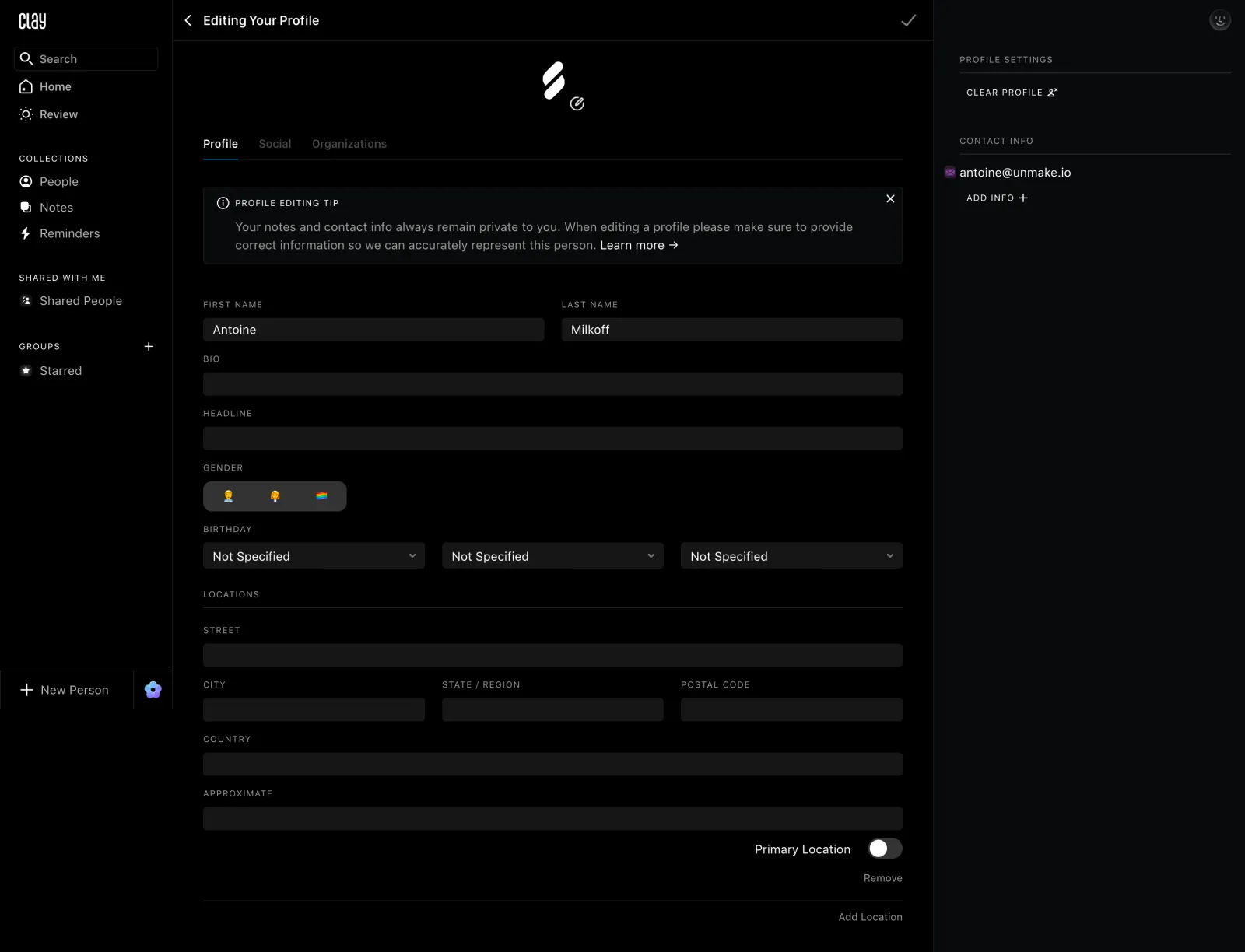
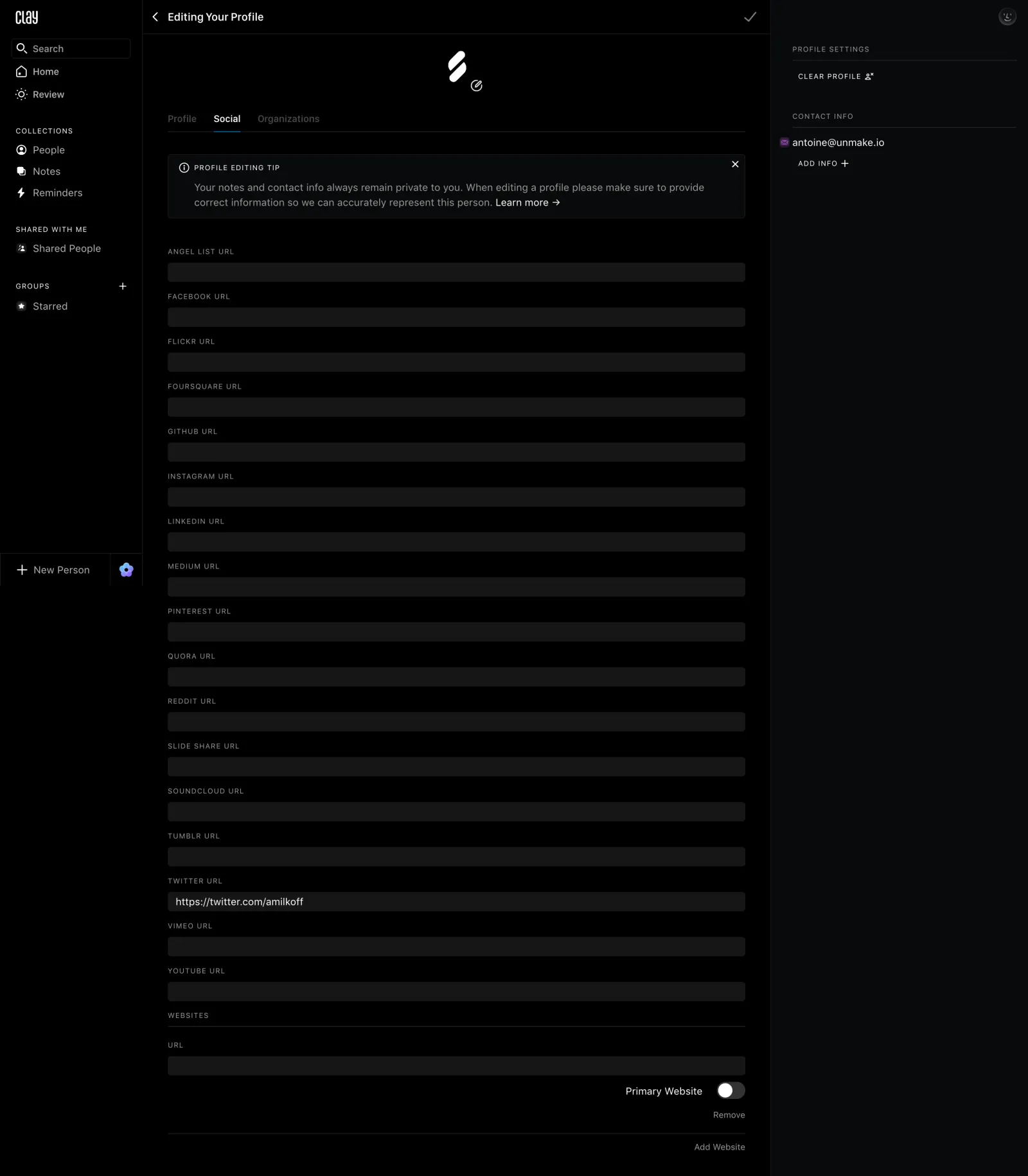
Clay's settings flow covers general settings, then profile, social and organization tabs, in four dark screens. The main page stacks toggles, sliders and selects in a narrow centred column. Profile editing uses tabs, an info banner and two-column inputs, with a right-hand panel showing profile and contact info.
Follow Clay’s settings flow step by step: 4 real screens captured from the live product, from settings to organizations settings. Use ← → to move between steps, and open any screen to see it in full.
Steps in this flow
More flows from Clay
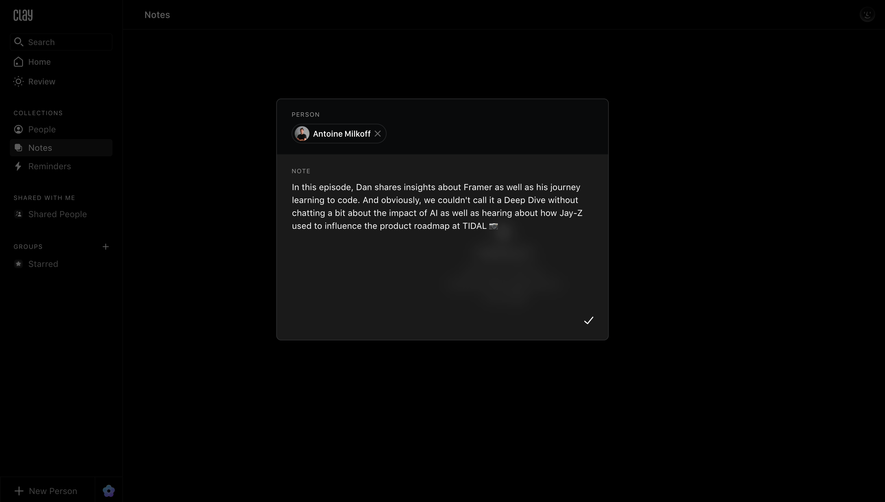
All Clay Clay Create A Note
4 screens
Clay Product Tour
7 screens
Clay Create An Account
9 screens