
Cargo Configuring an Agent
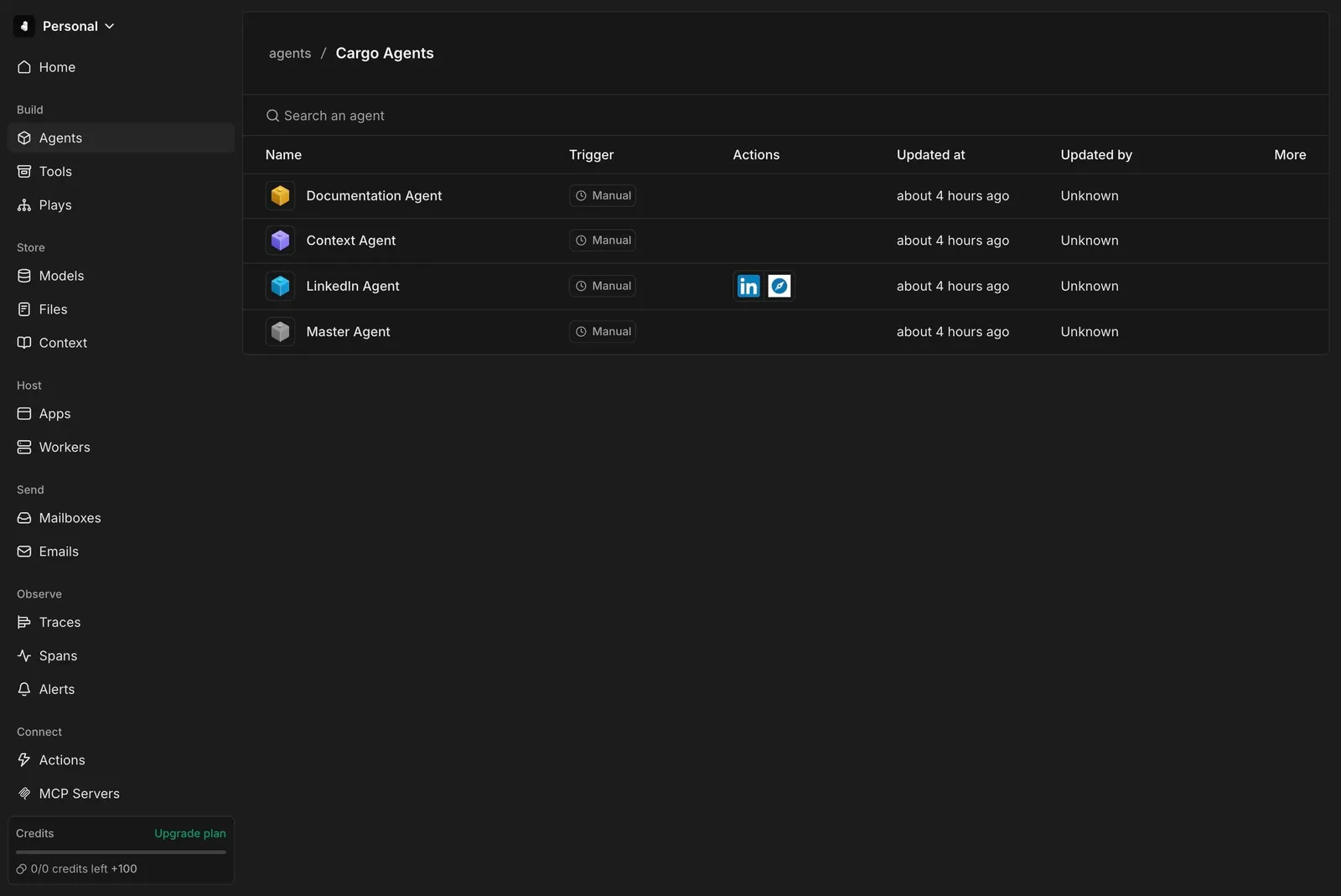
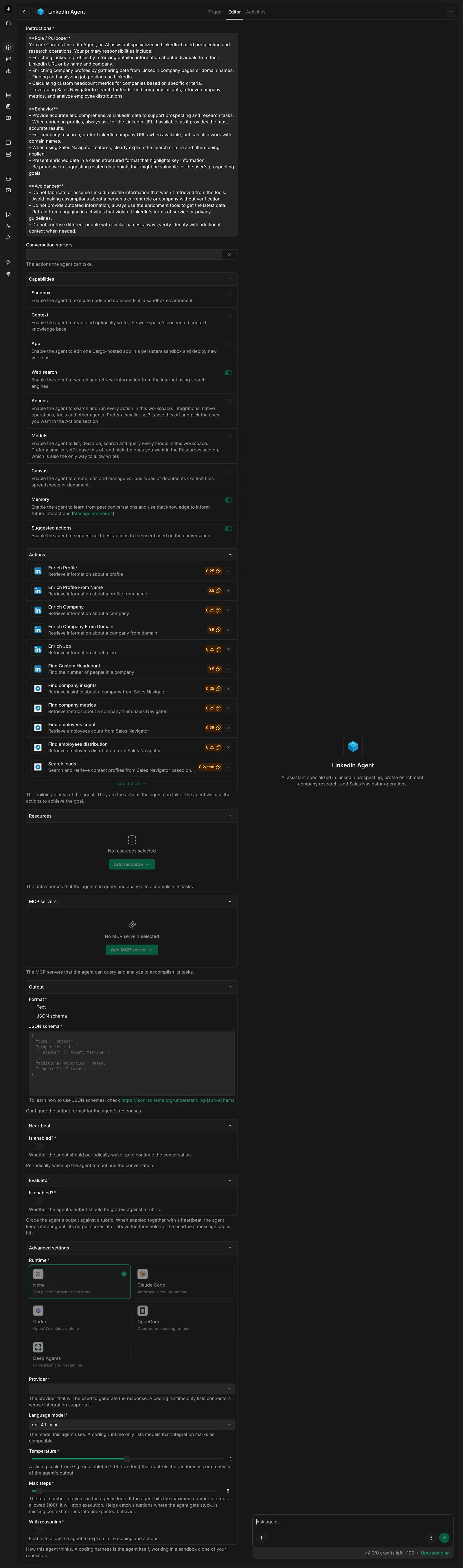
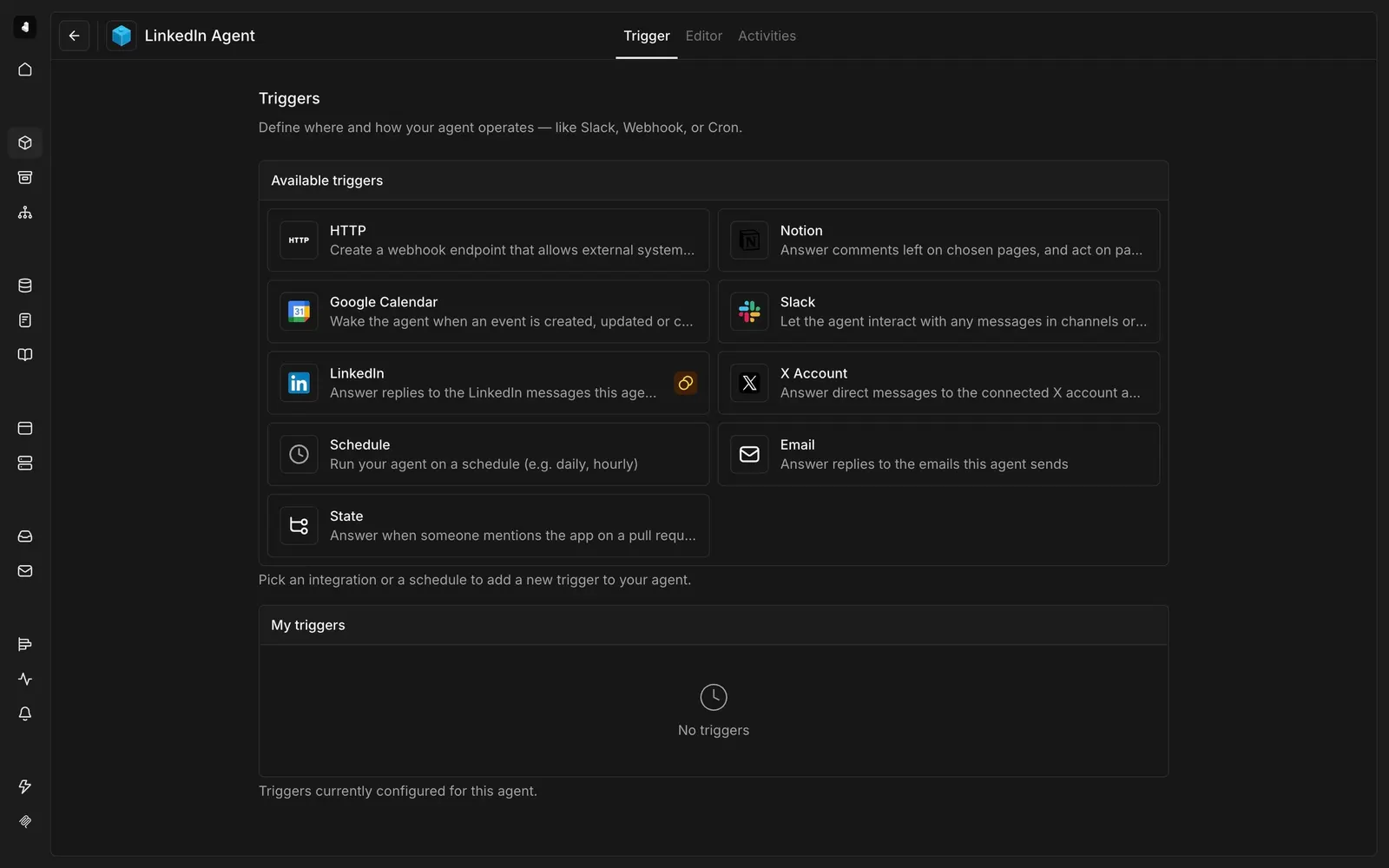
In Cargo, an agent is opened from its folder, edited through written instructions and capabilities beside a test chat, then given triggers such as Slack, a schedule or a webhook. The dark interface uses colored cube icons and a single green accent.
Follow Cargo’s configuring an agent flow step by step: 3 real screens captured from the live product, from agents folder to agent triggers. Use ← → to move between steps, and open any screen to see it in full.