SaaSFrame
Basecamp Upgrading
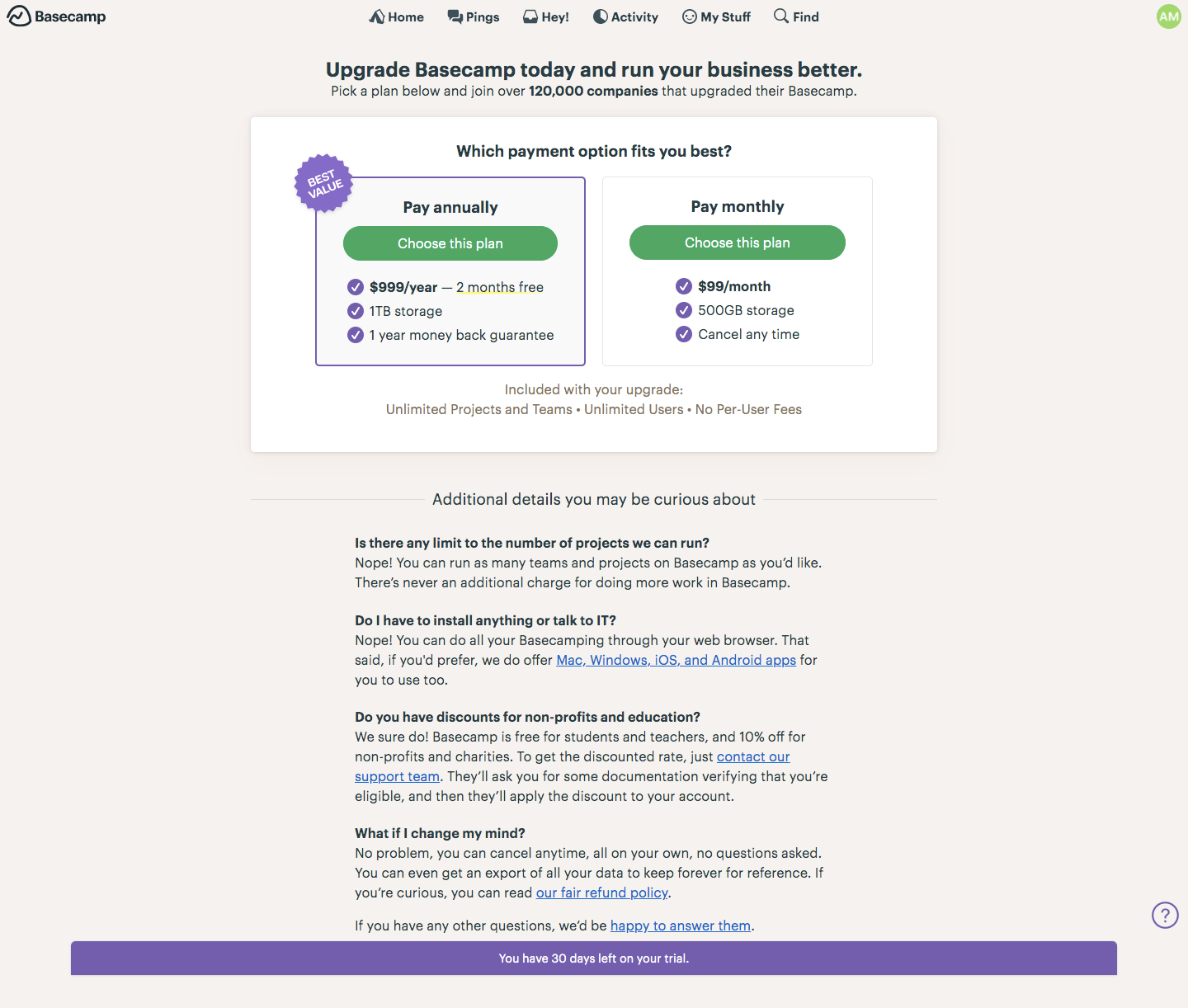
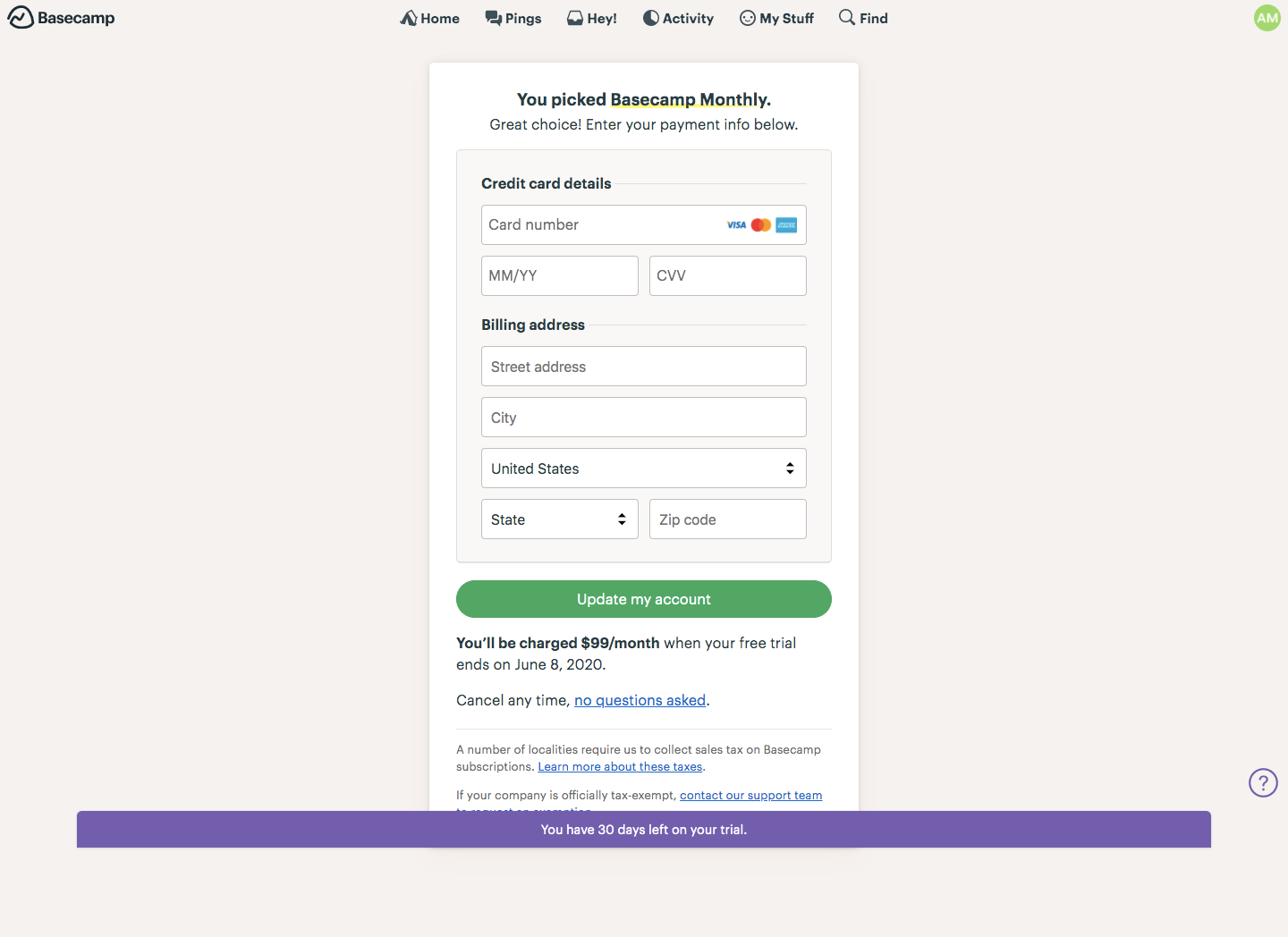
Basecamp's upgrade flow is a two-step path from choosing a payment option to entering card details, kept inside the app on its warm beige background. The plan page offers annual and monthly cards side by side with green buttons, check-marked perks and a best value badge. Checkout is a single narrow card with credit card and billing fields, a green update button and a clear note on when billing starts.
Follow Basecamp’s upgrading flow step by step: 2 real screens captured from the live product, from upgrading to checkout. Use ← → to move between steps, and open any screen to see it in full.
Steps in this flow
More flows from Basecamp
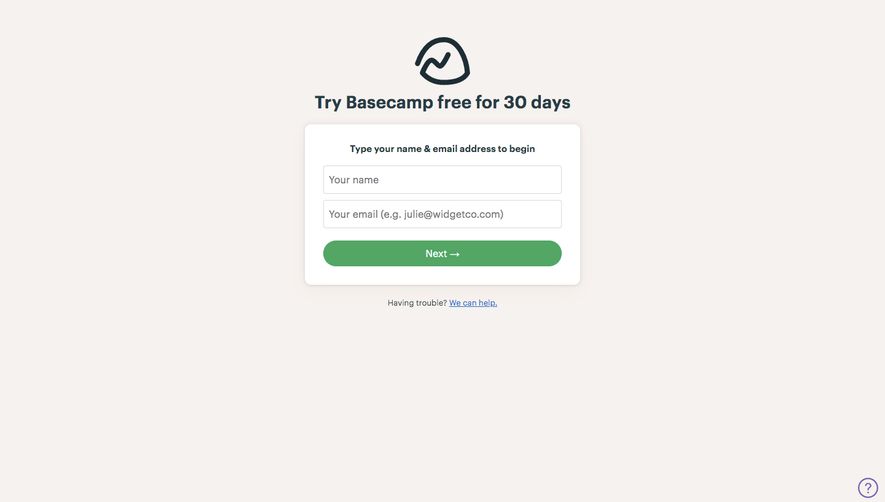
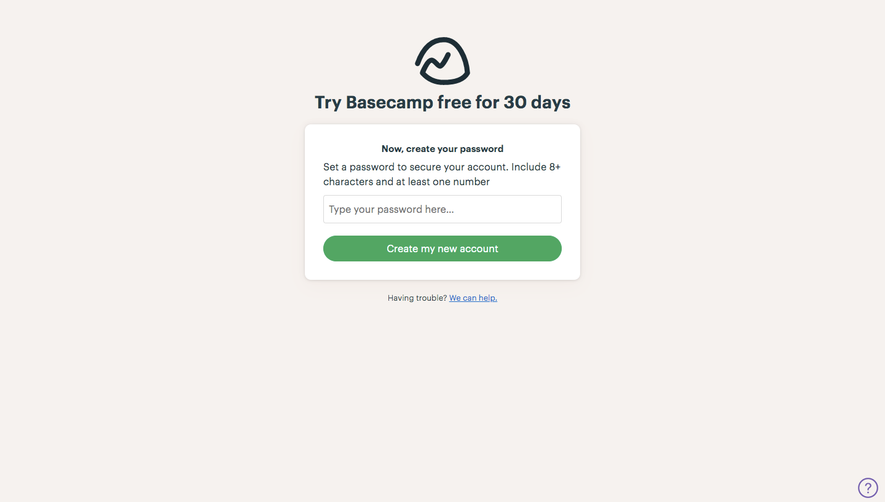
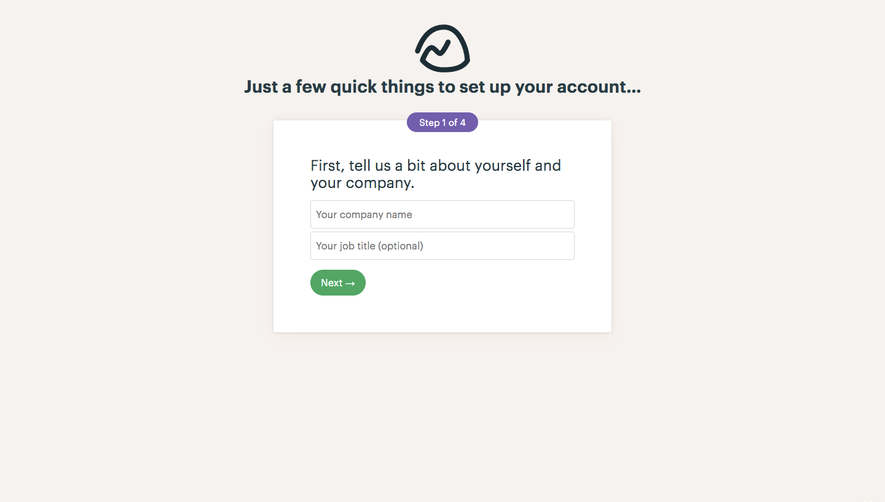
All Basecamp Basecamp Sign Up Flow
8 screens