SaaSFrame
SaaSFrame Pro
5 more steps in this flow
Free accounts see the first 3 steps of each flow. Pro unlocks every step of every flow, plus every screen, section and Copy in Figma.
Basecamp Sign Up Flow
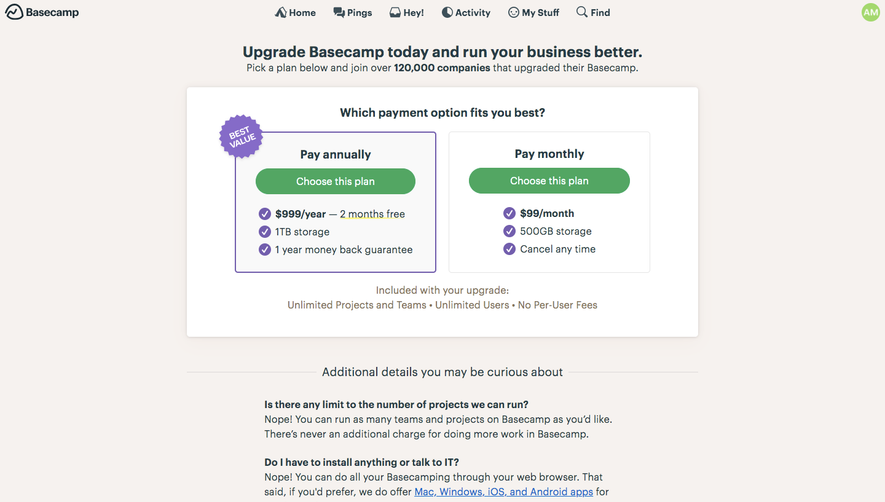
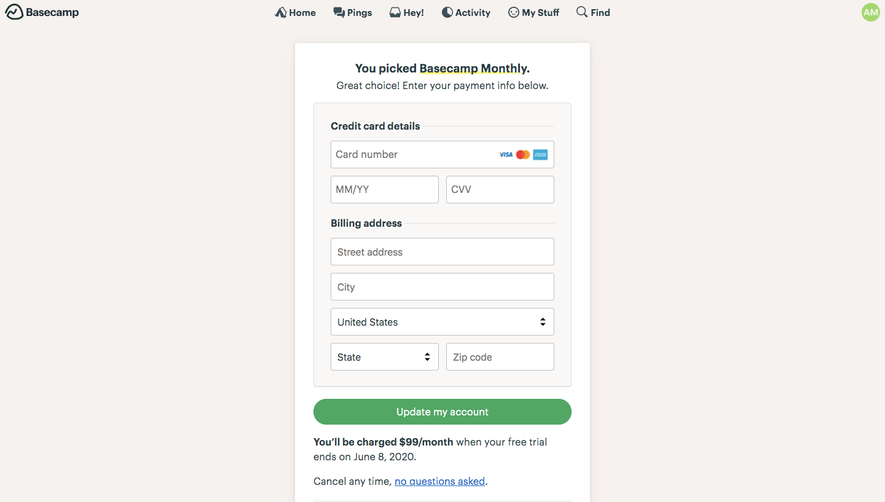
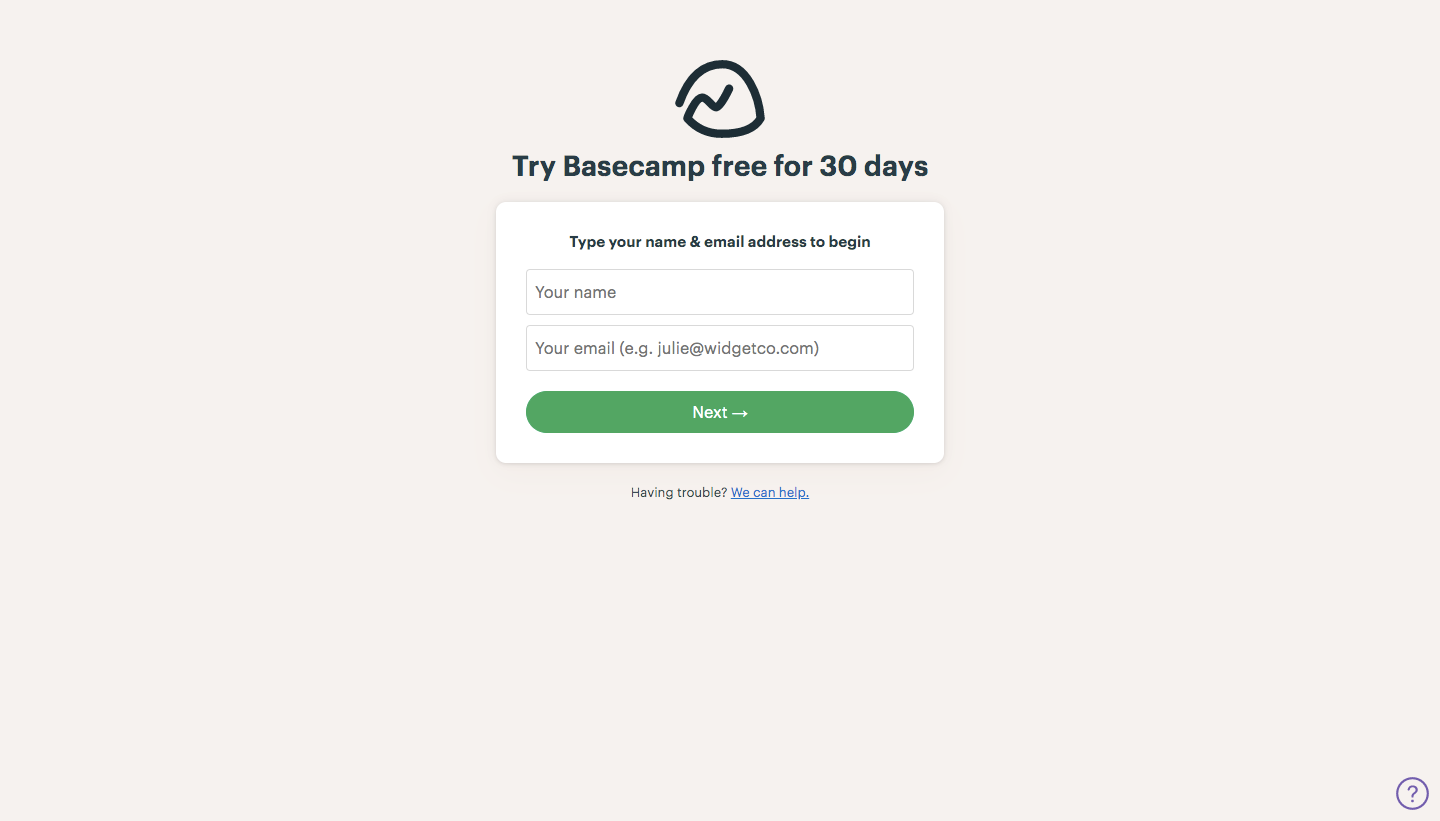
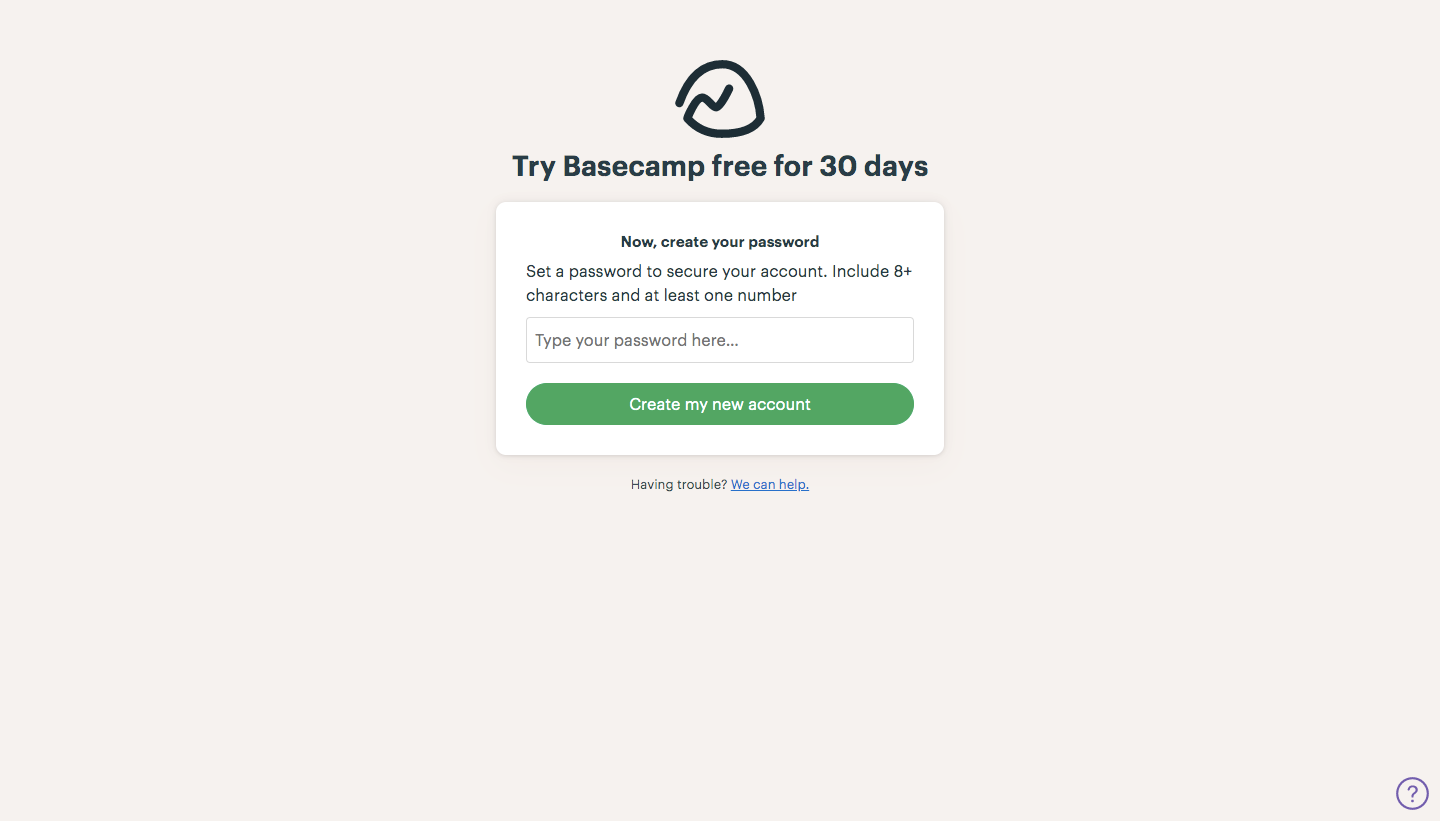
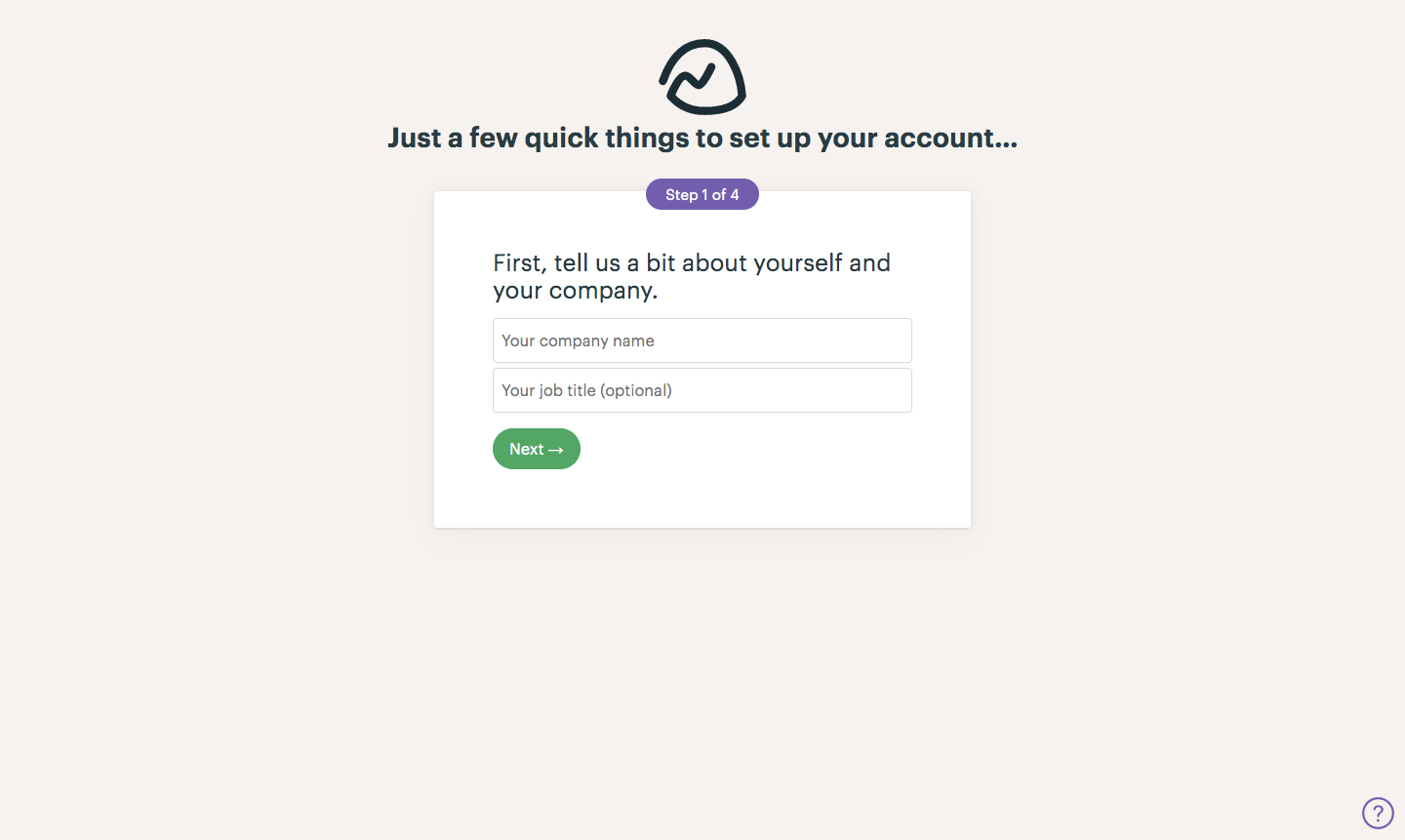
Basecamp's sign-up flow sets up a new account in a few short card steps on a warm beige background. Name, email and password come first, then four numbered questions under a purple step pill: company details, team checkboxes, project checkboxes and an optional coworker invite. Every card uses green Next buttons, and the finished account greets you with a video modal over the dimmed home view.
Follow Basecamp’s sign up flow flow step by step: 8 real screens captured from the live product, from sign up page to sign up flow: home. Use ← → to move between steps, and open any screen to see it in full.
Steps in this flow
More flows from Basecamp
All Basecamp Basecamp Upgrading
2 screens