SaaSFrame
Baremetrics Upgrading
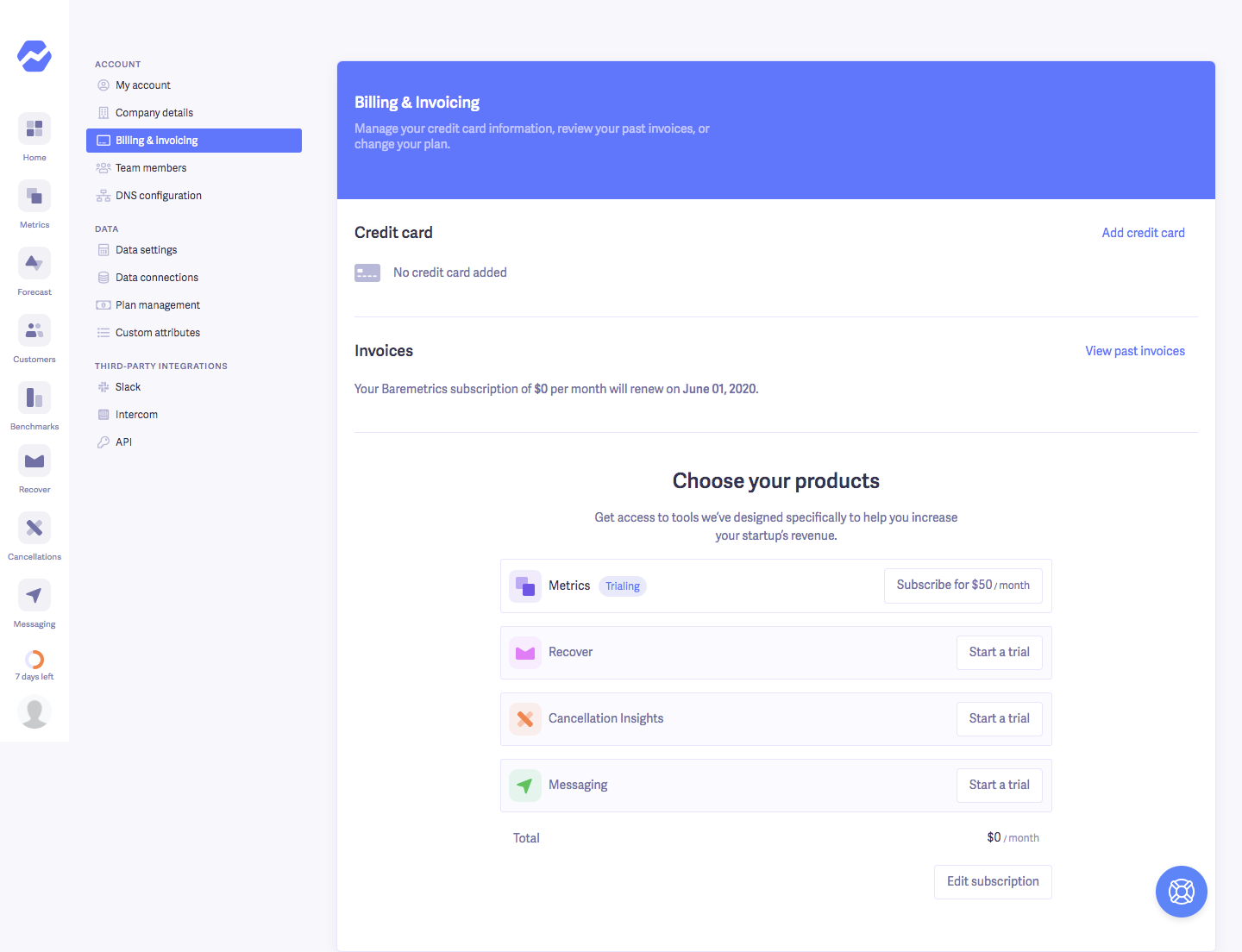
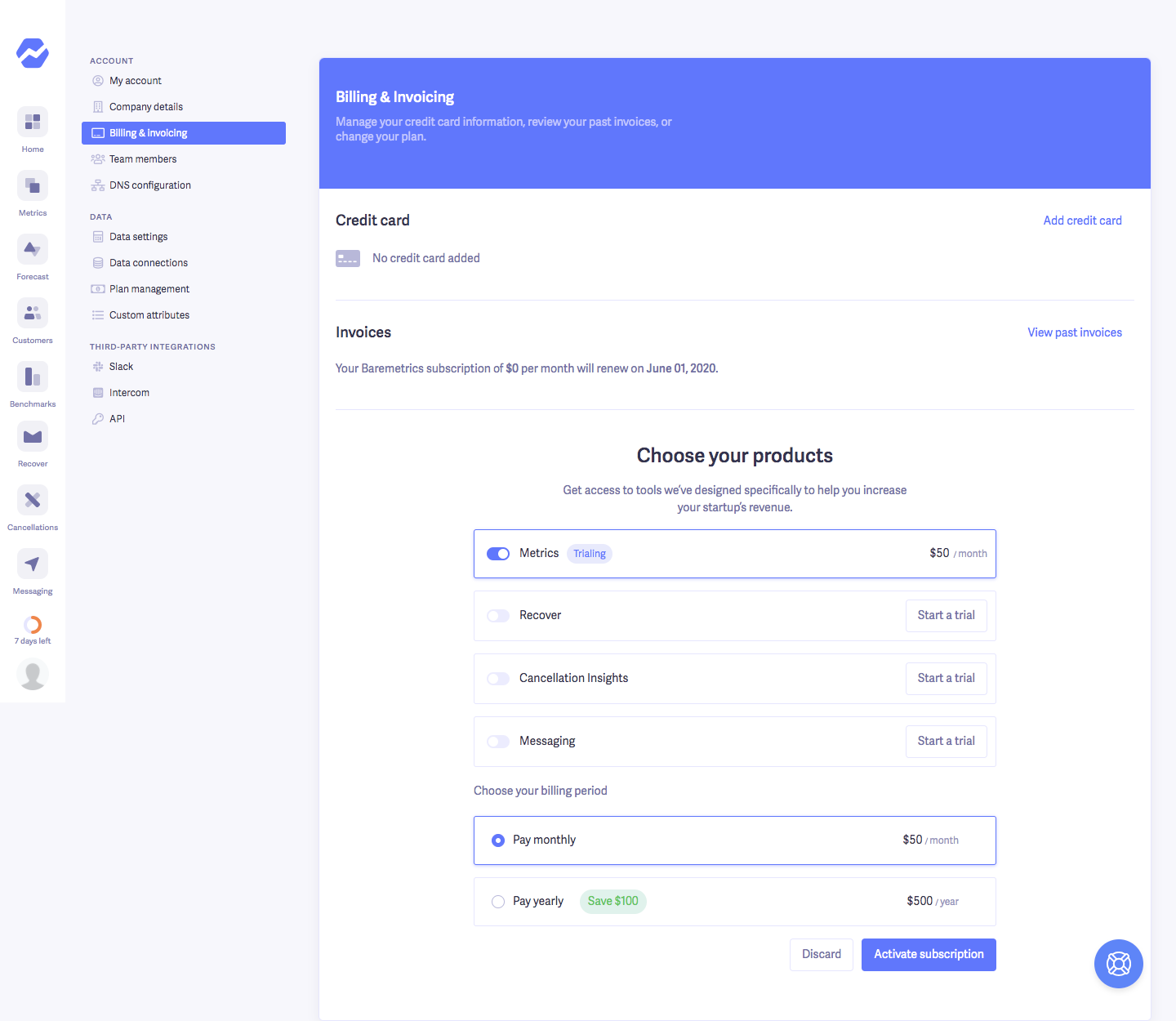
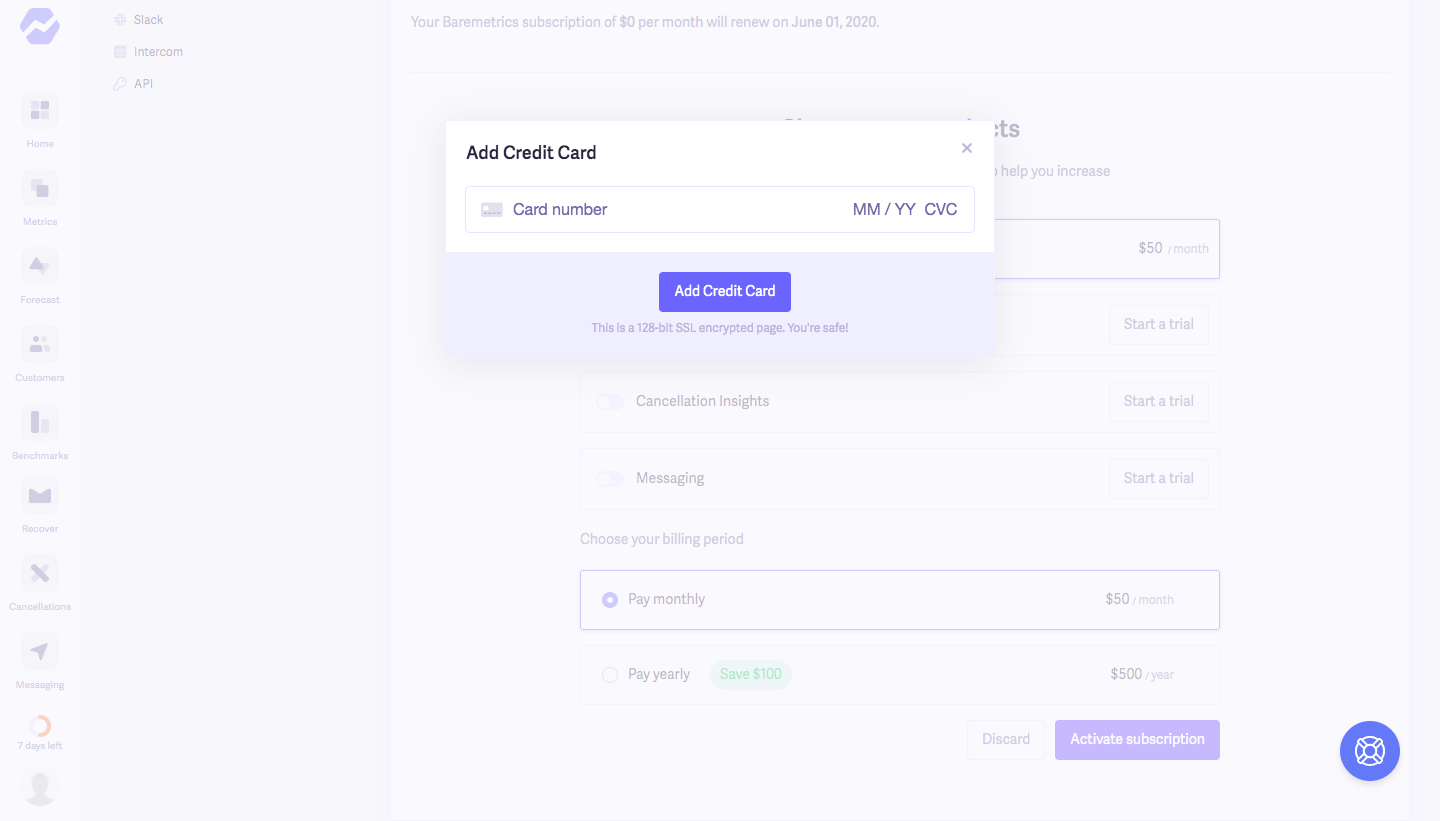
Baremetrics's upgrade flow is a three-step path inside account settings, from the billing page to activating a product and adding a card. A bright blue Billing and Invoicing header sits above credit card and invoice rows, followed by a product list where Metrics gets a toggle and a trial label. The last step dims the page behind a compact Add Credit Card modal with a single card field and a violet button.
Follow Baremetrics’s upgrading flow step by step: 3 real screens captured from the live product, from upgrading flow: account settings to upgrading flow: add credit card. Use ← → to move between steps, and open any screen to see it in full.
Steps in this flow
More flows from Baremetrics
All Baremetrics Baremetrics Sign Up Flow
2 screens