SaaSFrame

Baremetrics Sign Up Flow
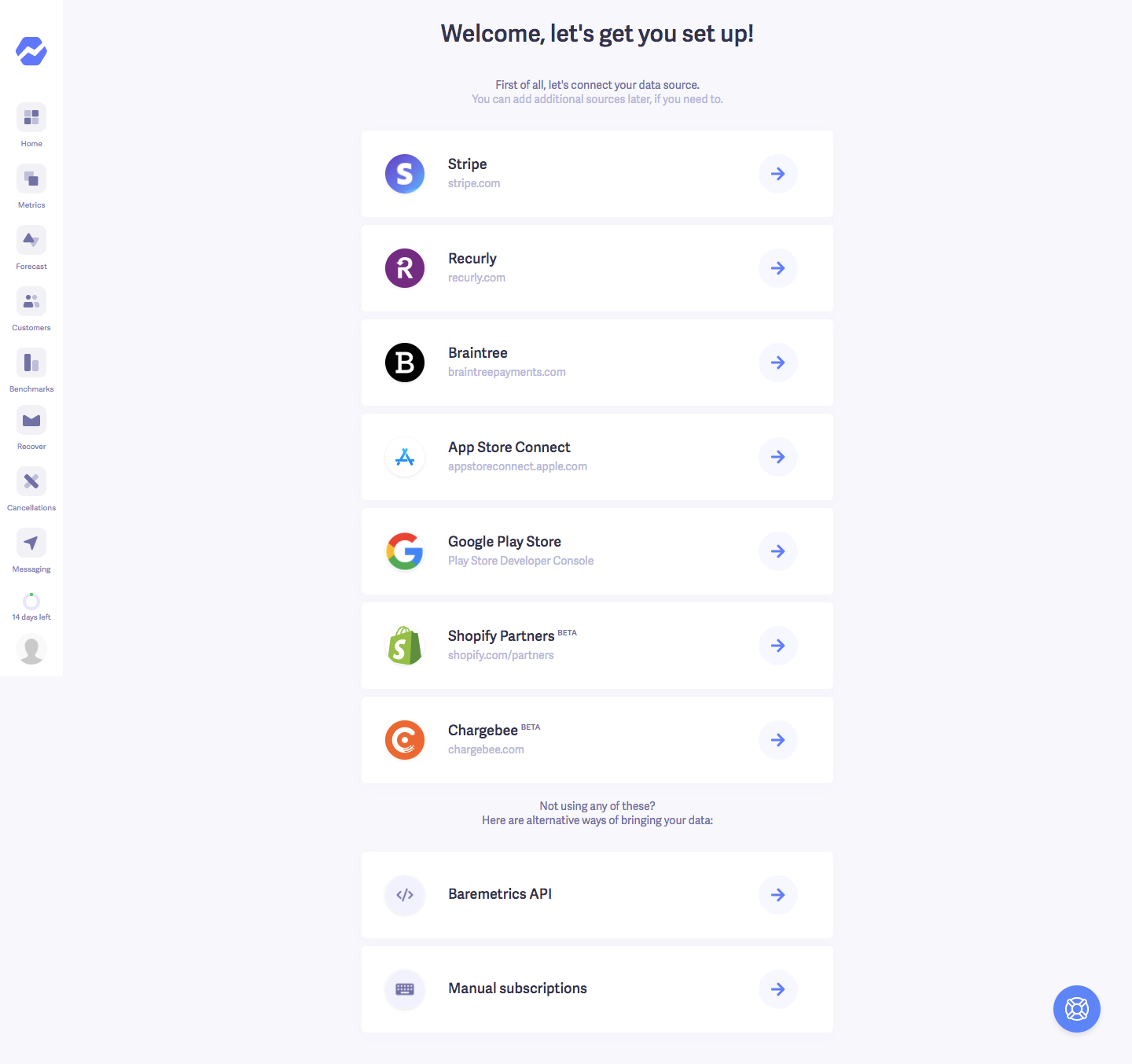
Baremetrics' sign up flow is two steps: a trial form beside a purple gradient testimonial panel, then a list of data sources to connect. The form offers Google sign up above five compact fields and a purple button, with a customer quote and carousel dots on the right. The setup screen stacks billing providers as white rows with logos and arrow buttons.
Follow Baremetrics’s sign up flow flow step by step: 2 real screens captured from the live product, from sign up page to sign up flow: connect data source. Use ← → to move between steps, and open any screen to see it in full.
Steps in this flow
More flows from Baremetrics
All Baremetrics Baremetrics Upgrading
3 screens