 SaaSFrame
SaaSFrame Pro
1 more step in this flow
Free accounts see the first 3 steps of each flow. Pro unlocks every step of every flow, plus every screen, section and Copy in Figma.

Air Sign Up Flow
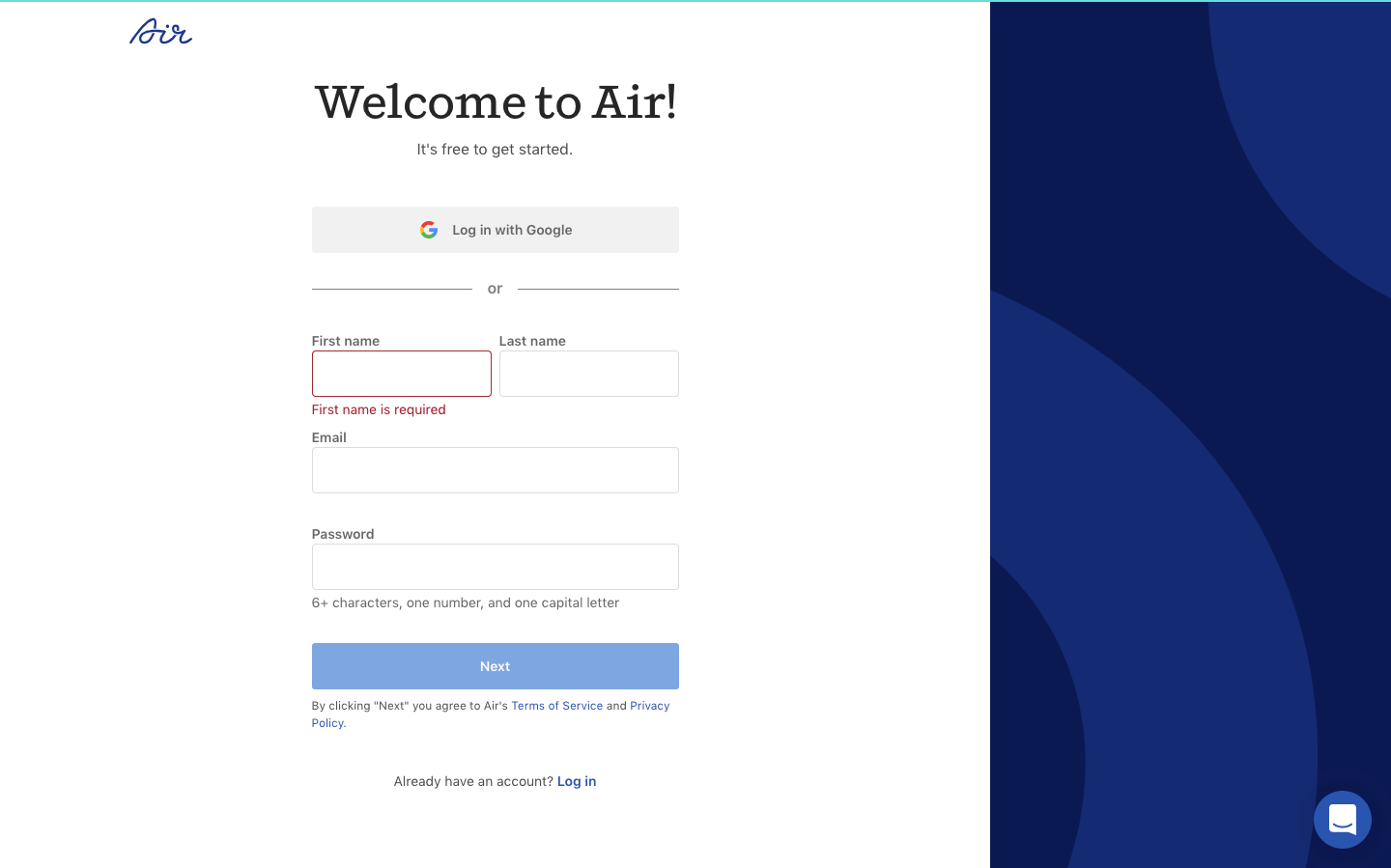
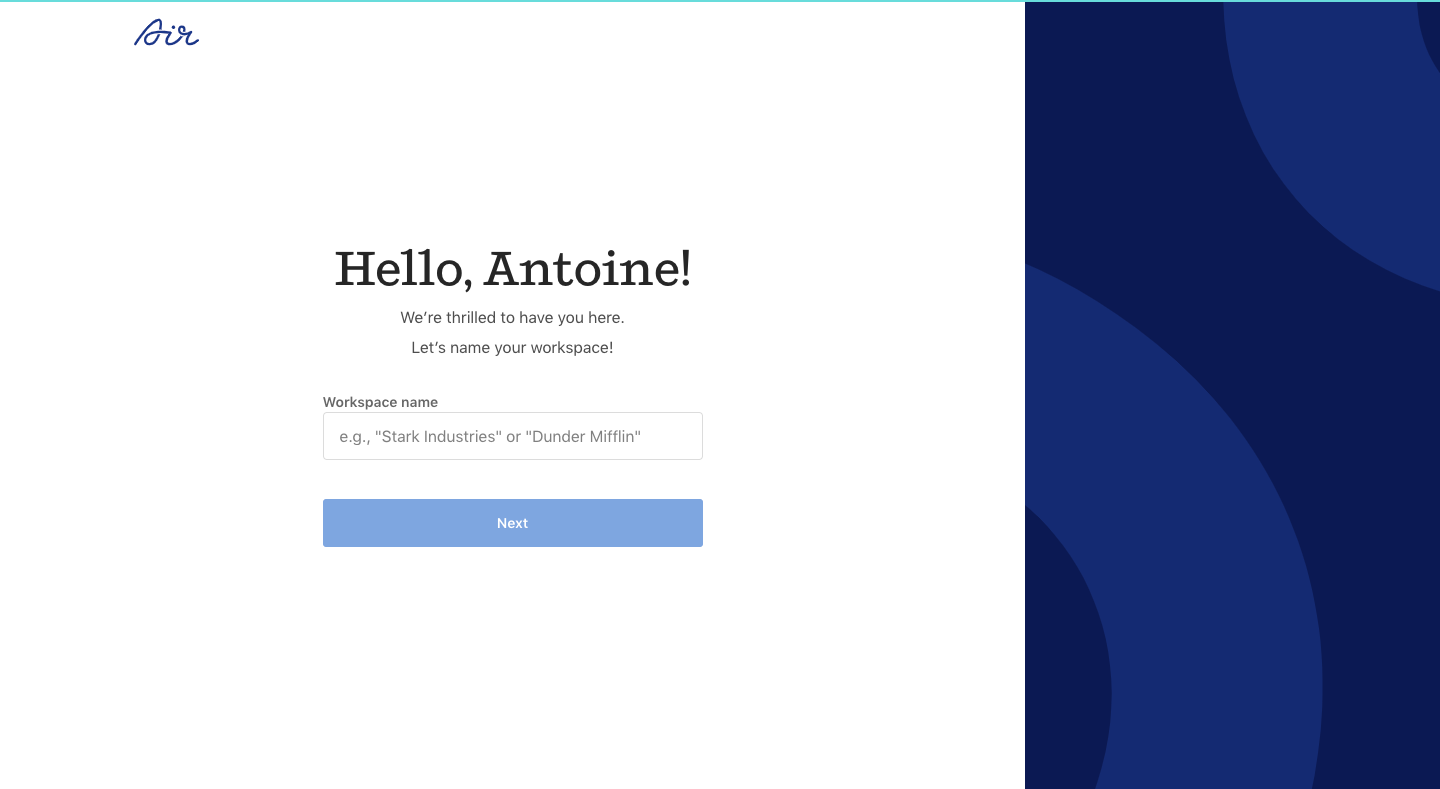
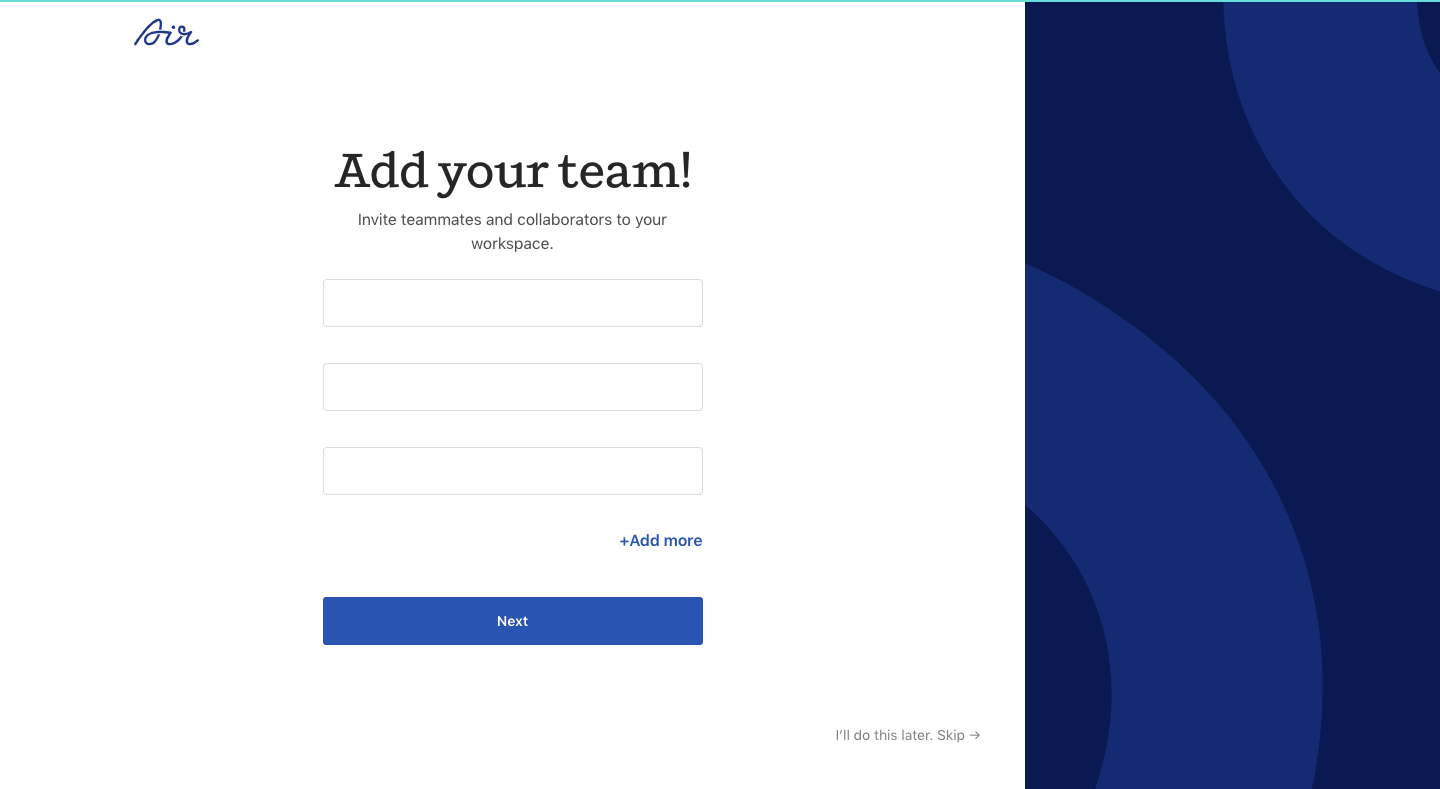
Air's sign up flow sets up a workspace in four split-screen steps with a navy panel of large concentric arcs on the right. A serif headline tops each sparse form, from account details with Google sign in to naming the workspace and adding teammates as empty email fields. The last step lists import sources as icon links, with a skip link in the corner.
Follow Air’s sign up flow flow step by step: 4 real screens captured from the live product, from sign up page to sign up flow: import files. Use ← → to move between steps, and open any screen to see it in full.