SaaSFrame
3 more steps in this flow
Free accounts see the first 3 steps of each flow. Pro unlocks every step of every flow, plus every screen, section and Copy in Figma.
Abyssale User Onboarding
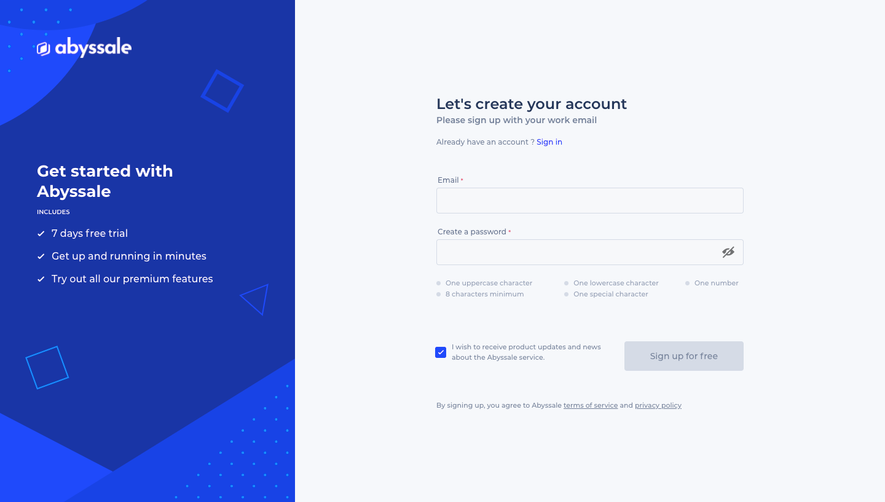
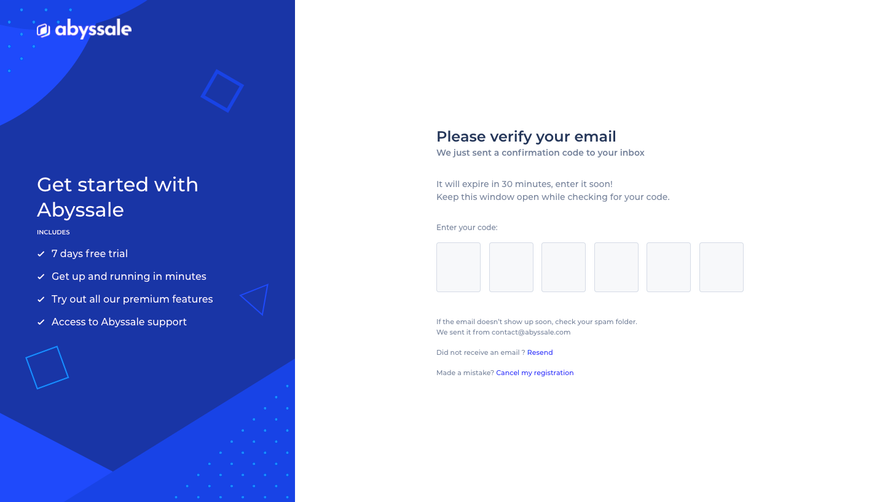
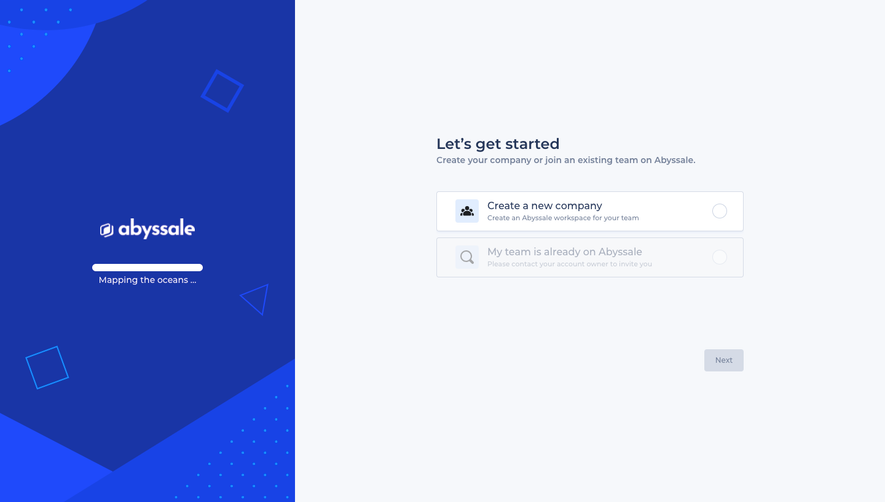
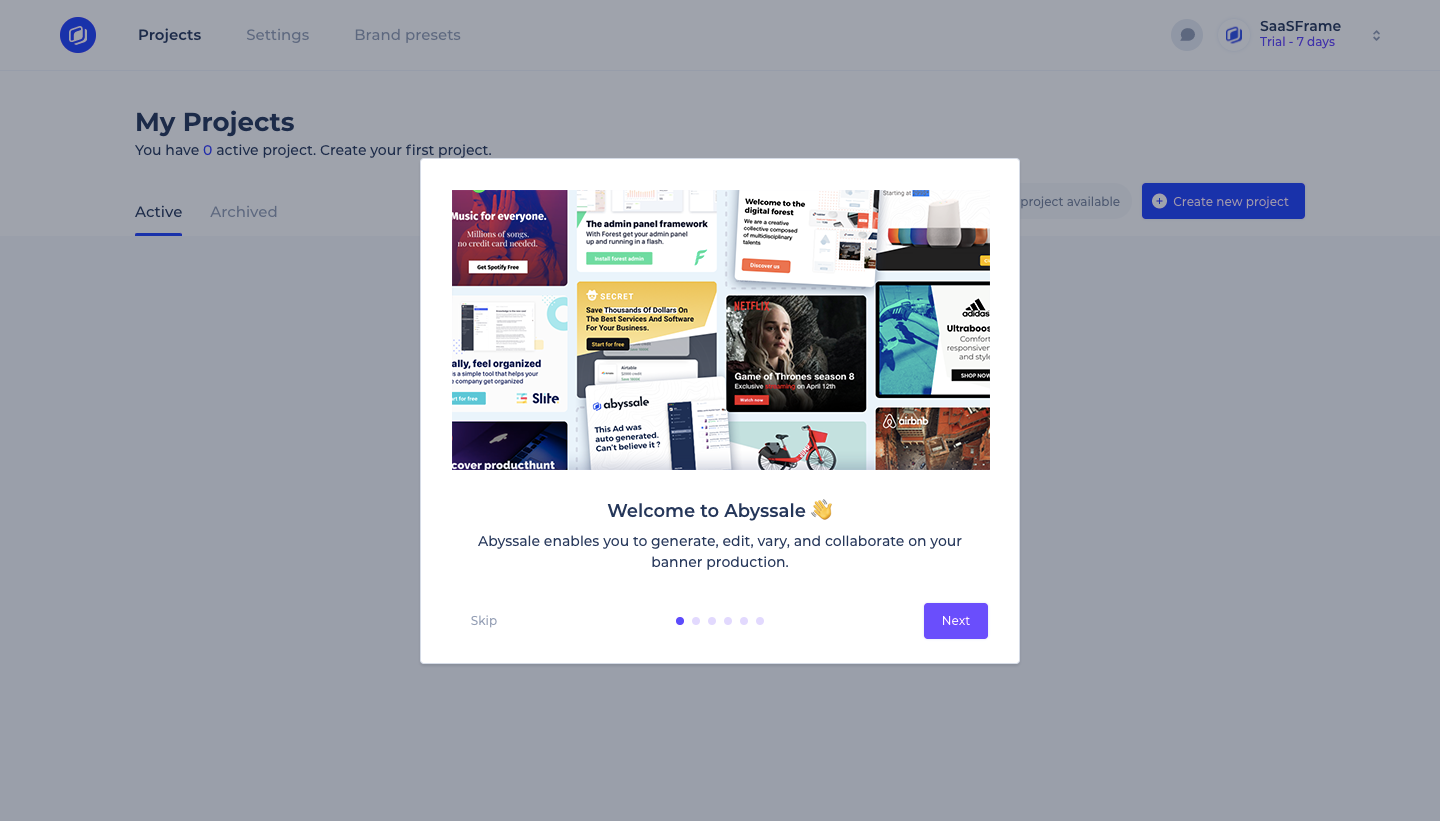
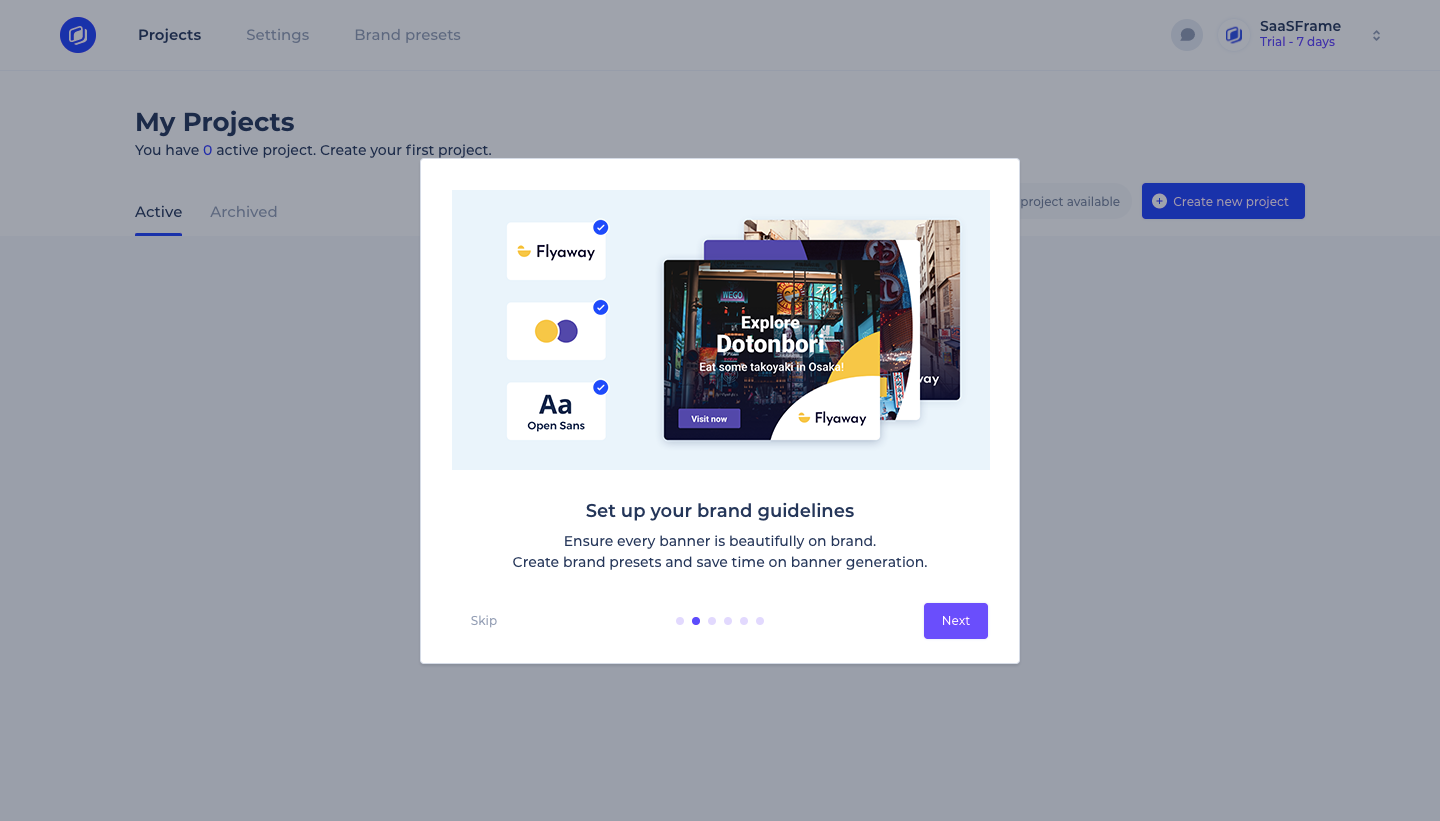
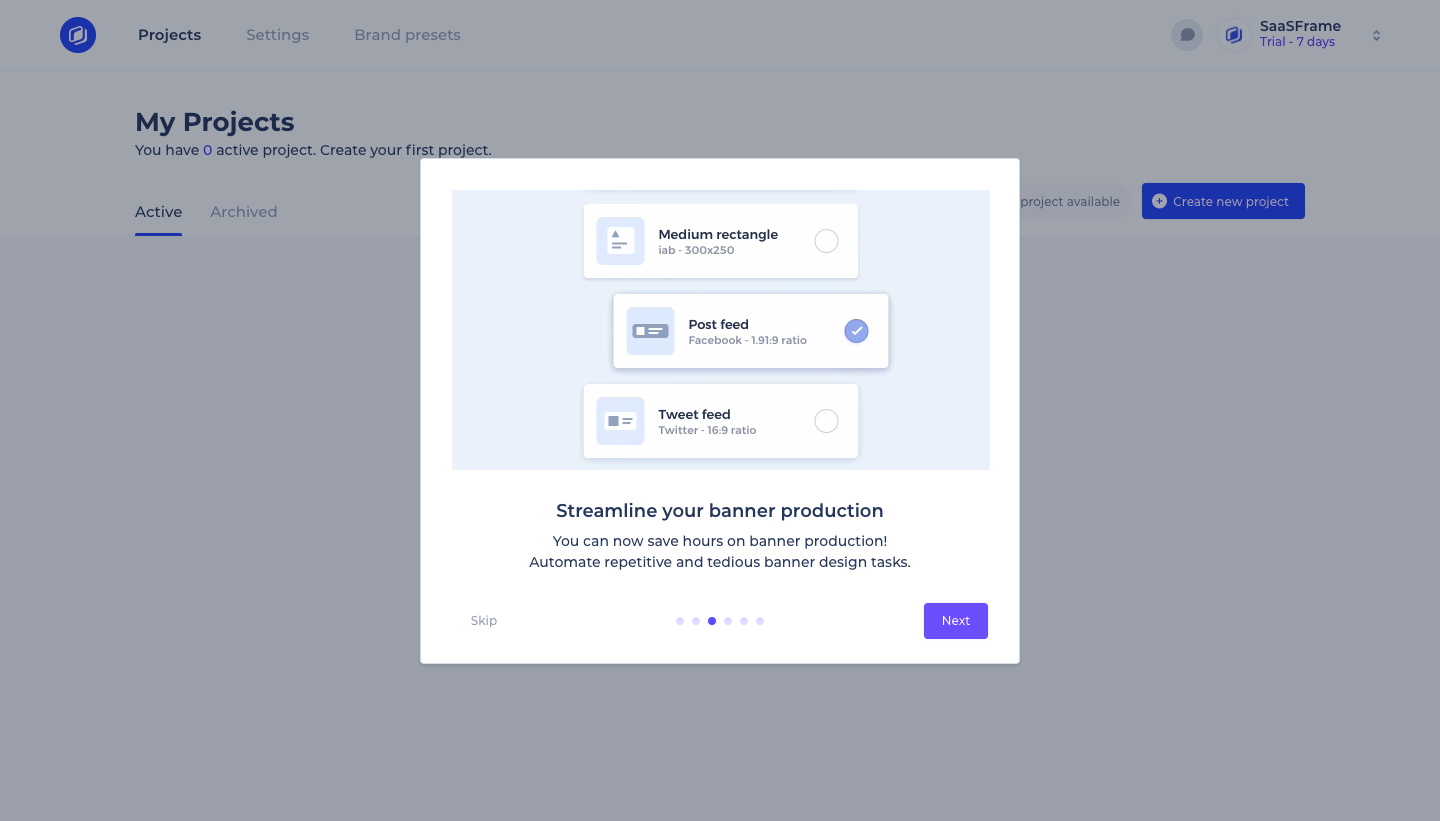
Abyssale's onboarding is a six-slide carousel modal that introduces banner automation over an empty projects page. Each slide pairs a large illustration of brand assets, formats or banner variations with a short title and line of copy, while dot pagination, a skip link and a purple next button sit at the bottom. The last slide presents comments and sharing with your team.
Follow Abyssale’s user onboarding flow step by step: 6 real screens captured from the live product, from user onboarding: projects empty state to user onboarding: comments. Use ← → to move between steps, and open any screen to see it in full.
Steps in this flow
More flows from Abyssale
All Abyssale Abyssale Sign Up Flow
5 screens