Copy any website into the tools
you design and code in
Copy the page you are on, or a section of it, into Figma, Webflow, Framer or your code. Editable, not a screenshot.
Beta: unzip, open chrome://extensions, turn on Developer mode, then Load unpacked.

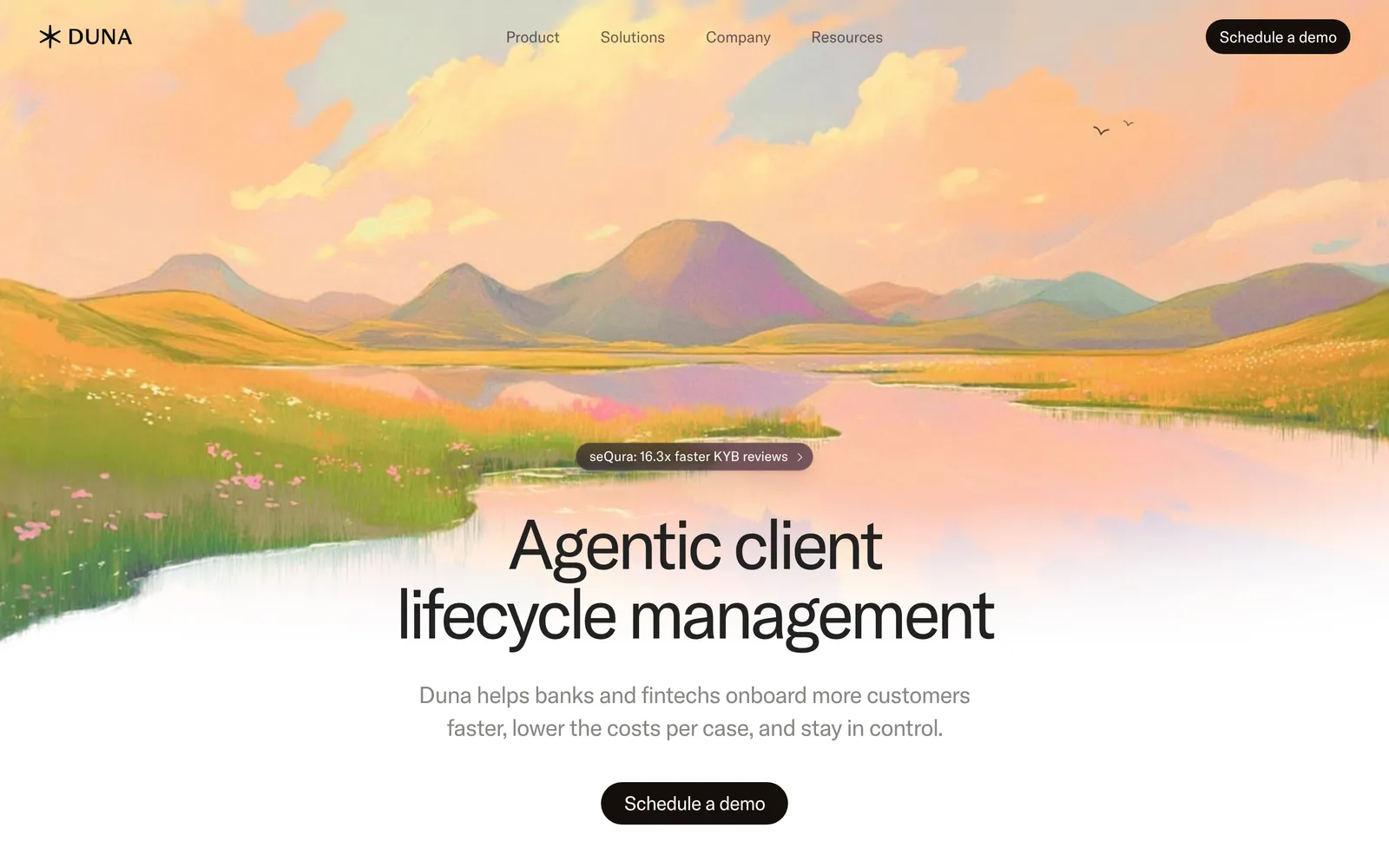
Example: duna.com, copied with SaaSFrame for Chrome.
From the page you see to a design you own
- pageheropricing
Pick the page or a section
The whole page by default, or a hero, a pricing table, a footer.
- ⌘V
Paste it where you work
No export files, no import step.
Auto layoutVertical
Gap1632
FontInter 600
Edit it for real
Text, layout and styles stay editable, in auto layout.
- 1440768390
Every width
Desktop, tablet and mobile read in one go, as breakpoints or one frame each.
bg-[#2f6bff]brandtext-[15px]bodyDesign systems
Code with the page tokens, or with yours, instead of raw values.
- Pricing pages2324
Collect
Save a section to your bookmarks or a shared collection in one click.
Stop redrawing what you can already see. Start from the real page, in the tools you already use.
Works with your tools
- FigmaEditable layers
- WebflowPaste in the Designer
- FramerPaste on the canvas
- CodeHTML, Tailwind, React
- Your agentsClaude Code, Cursor
Also in the extension
Smaller tools for the moments you only need a value, an asset or a check.
Inspect and measureFree
Font, colors and spacing of any element. Hold Alt to measure distances.
Layout gridFree
The columns of a grid or a flex row, drawn on the page.
Assets
SVGs, images, fonts, Lottie, Rive and videos of the page.
DESIGN.md
The design system of the page, measured, and compared with yours.
Audit
Contrast, tap targets, headings and labels, and what makes a page look AI-generated, shown in the page.
Similar sections
The same kind of section from real SaaS, in the SaaSFrame library.
Start free
Free
Inspect pages and try an export.
No card needed
Create a free accountInspect for free
- Inspect any elementFonts, colors, spacing, measures
- 3 code exports a monthA section or the whole page
Export
The extension, without the library.
Billed $48 yearly
Get ExportEvery export, unlimited
- Figma, Webflow and FramerUnlimited, editable
- HTML, Tailwind and ReactWith the page tokens or yours
- Your coding agentClaude Code, Cursor, through the MCP
- Every width, assets, DESIGN.mdBreakpoints, SVGs, fonts, tokens
Pro
The library, with Export included.
Billed $180 yearly
Get ProEverything in SaaSFrame
- Everything in ExportThe extension, unlimited
- The SaaSFrame libraryReal SaaS screens, flows and sections
- SaaSFrame for agentsThe skill, its styles and the MCP
- Team plan for teamsShared collections, one invoice
Questions
Is SaaSFrame for Chrome free?
Inspecting is free with a SaaSFrame account, with 3 code exports a month. Unlimited exports to Figma, Webflow, Framer, code and your coding agent come with the Export add-on, and are included in SaaSFrame Pro and Team.
I already have SaaSFrame Pro. Do I need Export?
No. Pro and Team include everything in Export.
What does the extension send to SaaSFrame?
Nothing about the pages you visit, unless you send a section to Figma or to your agent: it is then kept in your account for 7 days. Everything else happens in your browser.
Does it work on pages behind a login?
Yes. It reads the page as your browser shows it, so dashboards and settings screens you are signed in to work too.