SaaSFrame
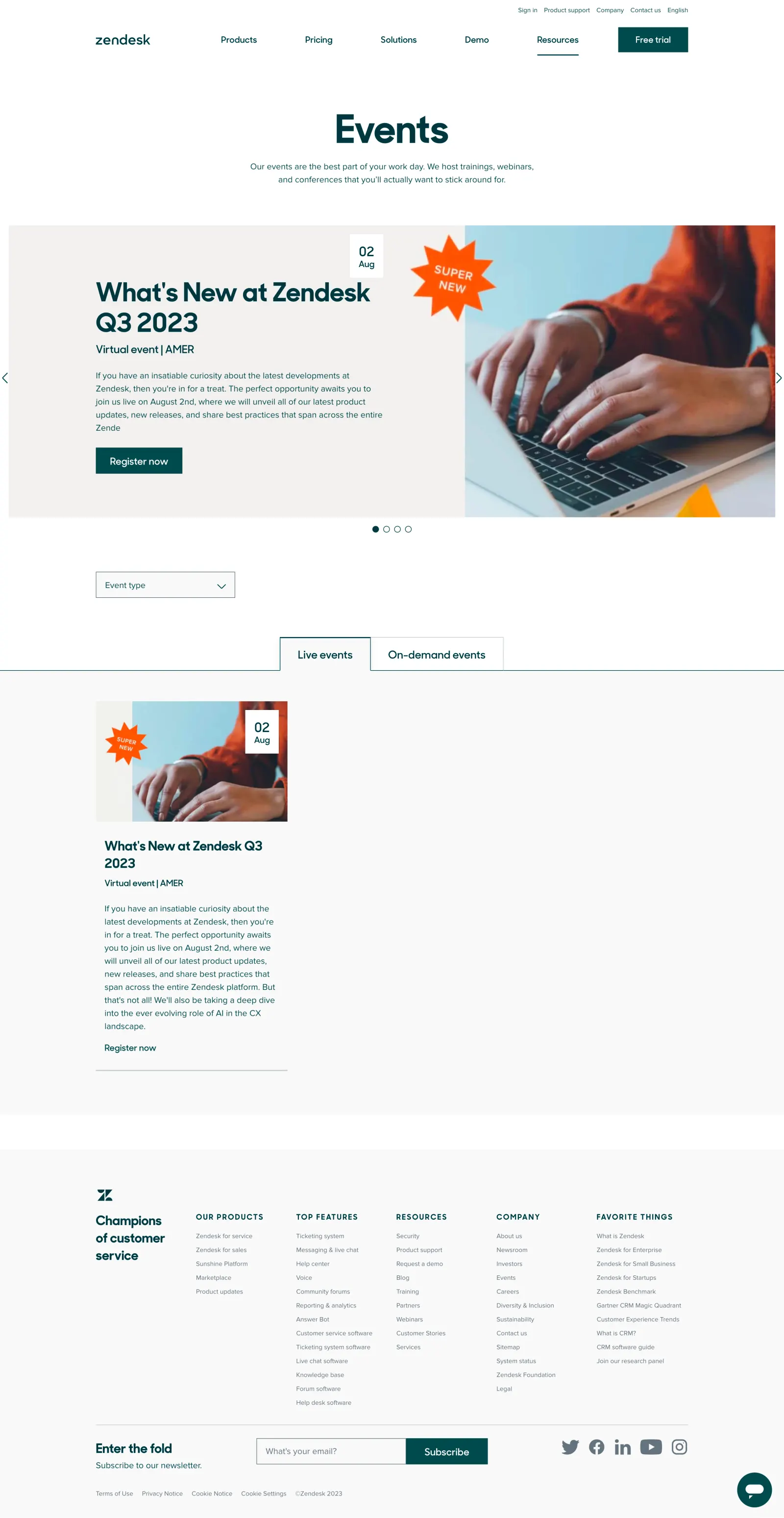
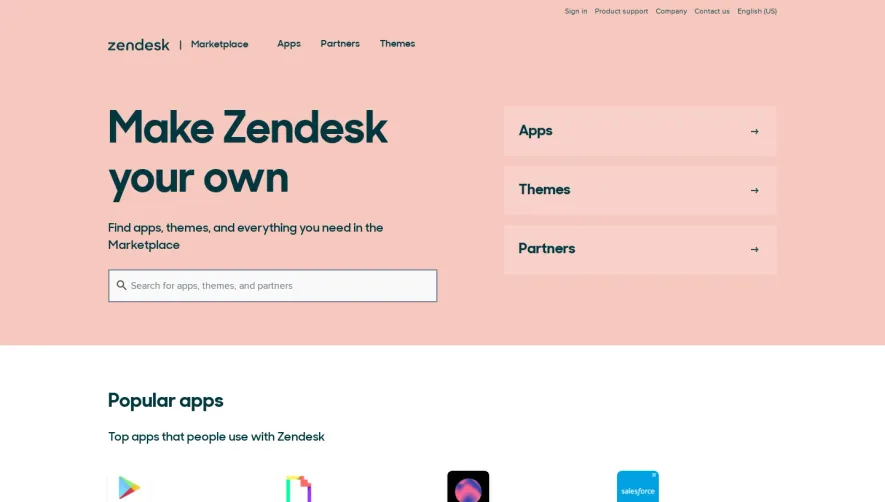
1. Hero section: The page opens up with a hero section containing an image of people networking with Zendesk logo and the headline "Elevate Your Customer Experience." The section includes a sub-headline, a CTA button, and a navigation bar. 2. Upcoming Events section: This section highlights the upcoming events hosted by Zendesk. Each event has a brief description, the dates, and a CTA button to register. 3. Past Events section: This section showcases the past events hosted by Zendesk. It includes the month and year of the event, a brief description, and a CTA button to view the event resources. 4. Webinars section: The webinars section displays upcoming and past webinars. It includes the title of the webinar, the host name, the date, and a brief description. Users can register for upcoming webinars and view past webinars’ recording. 5. Global User Groups section: This section helps users connect with Zendesk User Groups all around the world. It includes a CTA button to join the Zendesk community and access the calendar of upcoming user group events. 6. Zendesk Showcase section: This section highlights the video tutorials and expert tips from Zendesk's customer experience experts. 7. Blog section: This section features Zendesk’s company blog, which contains news, advice, and best practices for customer experience teams. 8. Navigation bar: Users can easily navigate the page using the navigation bar, which includes links to different sections of the page and other areas of the Zendesk website.