SaaSFrame
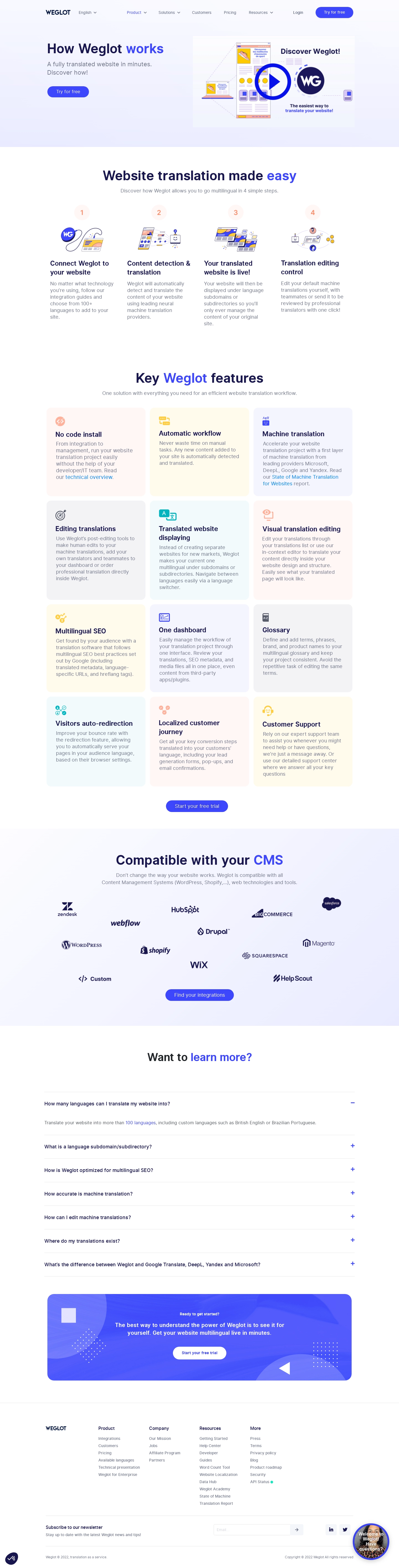
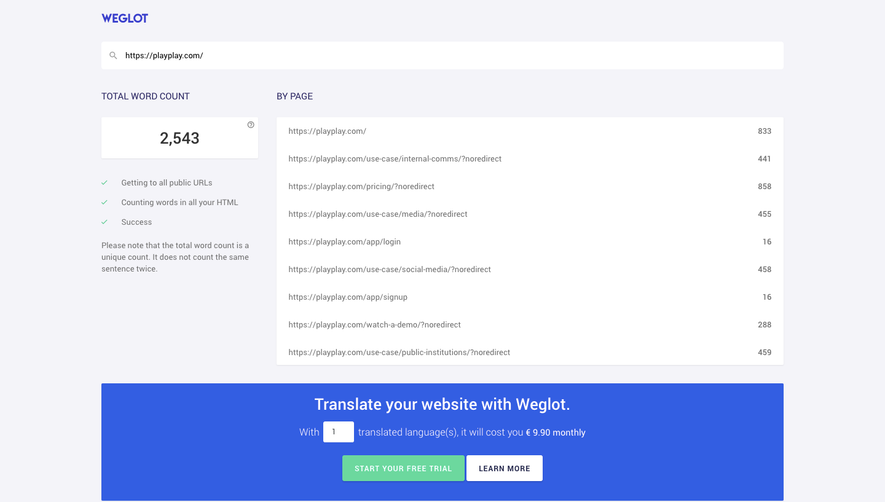
1. Header: At the very top of the page, there is a header containing the Weglot logo, a hamburger menu icon, and language switcher options. The header stays fixed as the user scrolls down the page. 2. Hero Section: The hero section is the first section of the page and contains a large hero image with a tagline that reads "Go Global. Translate your Website". There is also a CTA button for the user to try out Weglot's service. 3. Features Section: The next section of the page details the features of Weglot's service. The section is broken down into four subsections, each with an icon, heading, and short paragraph about the feature. The subsections are "Translate Any Website", "Advanced Customization", "SEO-friendly", and "Team Collaboration". 4. Use Cases Section: This section outlines different industries that can benefit from using Weglot. Each industry is represented by a large image, with a heading and short paragraph. 5. Integrations Section: The next section details Weglot's integrations with other platforms, such as Shopify, WordPress, and Squarespace. Each integration is represented by an icon, heading, and short paragraph. 6. Testimonials Section: This section contains customer testimonials and case studies. Each testimonial features a photograph of the customer or their logo, a quote by the customer, and a short summary of their experience using Weglot. 7. Pricing Section: The pricing section breaks down the available pricing plans offered by Weglot. The plans are Basic, Advanced, and Pro, with each plan having a corresponding price, number of translated words, and features. 8. How It Works Section: The last section explains how Weglot's service works in three simple steps. Each step is represented by an icon, heading, and short paragraph. There is also a CTA button for the user to try out the service.