SaaSFrame

About this screen
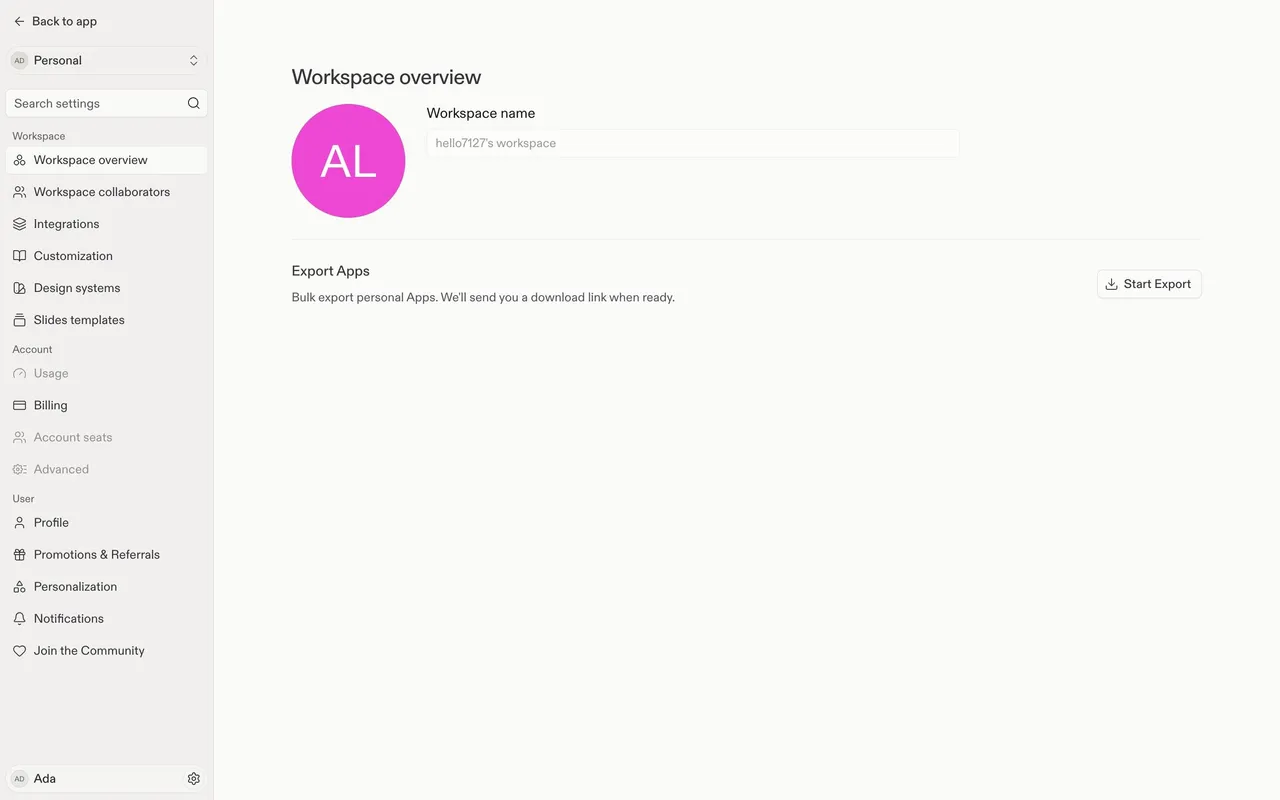
Settings take over the sidebar
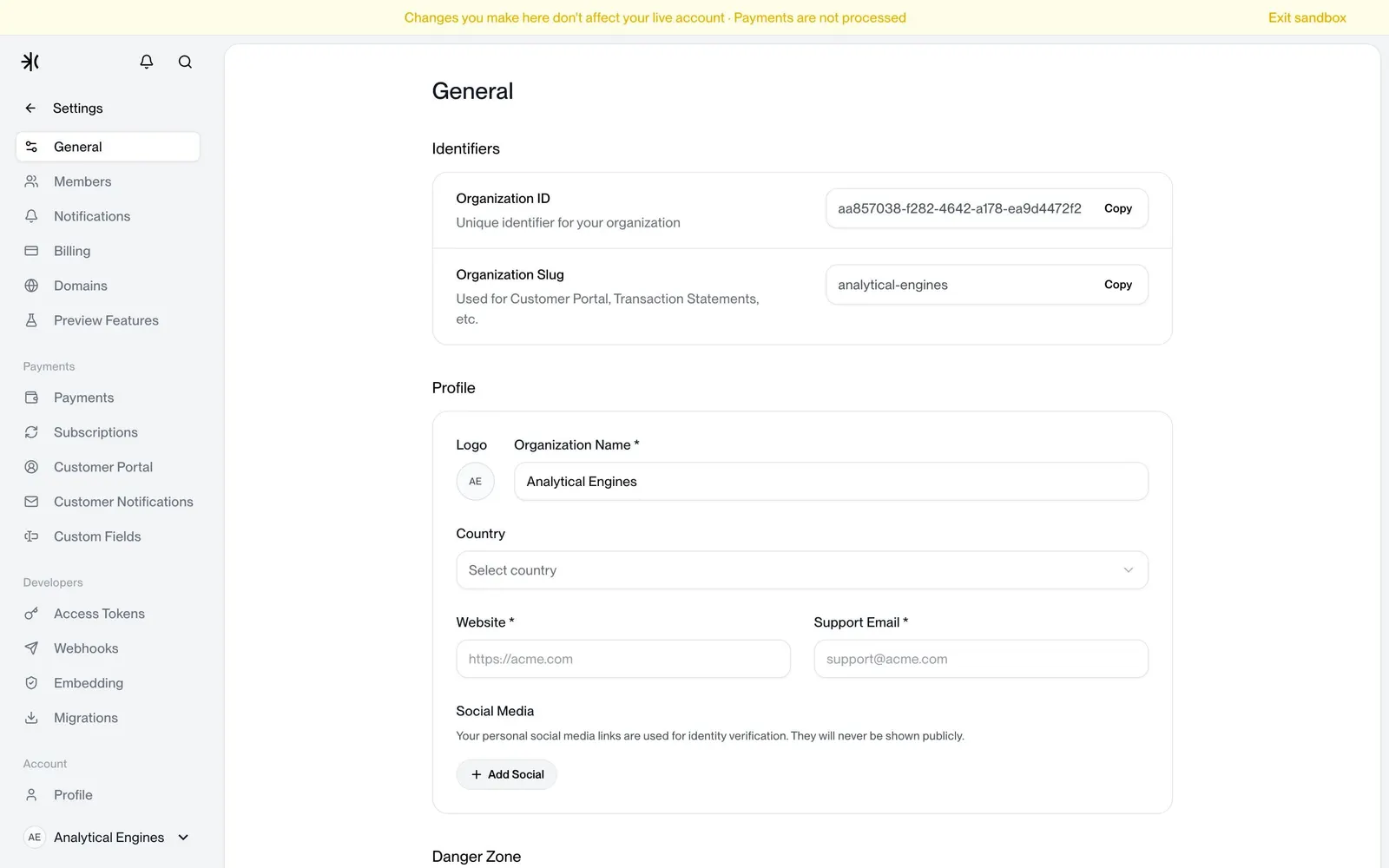
Opening Settings replaces the main navigation with grouped links: General, Members, Notifications, Billing, Domains, Preview Features; then Payments, Subscriptions, Customer Portal, Customer Notifications, Custom Fields; Developers; and Account.
General: identifiers and profile
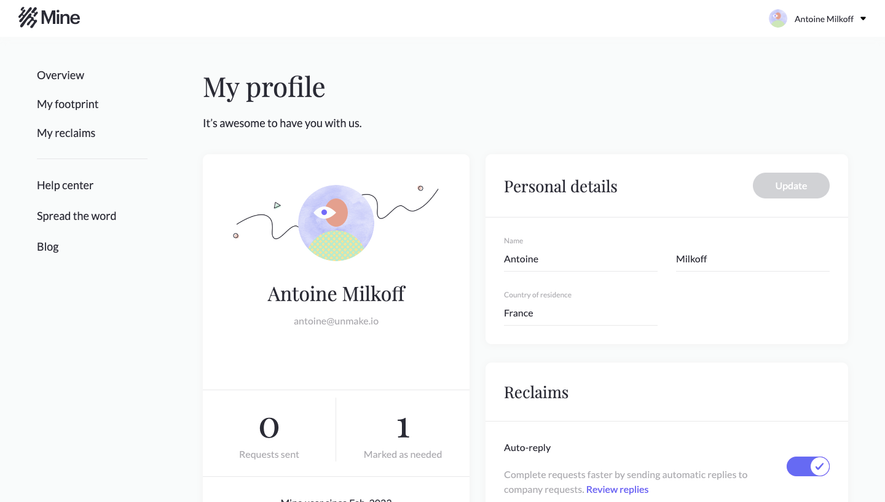
The General page shows the Organization ID and Organization Slug with Copy buttons, then the profile: logo, organization name, country, website, support email and social links.
Danger zone
The page ends with a "Danger Zone" block and a red delete button.