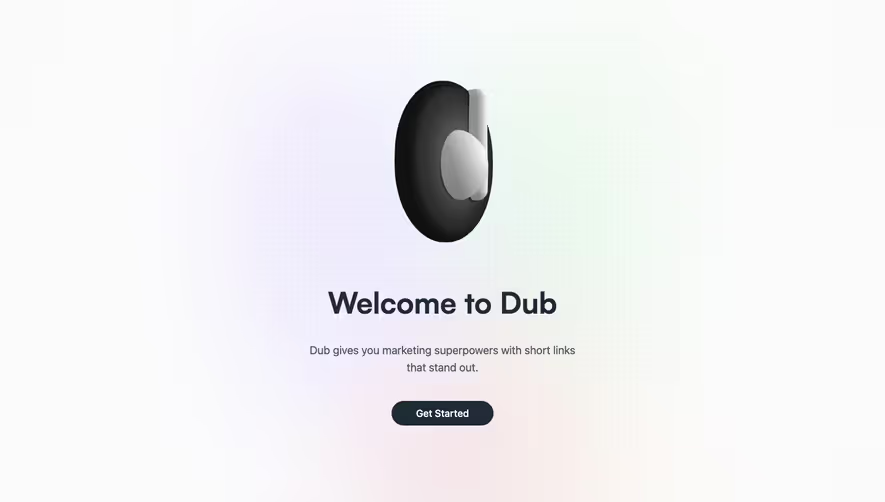
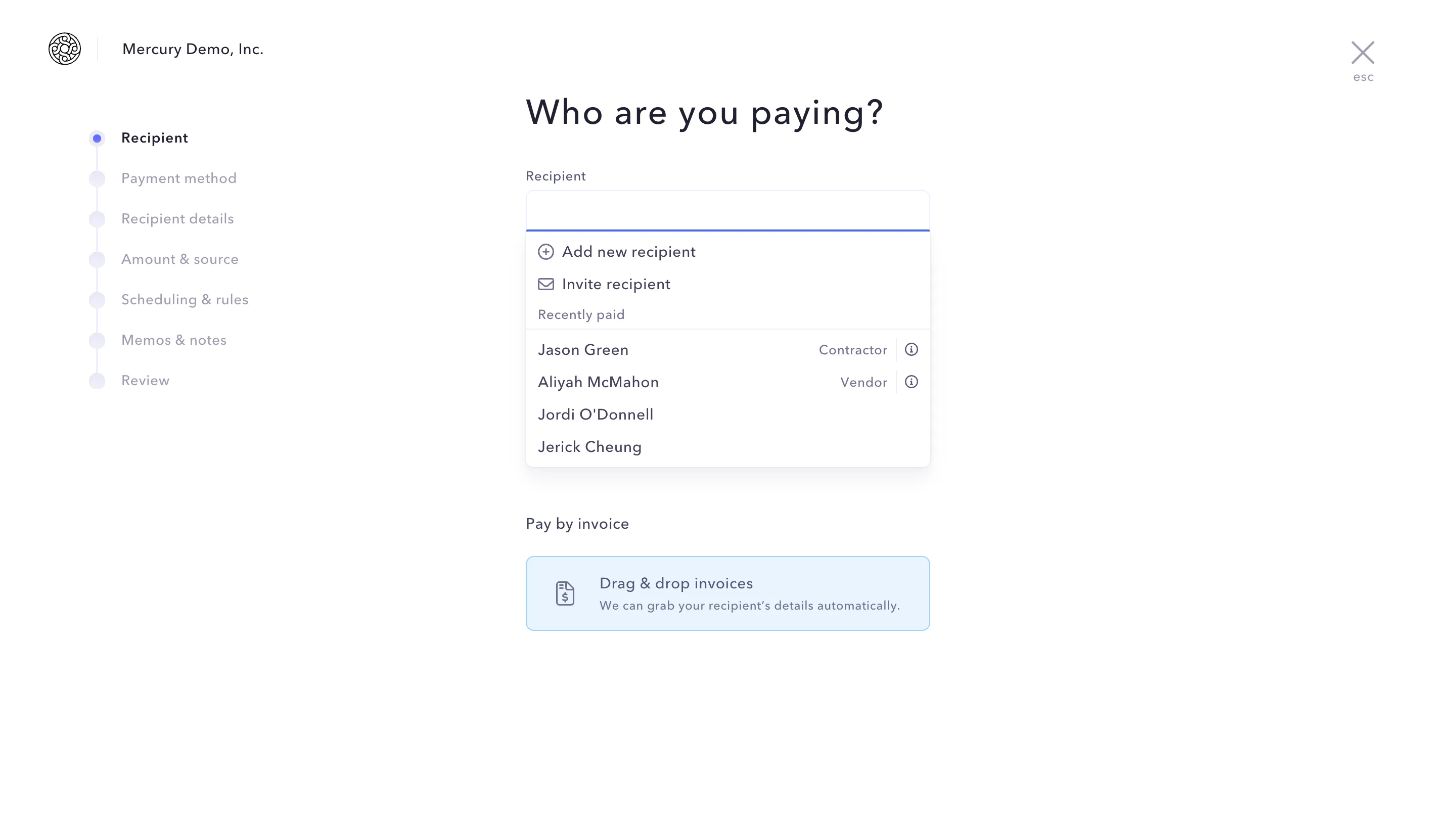
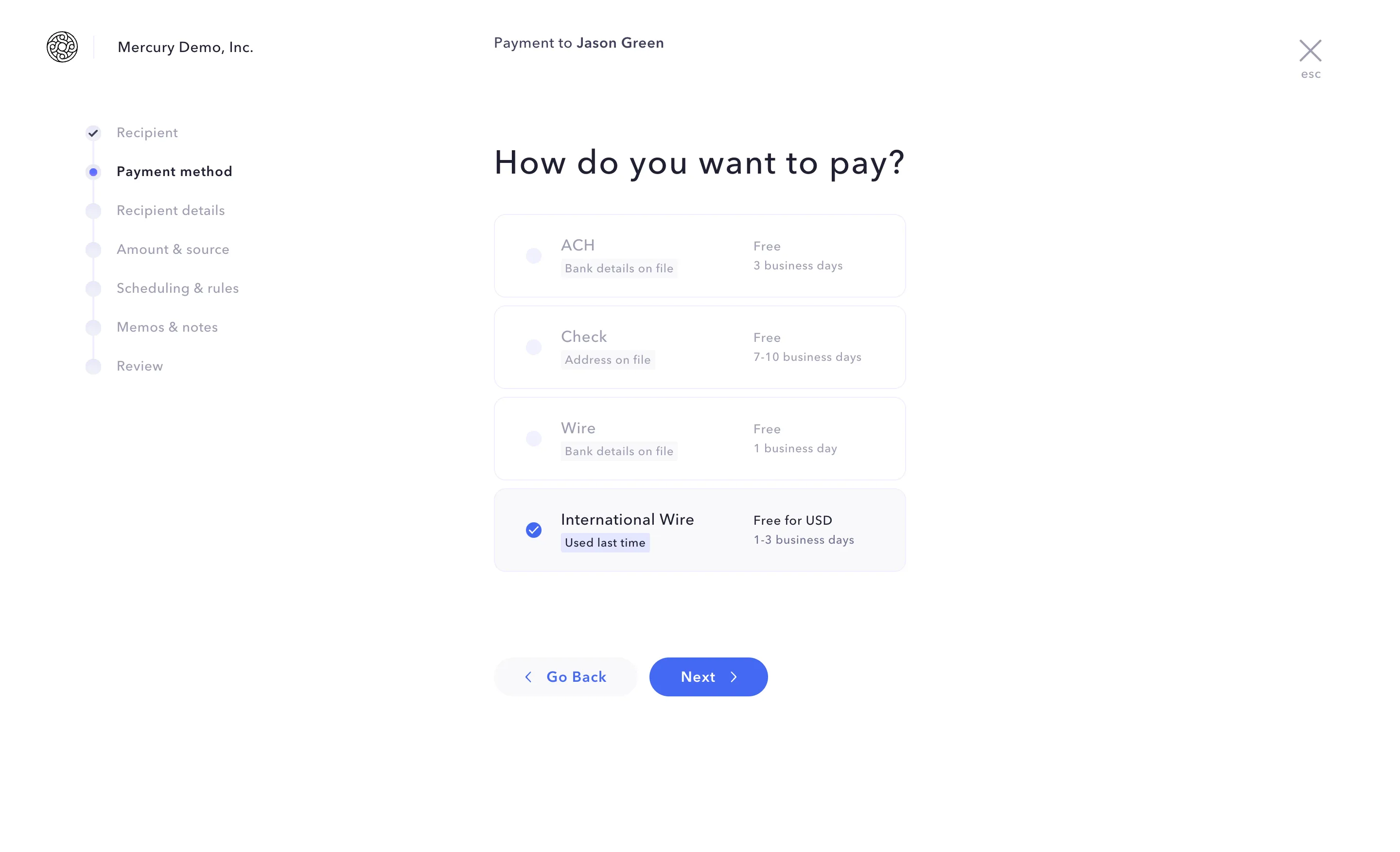
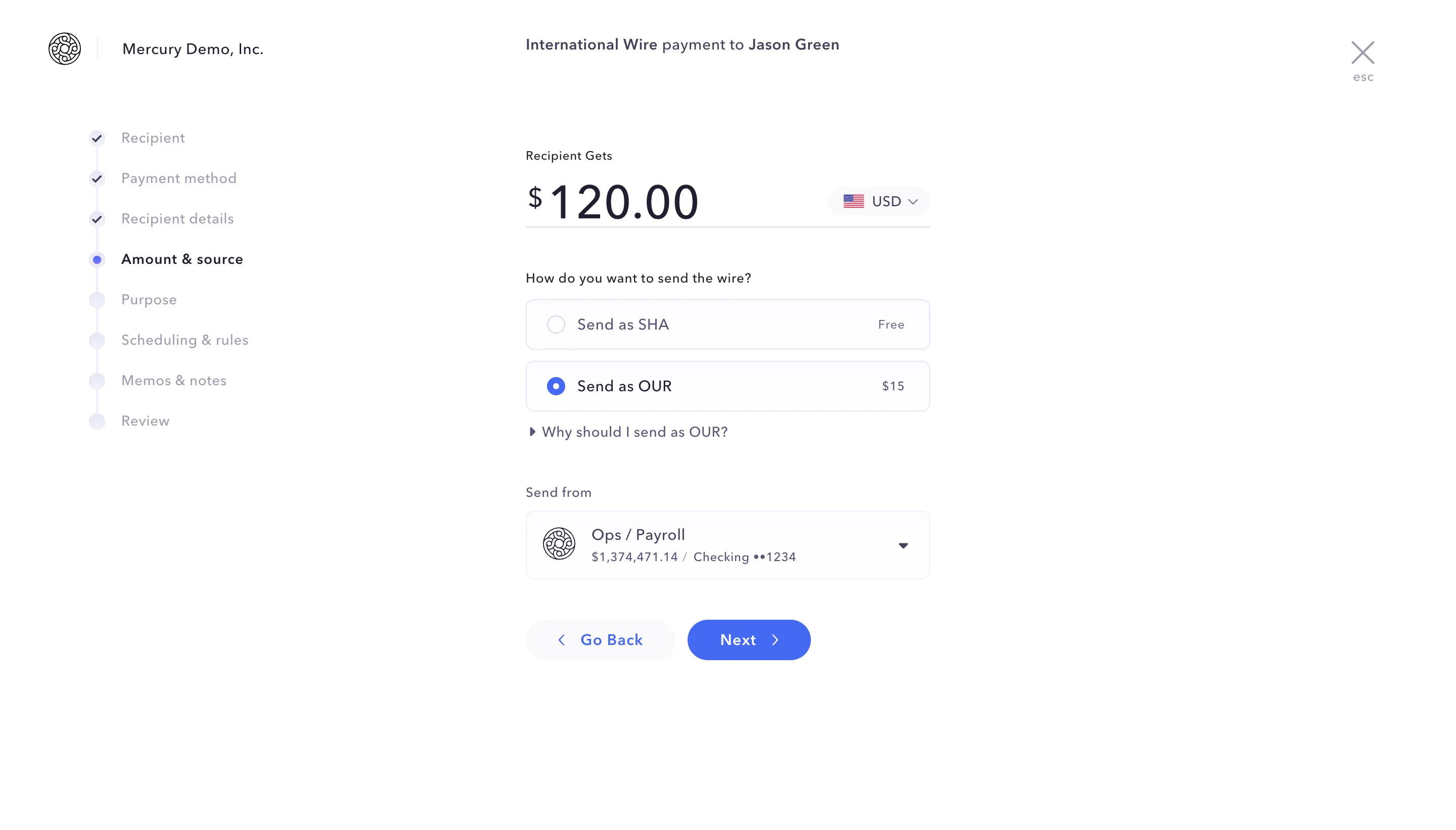
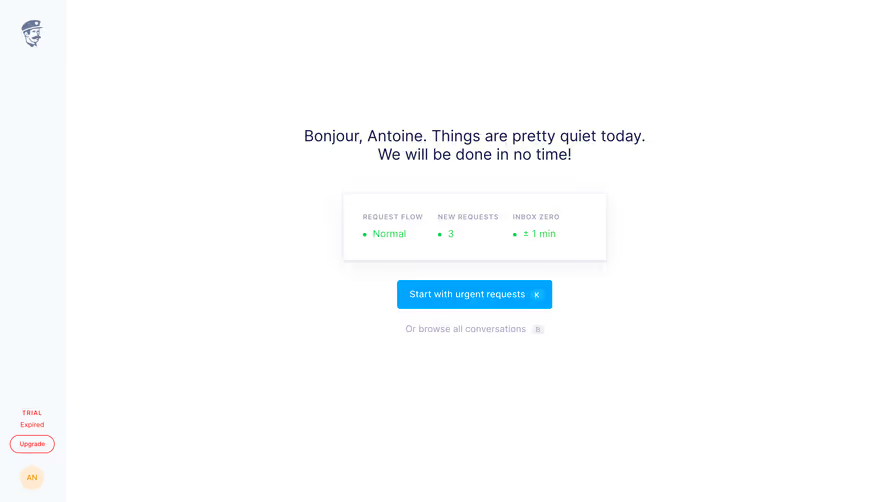
OpenAI Welcome Screen

OpenAI

Creating safe AGI
No items found.
Subject
Patterns
No items found.
Tech Stack
No items found.
Added on
November 27, 2023
Found in 1 flow

Upgrade to SaaSFrame Pro now to see similar examples.

Monthly

$14 /month

Billed $14 monthly
Browse all screens & flows
Filter and search screens & flows
Bookmark items
Access Figma files
Access mobile versions
Join now

Quarterly

$12 /month

Billed $36 quarterly
Browse all screens & flows
Filter and search screens & flows
Bookmark items
Access Figma files
Access mobile versions
Join now

Yearly

$10 /month

Billed $120 yearly
Browse all screens & flows
Filter and search screens & flows
Bookmark items
Access Figma files
Access mobile versions
Join now

Biggest SaaS library.

Browse website pages, product interfaces and emails from a growing library of hundreds of SaaS.

Desktop & mobile versions.

Switch from desktop to mobile versions to see how the best designers make websites responsive.
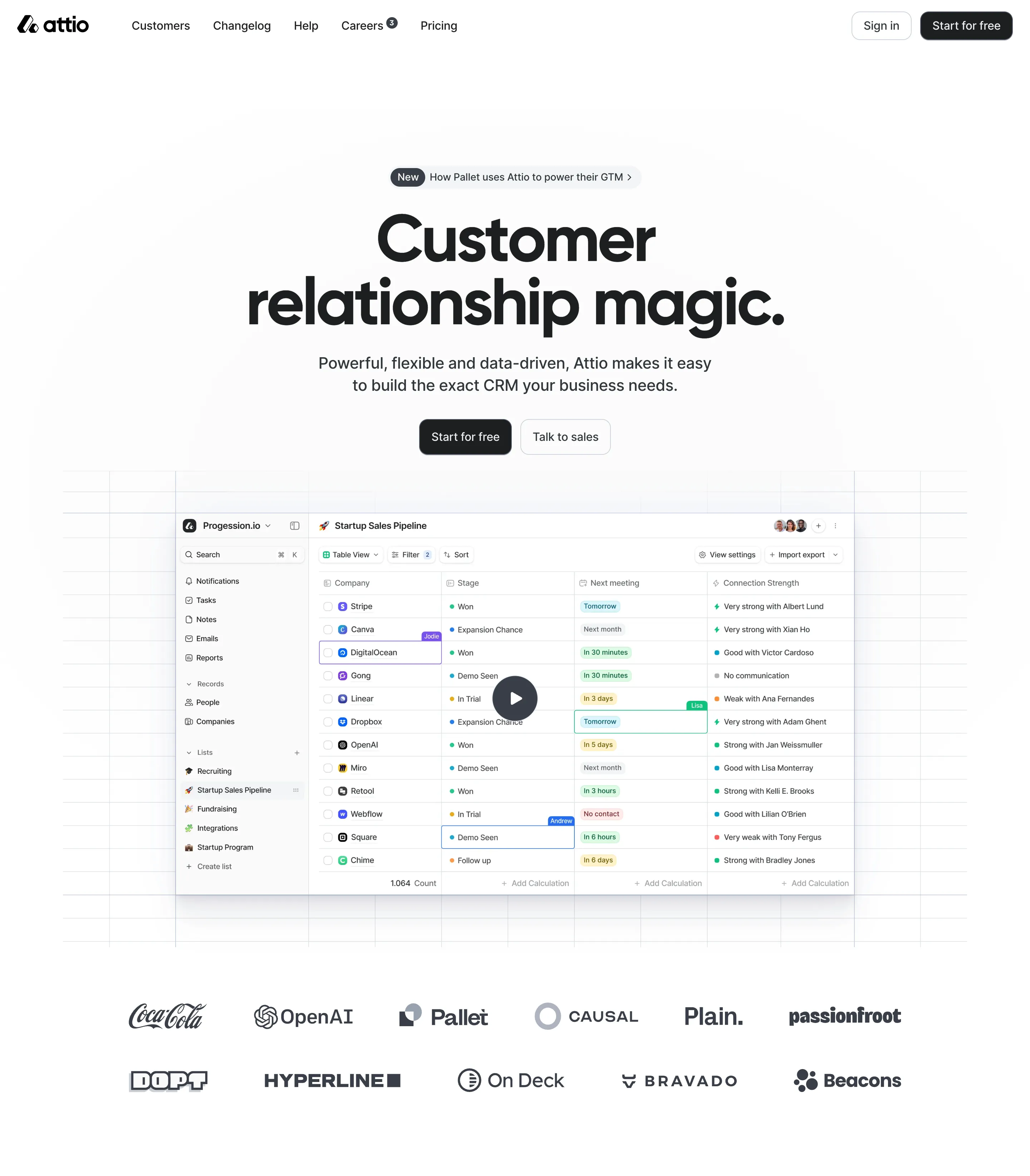
Access the Figma files.

You like a design? Download the Figma file of any website page you see on SaaSFrame.

Advanced filtering.

Use filters to find the design or copywriting inspiration that you need in seconds.
Thank you! Your submission has been received!
Oops! Something went wrong while submitting the form.

Let it flow.

Discover the user journey of the best SaaS with interfaces organized in flows.
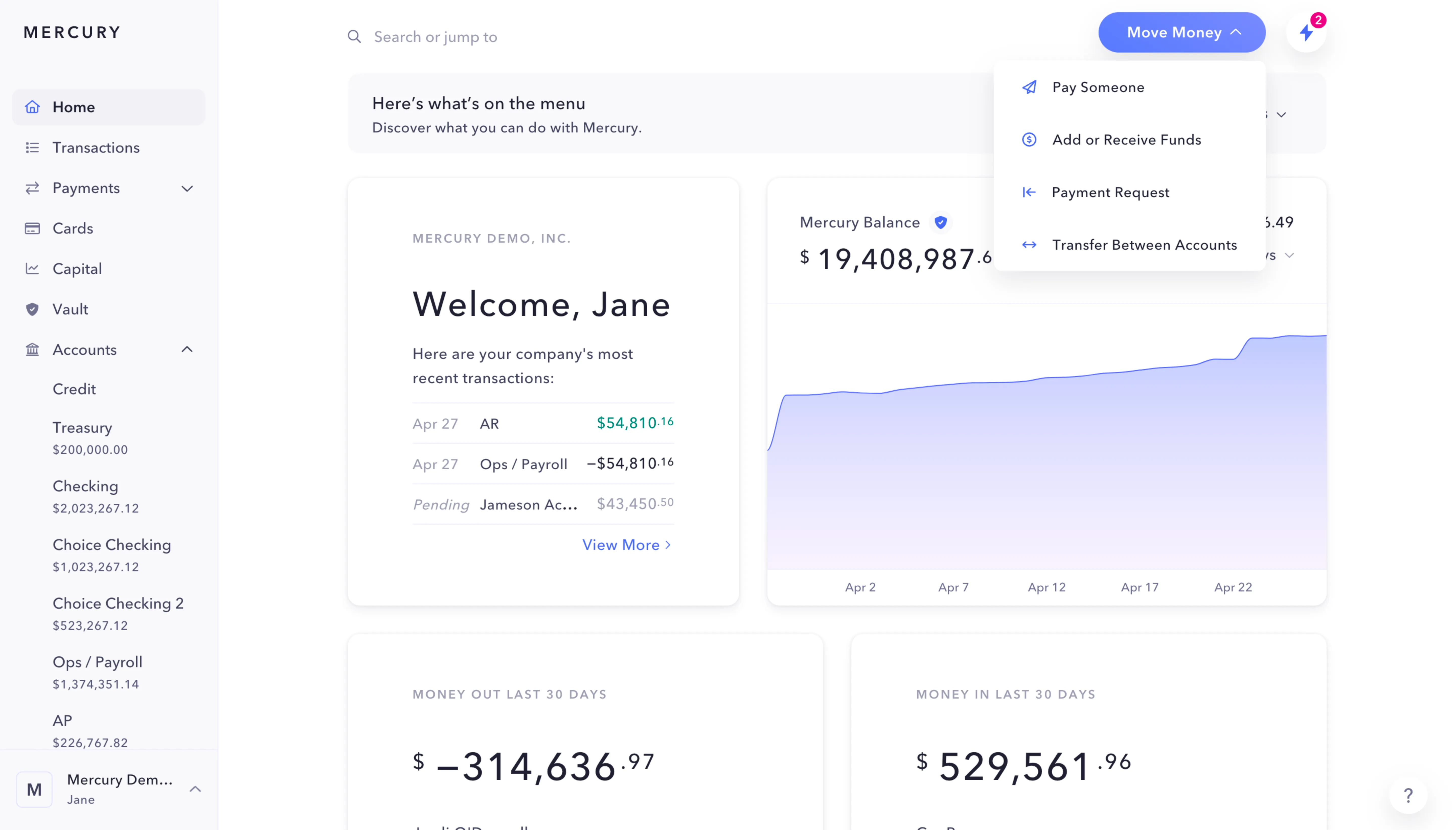
Save design inspirations.

Bookmark screens and flows so you can find them any time you need it.
โŒ˜
B
BOOKMARK DESIGN
Start your design
research
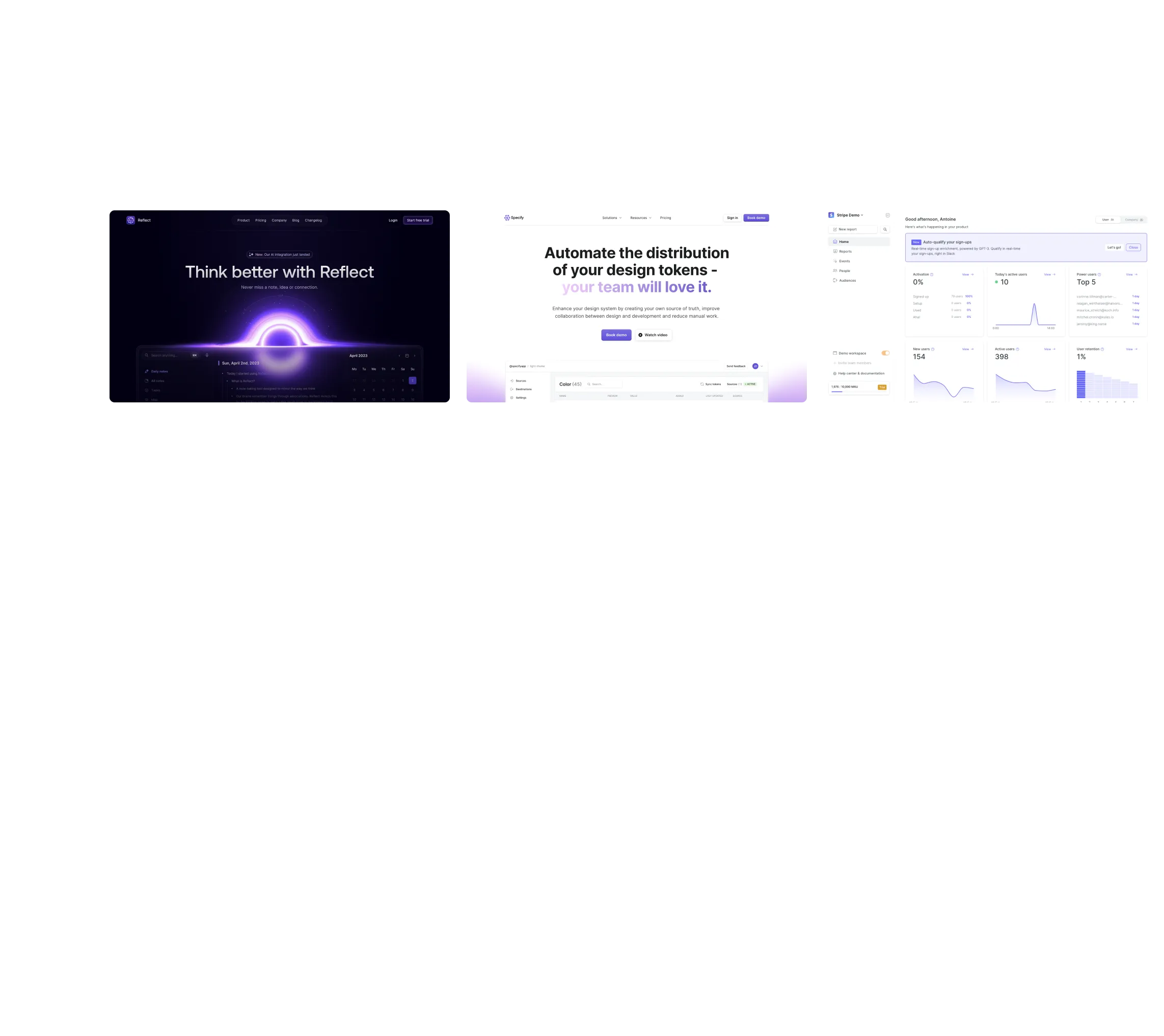
Three website screenshots showing a design tool and distribution dashboard for design tokens, promoting ease and automation.

How do you process payment?

SaaSFrame subscriptions are sold on Lemon Squeezy, a secured online selling platform for creators.

What about future updates and versions?

SaaSFrame gets updated all the time! Every new update and version will immediately be made available to all SaaSFrame users.

Can you send me an invoice?

You can generate an invoice on your Lemon Squeezy portal once you purchased SaaSFrame. You will find the link in the order confirmation email.

How can I cancel my membership subscription?

You can cancel your membership subscription at any moment on your profile page.โ€

Can I get a refund?

If you're not satisfied, you can ask for a refund within 7 days. Just send me an email at antoine[at]unmake[dot]io

I have another question.

You can send me an email at antoine[at]unmake[dot]io, I'll be happy to help with any questions.

No items found.

OpenAI Welcome Screen Structure

Overall Style and Aesthetic

OpenAI's Docs Overview page epitomizes modern minimalism with a professional and approachable vibe. Every element serves a purpose, contributing to a clean and distraction-free interface. Negative space is thoughtfully balanced, allowing the content to breathe and giving the page a calm, trustworthy feel that welcomes both newcomers and technical users.

Layout and Structure

The page adopts a clear, documentation-first structure, beginning with a succinct header and overview. The sidebar navigation remains persistent for effortless access to sections, while clean content blocksโ€”organized with crisp headingsโ€”make scanning and in-depth reading effortless. There are no crowded panels, flashy testimonials, or feature overload; simplicity reigns, with every piece of information purposefully placed.

Visual Elements

Visuals are restrained yet effective. Custom icons and subtle, geometric illustrations punctuate content sections without overwhelming. The sparse use of imagery focuses the user's attention on the documentation itself, signaling an information-first philosophy. Animations and transitions are delicately employed, mainly highlighting navigation feedback, enhancing clarity without distracting from the task at hand.

Color Palette and Typography

The interface leans on a muted, tech-forward palette: soft background whites, gentle greys, and strategic pops of blue for interactive elements and calls-to-action. Typography features a clean sans-serif font stack, ensuring exceptional readability with obvious hierarchyโ€”bold headers, contrasted subheadings, and easily digestible body text, all clearly differentiated.

User Experience Patterns

Sticky navigation, breadcrumb paths, and prominent CTAs create a frictionless journey. Consistent button styles and smooth scrolling interactions help users stay oriented, minimizing cognitive load. The focus on usability extends to robust search and logical content grouping, reinforcing the overall sense of ease and intuitiveness.

Unique or Notable Design Choices

A standout feature is the unwavering simplicityโ€”even complex information feels approachable. The ever-present sidebar and lack of marketing clutter allow users to focus solely on absorbing knowledge, which reinforces the platformโ€™s authority and reliability.

Tone and Feel

The site evokes innovation balanced with dependabilityโ€”every touchpoint built for trust, clarity, and forward-thinking guidance, making it an exemplar for SaaS documentation and onboarding experiences.