About this screen
Export without leaving the list
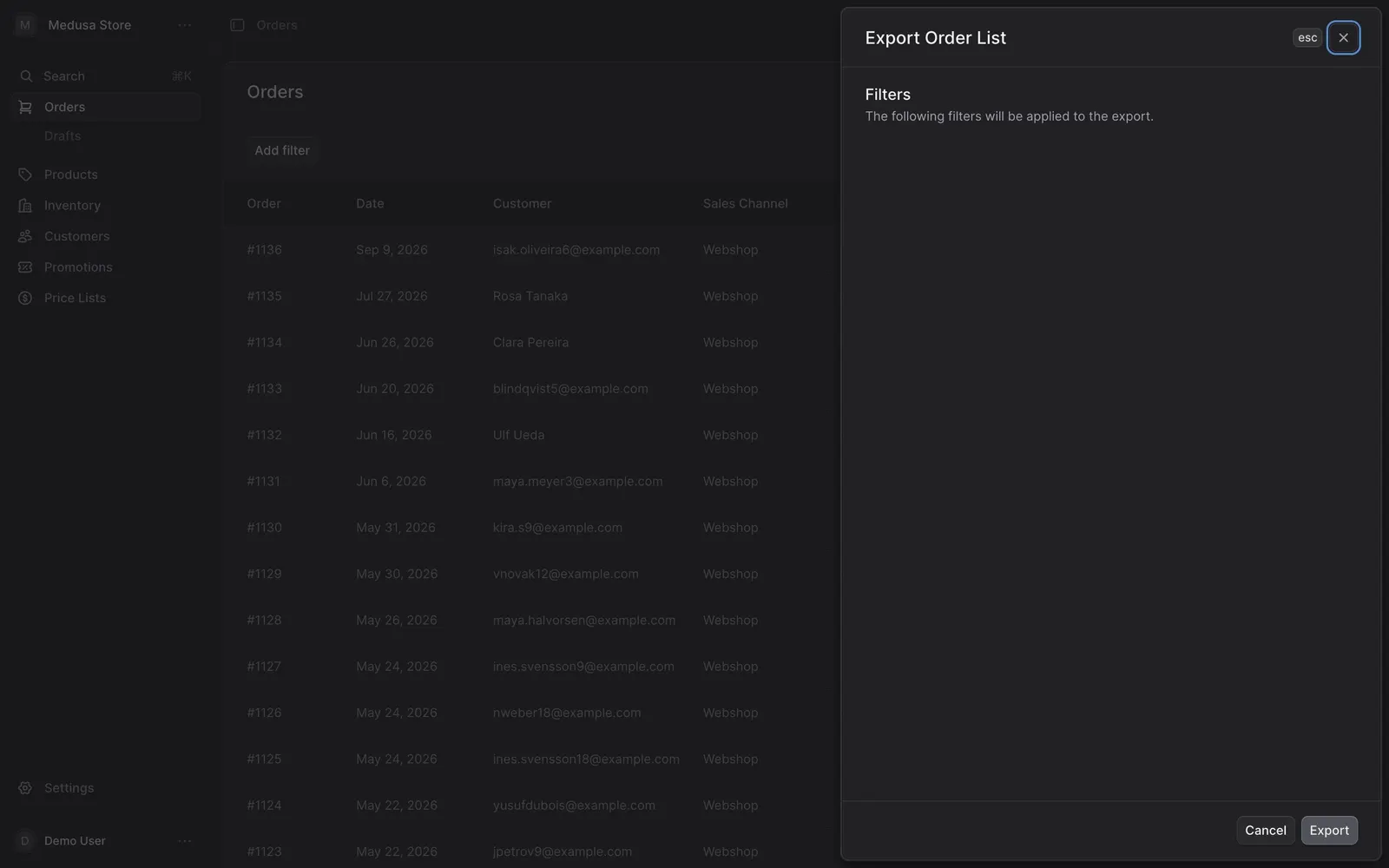
Clicking "Export" on Orders opens a drawer on the right while the order table stays visible behind a dimmed overlay.
A short confirmation, not a wizard
The drawer explains that the export follows the filters applied to the list and produces a CSV file, with "Cancel" and "Export" at the bottom.
Context preserved
Because the list remains readable underneath, the admin can check which orders, such as #1136 or #1135, will be included before confirming.