Part of Deploying a Project on Medusa Cloud
Medusa Cloud New Project
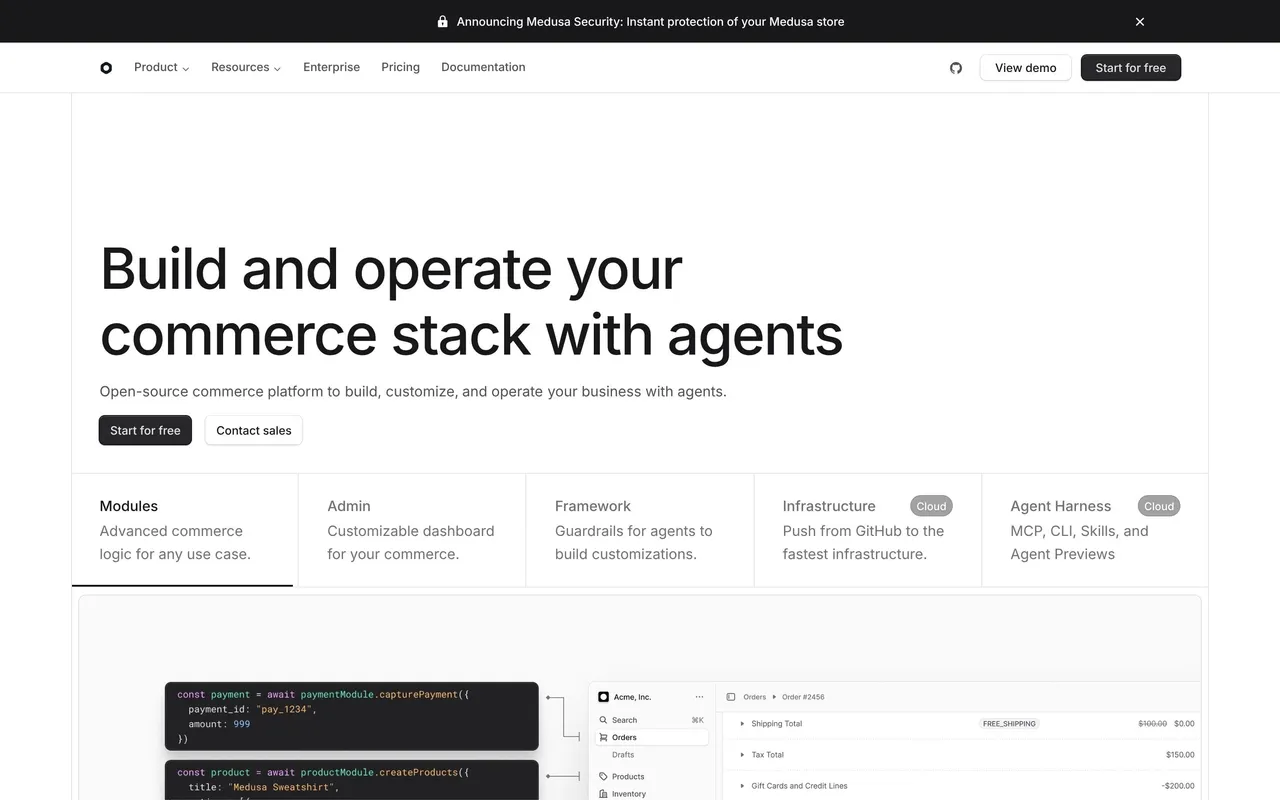
 MedusaOpen-source commerce platform
About this screen
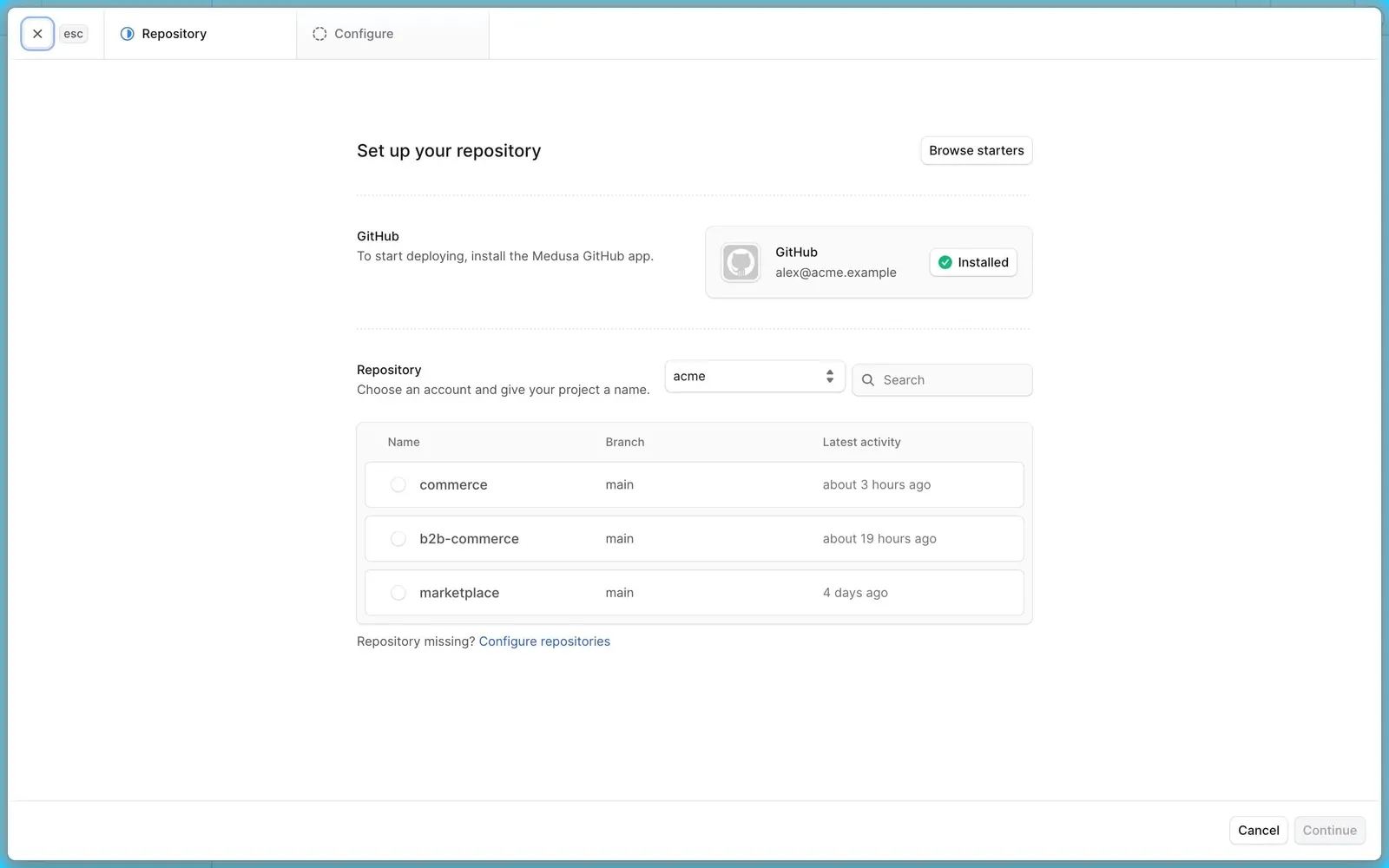
Creating a project starts from a repository
A full-screen flow with two steps, Repository and Configure, opens on "Set up your repository" with a "Browse starters" alternative.
GitHub first, then pick
The GitHub app shows as Installed for the account, followed by a list of repositories with name, branch and latest activity: commerce, b2b-commerce and marketplace, all on main.
An exit for the missing case
"Repository missing? Configure repositories" sits under the list, before "Cancel" and "Continue".