SaaSFrame
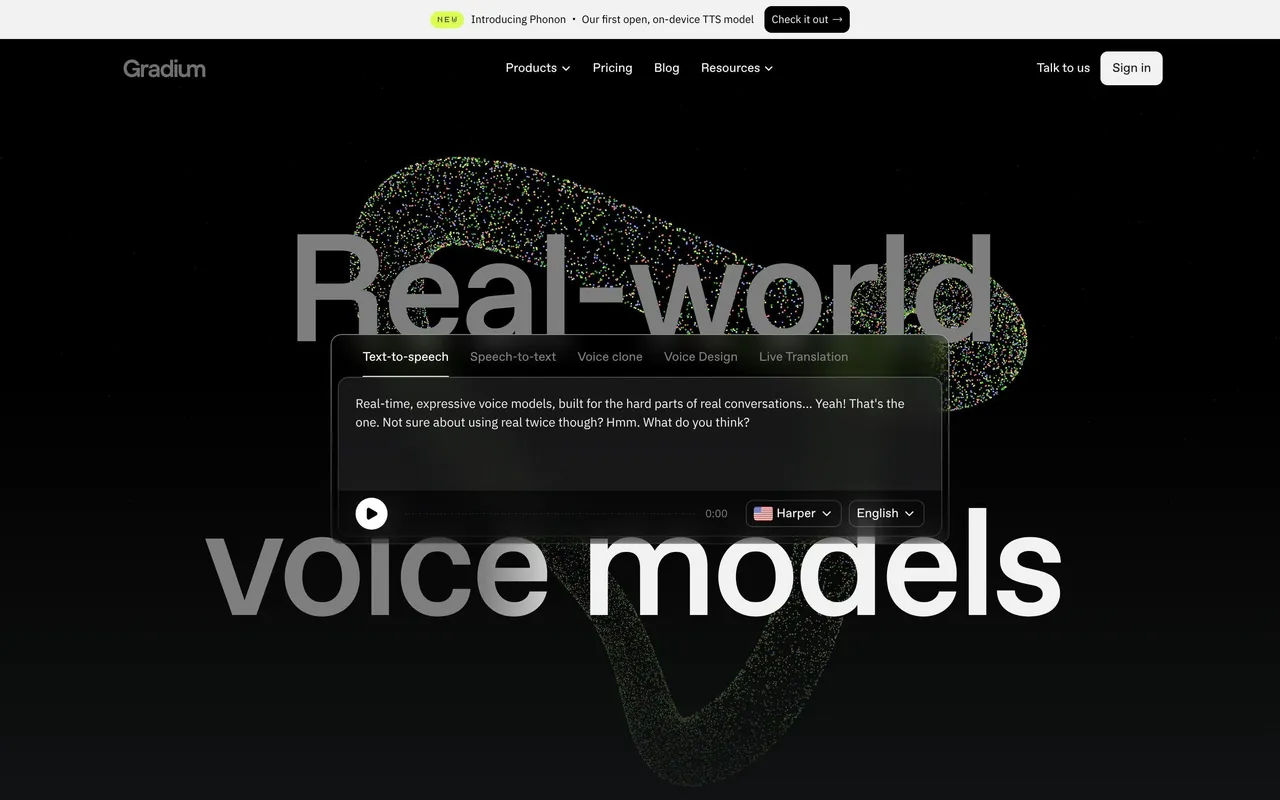
Gradium Live Demo
 GradiumReal-time voice AI API for voice agents
About this page
A voice chat to try
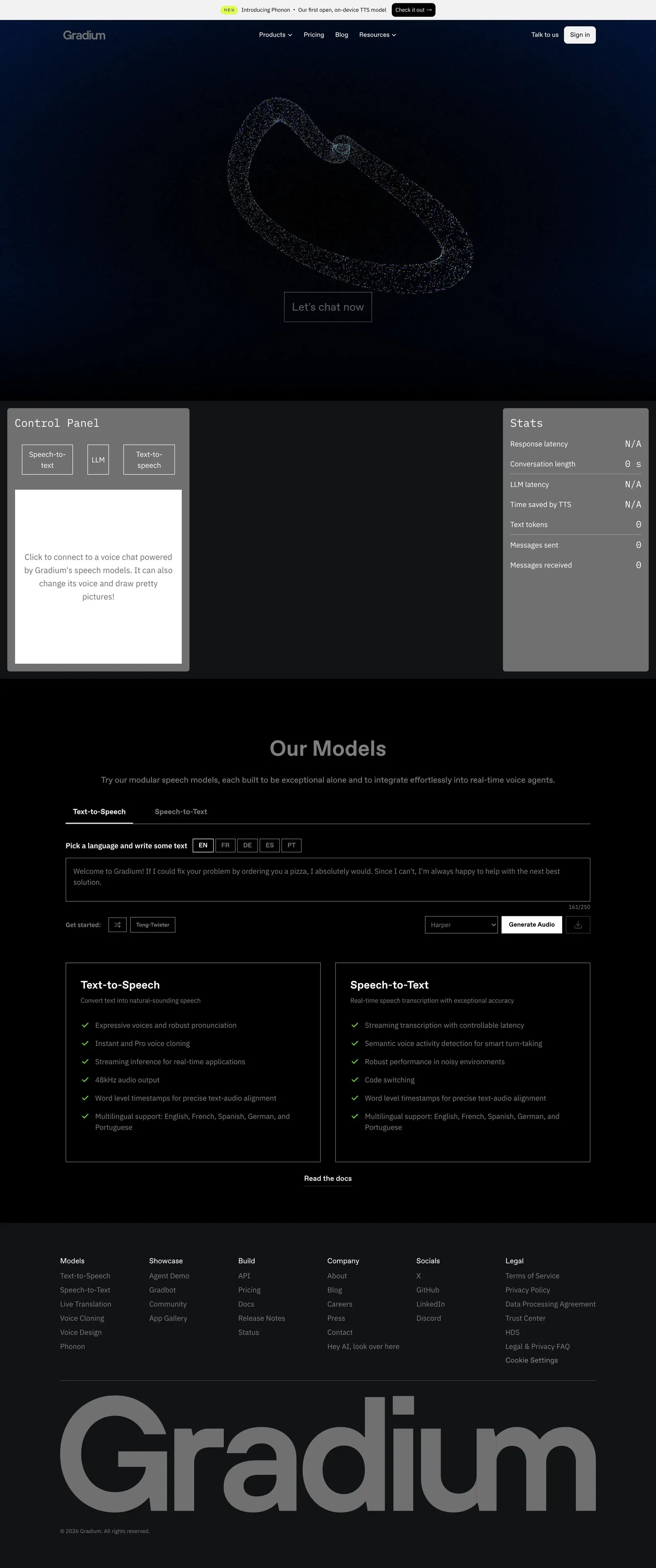
The demo page opens on a particle ring with a button to start a voice conversation. A grey "Control Panel" shows the pipeline (speech-to-text, LLM, text-to-speech) and a "Stats" panel reports response latency, conversation length and tokens.
Models to test one by one
"Our Models" offers Text-to-Speech and Speech-to-Text tabs: pick a language, write some text, choose a scenario and a voice, then generate.
Specs under the playground
Two bordered columns list what each model does, with a link to the docs.