SaaSFrame
Firecrawl Monitoring
 FirecrawlWeb data API for AI agents
About this screen
Monitors at a glance
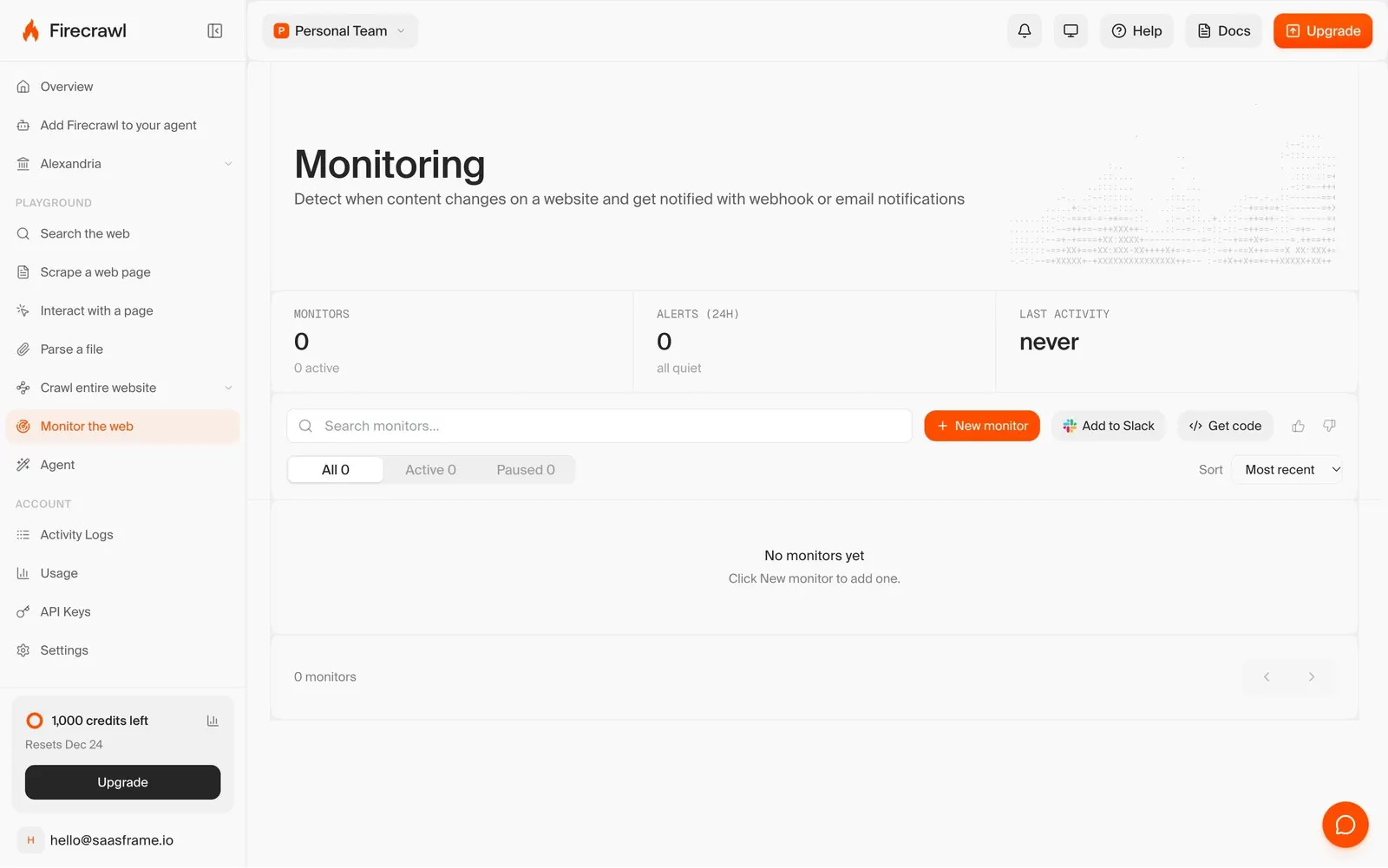
The Monitoring page explains itself in one sentence: "Detect when content changes on a website and get notified with webhook or email notifications". Three plain counters follow: Monitors "0 active", Alerts (24h) "all quiet" and Last activity "never".
A toolbar ready for the first monitor
An orange "New monitor" button sits with "Add to Slack" and "Get code". Tabs filter All, Active and Paused, and a sort menu defaults to "Most recent".
An empty table that stays in place
The table keeps its columns (Name, Changes (7d), Status) and shows "No monitors yet - Click New monitor to add one." with a "0 monitors" footer.