Chronicle Preferences
 ChronicleAI presentations with interactive blocks
About this screen
Editor preferences explained
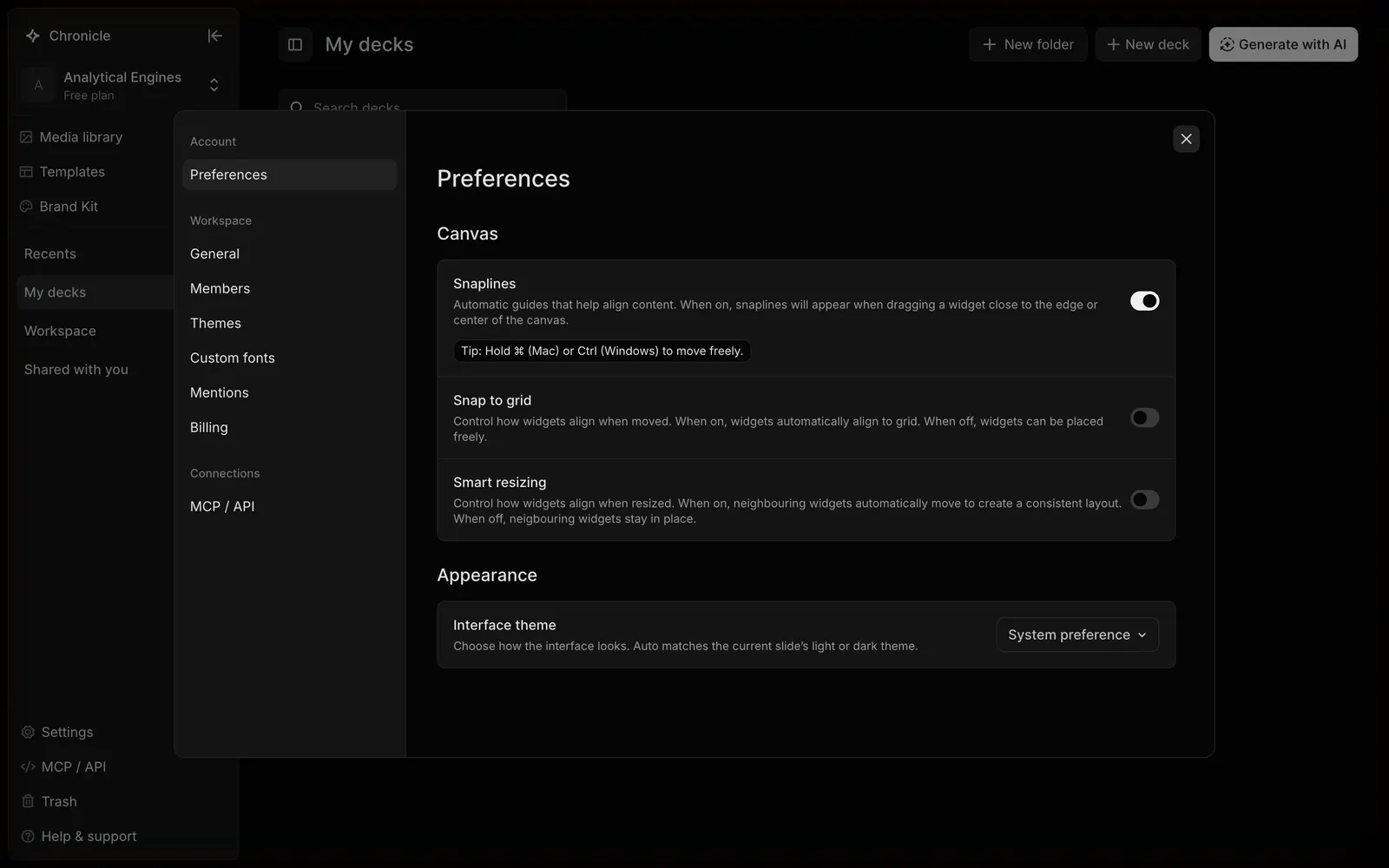
Preferences groups Canvas options: Snaplines (on), Snap to grid and Smart resizing, each with a sentence on what it changes and a toggle.
A tip where it helps
Under Snaplines a small note reads "Tip: Hold ⌘ (Mac) or Ctrl (Windows) to move freely".
Appearance and the rest
Interface theme is a select set to "System preference". The dialog's sidebar lists Account, Workspace (General, Members, Themes, Custom fonts, Mentions, Billing) and Connections (MCP / API).