 SaaSFrame
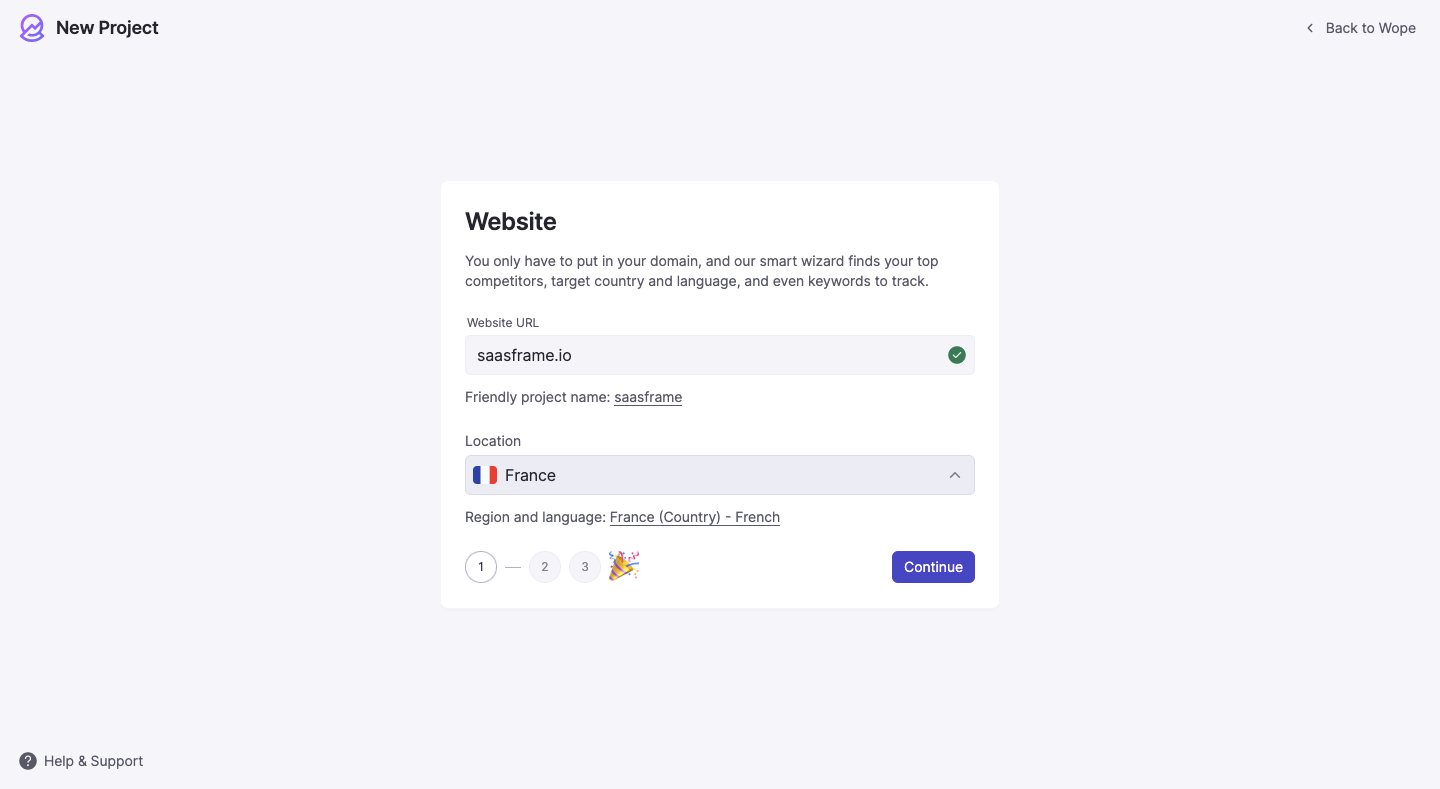
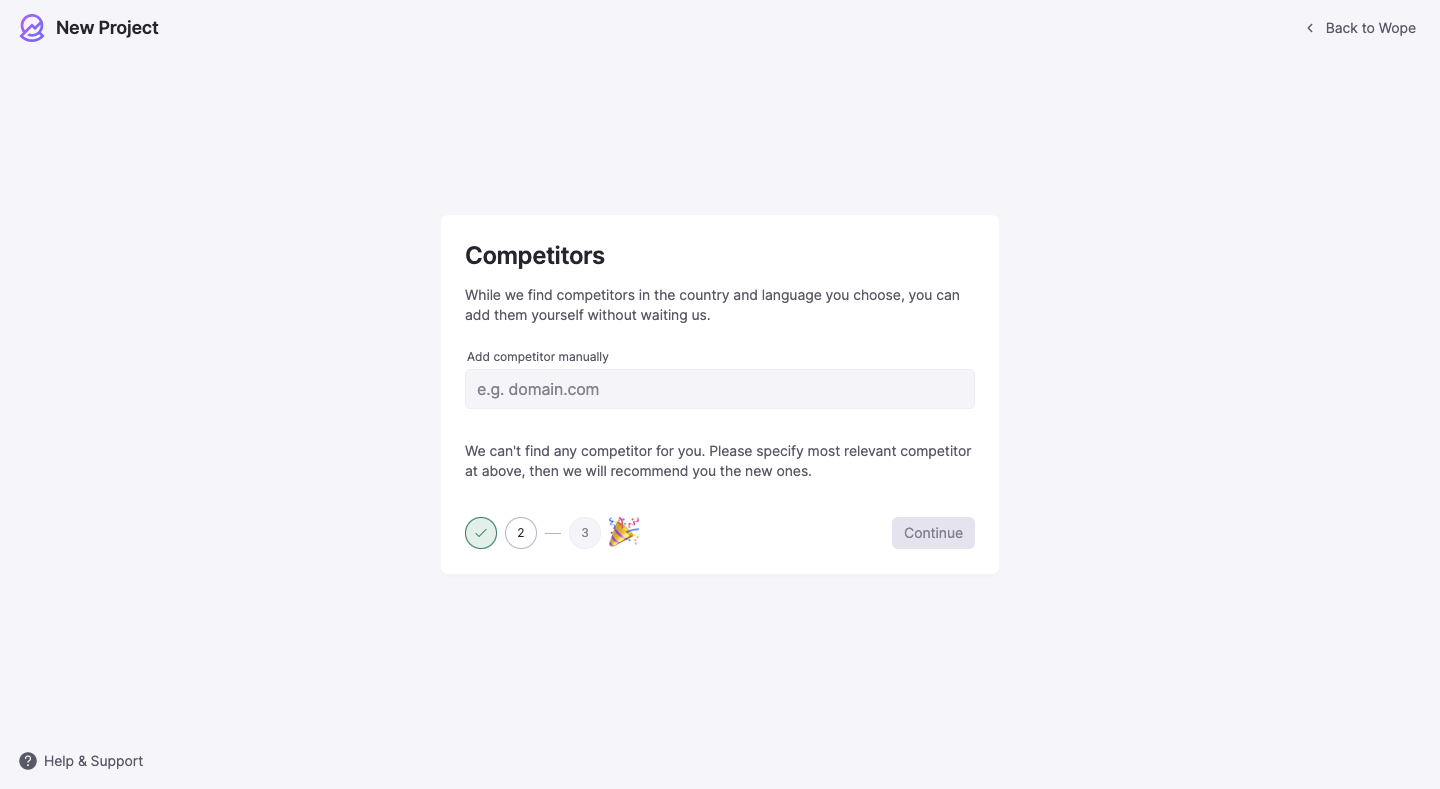
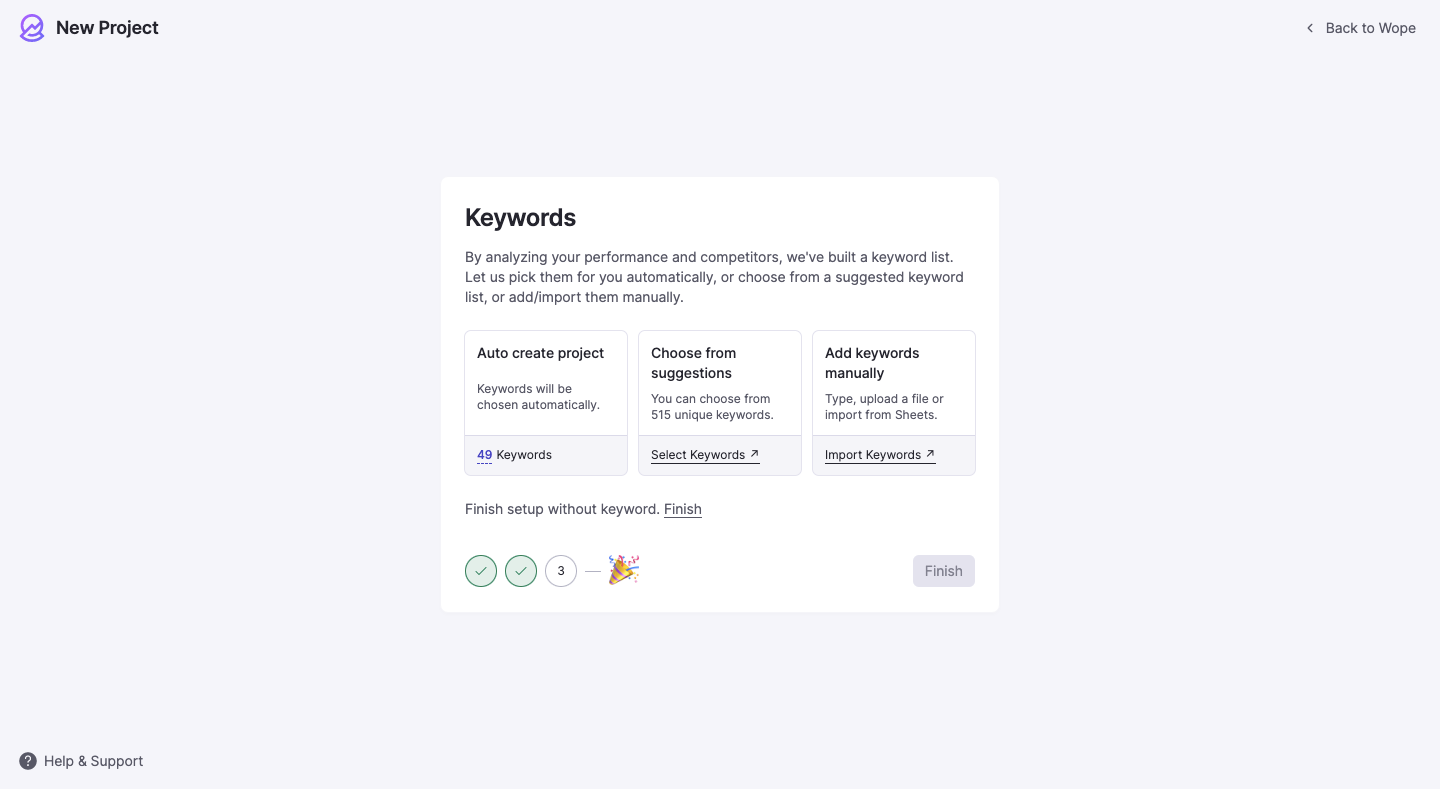
3 more steps in this flow
Free accounts see the first 3 steps of each flow. Pro unlocks every step of every flow, plus every screen, section and Copy in Figma.

Wope User Onboarding
Wope's onboarding builds an SEO project from a domain, competitors and keywords before you even create an account, in six minimal light-grey screens. Each step is a small centered card with numbered step dots ending in a party emoji, and keywords are offered as three side-by-side options. A finished card lists in-progress tasks with spinners and an email toggle, then an hourglass marks the processing dashboard.
Follow Wope’s user onboarding flow step by step: 6 real screens captured from the live product, from set up domain to empty dashboard. Use ← → to move between steps, and open any screen to see it in full.