 SaaSFrame
SaaSFrame Pro
1 more step in this flow
Free accounts see the first 3 steps of each flow. Pro unlocks every step of every flow, plus every screen, section and Copy in Figma.

Twist Sign Up Flow
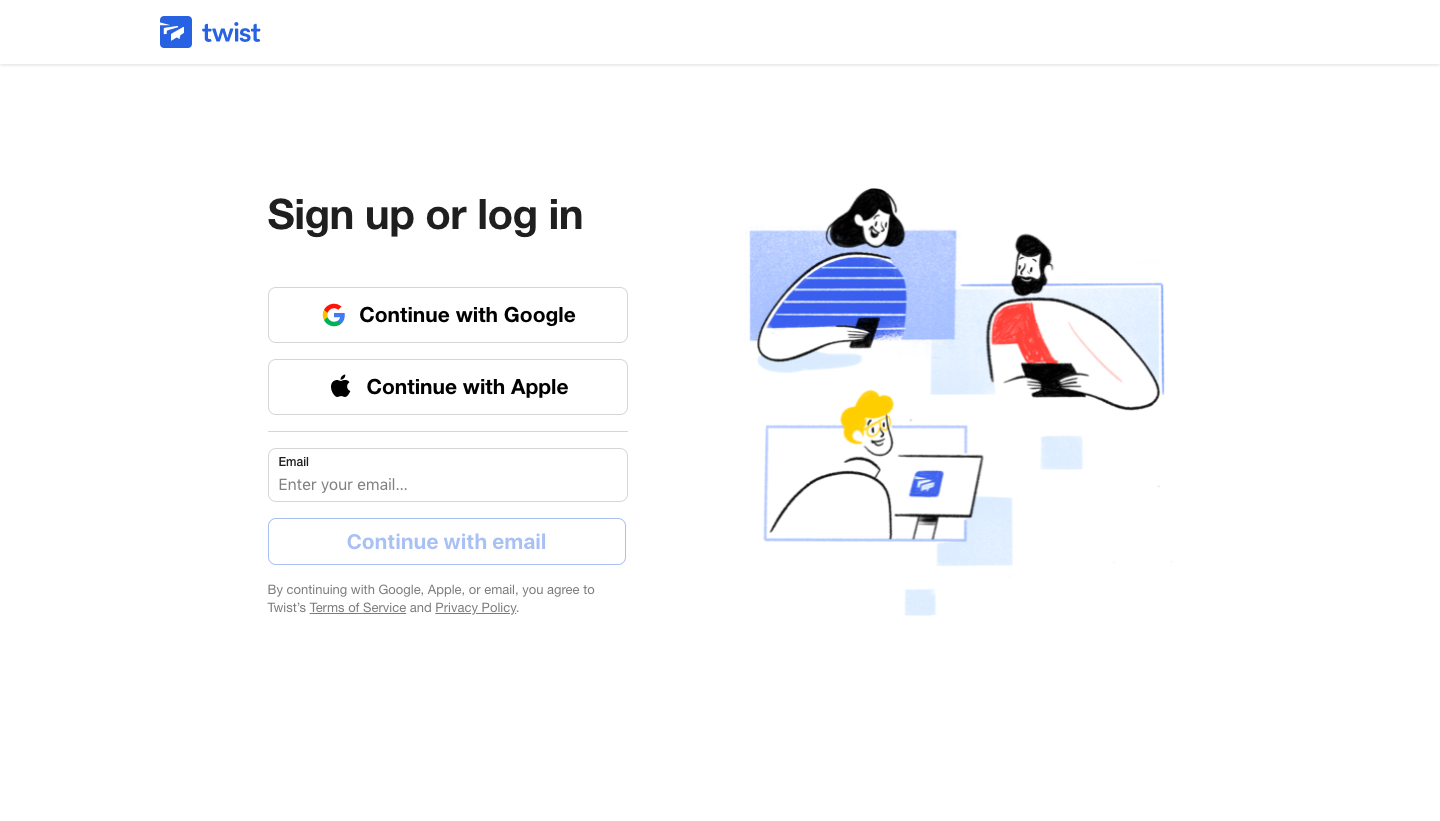
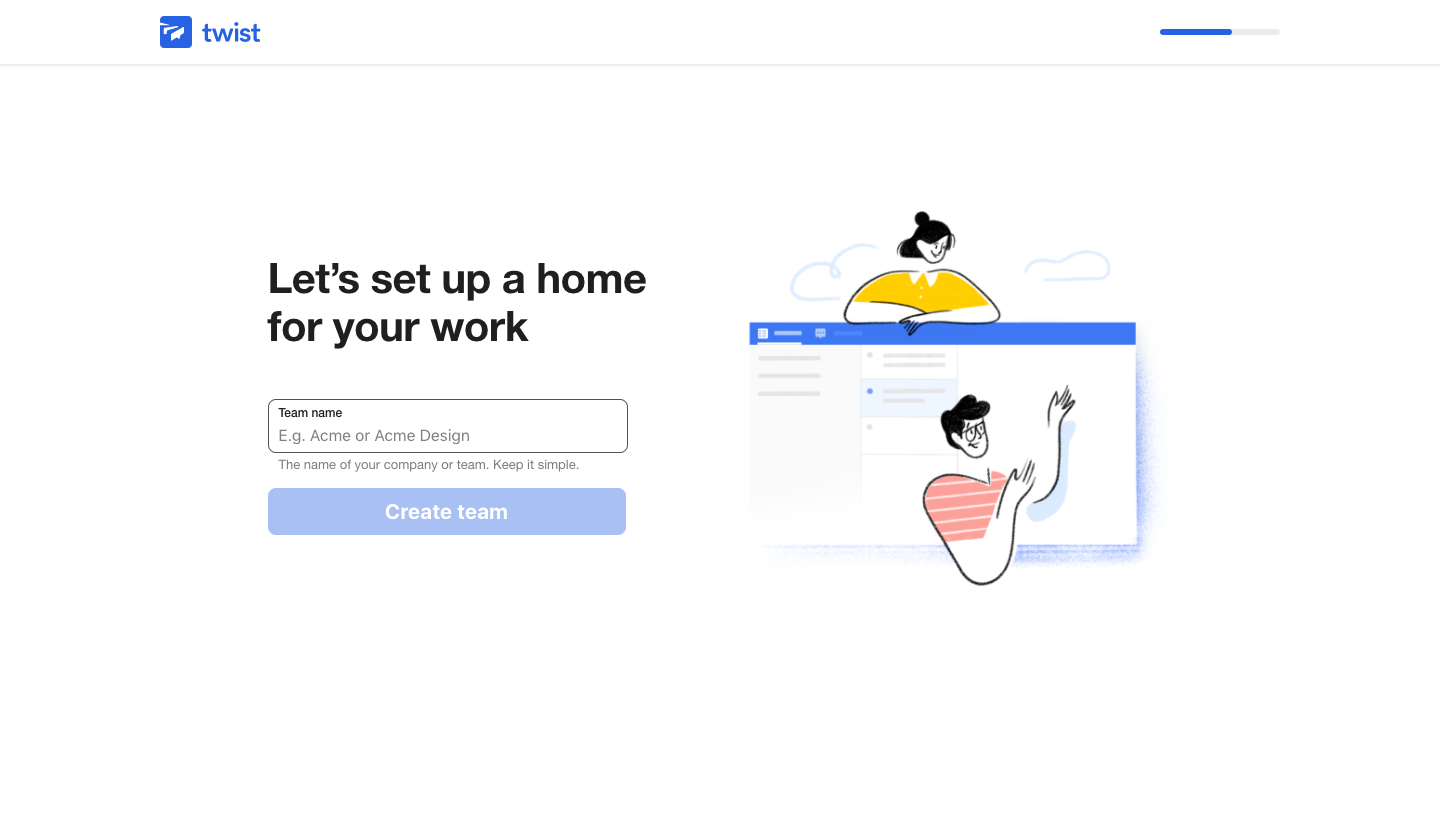
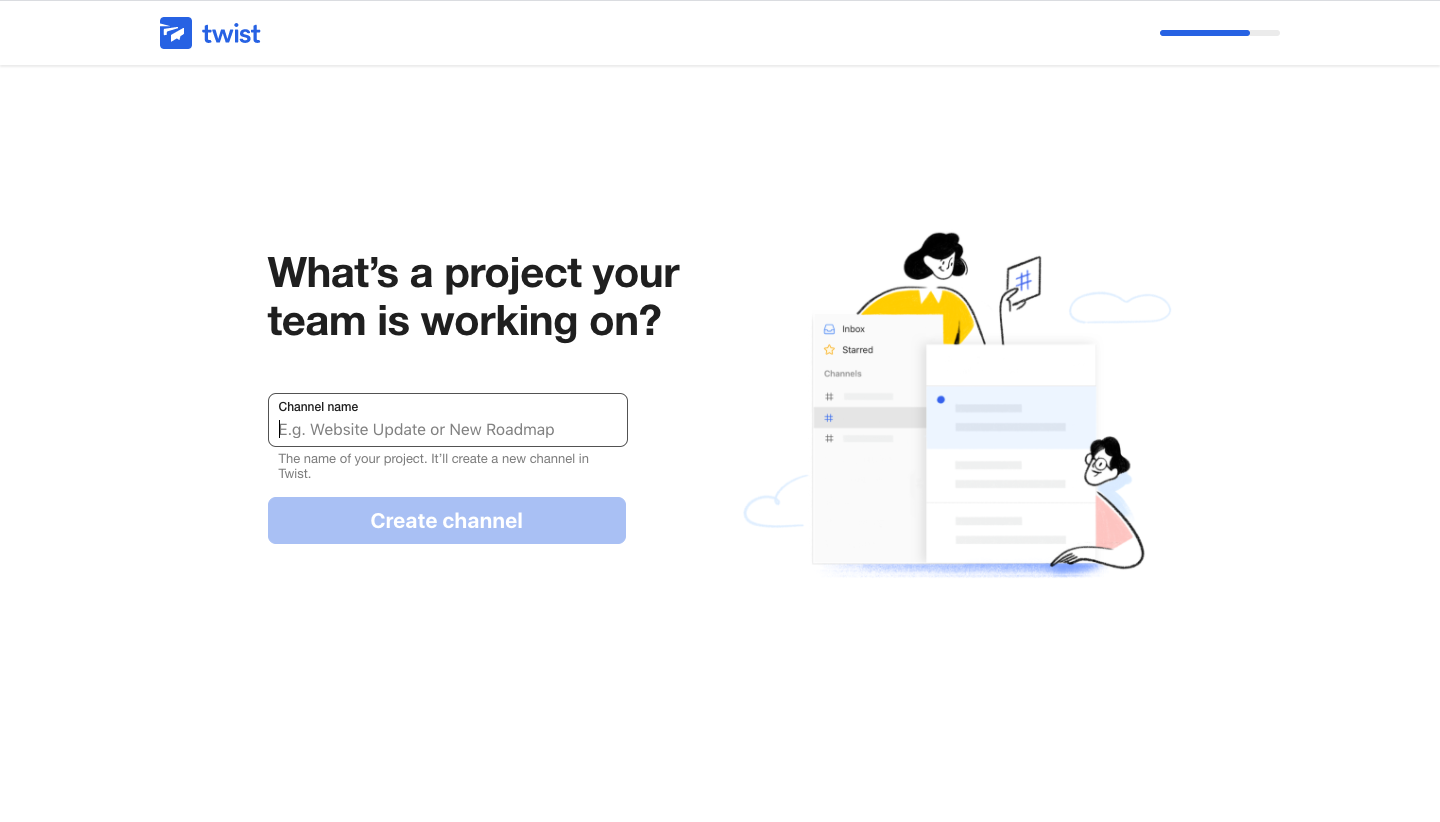
Twist's sign-up flow creates a team in four steps, from sign-up to naming a team, adding a first channel and inviting members. Every screen pairs a bold left-aligned question and one short form with a line illustration of people and app fragments on the right. A thin blue progress bar in the top right fills as you go, and the invite step offers a skip button.
Follow Twist’s sign up flow flow step by step: 4 real screens captured from the live product, from sign up page to sign up flow: invite members. Use ← → to move between steps, and open any screen to see it in full.