SaaSFrame
3 more steps in this flow
Free accounts see the first 3 steps of each flow. Pro unlocks every step of every flow, plus every screen, section and Copy in Figma.
Station User Onboarding
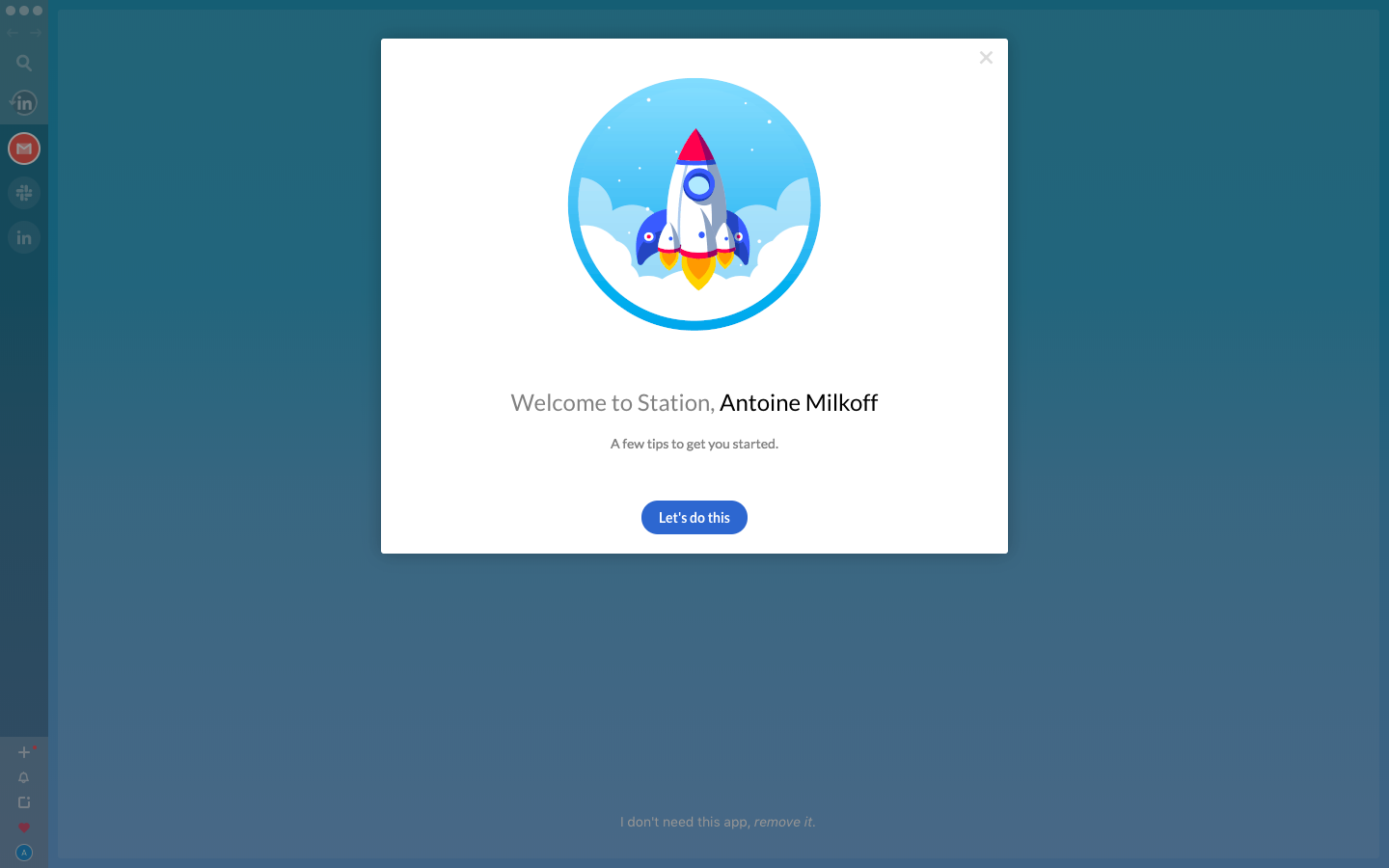
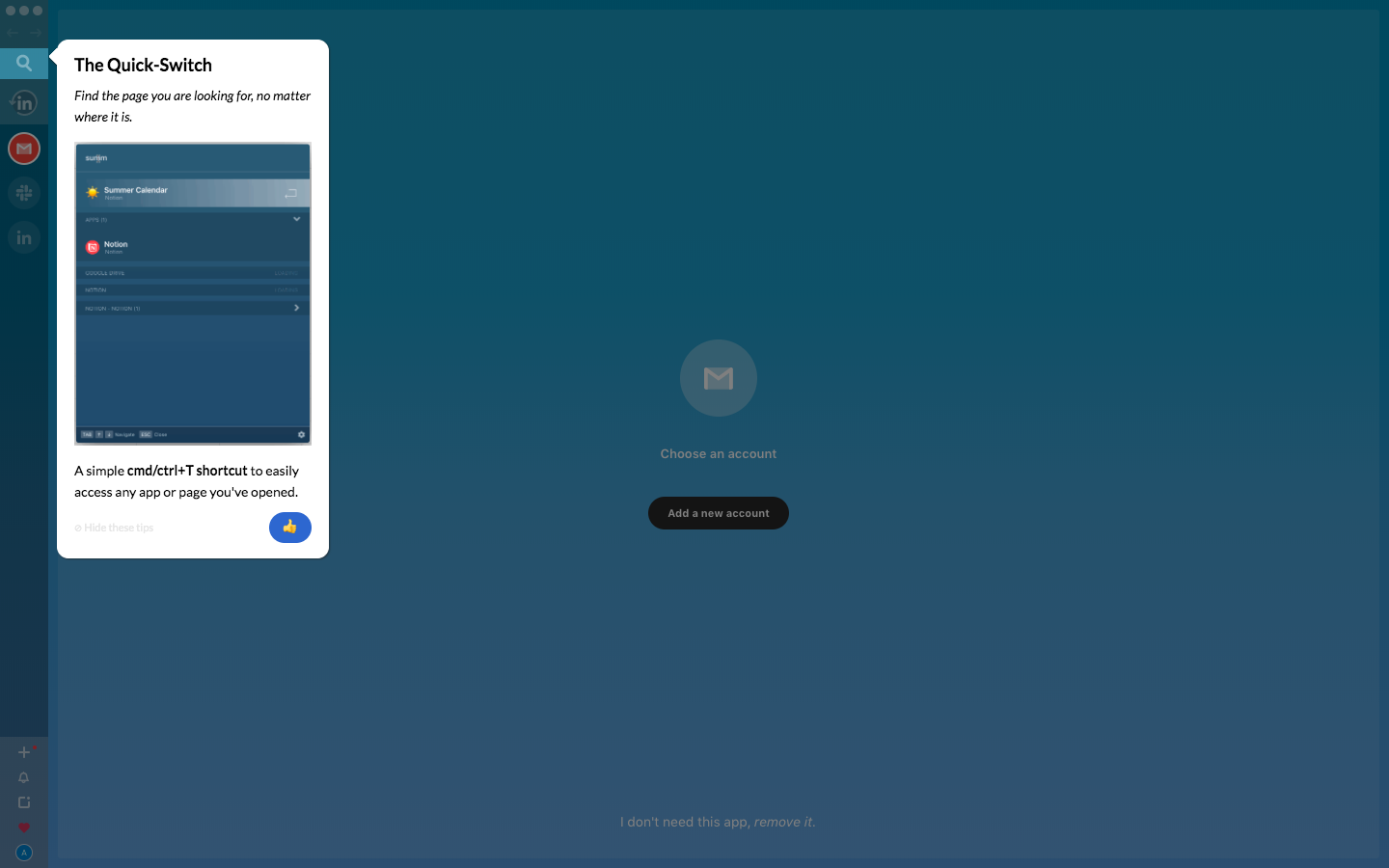
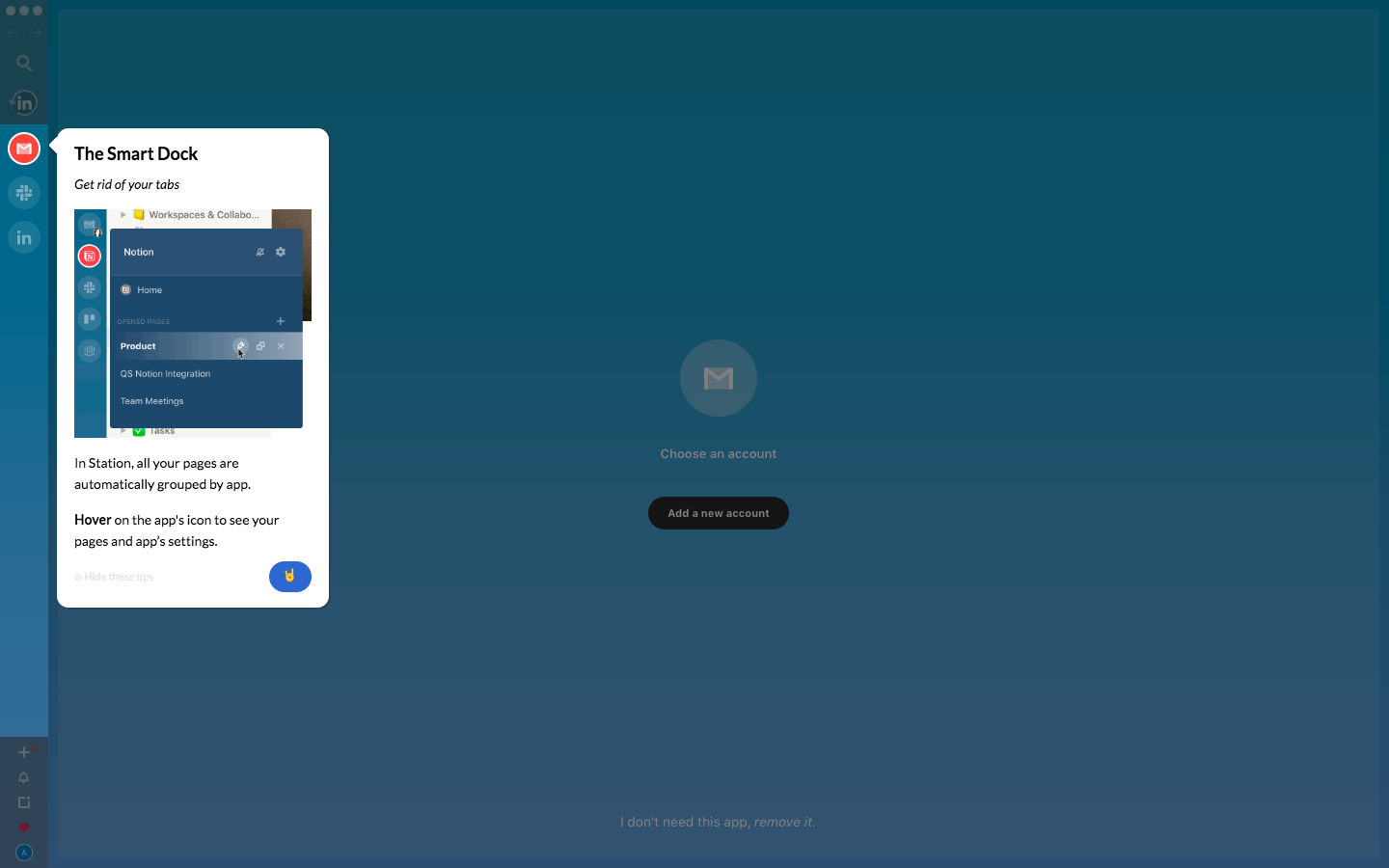
Station's user onboarding tours its desktop app with six in-app popovers, then continues the lessons with a series of follow-up emails. A rocket illustration welcomes you over the teal app background before small white popovers explain quick switch, the smart dock, focus mode and the app store grid. A red heart closes the tour, and the emails use a blue gradient header with the wordmark above short feature write-ups.
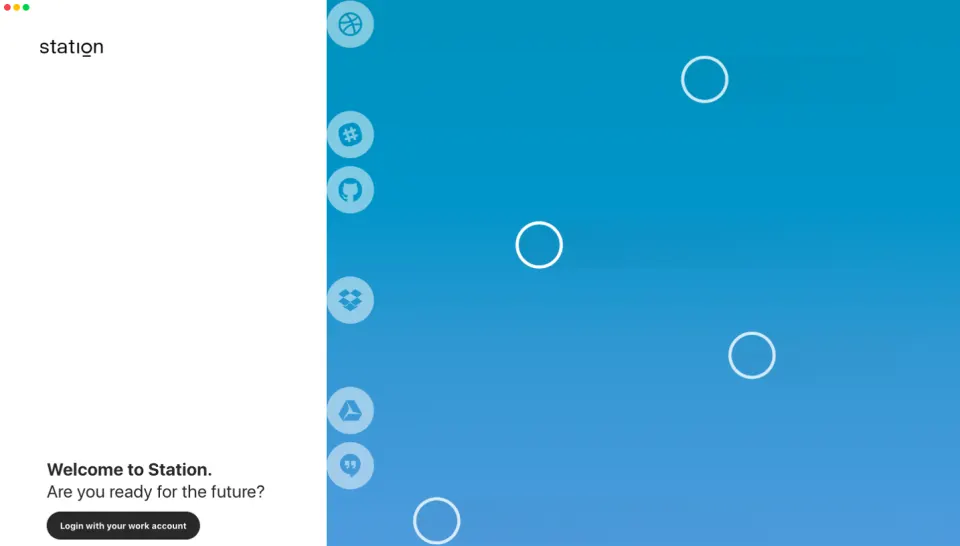
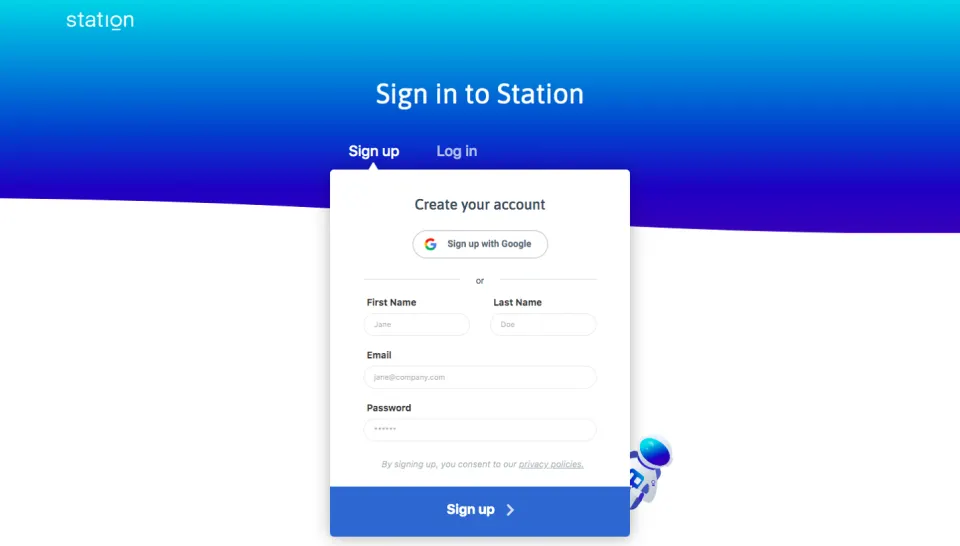
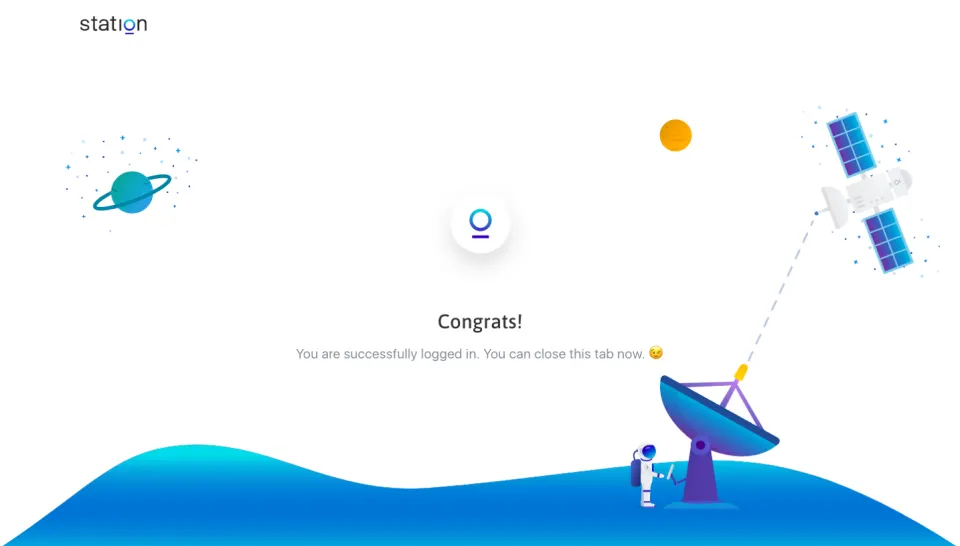
Follow Station’s user onboarding flow step by step: 6 real screens captured from the live product, from onboarding: welcome to onboarding: done. Use ← → to move between steps, and open any screen to see it in full.
Steps in this flow
More flows from Station
All Station Station Sign Up Flow
5 screens