SaaSFrame
2 more steps in this flow
Free accounts see the first 3 steps of each flow. Pro unlocks every step of every flow, plus every screen, section and Copy in Figma.
Sprout Social Sign Up Flow
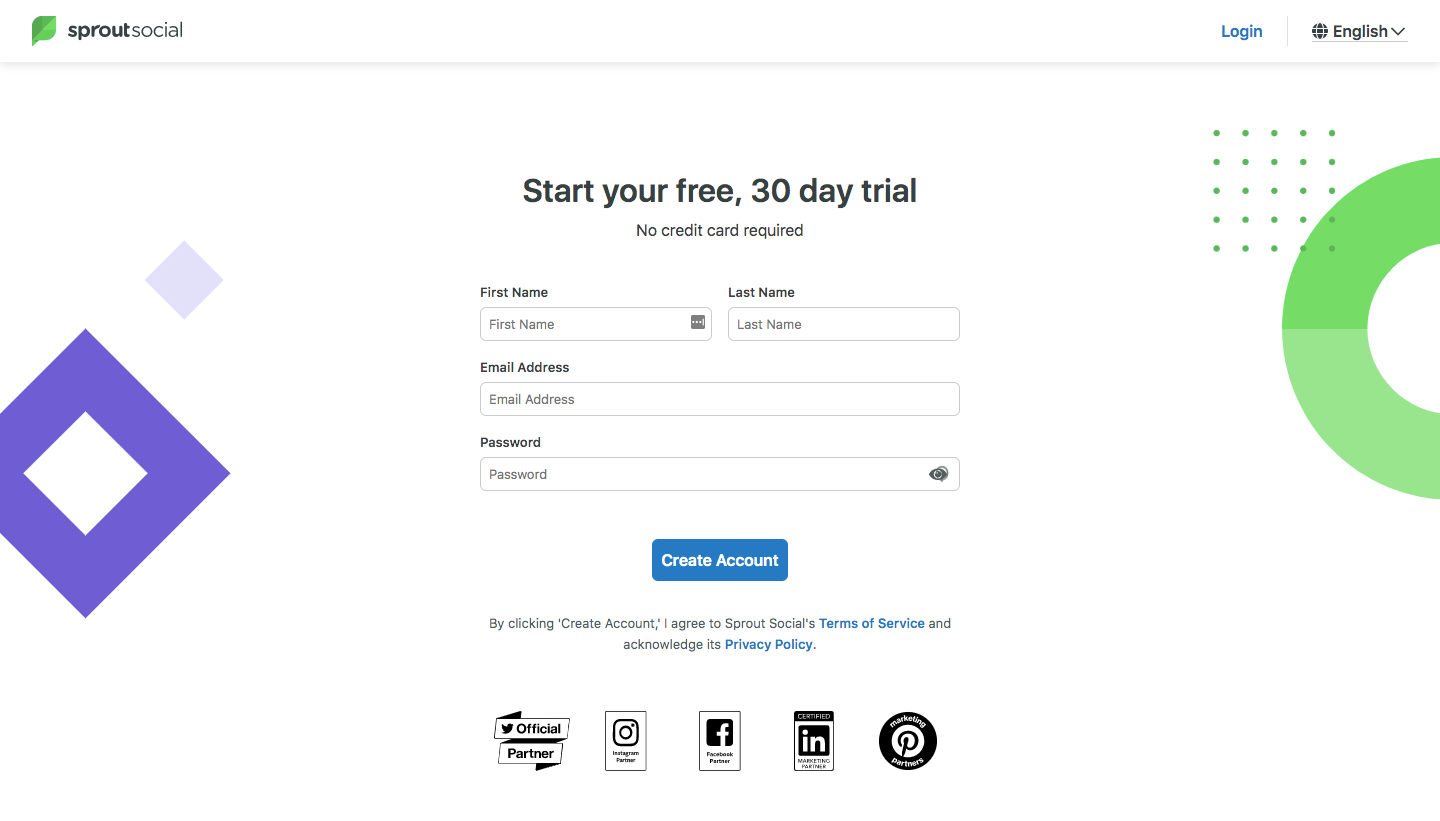
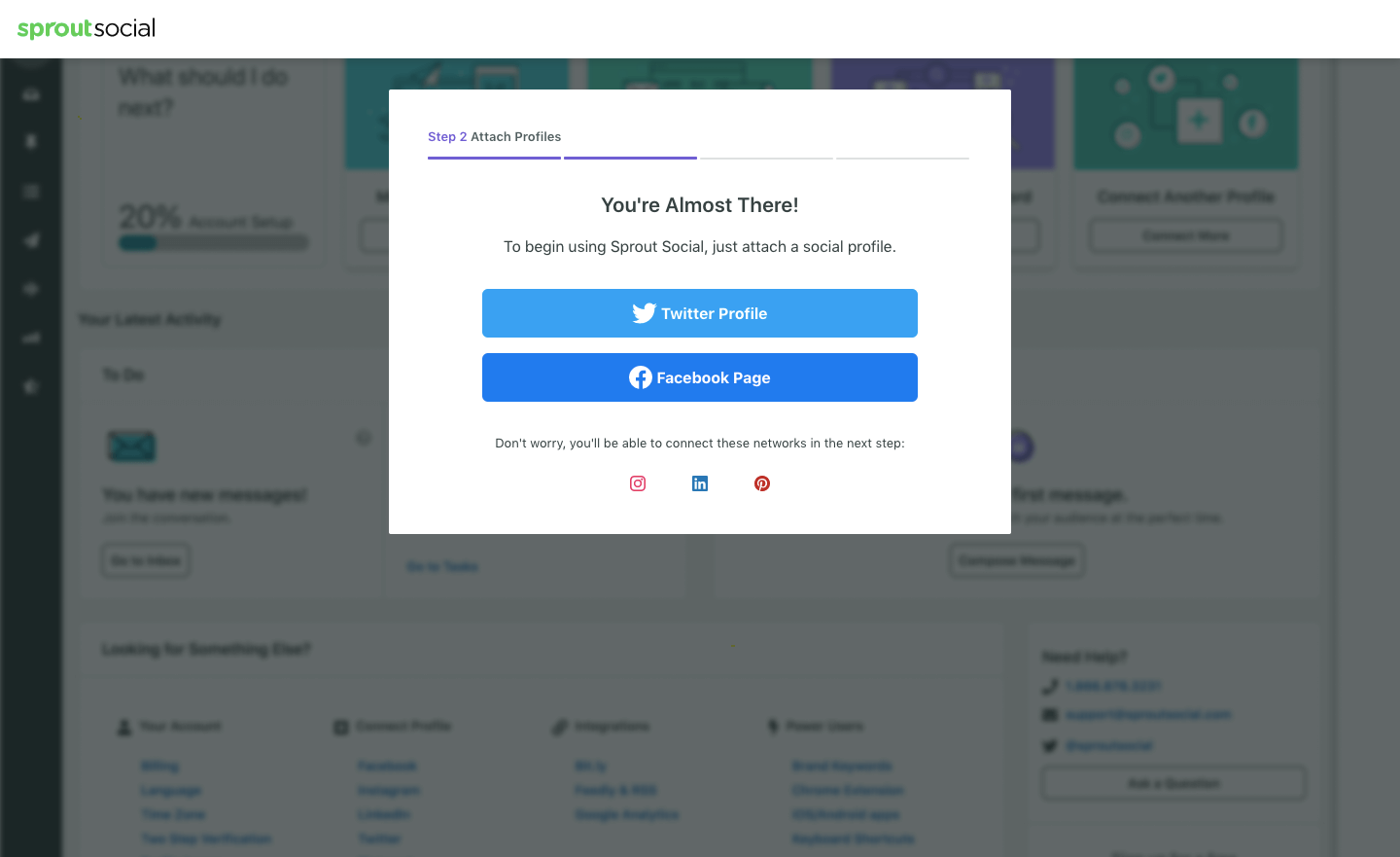
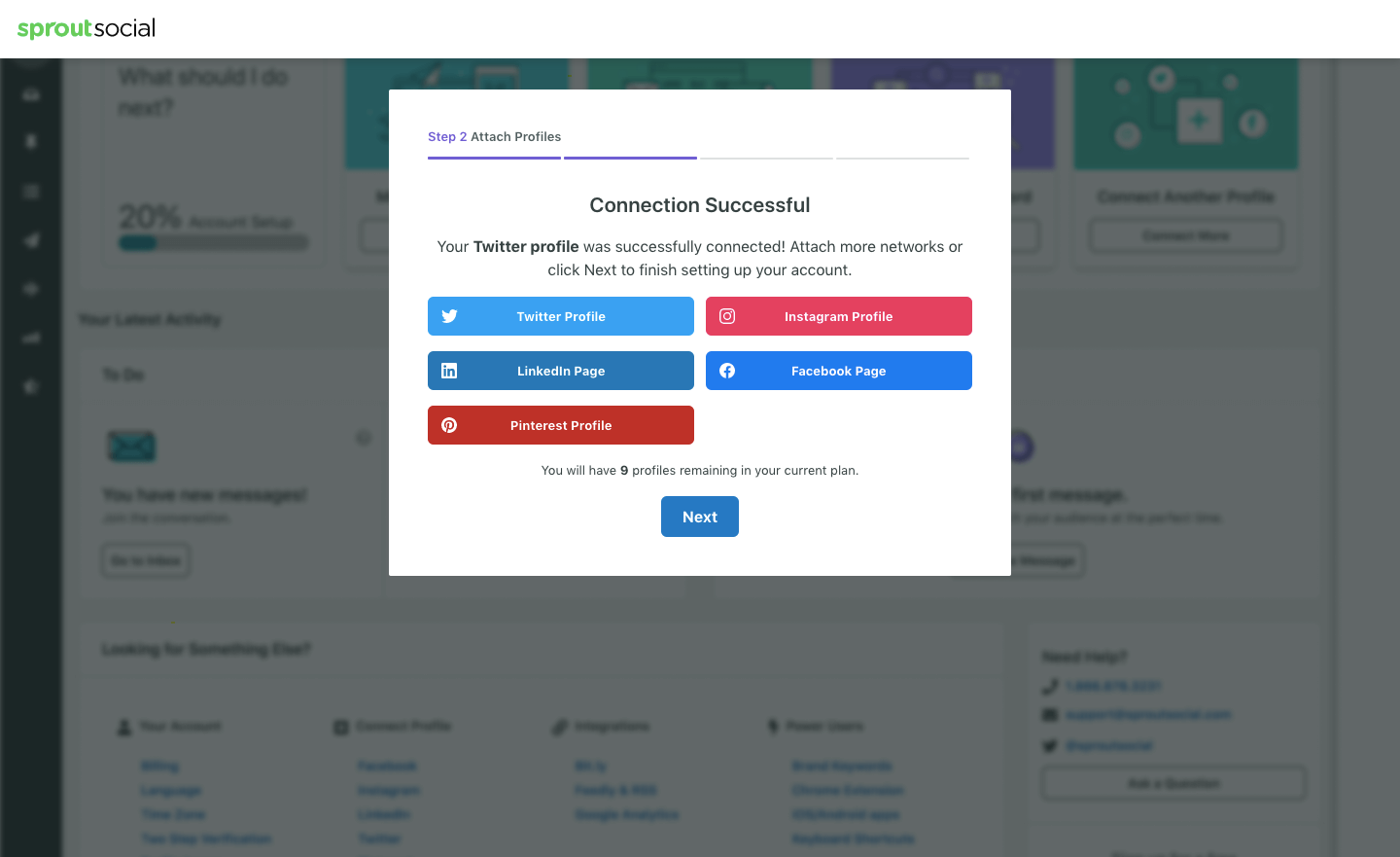
Sprout Social's sign-up flow starts a 30-day trial on a light form page, then runs setup as a stepped modal over a dimmed dashboard. After the account form with partner badges, the modal asks you to attach a social profile through large network-colored buttons. A thin segmented progress bar tops each modal, ending with a profile form and a role picker with interest checkboxes before Finish.
Follow Sprout Social’s sign up flow flow step by step: 5 real screens captured from the live product, from sign up page to sign up flow: select interests. Use ← → to move between steps, and open any screen to see it in full.
Steps in this flow
More flows from Sprout Social
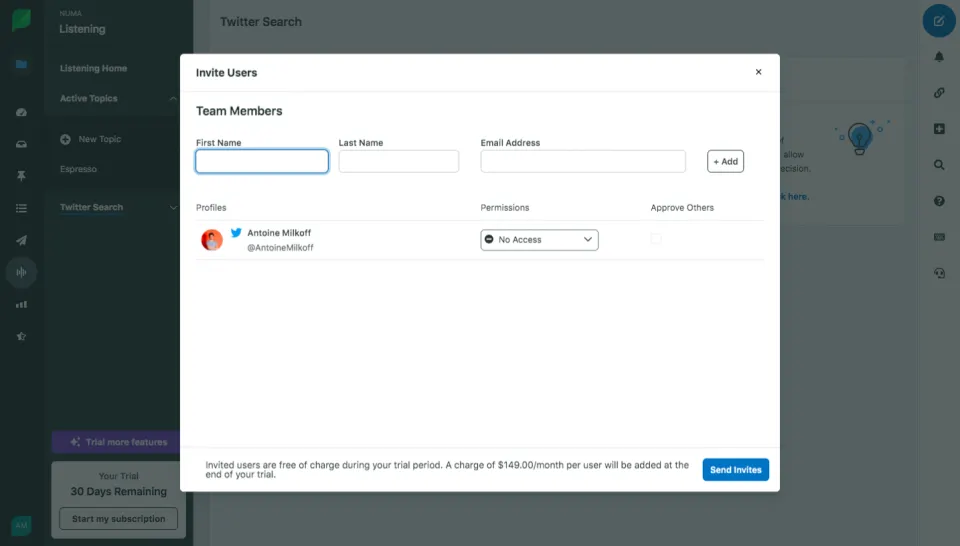
All Sprout Social Sprout Social Invite Team Members
1 screen