 SaaSFrame


SaaSFrame Pro
3 more steps in this flow
Free accounts see the first 3 steps of each flow. Pro unlocks every step of every flow, plus every screen, section and Copy in Figma.

Slite Sign Up Flow
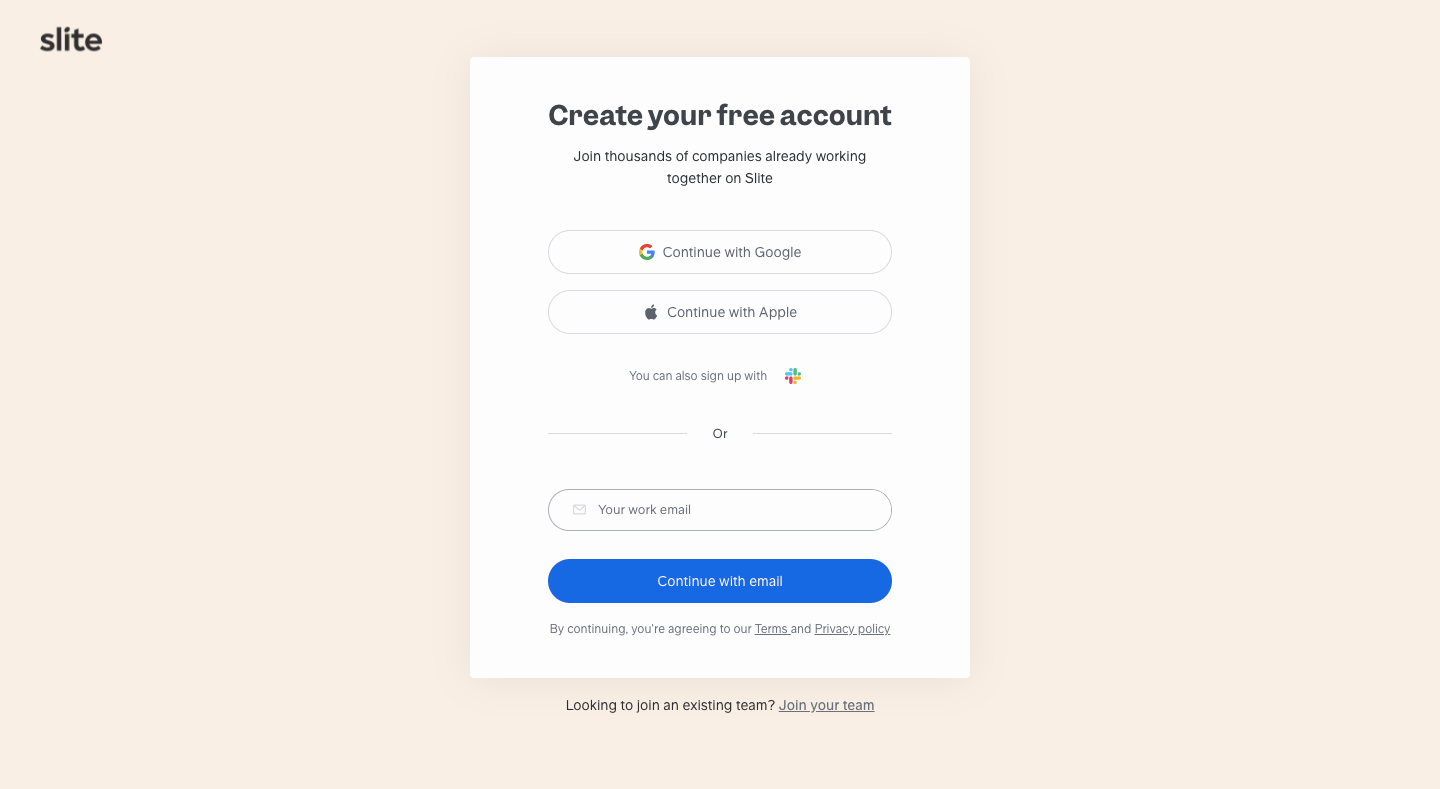
Slite's sign-up flow sets up a team, a profile, invites and starter docs through compact white modals over a dimmed workspace. It starts from a cream sign-up card with Google and Apple options; team size, work type and tools are then picked with pill chips. A template picker previews docs beside a large illustration, and a sketch of high-fiving hands confirms the team is ready.
Follow Slite’s sign up flow flow step by step: 6 real screens captured from the live product, from sign up page to account ready. Use ← → to move between steps, and open any screen to see it in full.