 SaaSFrame
SaaSFrame Pro
4 more steps in this flow
Free accounts see the first 3 steps of each flow. Pro unlocks every step of every flow, plus every screen, section and Copy in Figma.

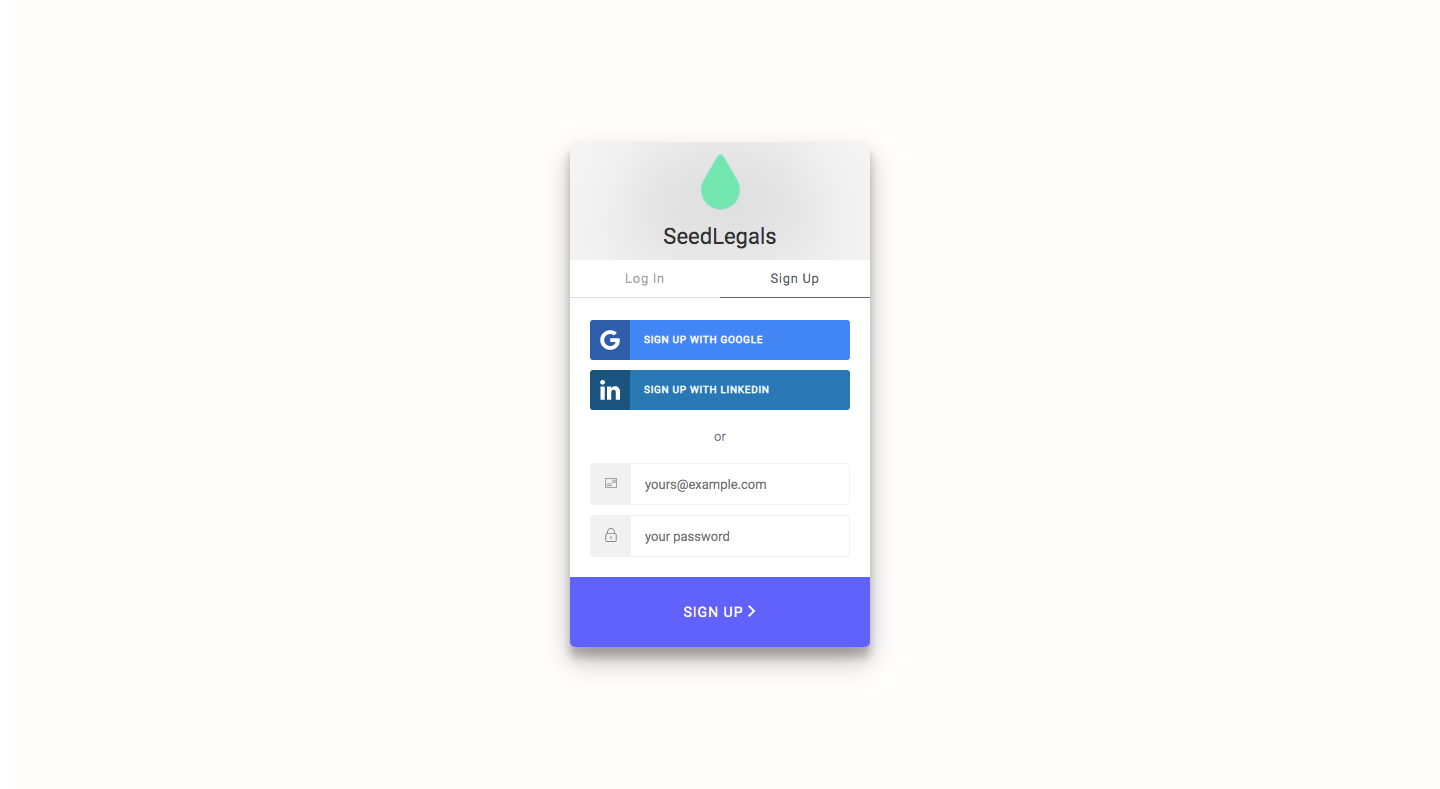
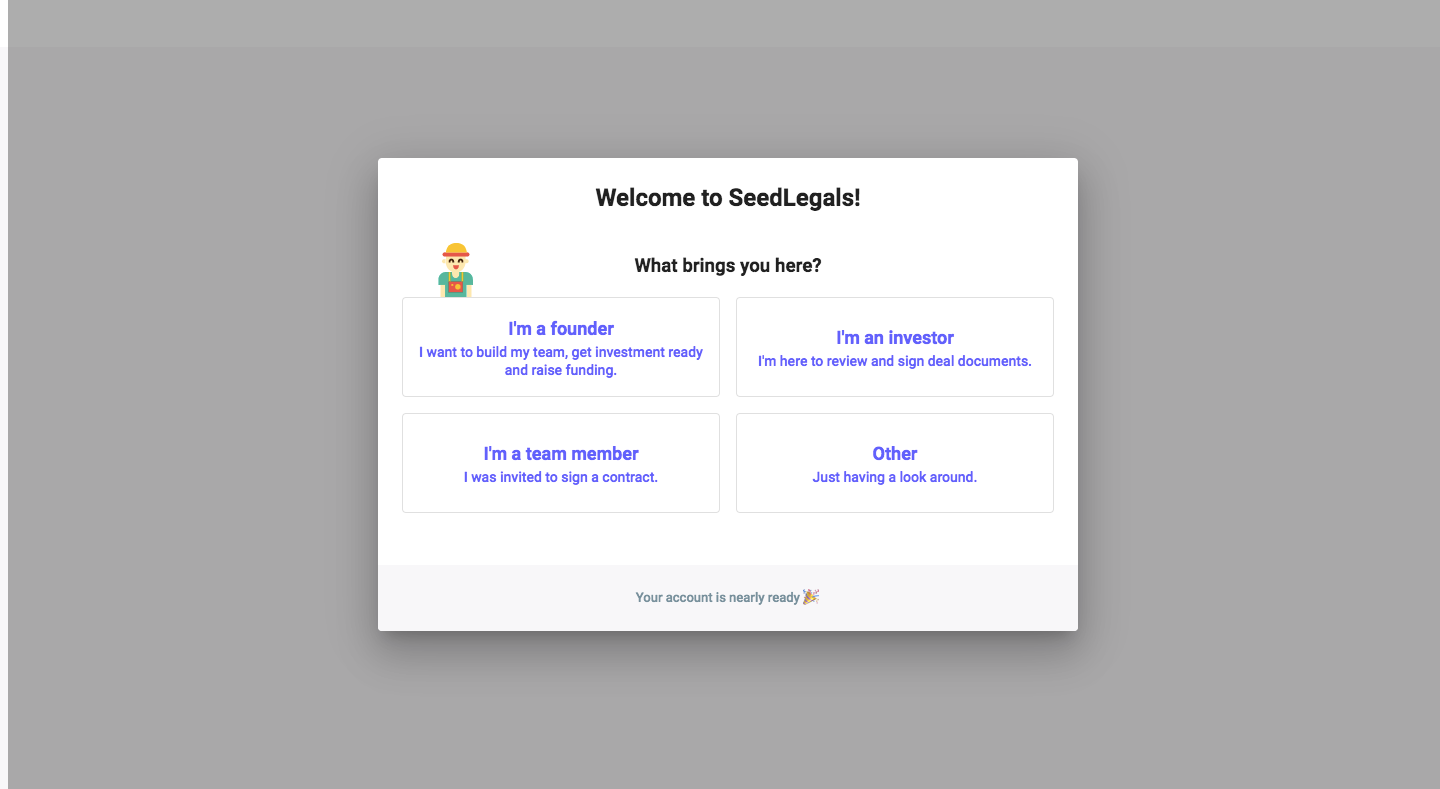
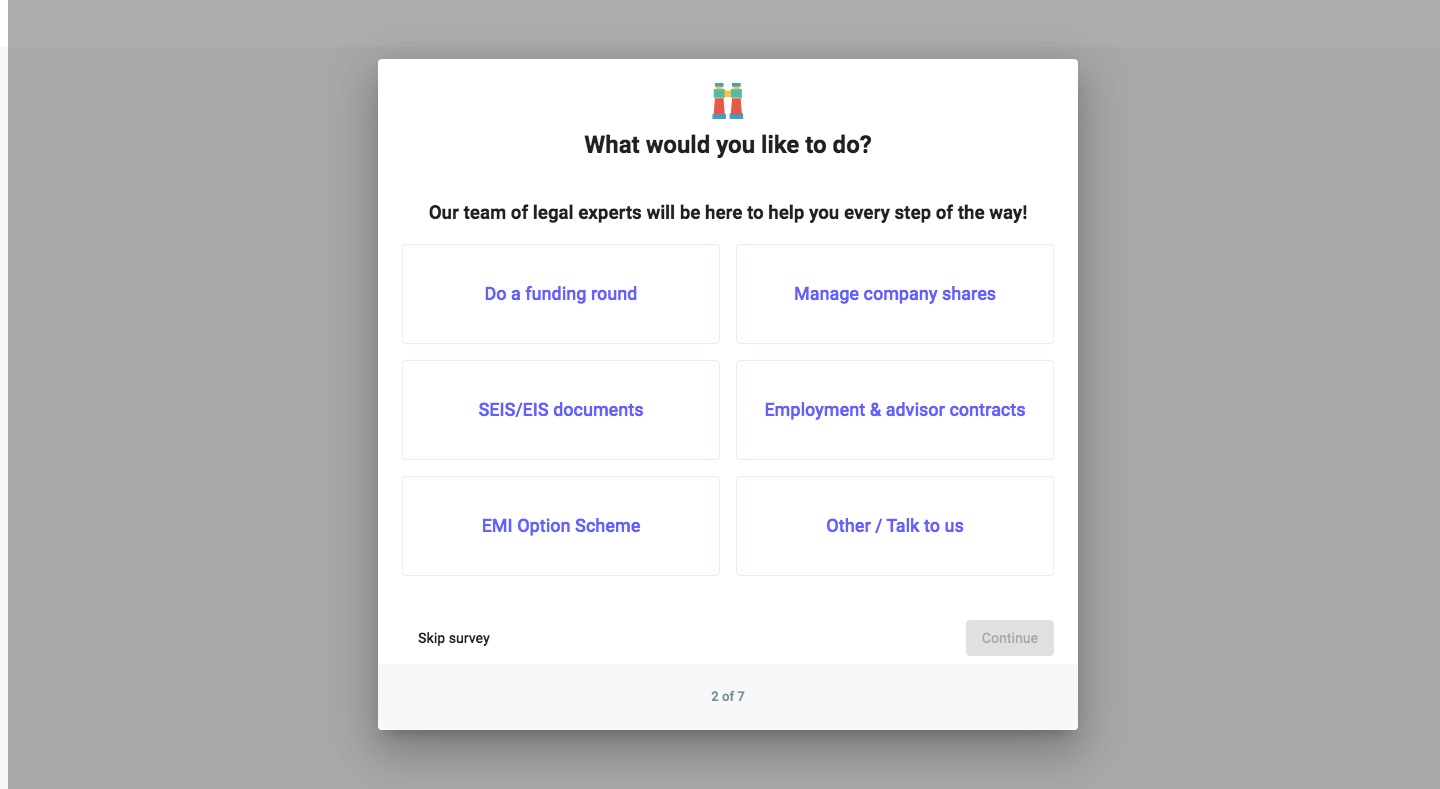
SeedLegals Sign Up Flow
SeedLegals' sign-up flow takes seven steps, from a compact sign-up card to an all-set modal, with most questions asked as a survey over a grey backdrop. Role, goal, sector and referral source each appear as grids of text buttons in a white modal, with small emoji headers and skip links. A long personal details form for documents precedes the final card with a rocket illustration.
Follow SeedLegals’s sign up flow flow step by step: 7 real screens captured from the live product, from sign up page to sign up flow: all set. Use ← → to move between steps, and open any screen to see it in full.