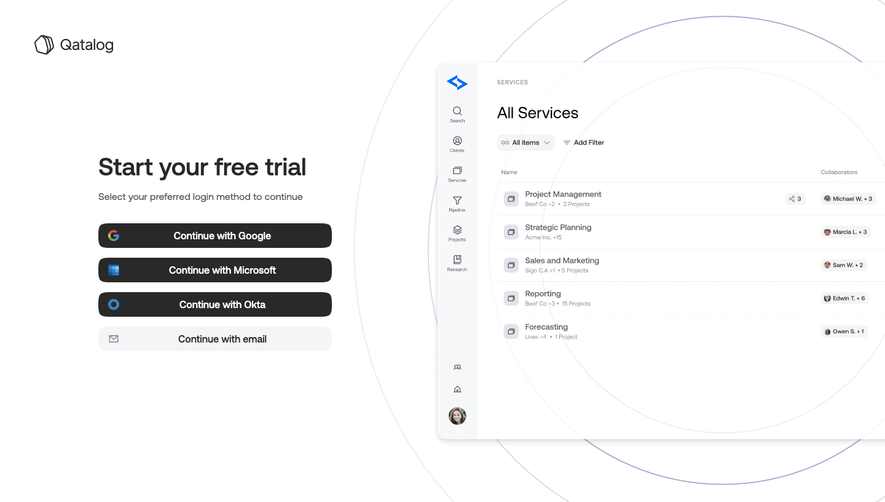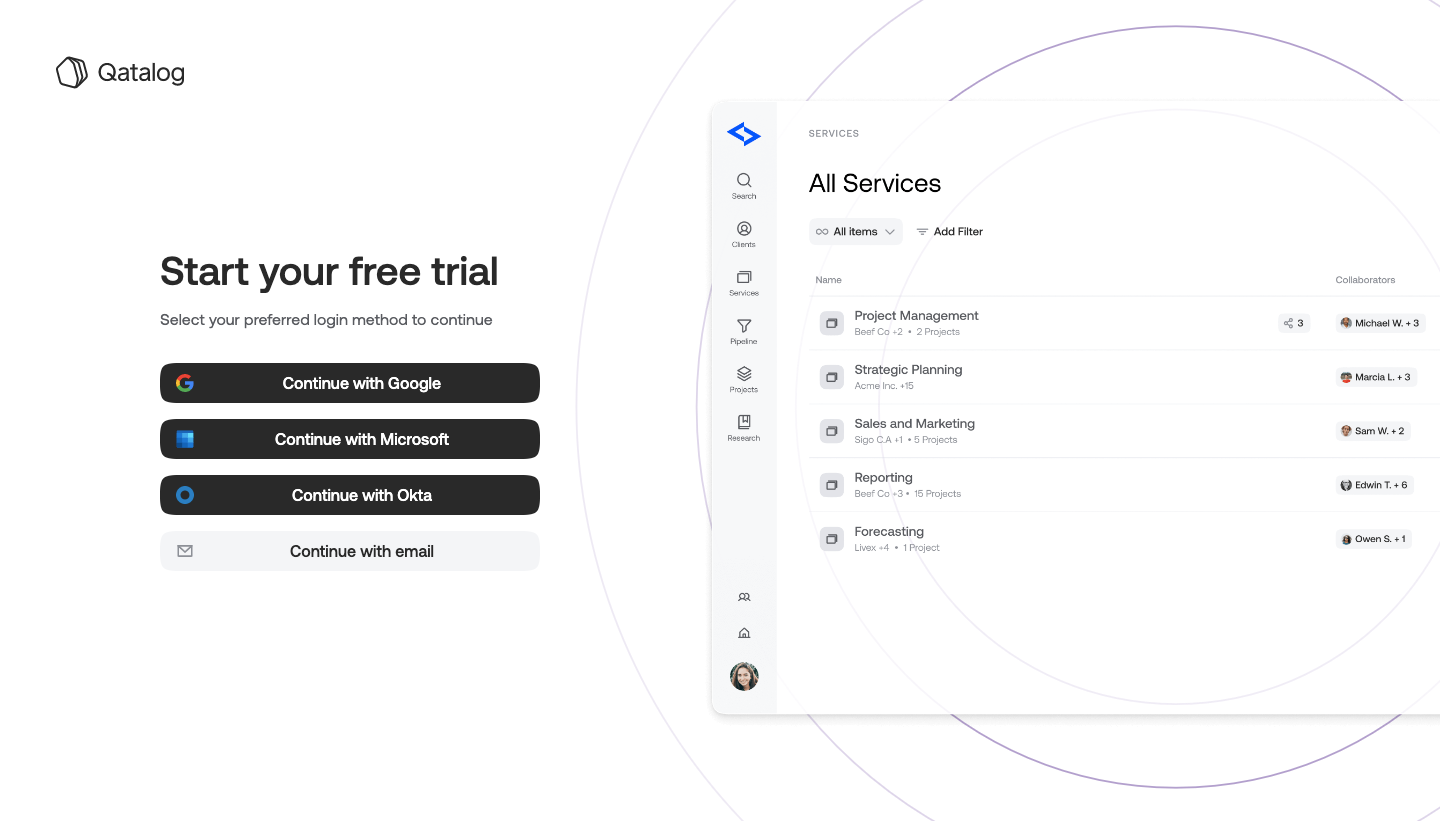






Qatalog Sign Up Page
1 Sign Up Page
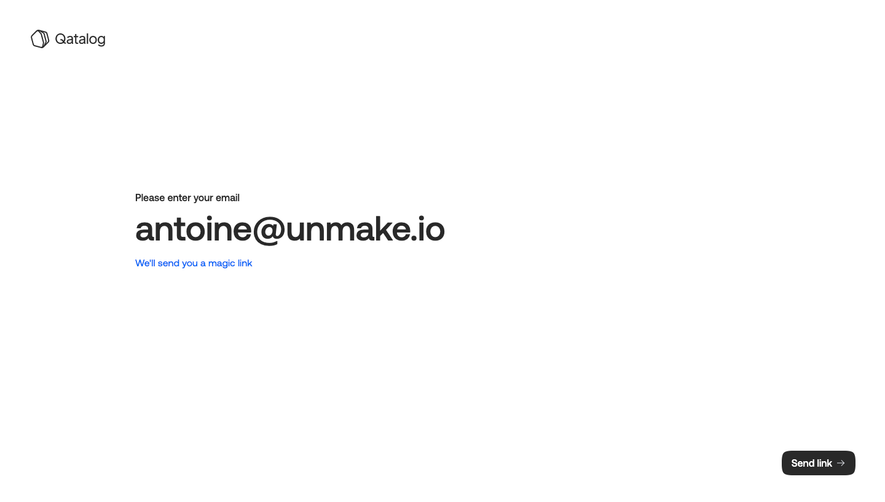
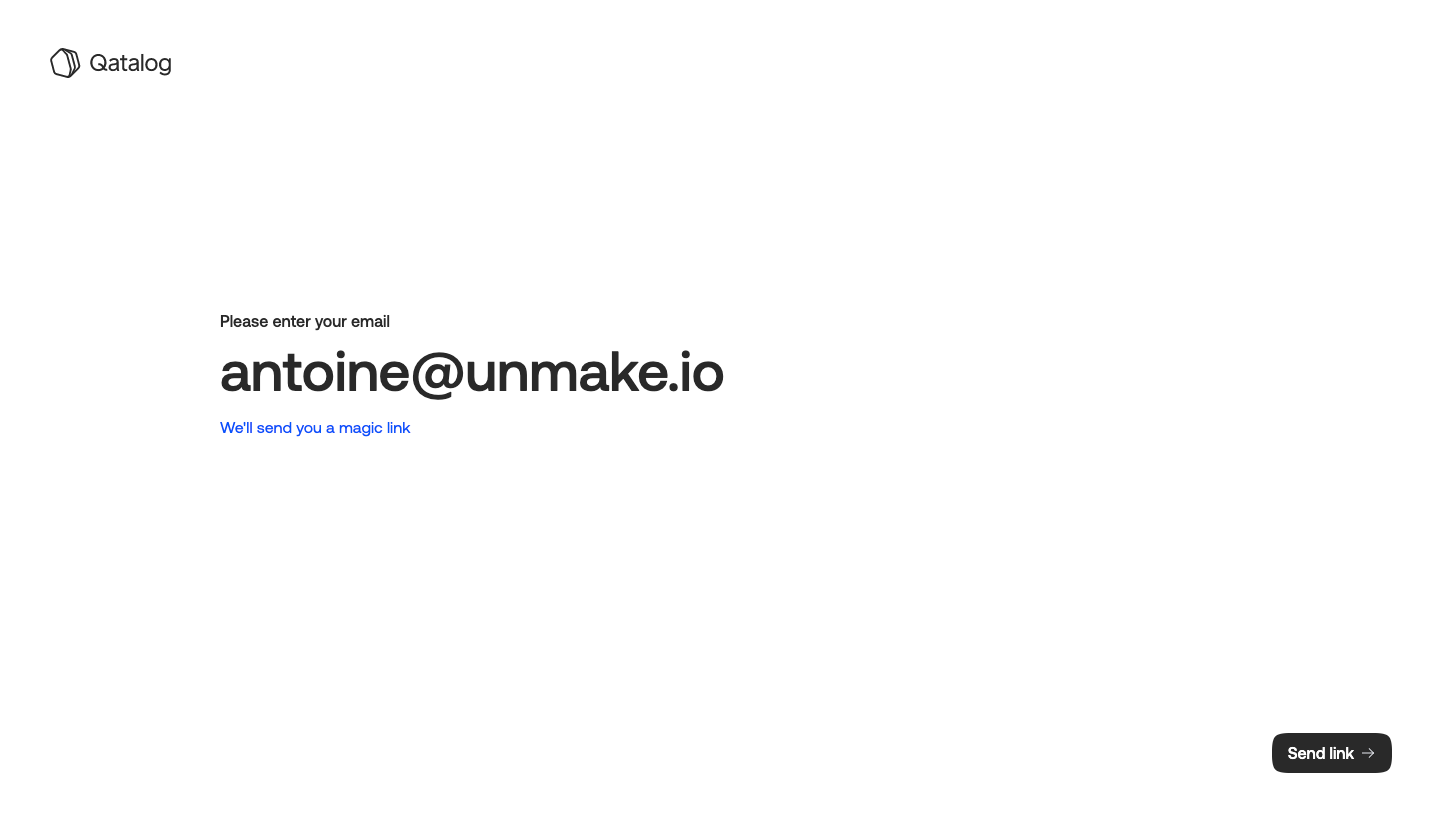
Qatalog Enter Email Address
2 Enter Email Address
Qatalog Enter Email Address
3 Enter Email Address
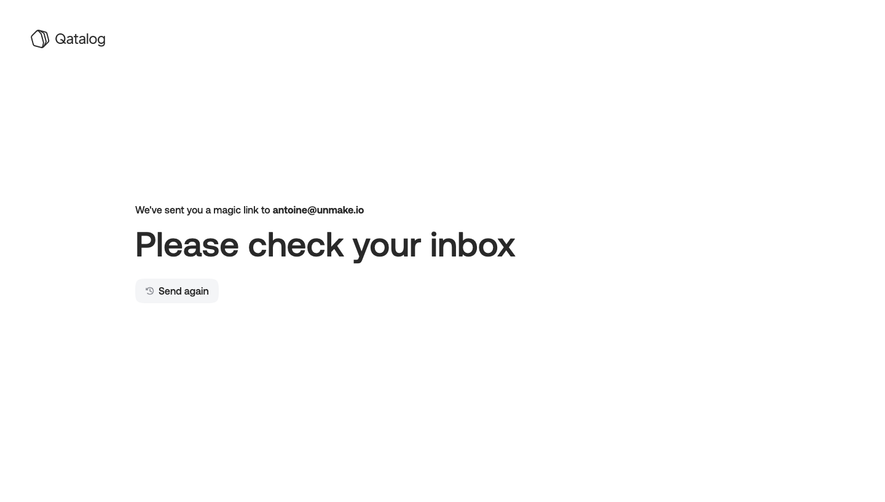
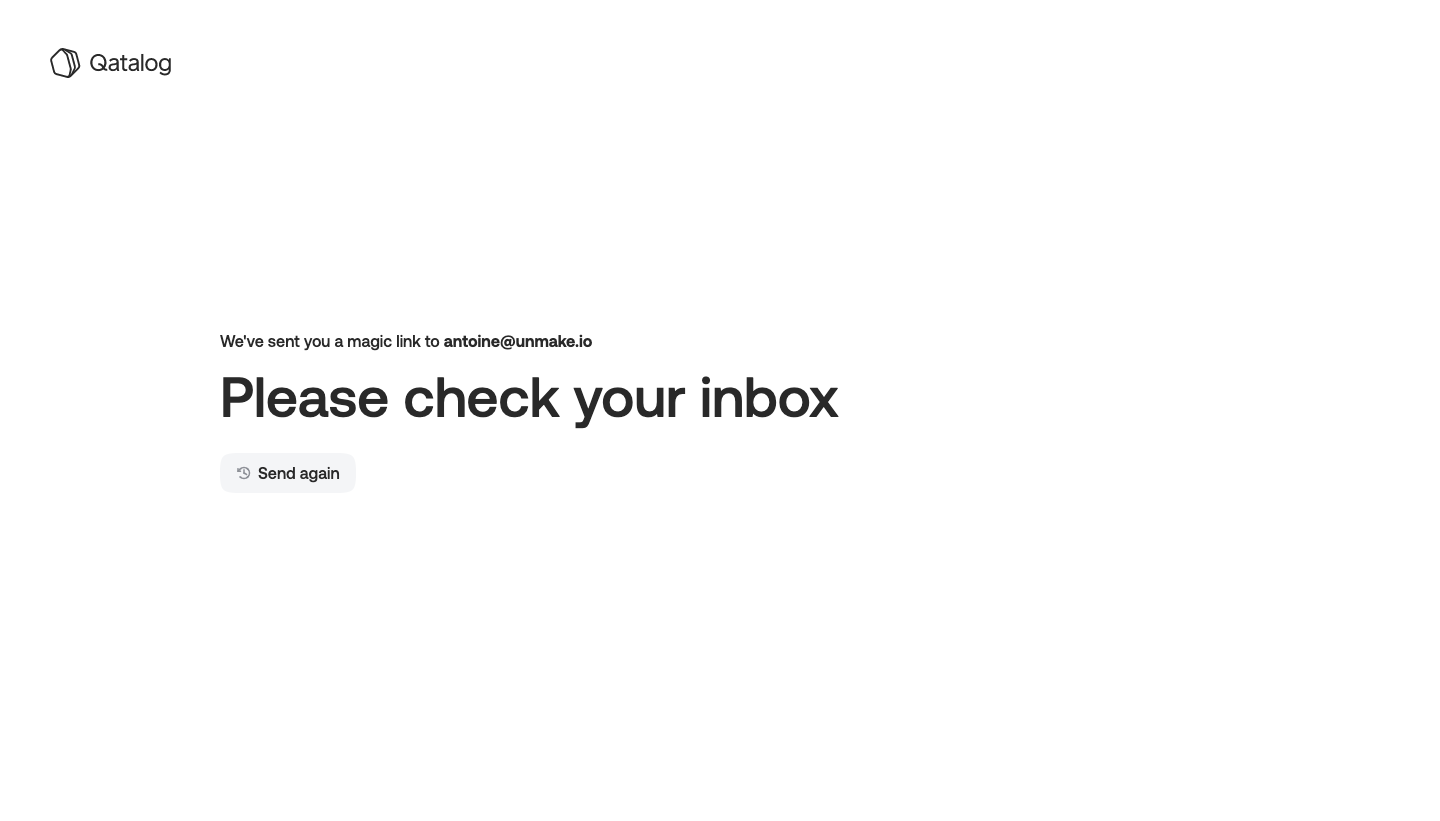
Qatalog Magic Link Sent
4 Magic Link Sent
Qatalog Enter Your Name
5 Enter Your Name
Qatalog Enter Your Name
6 Enter Your Name
Qatalog Name Your Company
7 Name Your Company
Qatalog Name Your Company
8 Name Your Company
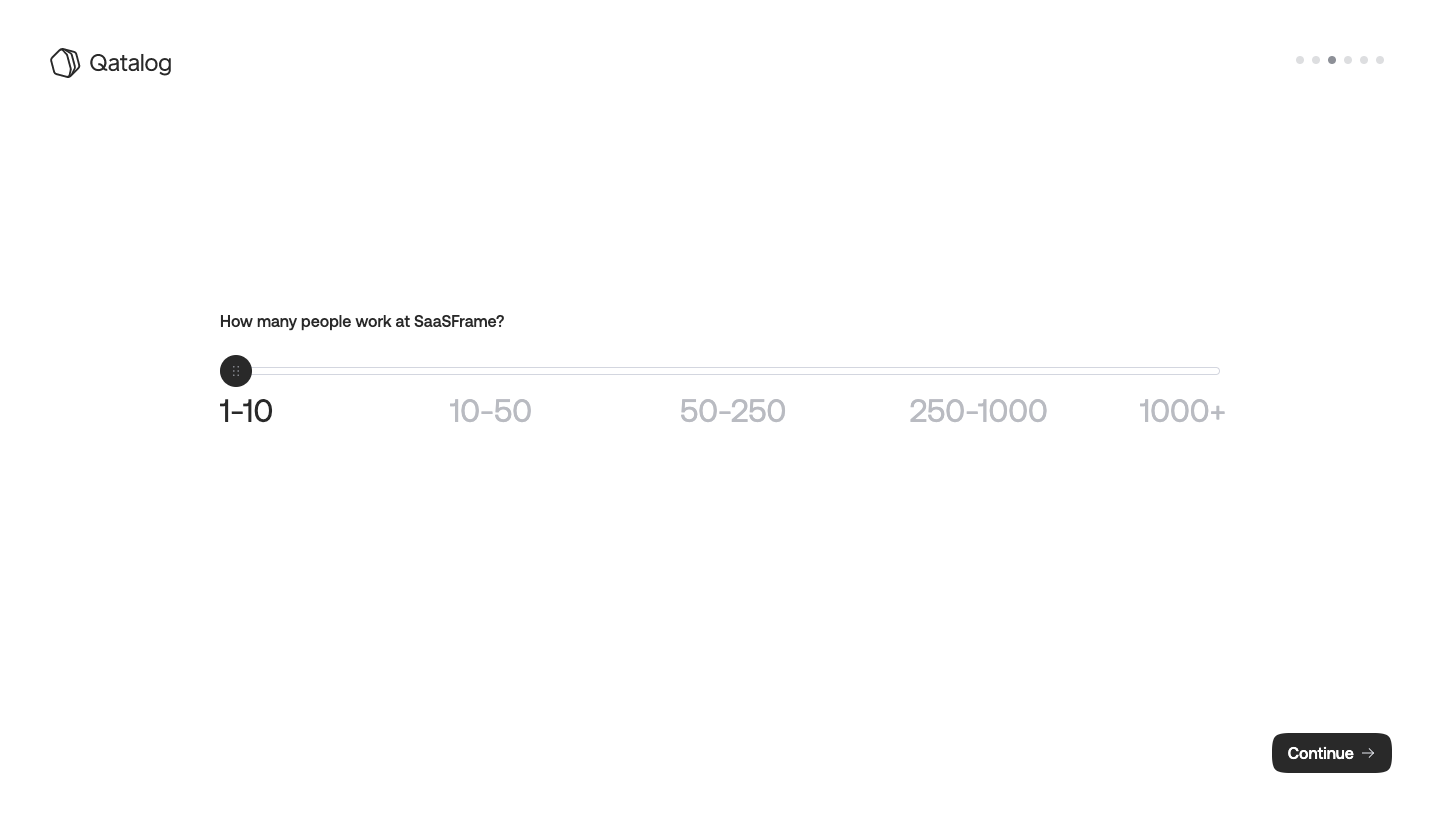
Qatalog Company Details
9 Company Details
Qatalog Account Setup
10 Account Setup

Qatalog Account Creation

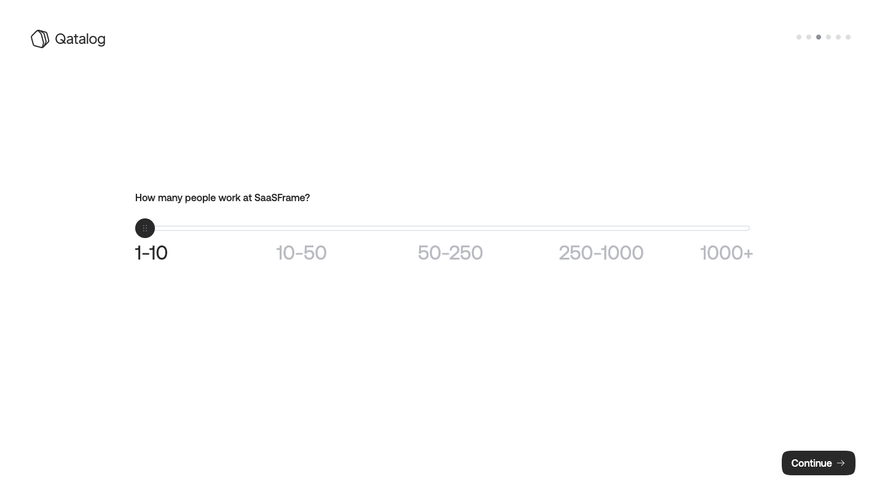
Follow Qatalog’s account creation flow step by step: 10 real screens captured from the live product, from sign up page to account setup. Use ← → to move between steps, and open any screen to see it in full.

Steps in this flow

  1. 1Sign Up Page
  2. 2Enter Email Address
  3. 3Enter Email Address
  4. 4Magic Link Sent
  5. 5Enter Your Name
  6. 6Enter Your Name
  7. 7Name Your Company
  8. 8Name Your Company
  9. 9Company Details
  10. 10Account Setup

More flows from Qatalog

All Qatalog

Qatalog Account Setup

6 screens

Qatalog Sign Up

4 screens