 SaaSFrame

Polar Sandbox Onboarding
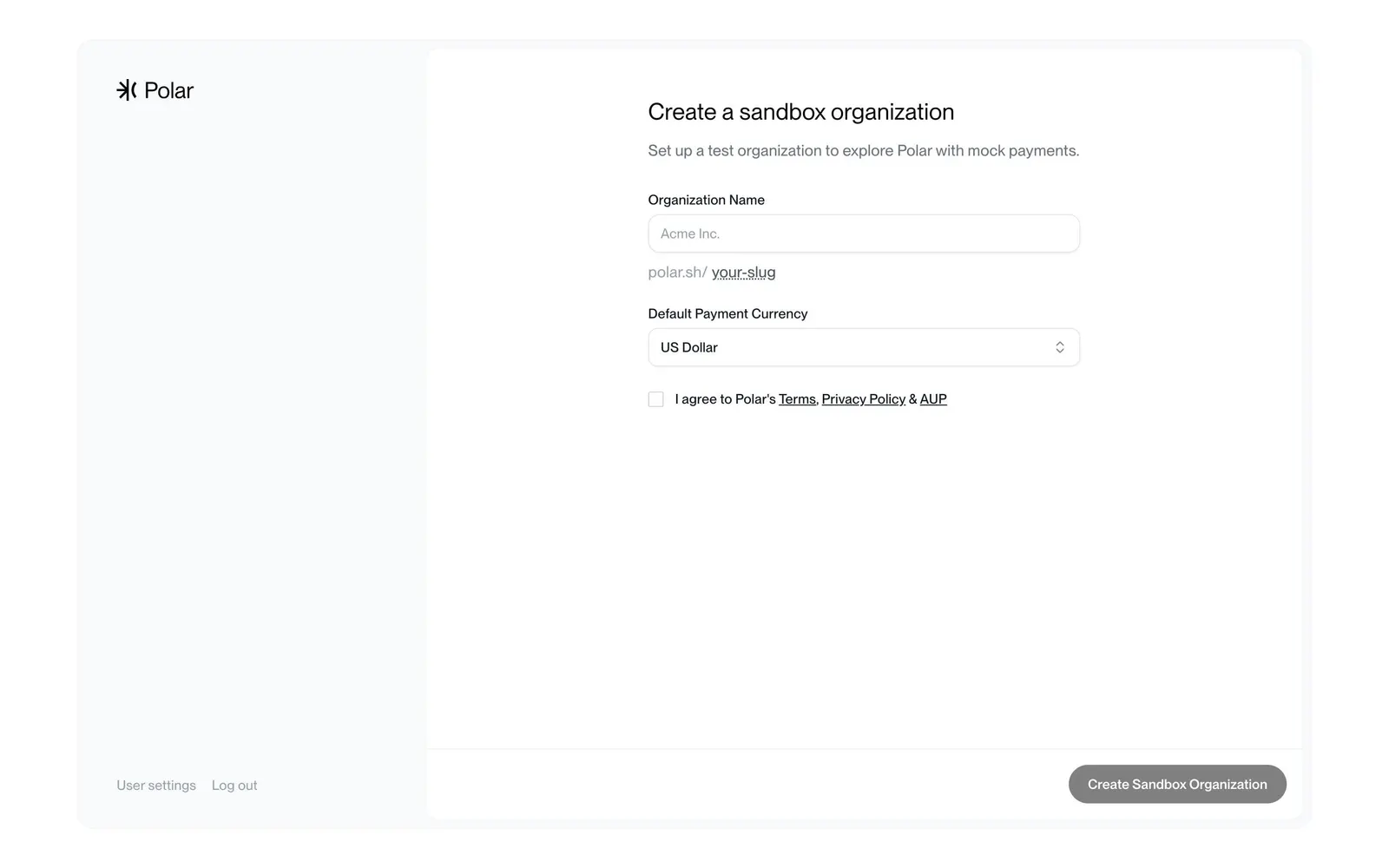
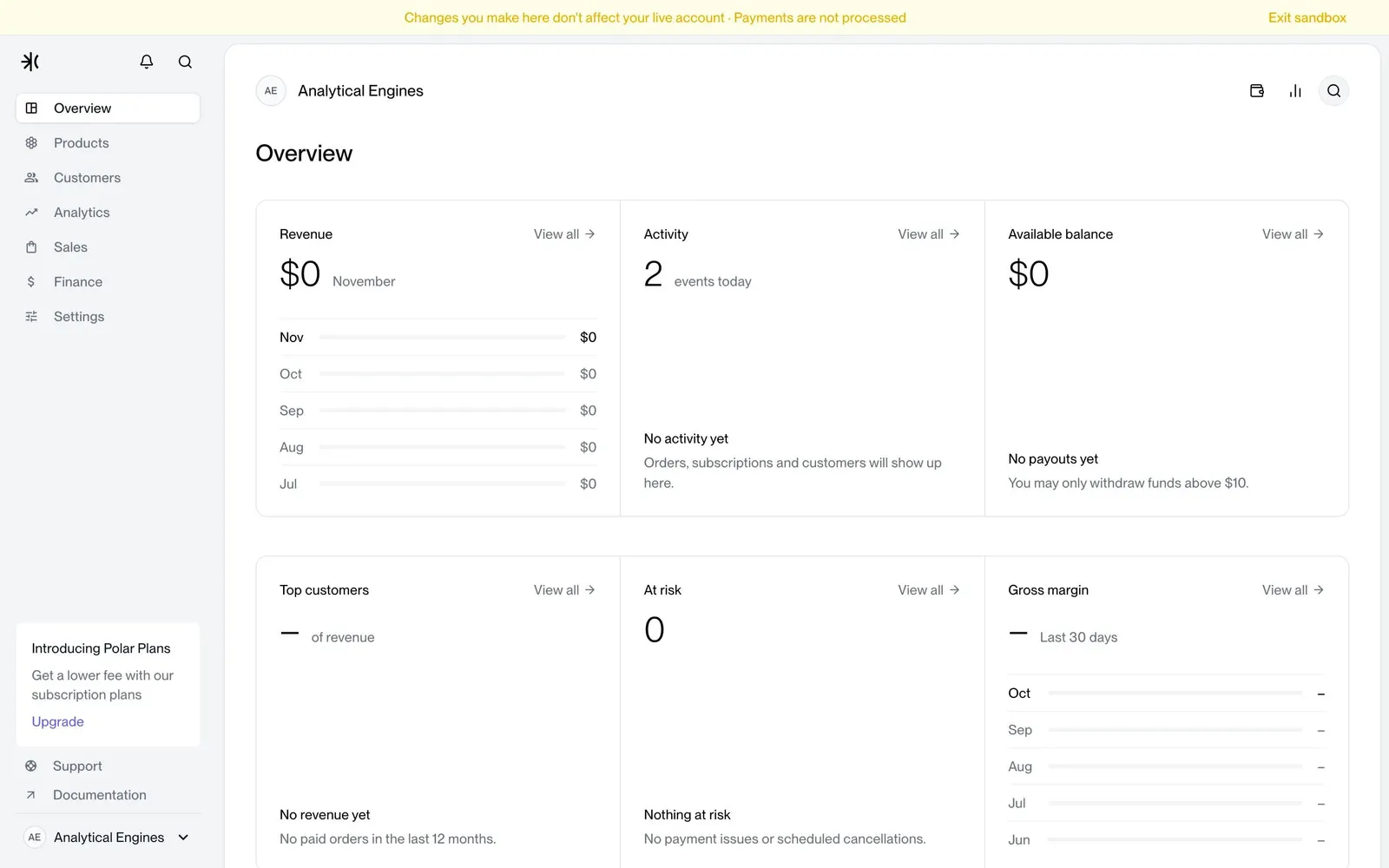
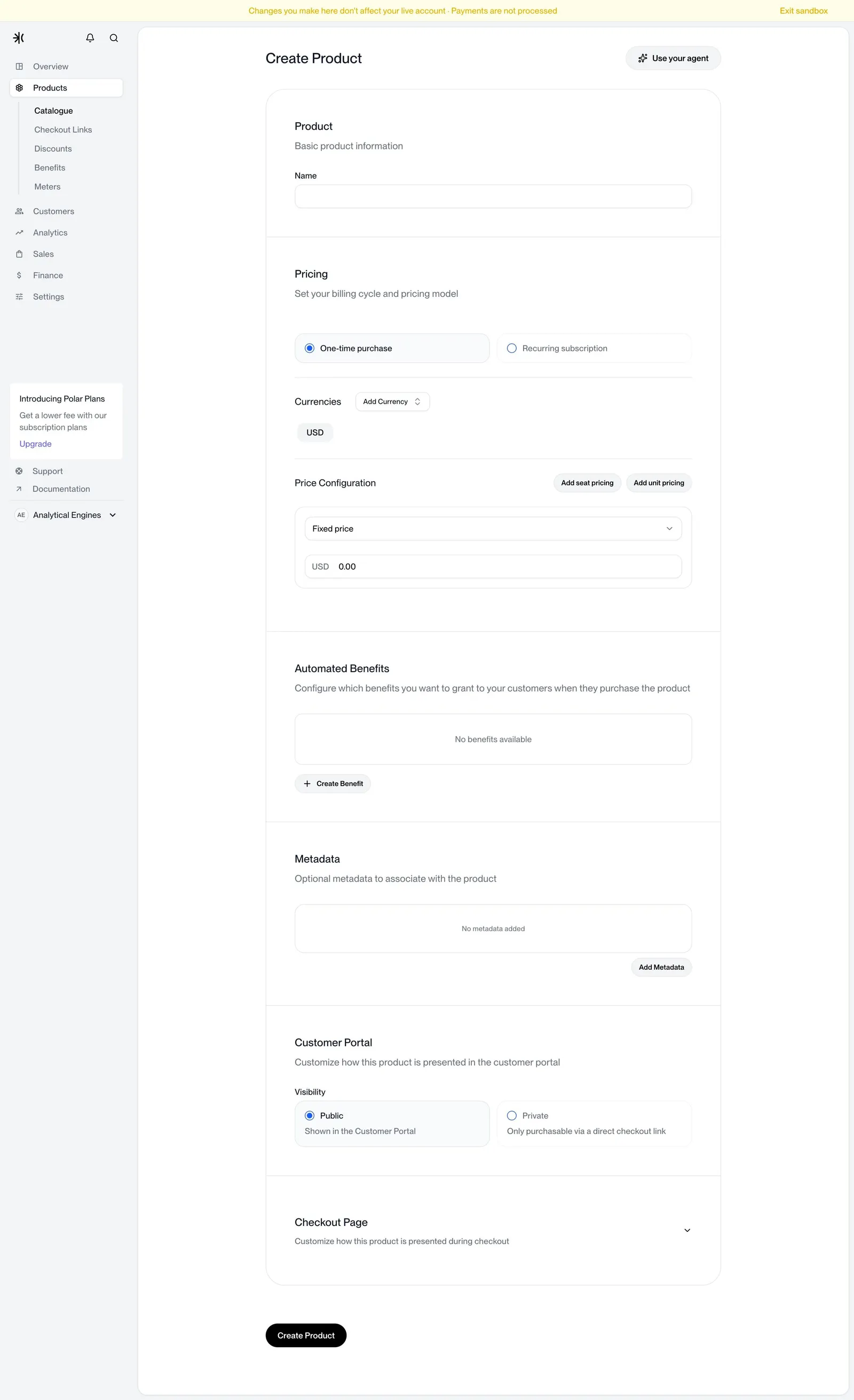
Polar's sandbox starts with a one-form organization setup, then lands on the Overview dashboard under a yellow test-mode bar. From there the empty catalogue leads to the single-page product creation form. Every screen stays black and white, with thin figures and pill buttons.
Follow Polar’s sandbox onboarding flow step by step: 3 real screens captured from the live product, from create sandbox organization to new product. Use ← → to move between steps, and open any screen to see it in full.