SaaSFrame

2 more steps in this flow
Free accounts see the first 3 steps of each flow. Pro unlocks every step of every flow, plus every screen, section and Copy in Figma.
Pitch Sign Up Flow
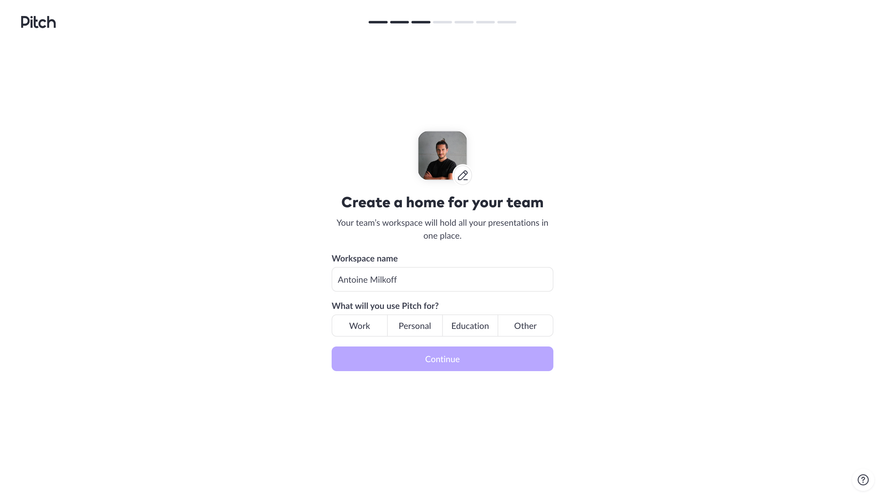
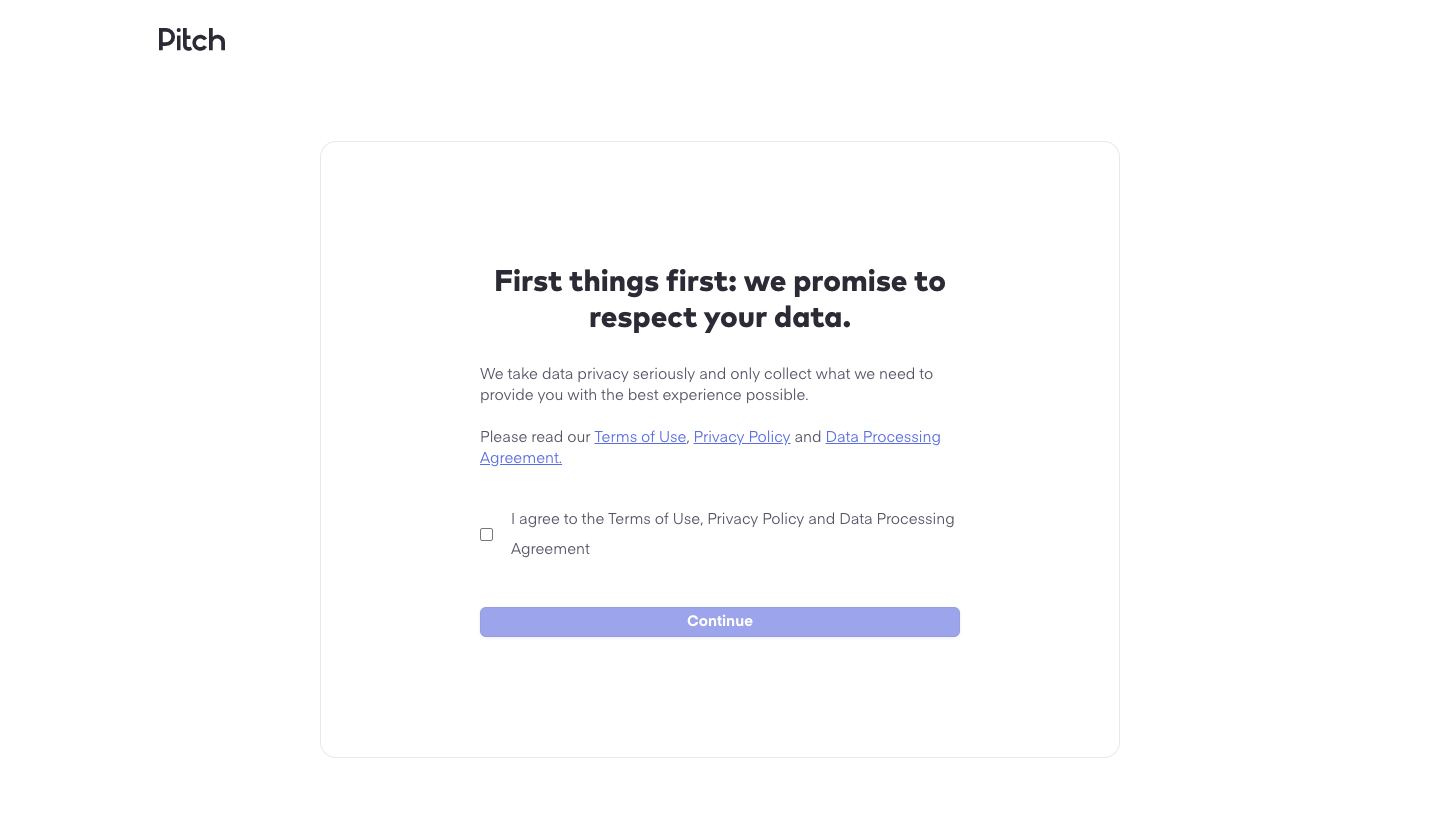
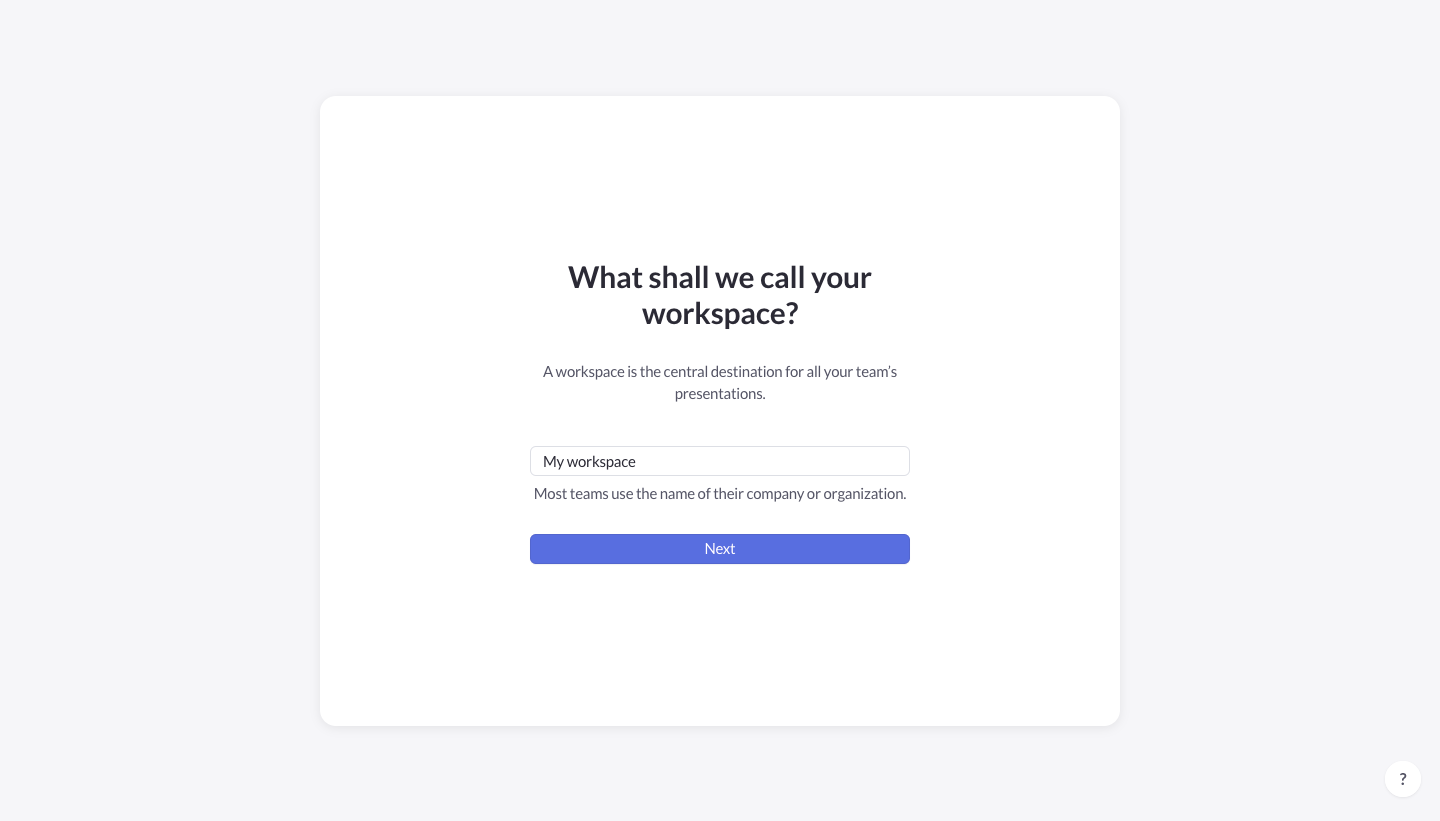
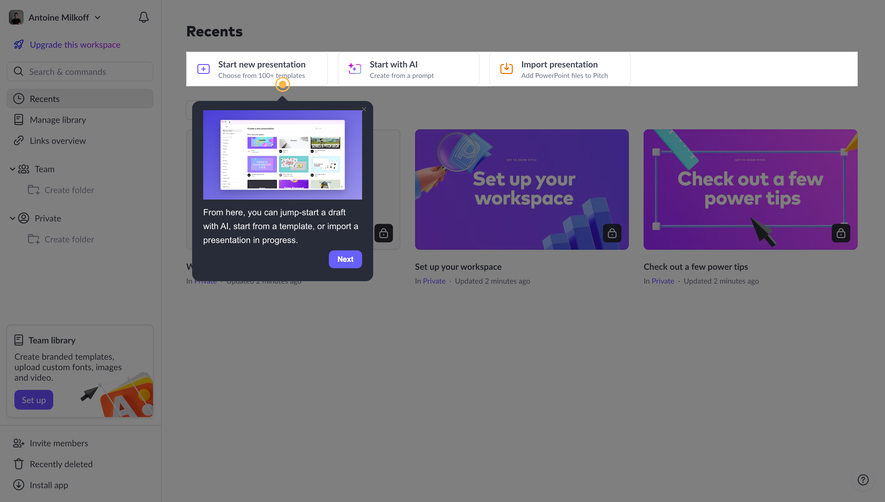
Pitch's sign-up flow sets up an account and workspace in five calm card steps on a light grey background. The opening card is framed by colorful 3D objects around Google and email options. The following cards are plain white with a bold centered question: a data consent checkbox, a workspace name field, an invite field with a skip link and a yes or no choice for email tips, each with one violet button.
Follow Pitch’s sign up flow flow step by step: 5 real screens captured from the live product, from sign up page to sign up flow: email tips. Use ← → to move between steps, and open any screen to see it in full.
Steps in this flow
More flows from Pitch
All Pitch Pitch Presentation Editor
10 screens
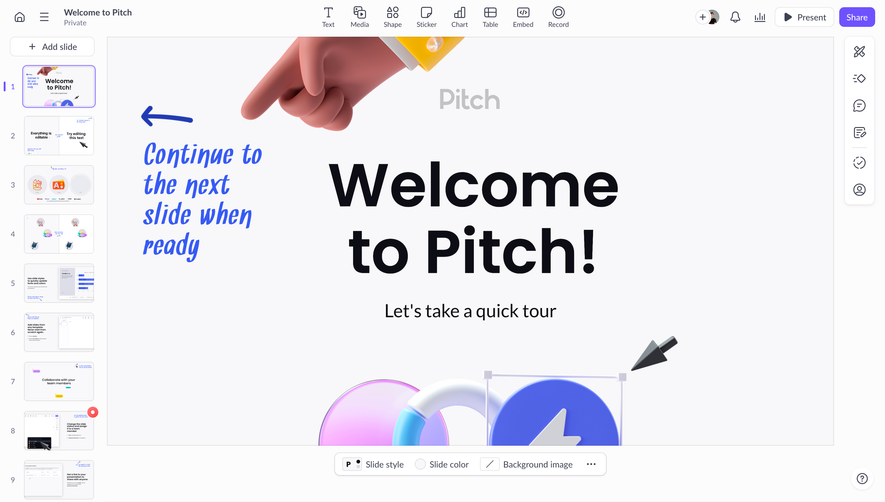
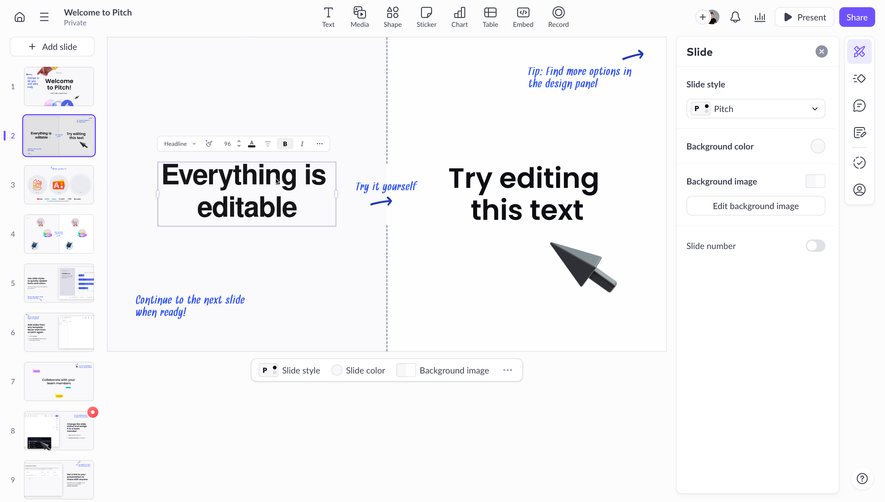
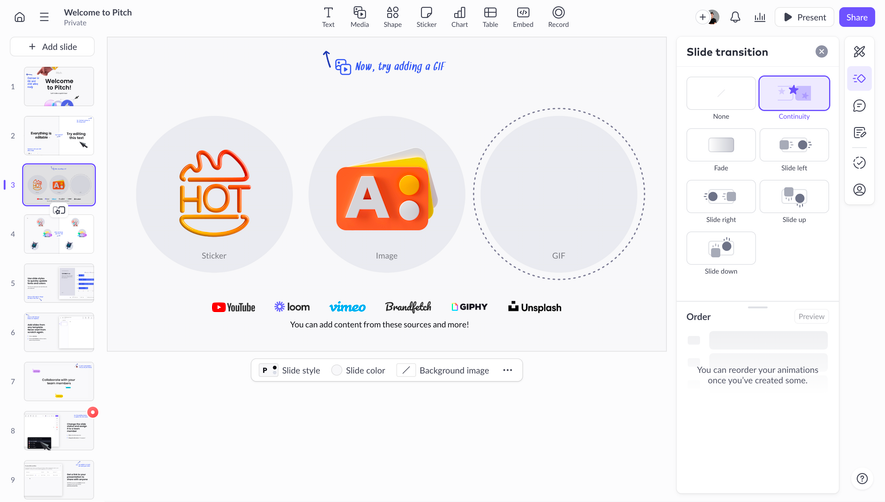
Pitch Product Tour
6 screens
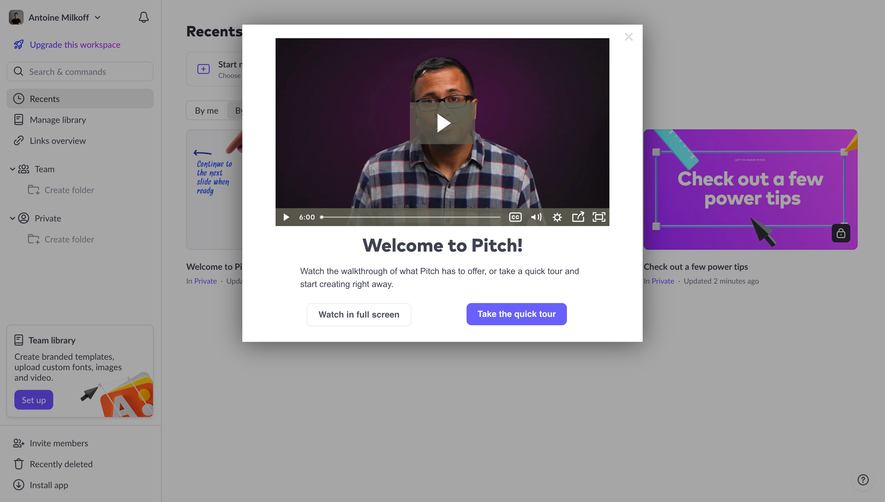
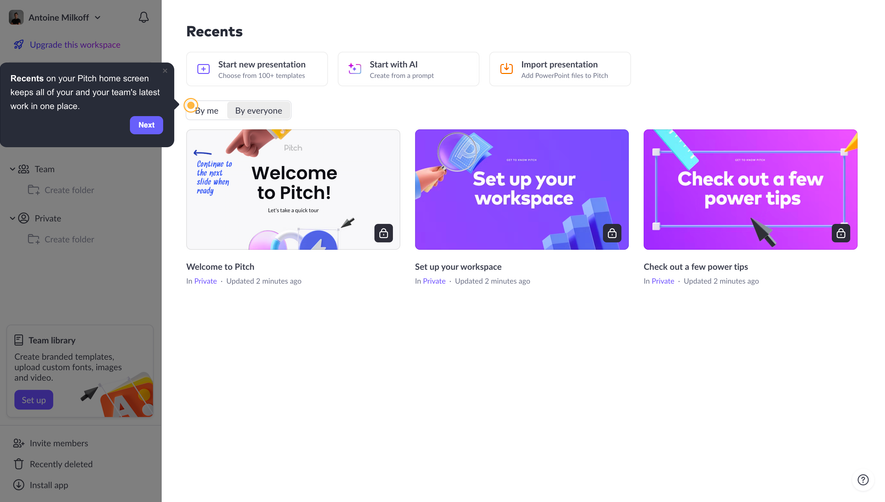
Pitch Create An Account
6 screens