SaaSFrame
Numbro Upgrading
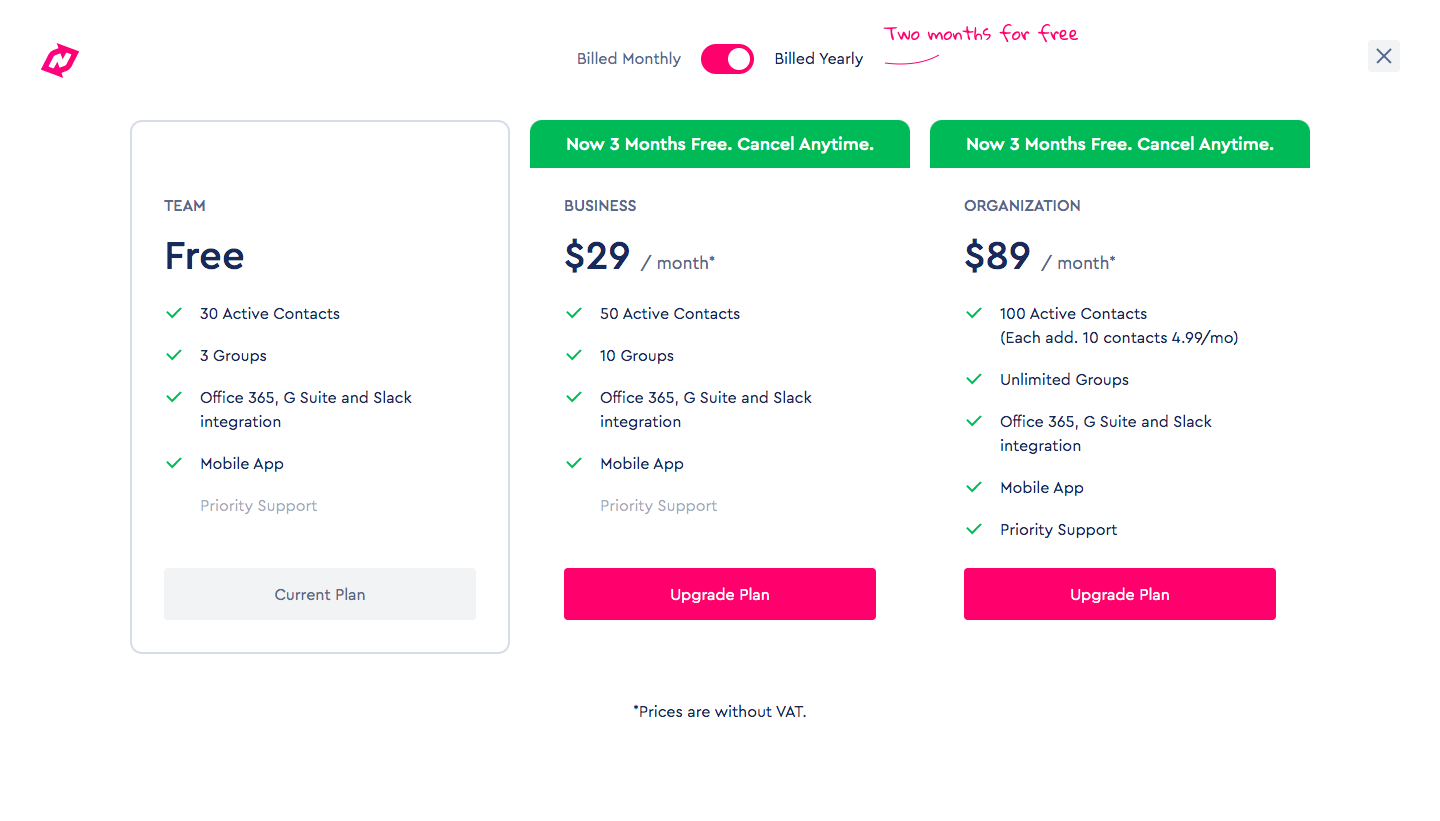
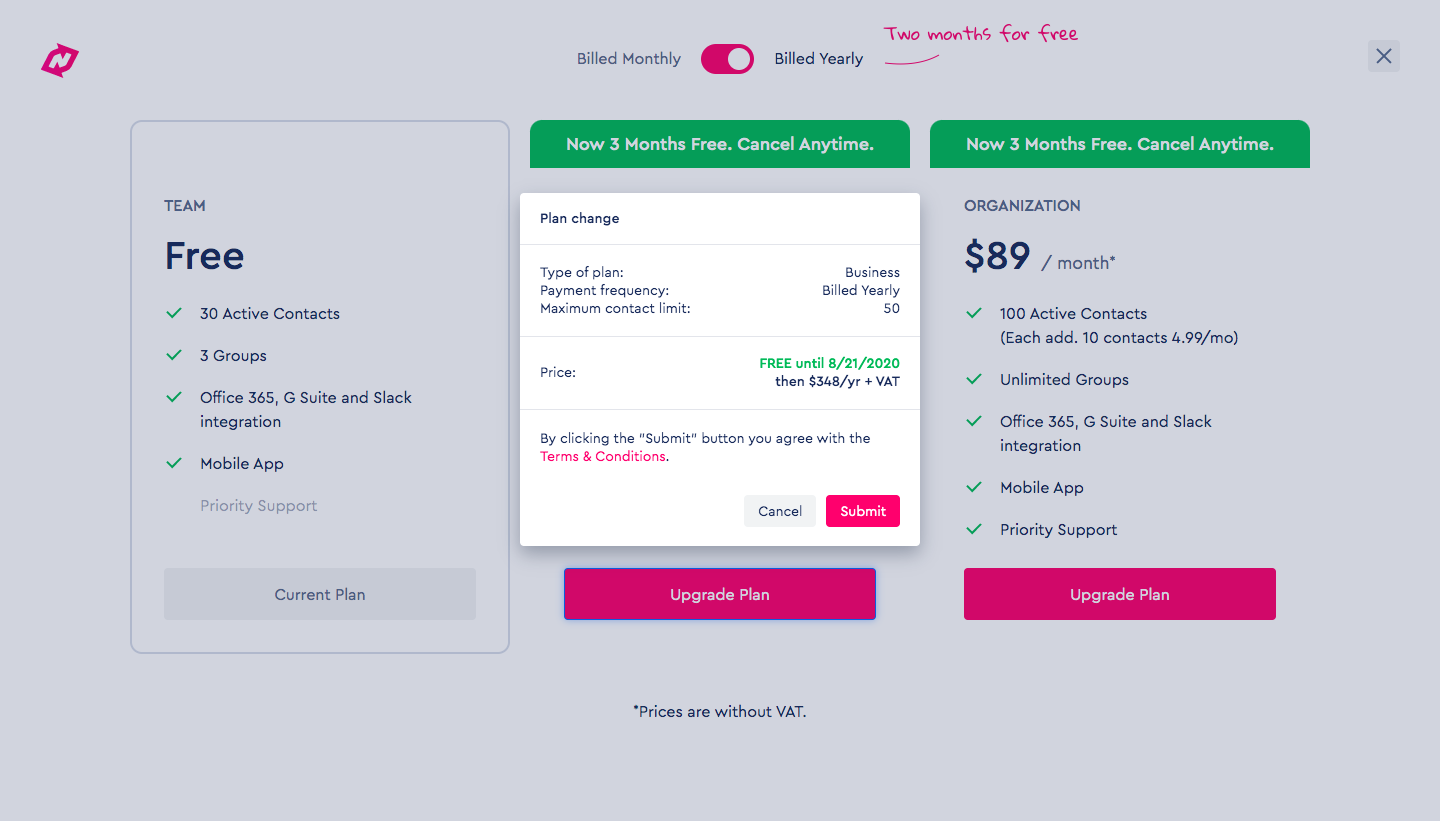
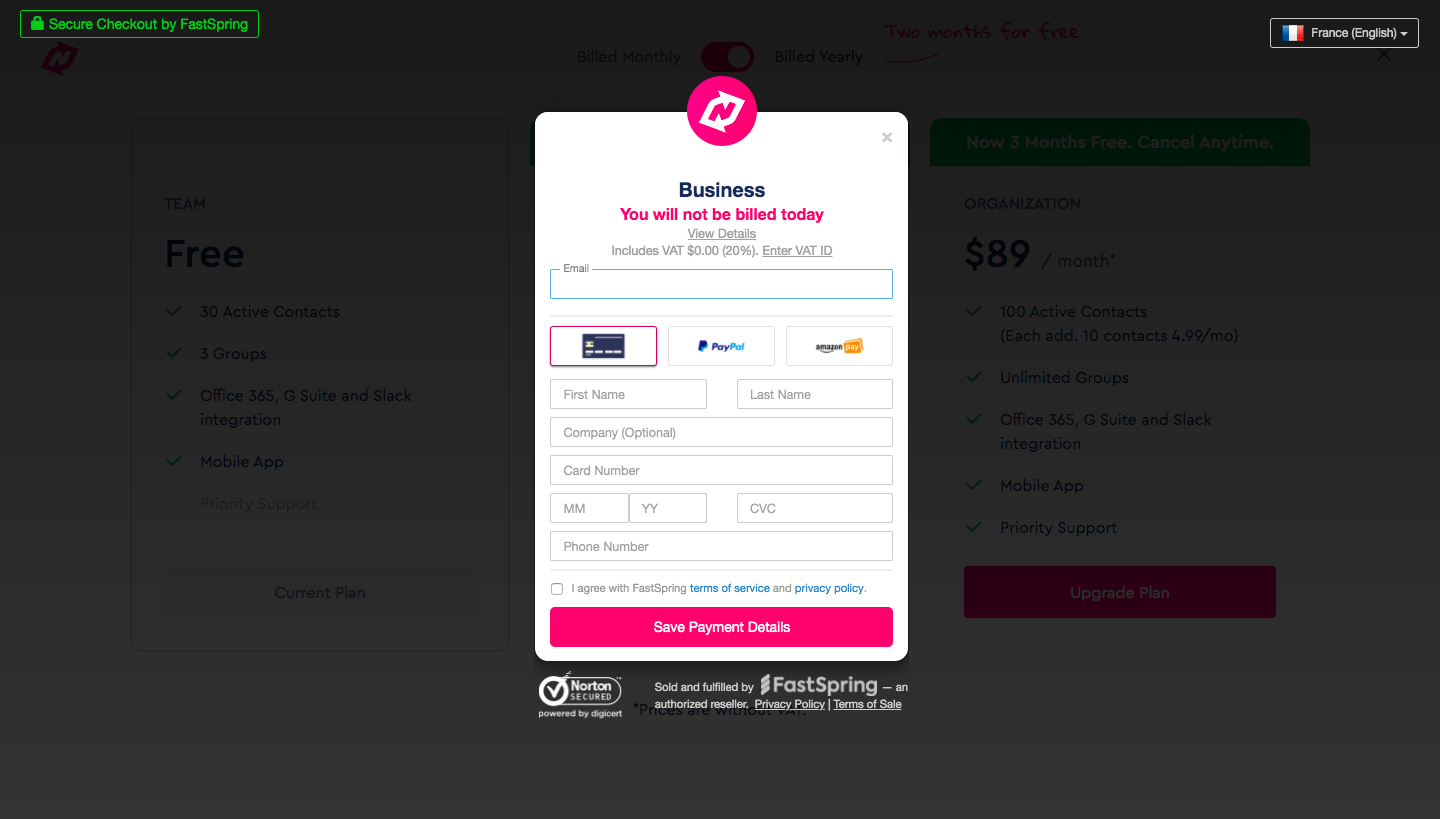
Numbro's upgrade flow goes from a three-column pricing page to a plan change summary and a hosted checkout modal. Pink upgrade buttons, green promo ribbons above the paid plans and a handwritten note next to the yearly billing toggle carry the pricing step. A small confirmation popover recaps plan, billing frequency and price, then a dark overlay frames the card payment form.
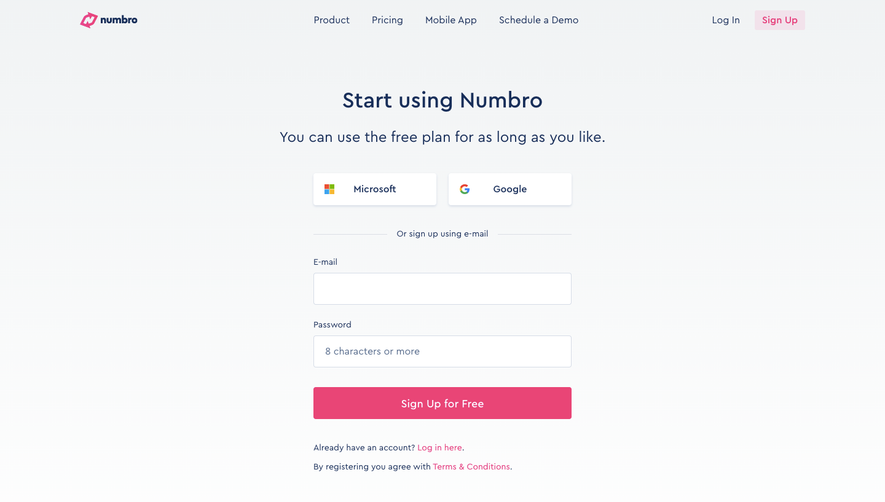
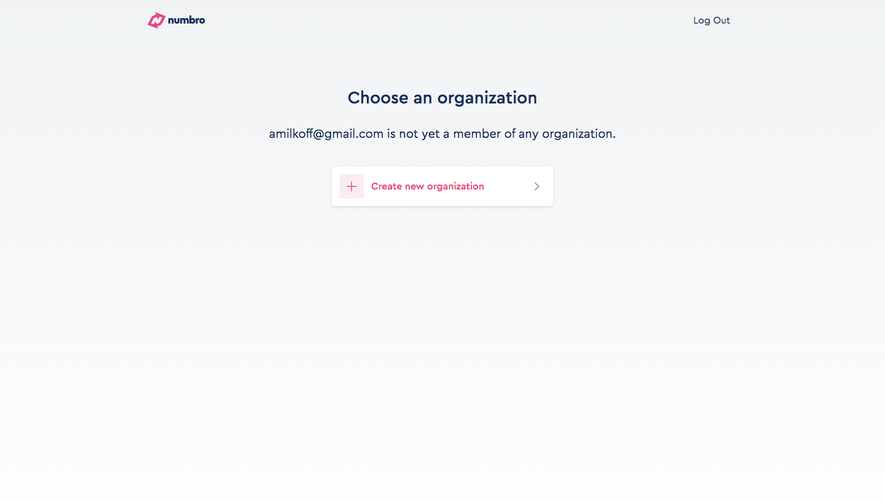
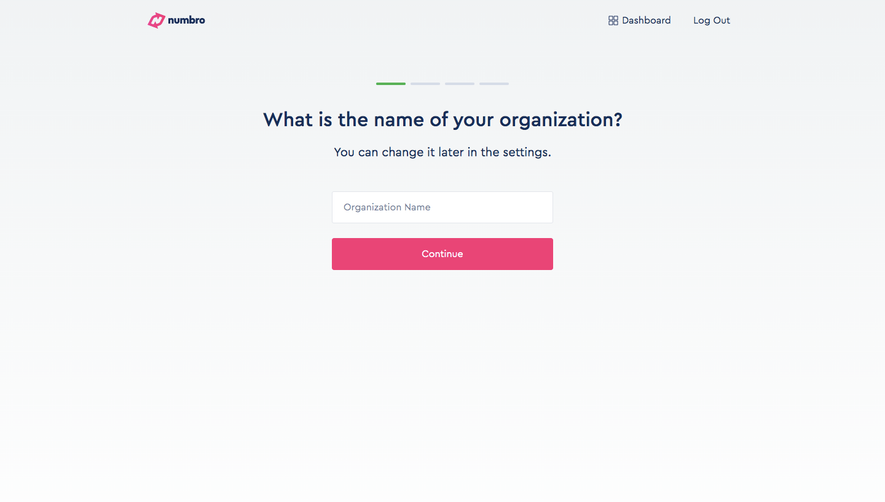
Follow Numbro’s upgrading flow step by step: 3 real screens captured from the live product, from upgrading flow: plan selection to checkout. Use ← → to move between steps, and open any screen to see it in full.
Steps in this flow
More flows from Numbro
All Numbro Numbro Sign Up Flow
5 screens