SaaSFrame
Maze Upgrading
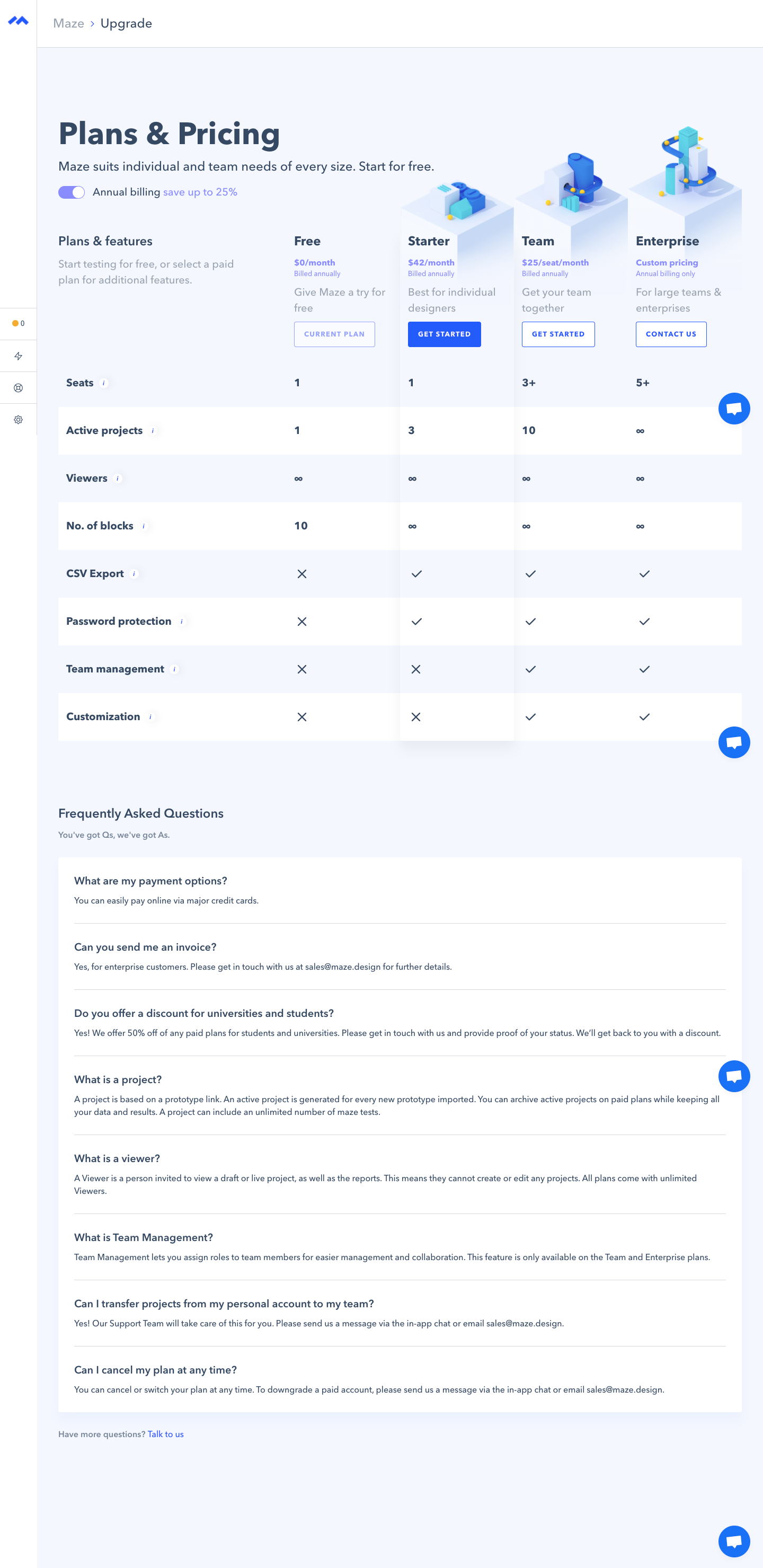
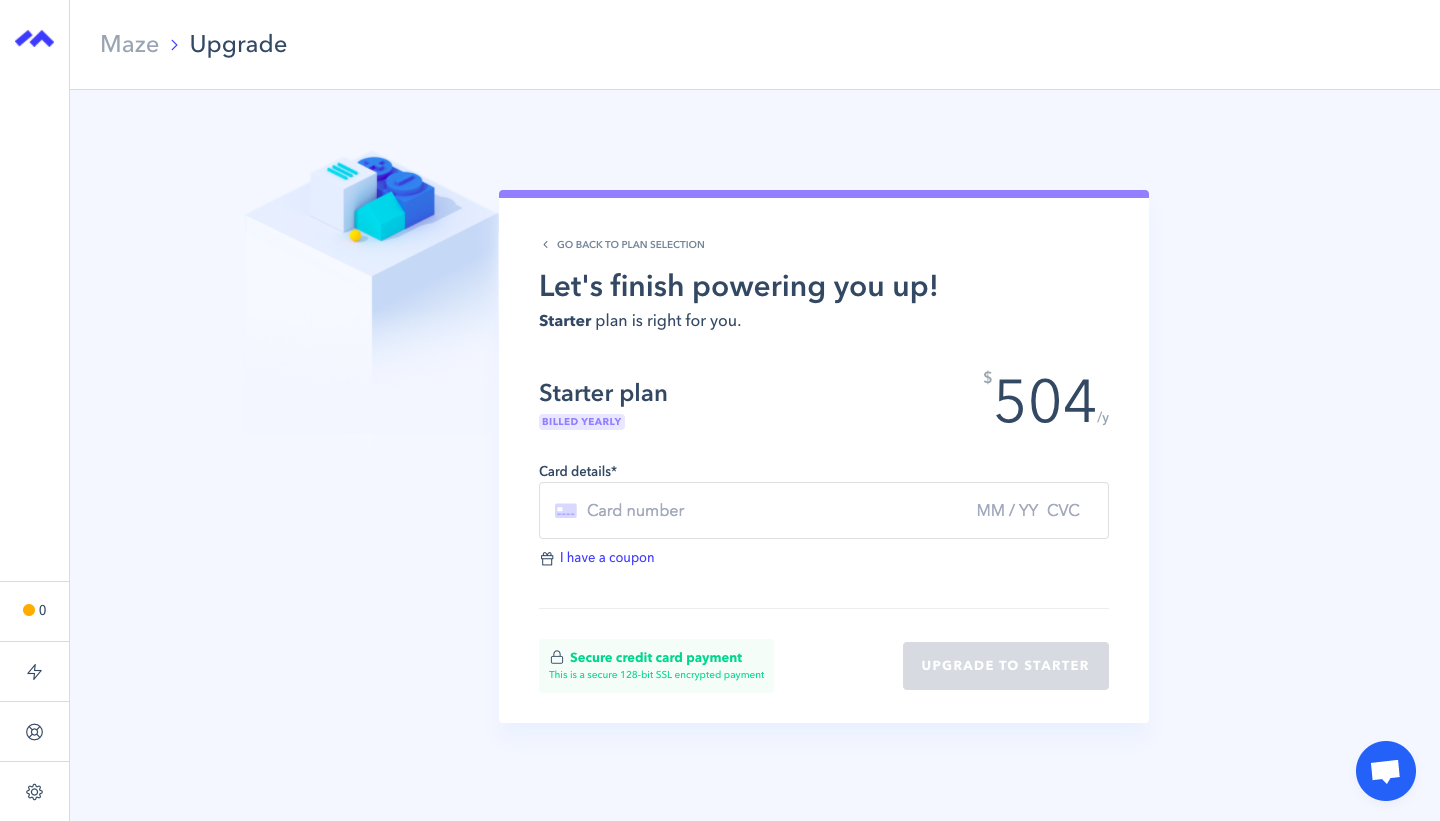
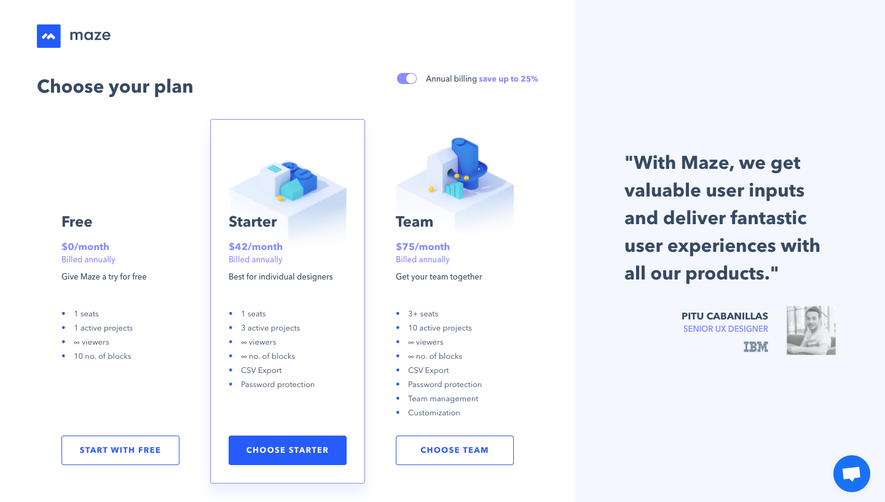
Maze's upgrade flow moves from a plans and pricing table with isometric illustrations to a single-card checkout. The pricing page compares Free, Starter, Team and Enterprise in columns with an annual billing toggle and outlined or filled buttons. Checkout keeps only the chosen plan, its price and one card field, with a secure payment note beside a muted confirm button.
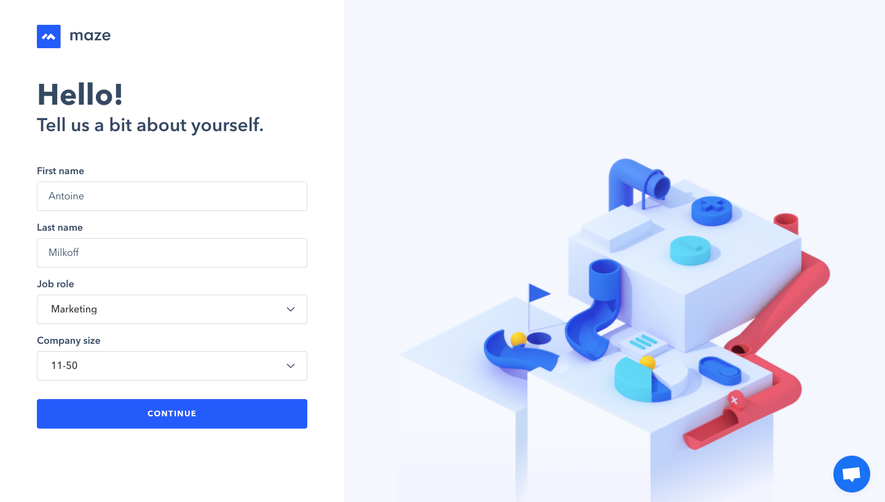
Follow Maze’s upgrading flow step by step: 2 real screens captured from the live product, from upgrading to checkout. Use ← → to move between steps, and open any screen to see it in full.
Steps in this flow
More flows from Maze
All Maze Maze Sign Up Flow
4 screens

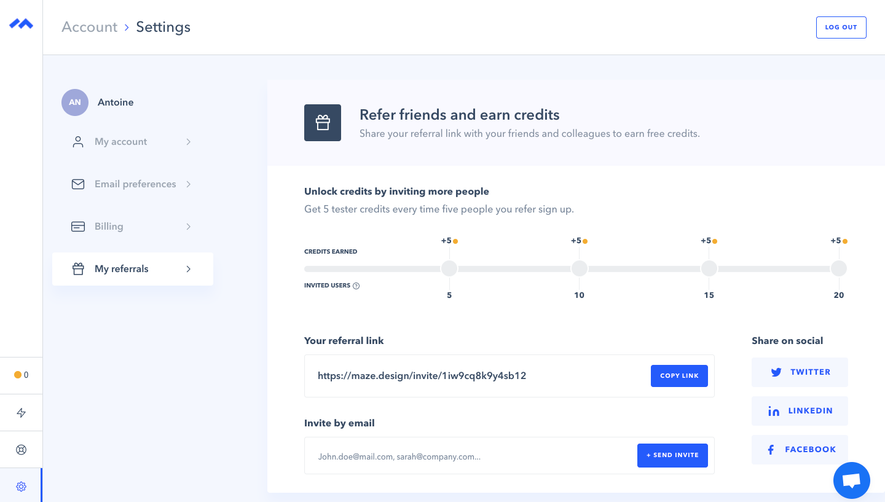
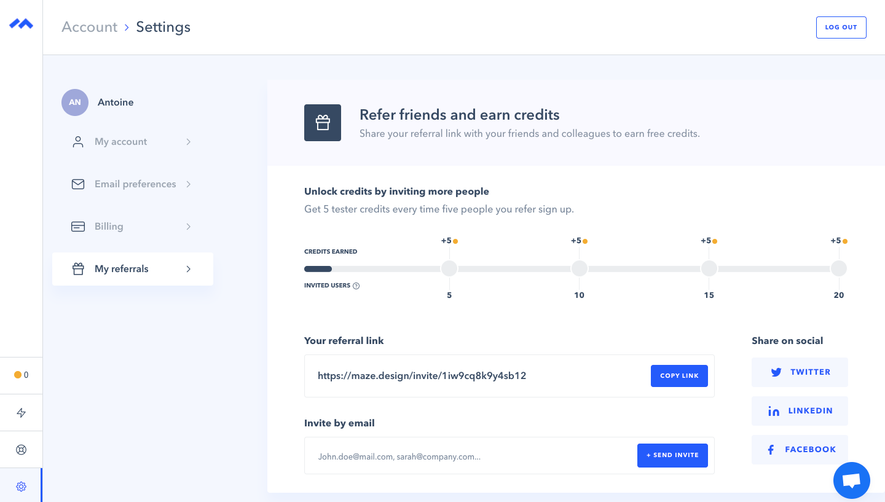
Maze Referral Flow
3 screens