 SaaSFrame
1 more step in this flow
Free accounts see the first 3 steps of each flow. Pro unlocks every step of every flow, plus every screen, section and Copy in Figma.

Logsnag User Onboarding
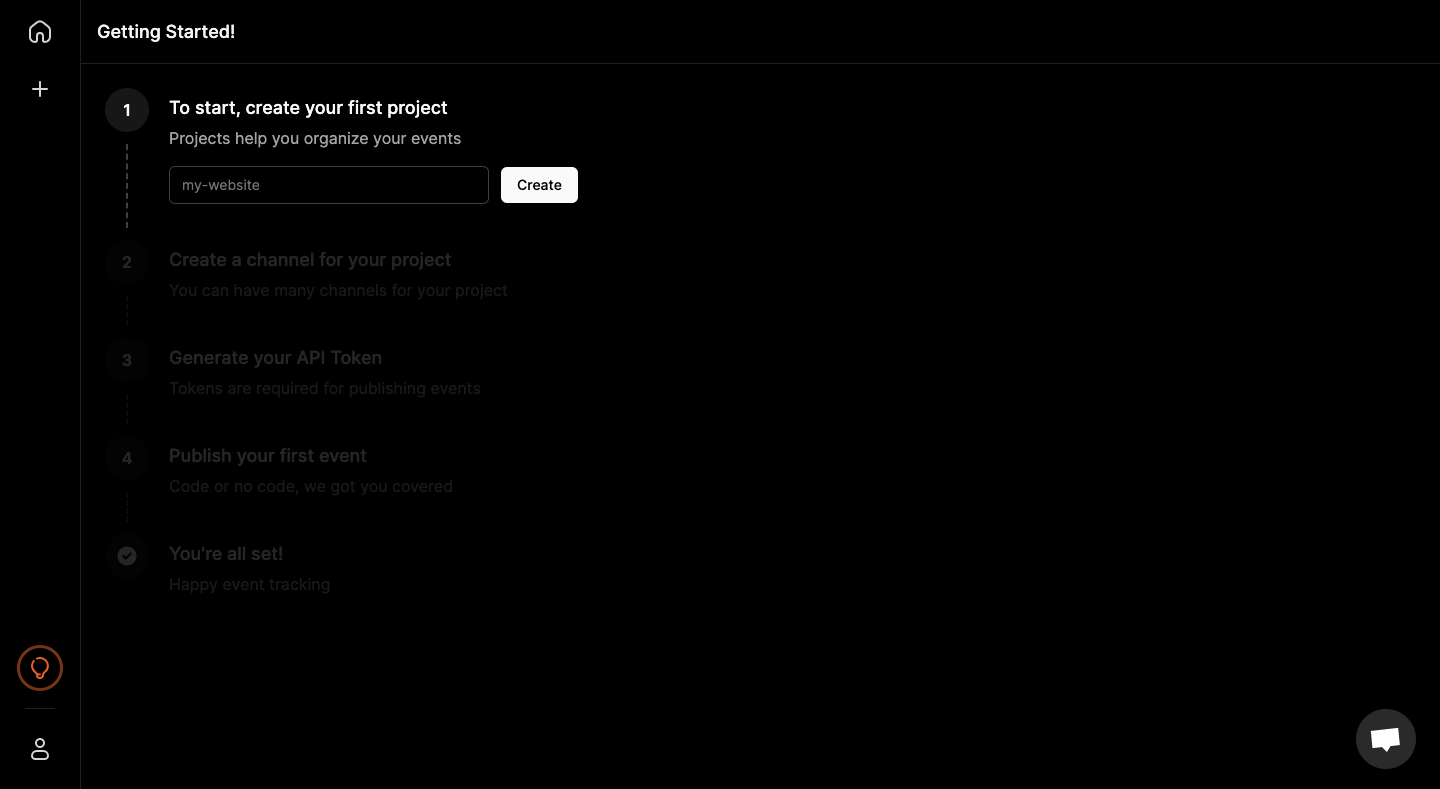
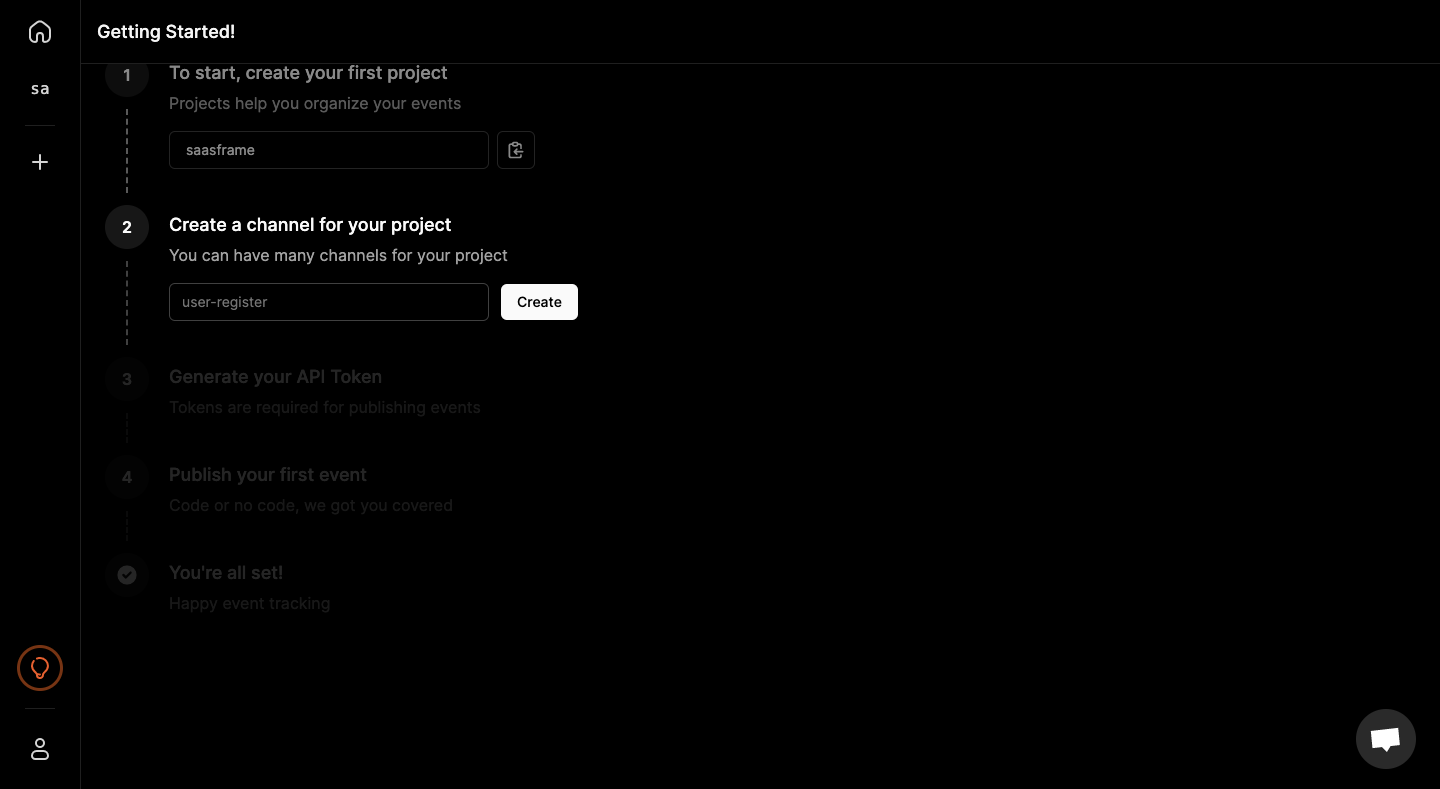
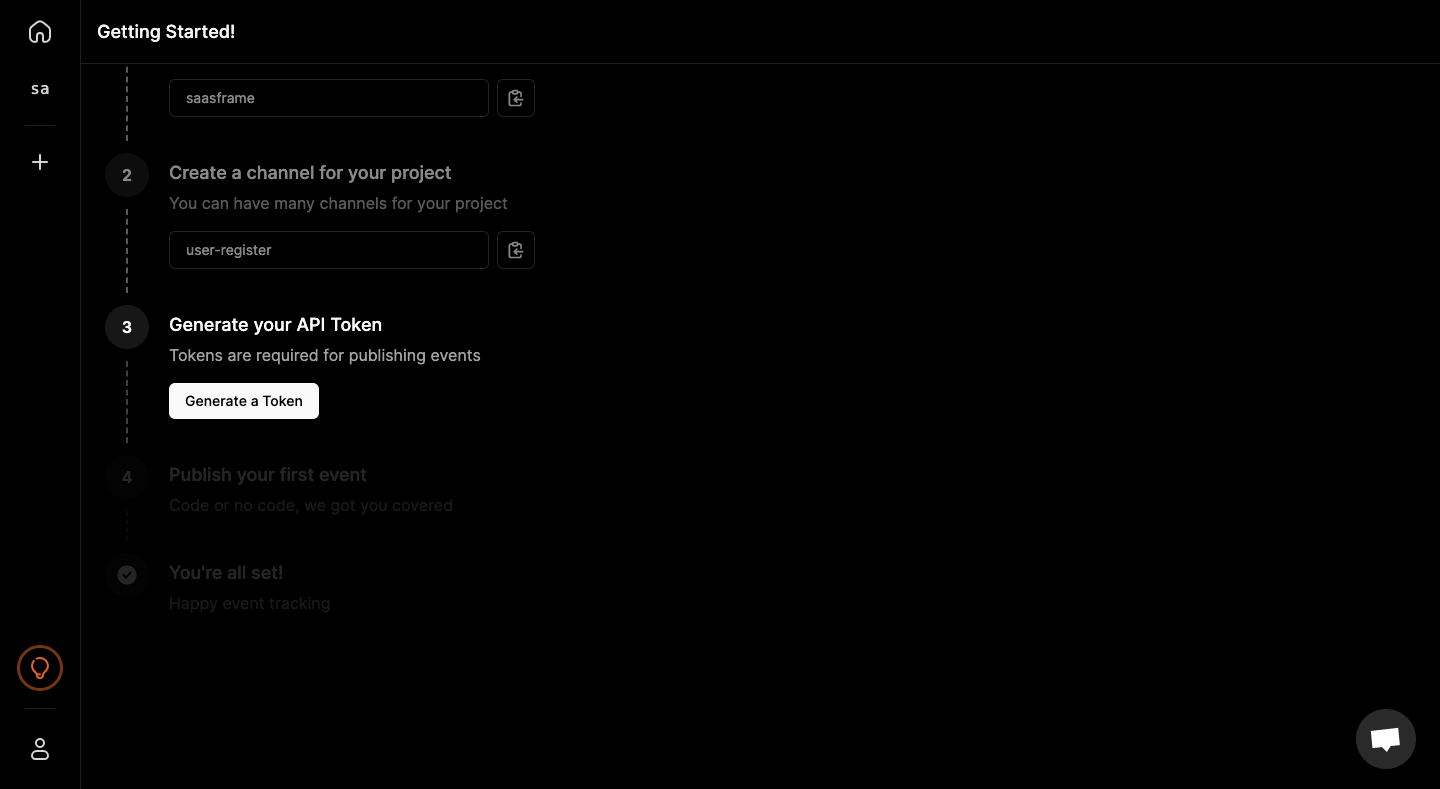
LogSnag's onboarding is a single dark checklist page that takes you through project, channel, API token and first event in four states. Steps sit on a numbered vertical line: upcoming ones are dimmed, finished ones collapse into read-only fields with a copy icon. Each step asks for one input and a small white button, and the last adds playground and documentation shortcuts before a final check.
Follow Logsnag’s user onboarding flow step by step: 4 real screens captured from the live product, from user onboarding: create project to user onboarding: publish first event. Use ← → to move between steps, and open any screen to see it in full.