 SaaSFrame
SaaSFrame Pro
6 more steps in this flow
Free accounts see the first 3 steps of each flow. Pro unlocks every step of every flow, plus every screen, section and Copy in Figma.

Linear Sign Up Flow
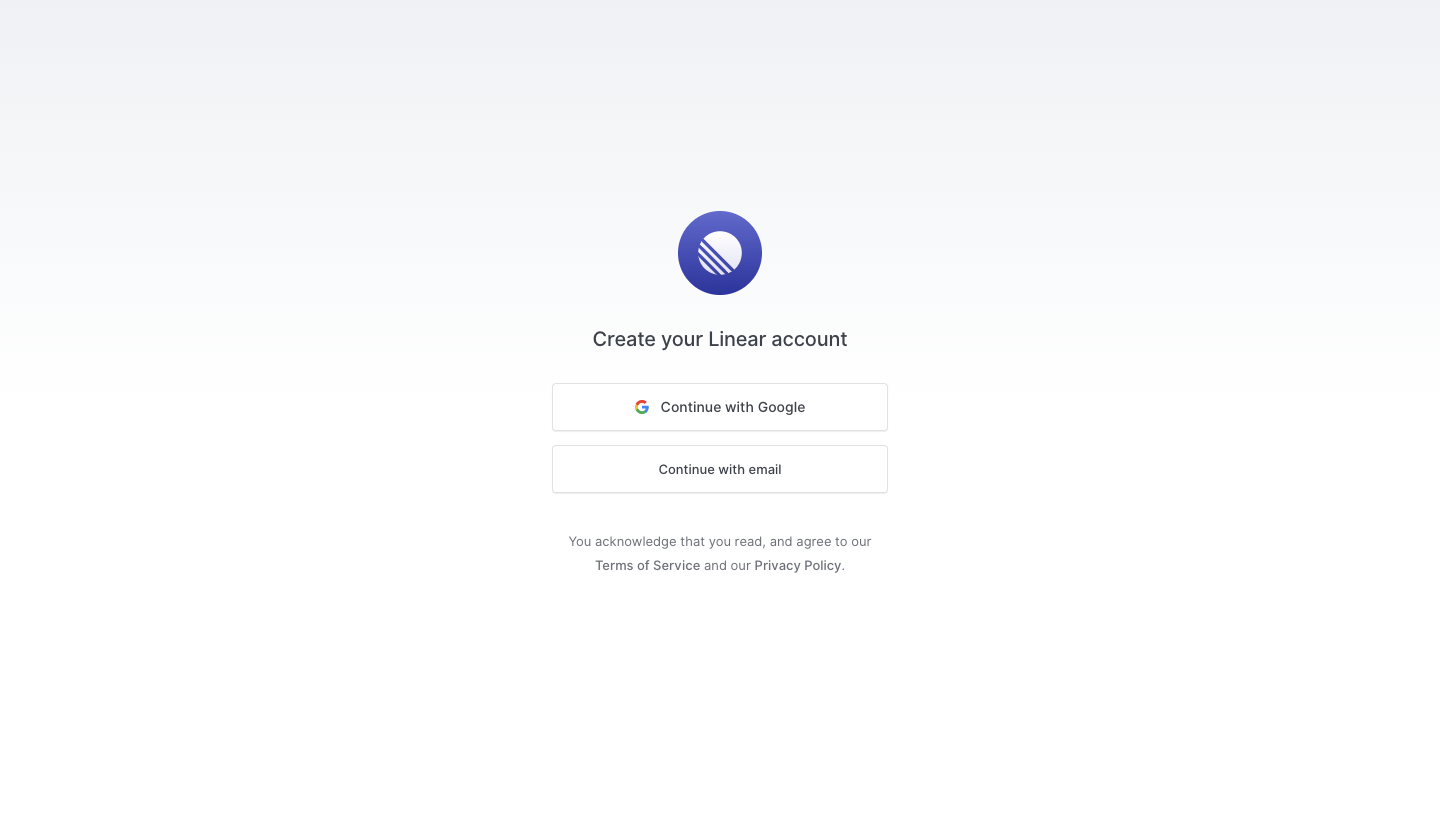
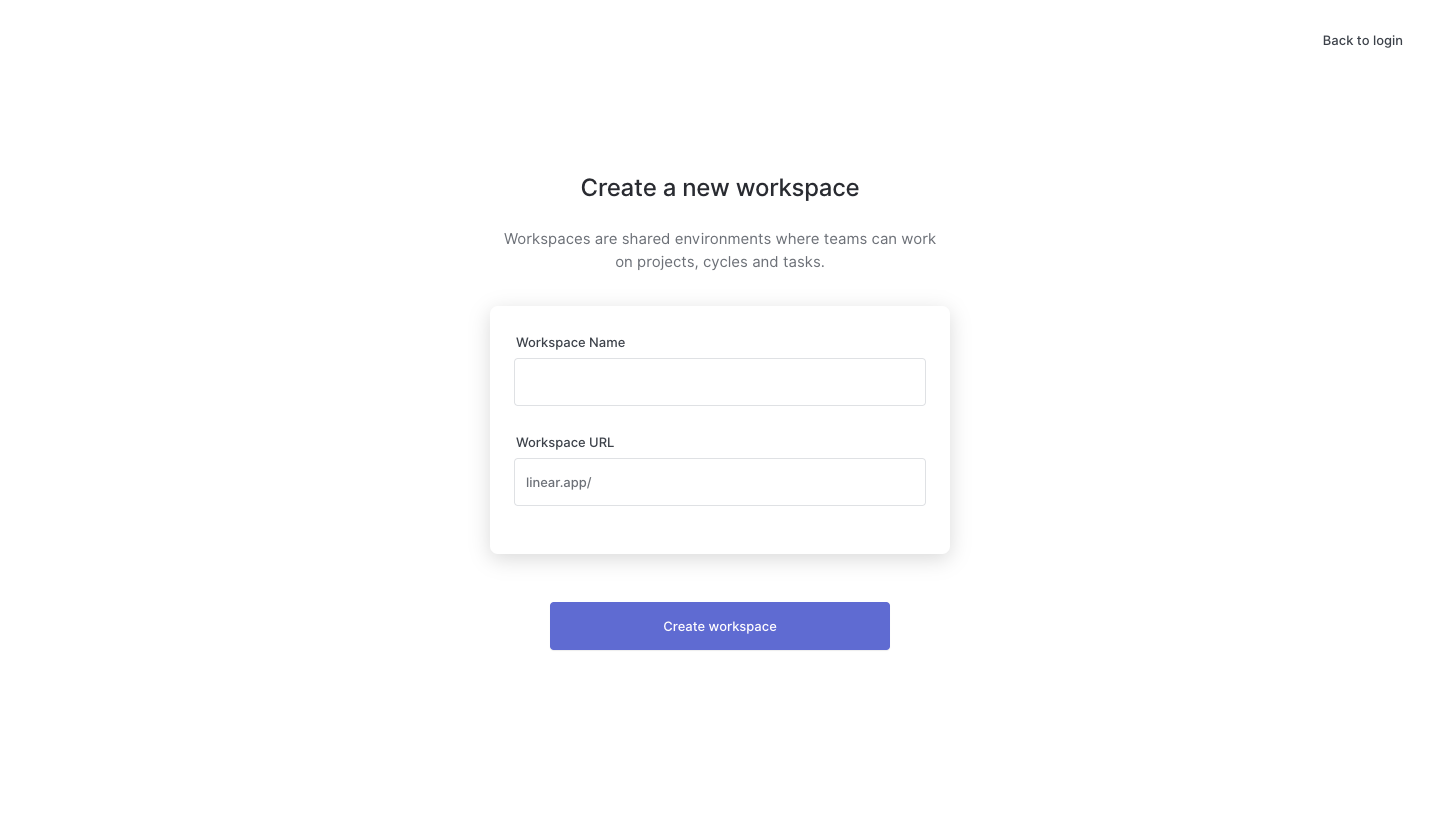
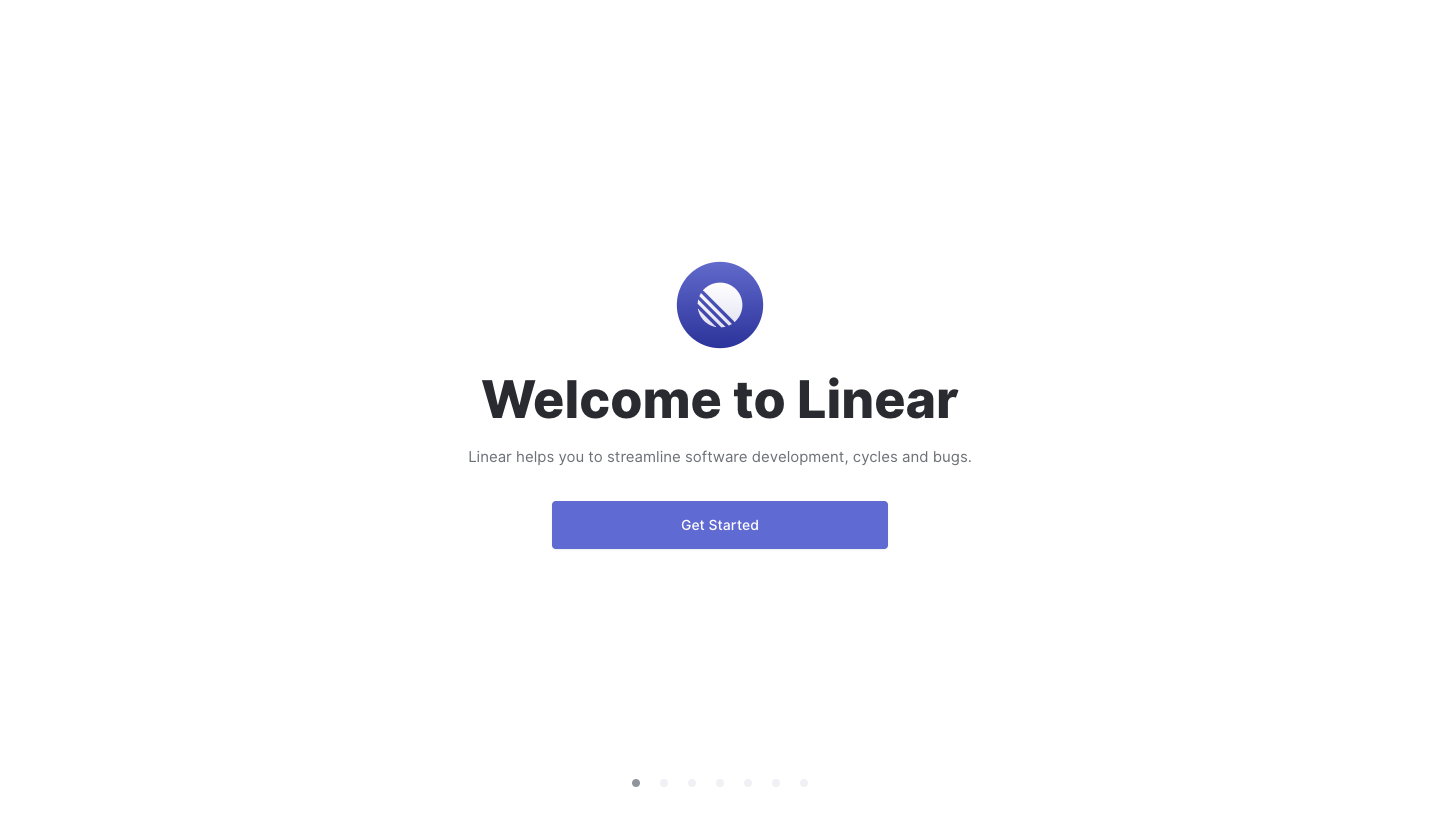
Linear's sign-up flow goes from account creation to a ready workspace in nine quiet, light steps with lots of white space. Each screen centers a short title, one line of grey copy and a single violet button, with dot pagination at the bottom. Choices are minimal: light or dark theme previews, a keyboard shortcut prompt for the command menu, GitHub, invites and updates.
Follow Linear’s sign up flow flow step by step: 9 real screens captured from the live product, from sign up page to sign up flow: good to go. Use ← → to move between steps, and open any screen to see it in full.