 SaaSFrame

Hypercontext Upgrading
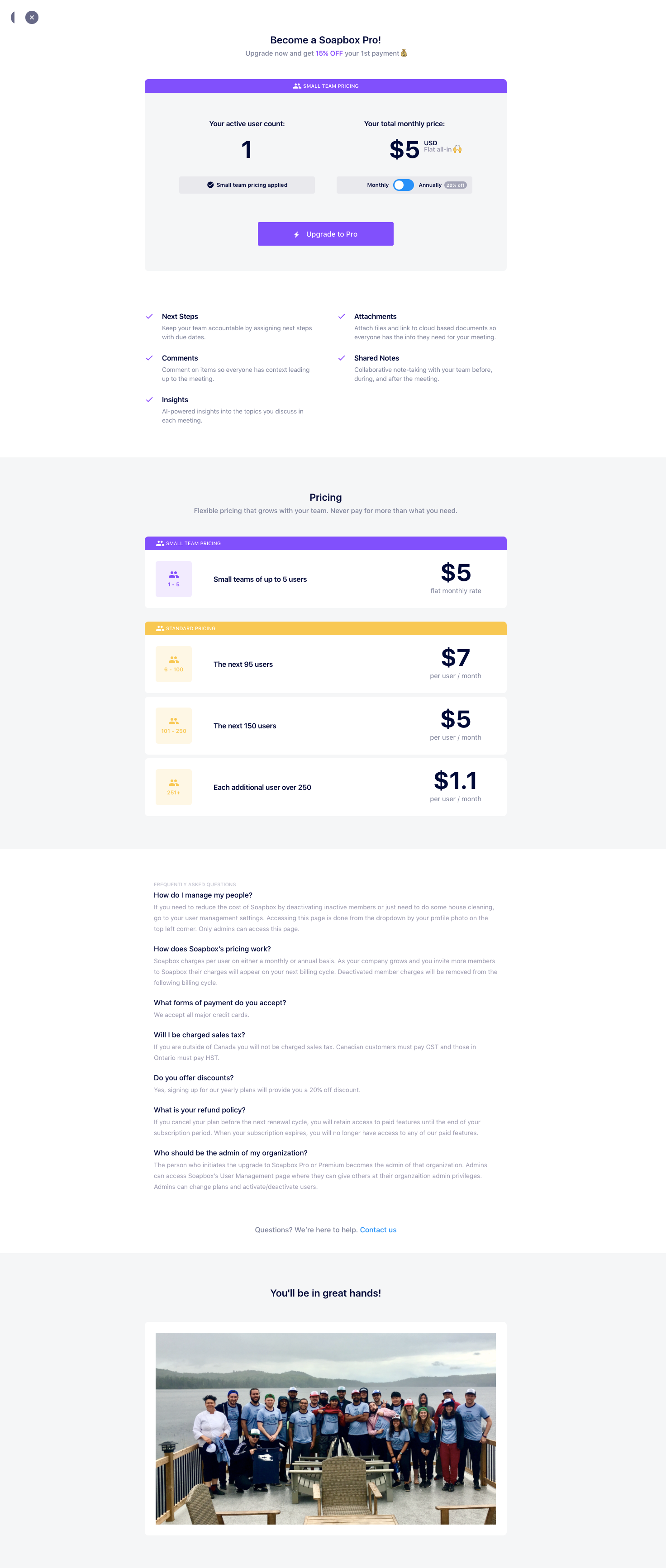
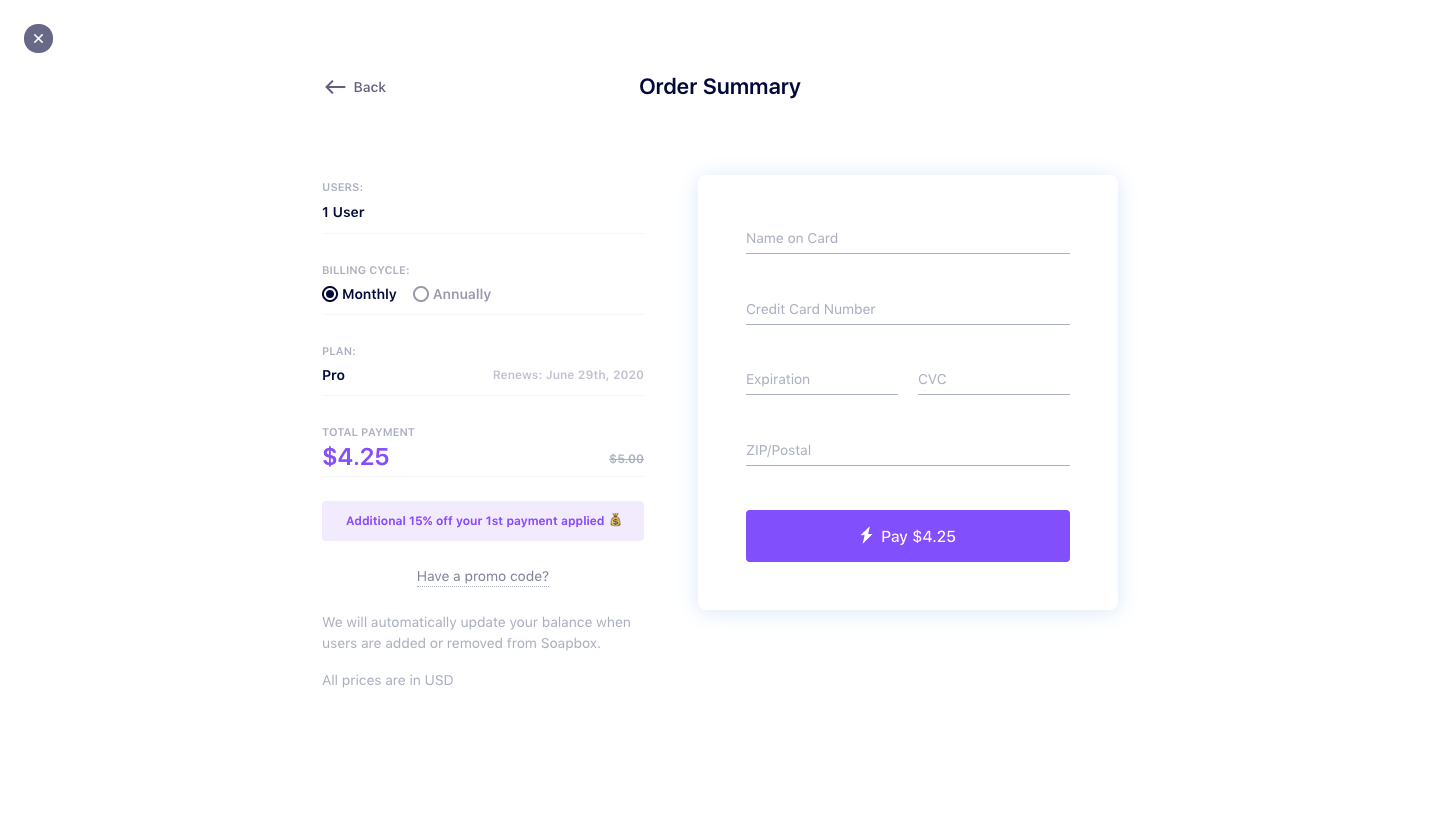
Hypercontext's upgrade flow, shown under its former SoapBox name, moves from a Pro pricing panel to an order summary in two screens. The first displays the active user count and monthly price side by side with a billing toggle and a purple upgrade button above a feature list. Checkout keeps a plan summary with a discount note on the left and a compact card form on the right.
Follow Hypercontext’s upgrading flow step by step: 2 real screens captured from the live product, from upgrading flow to checkout. Use ← → to move between steps, and open any screen to see it in full.