SaaSFrame
3 more steps in this flow
Free accounts see the first 3 steps of each flow. Pro unlocks every step of every flow, plus every screen, section and Copy in Figma.
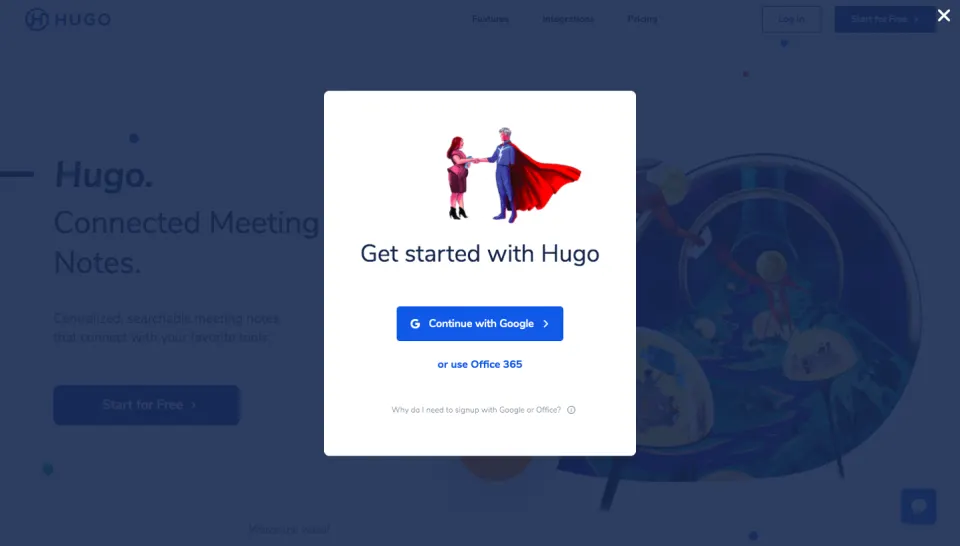
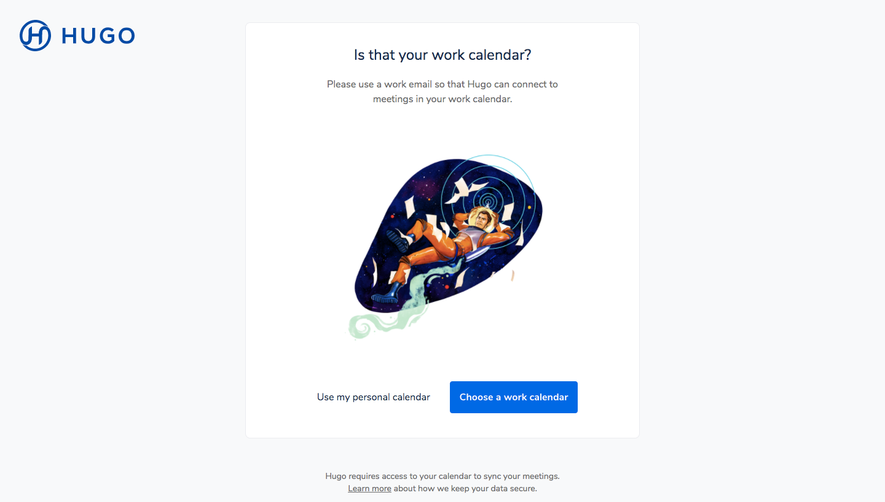
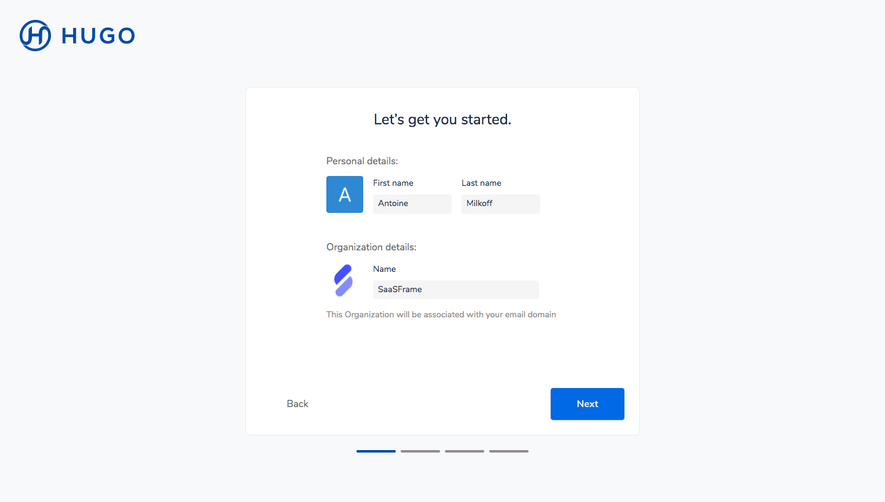
Hugo User Onboarding
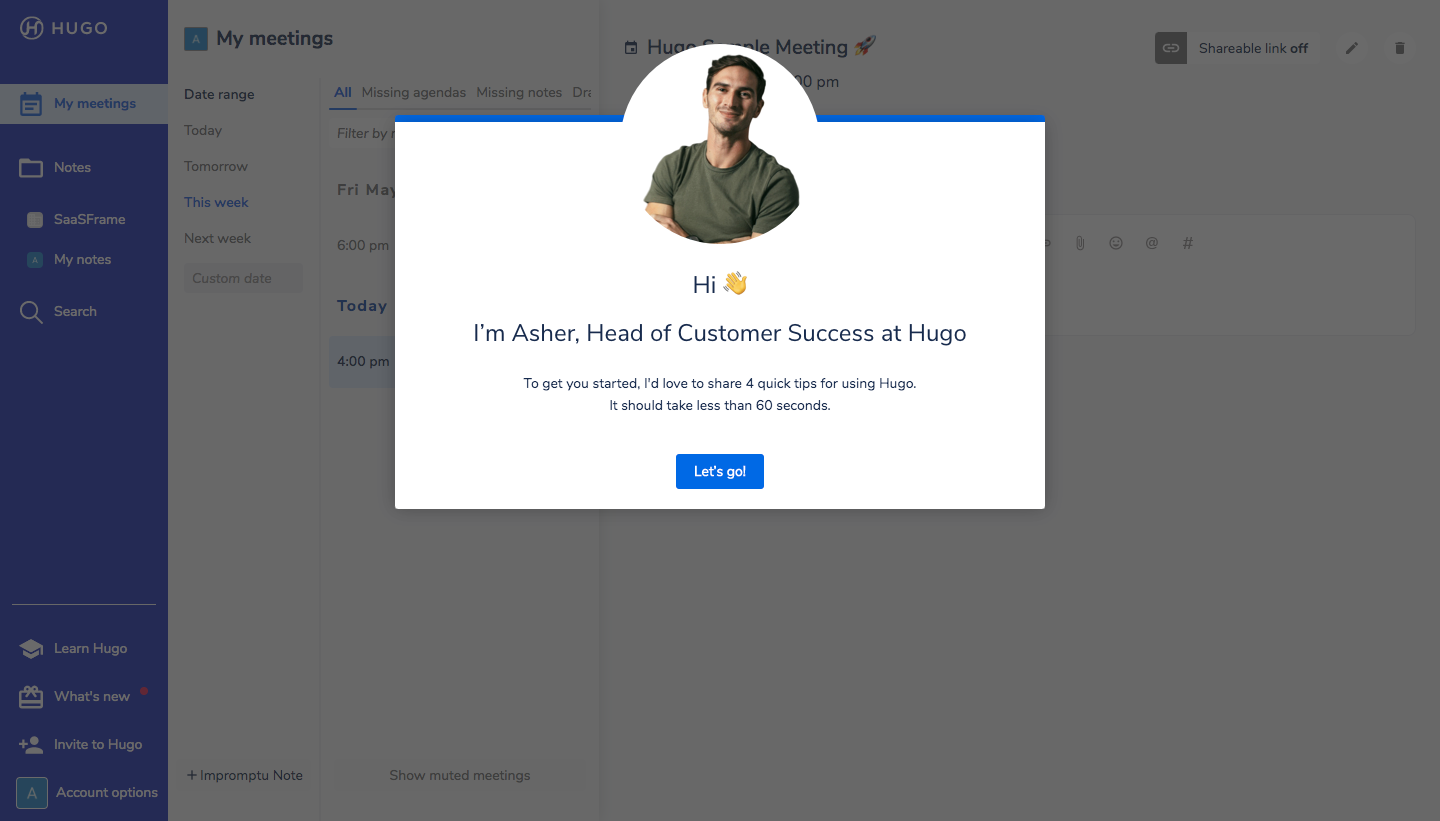
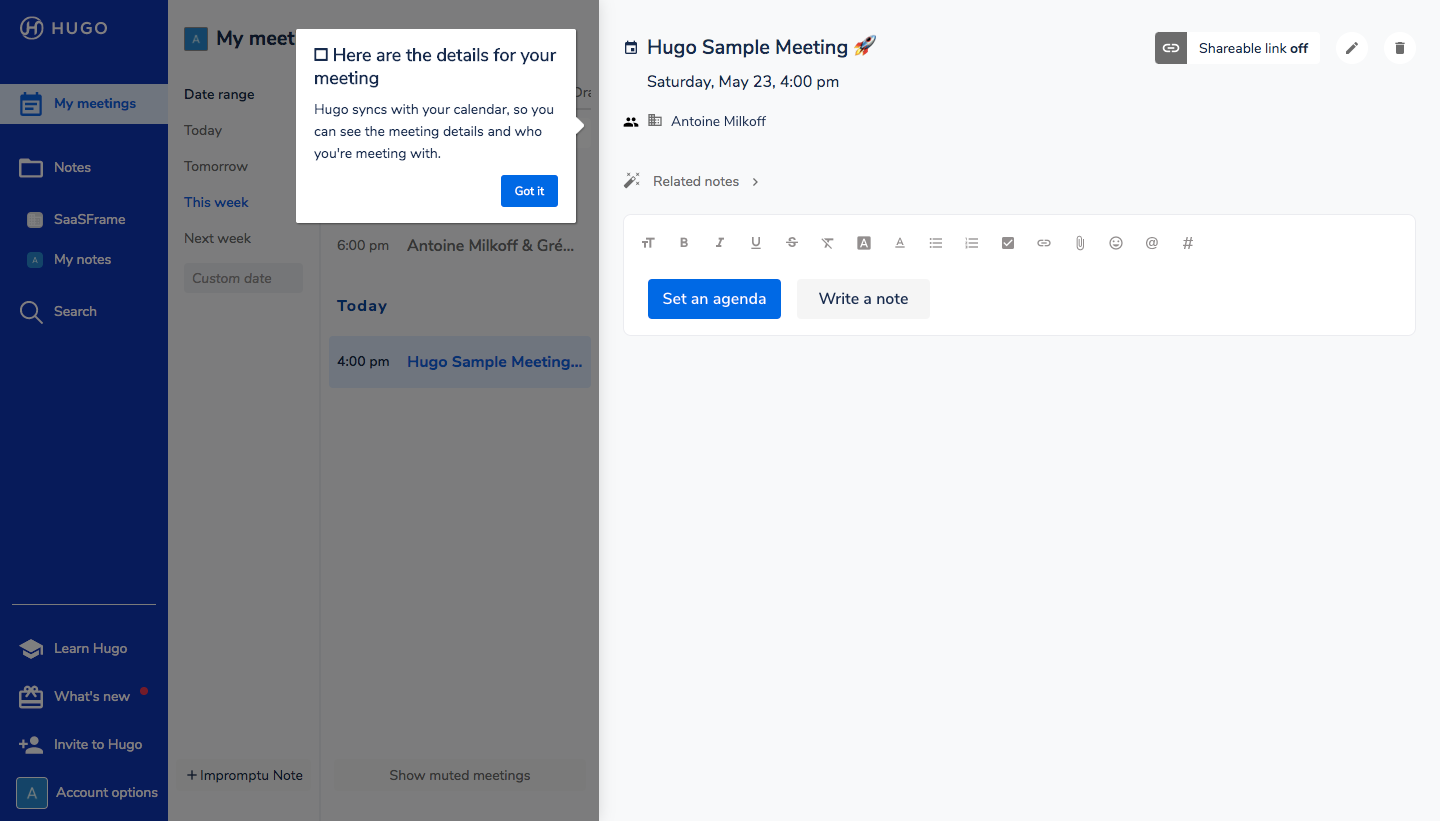
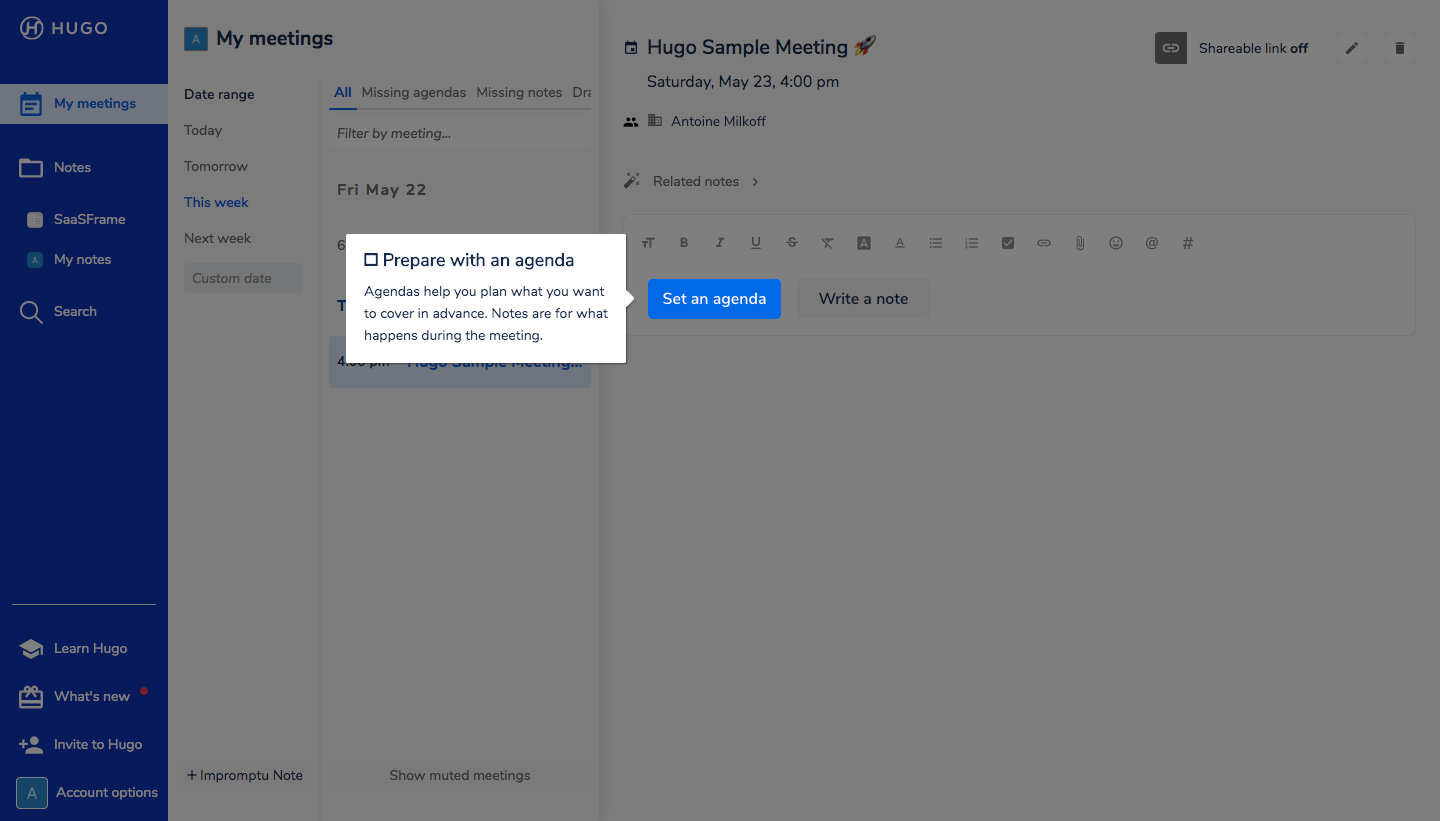
Hugo's onboarding tour opens with a personal welcome from the success team and then points out the meeting notes tools in a chain of small tooltips. A photo-led modal sets the tone, then white tooltips highlight meeting details, the agenda button, templates and saving while the rest of the screen dims. It closes on a modal with an annotated screenshot and a blue button.
Follow Hugo’s user onboarding flow step by step: 6 real screens captured from the live product, from user onboarding: welcome message to user onboarding: ready modal. Use ← → to move between steps, and open any screen to see it in full.
Steps in this flow
More flows from Hugo
All Hugo Hugo Sign Up Flow
7 screens