 SaaSFrame

SaaSFrame Pro
1 more step in this flow
Free accounts see the first 3 steps of each flow. Pro unlocks every step of every flow, plus every screen, section and Copy in Figma.

Hotjar Sign Up Flow
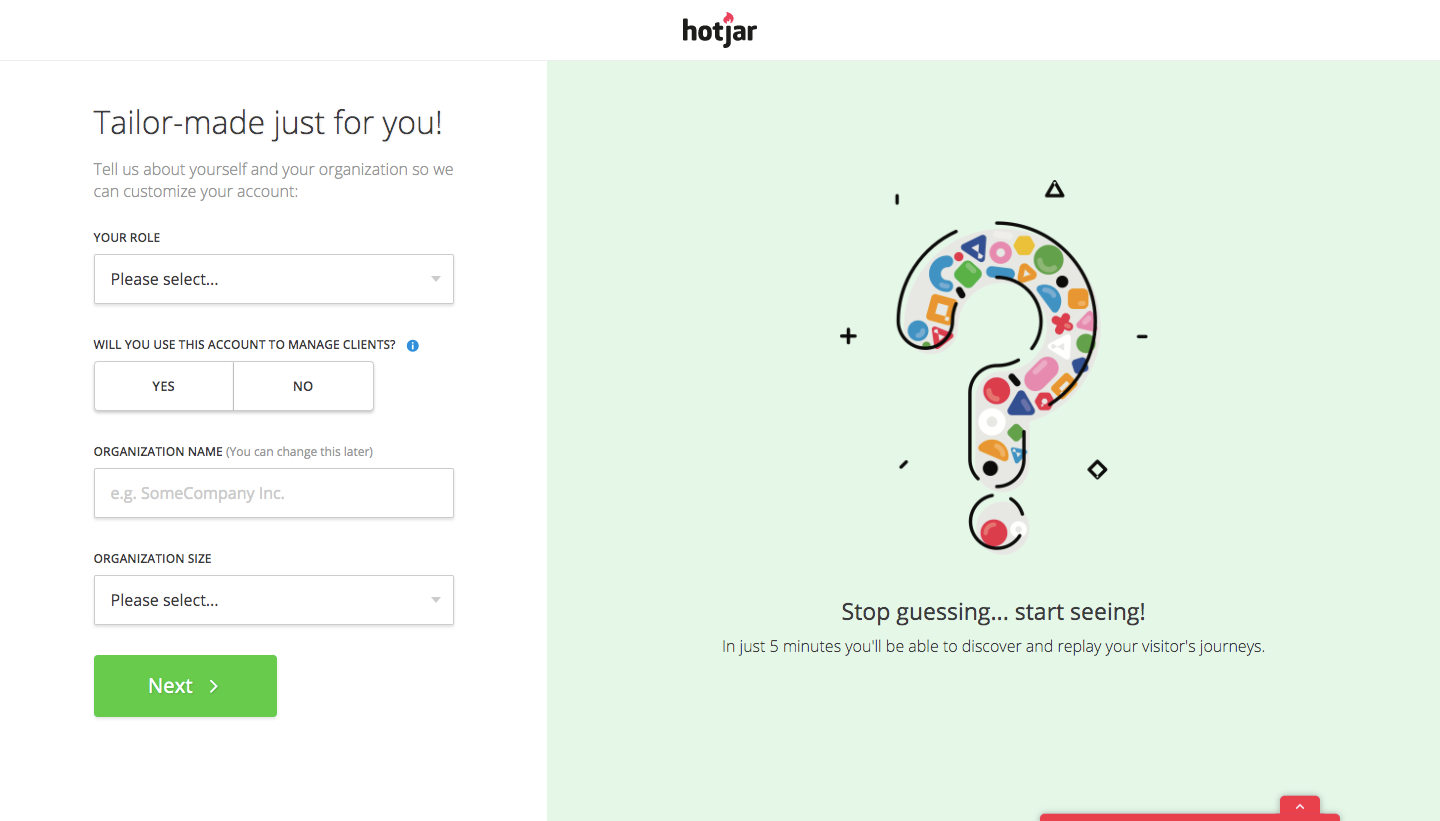
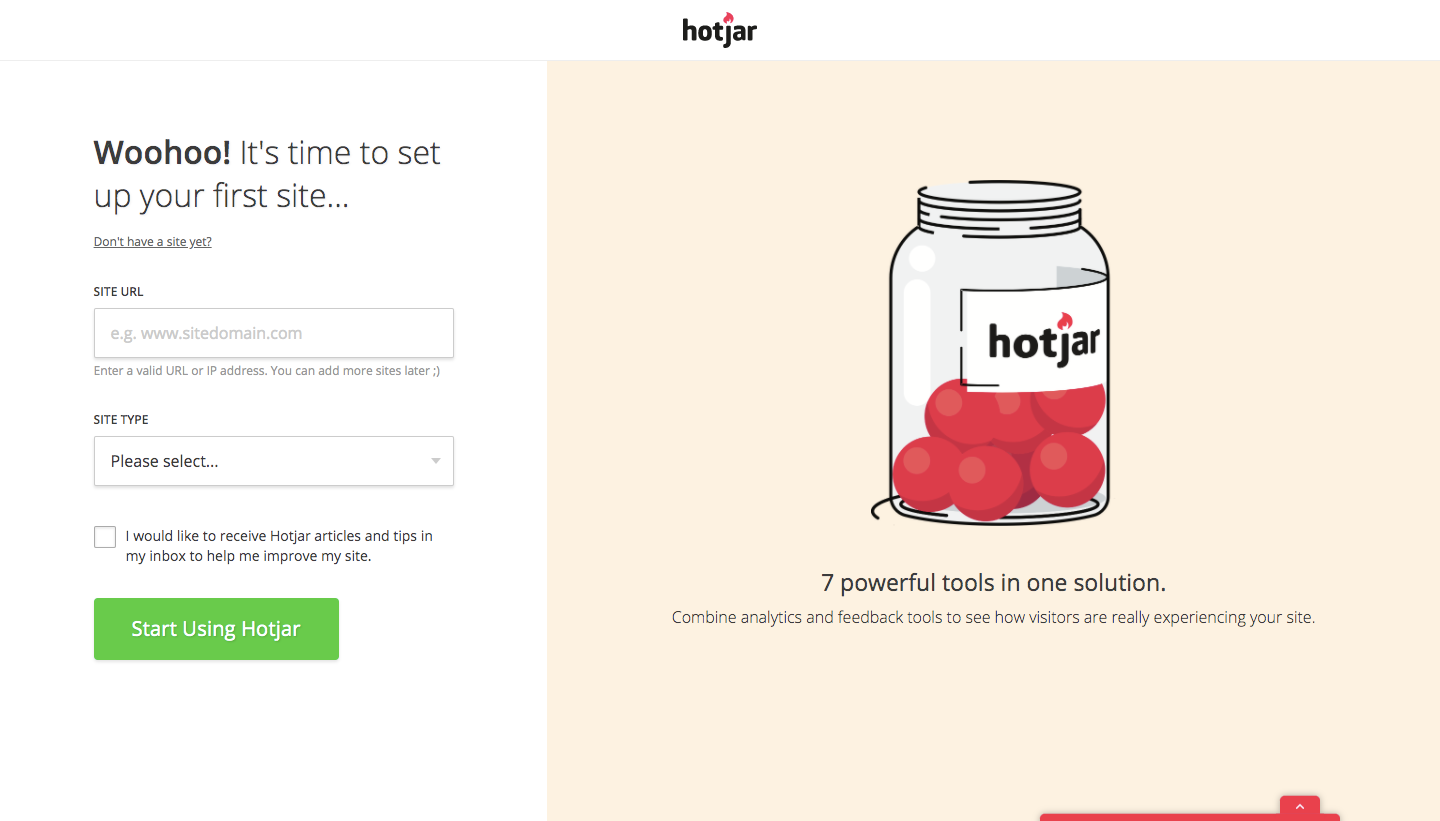
Hotjar's sign-up flow goes from a free business trial form to installing the tracking code in four split-screen steps. Every form sits on the left with green buttons, while the right half changes color and illustration: a heatmap laptop, a confetti question mark and a jar of tools. The last step lands in the app with tabs for manual install, platform install or sending code to a teammate.
Follow Hotjar’s sign up flow flow step by step: 4 real screens captured from the live product, from sign up page to sign up flow: install tracking code. Use ← → to move between steps, and open any screen to see it in full.