SaaSFrame
1 more step in this flow
Free accounts see the first 3 steps of each flow. Pro unlocks every step of every flow, plus every screen, section and Copy in Figma.
Hygraph User Onboarding
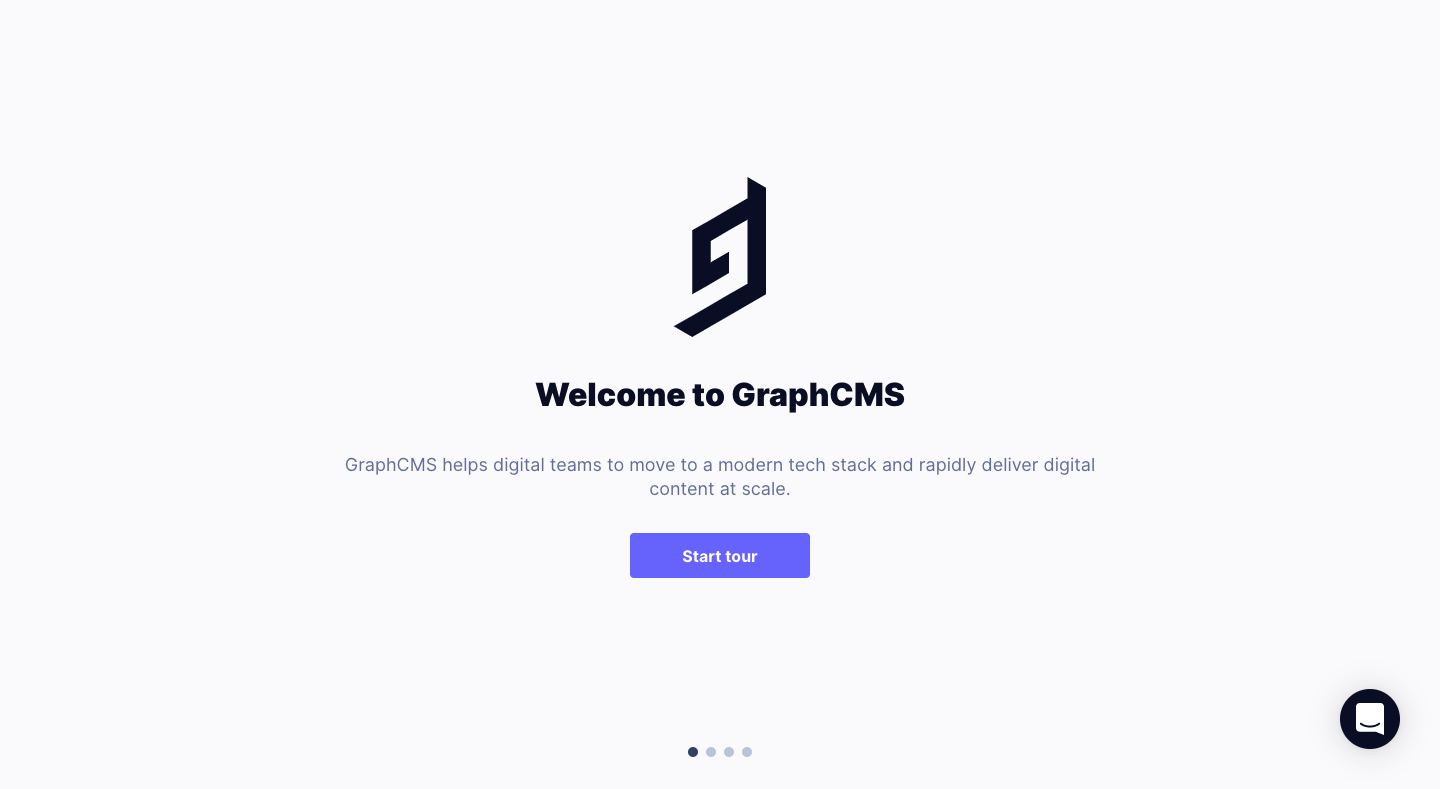
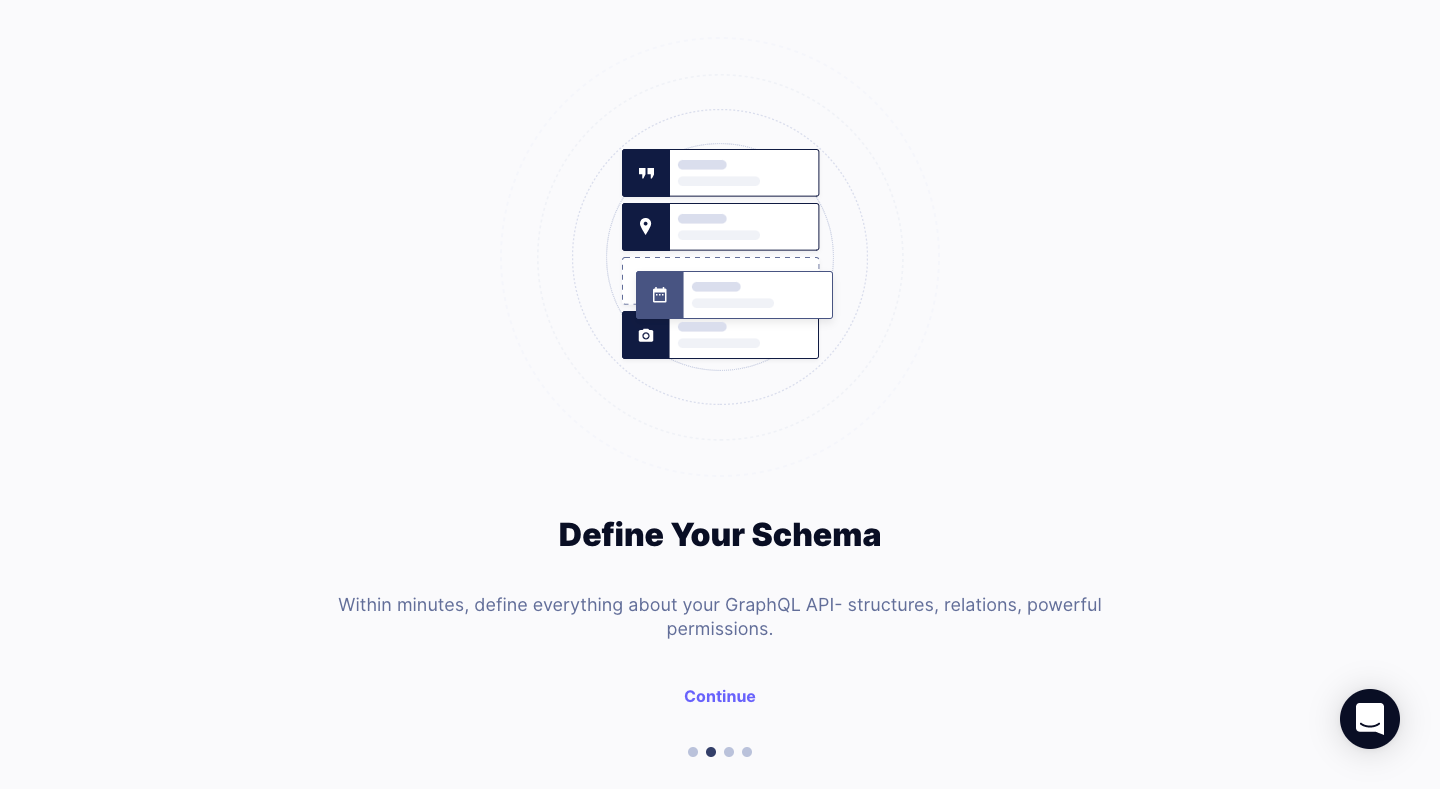
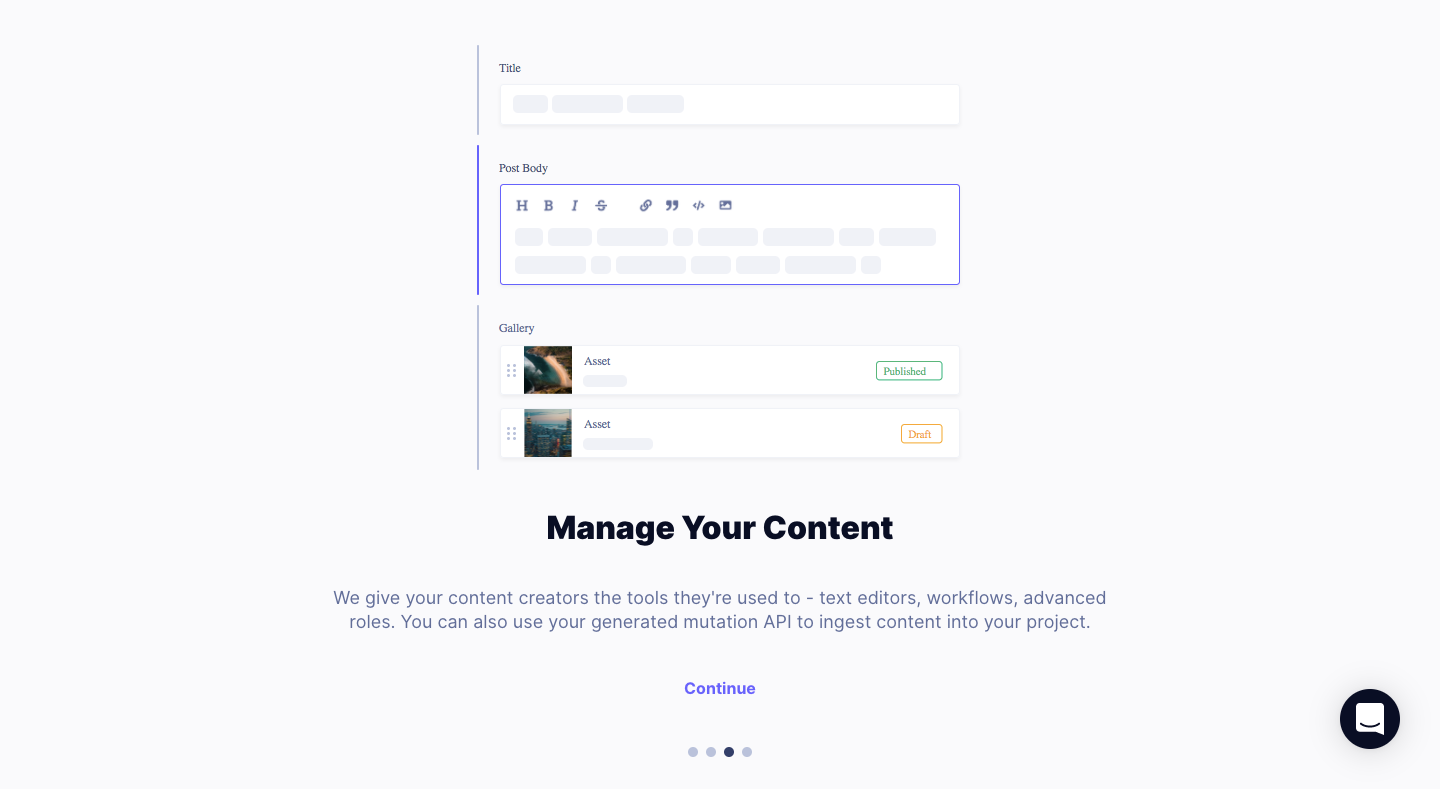
Hygraph's user onboarding is a four-slide welcome carousel explaining schemas, content and API connections on a pale grey page. Each slide centers a small dark navy illustration (the logo, stacked schema fields, an editor panel, code windows) above a bold title and one line of grey copy. Dot pagination sits at the bottom, with a violet button to start and finish and a plain text Continue link between.
Follow Hygraph’s user onboarding flow step by step: 4 real screens captured from the live product, from user onboarding: welcome to user onboarding: connect your applications. Use ← → to move between steps, and open any screen to see it in full.
Steps in this flow
More flows from Hygraph
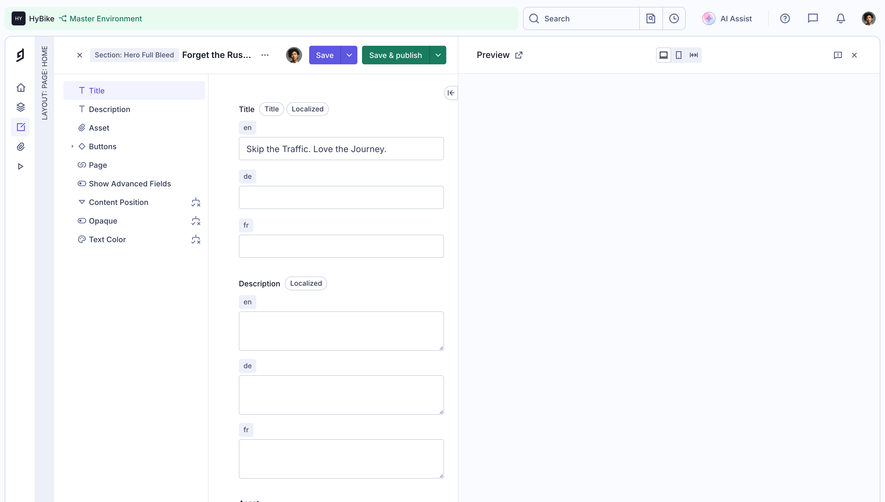
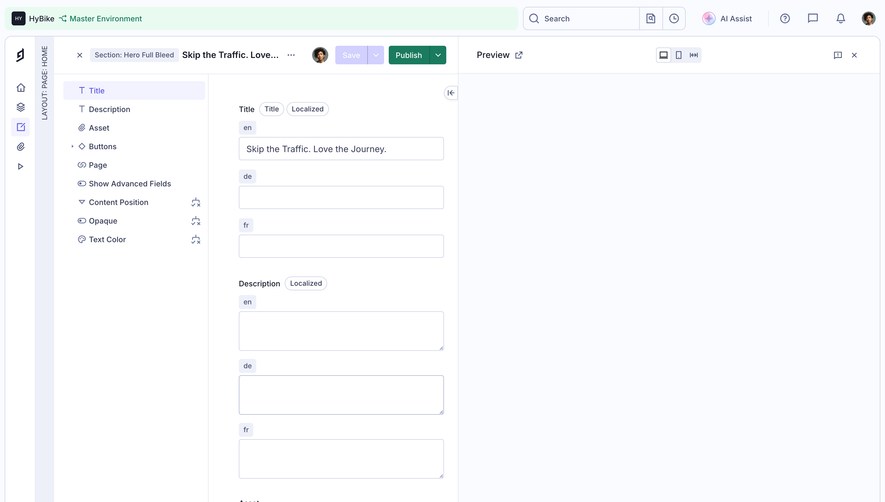
All Hygraph Hygraph Edit hero content
2 screens
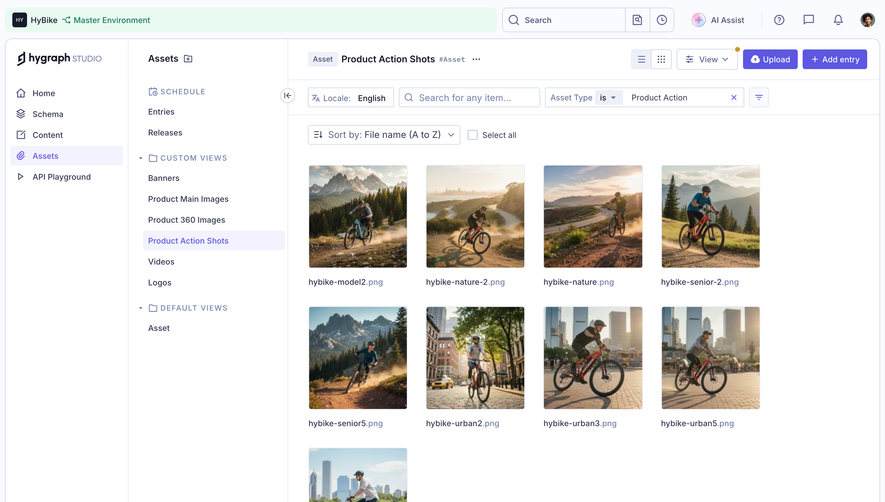
Hygraph Open a media asset
2 screens
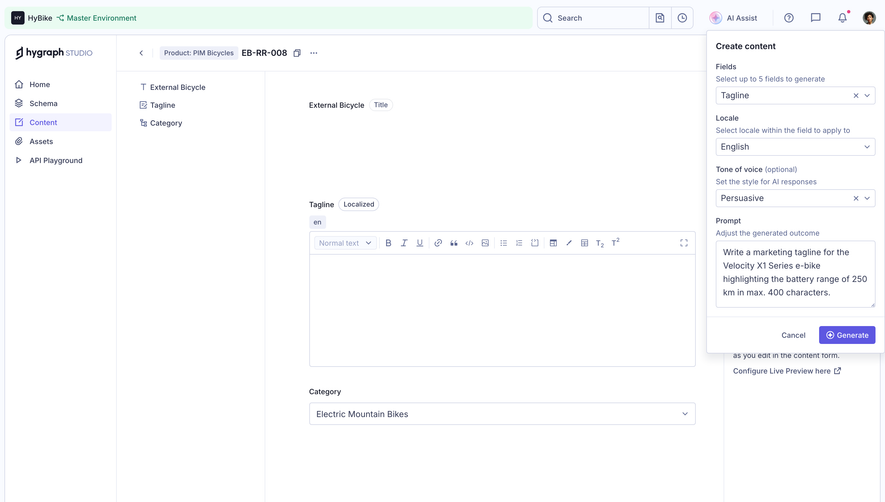
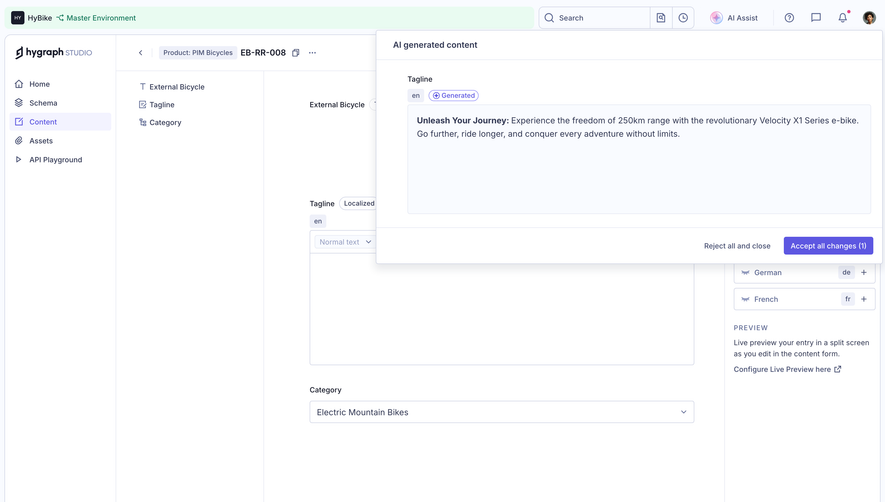
Hygraph Generate Content With AI
2 screens