SaaSFrame
6 more steps in this flow
Free accounts see the first 3 steps of each flow. Pro unlocks every step of every flow, plus every screen, section and Copy in Figma.
Folk Onboarding
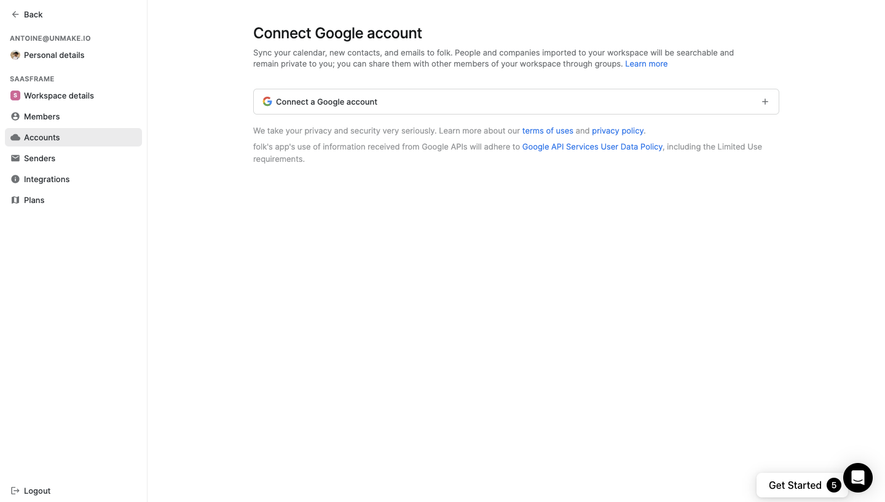
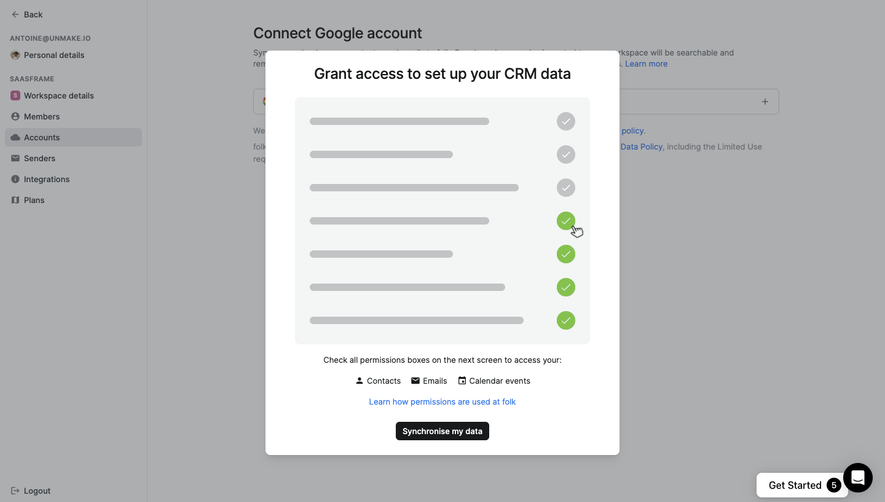
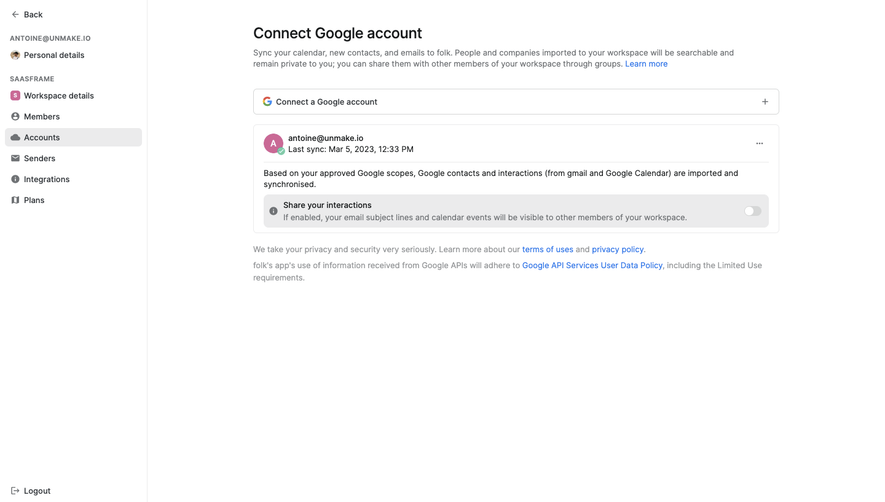
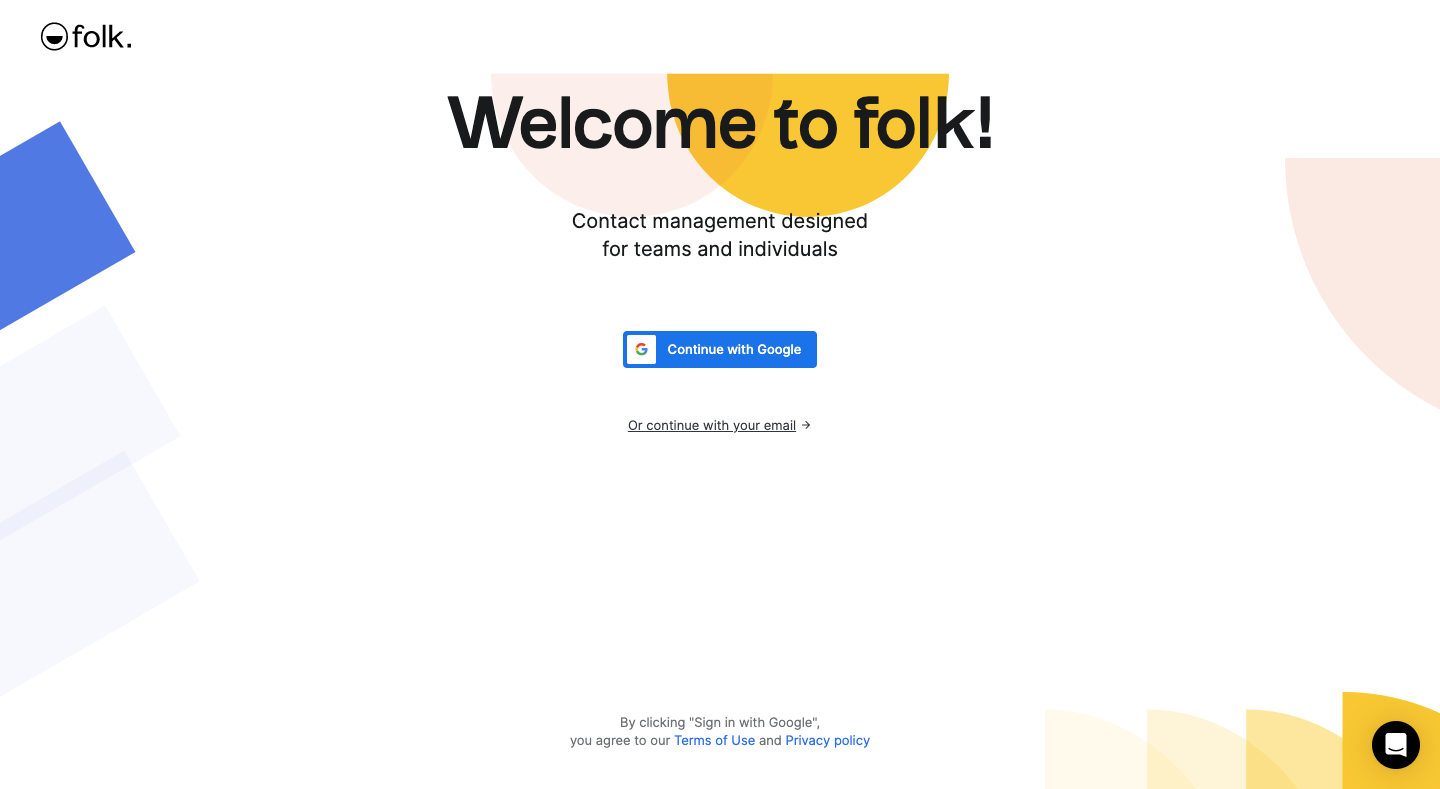
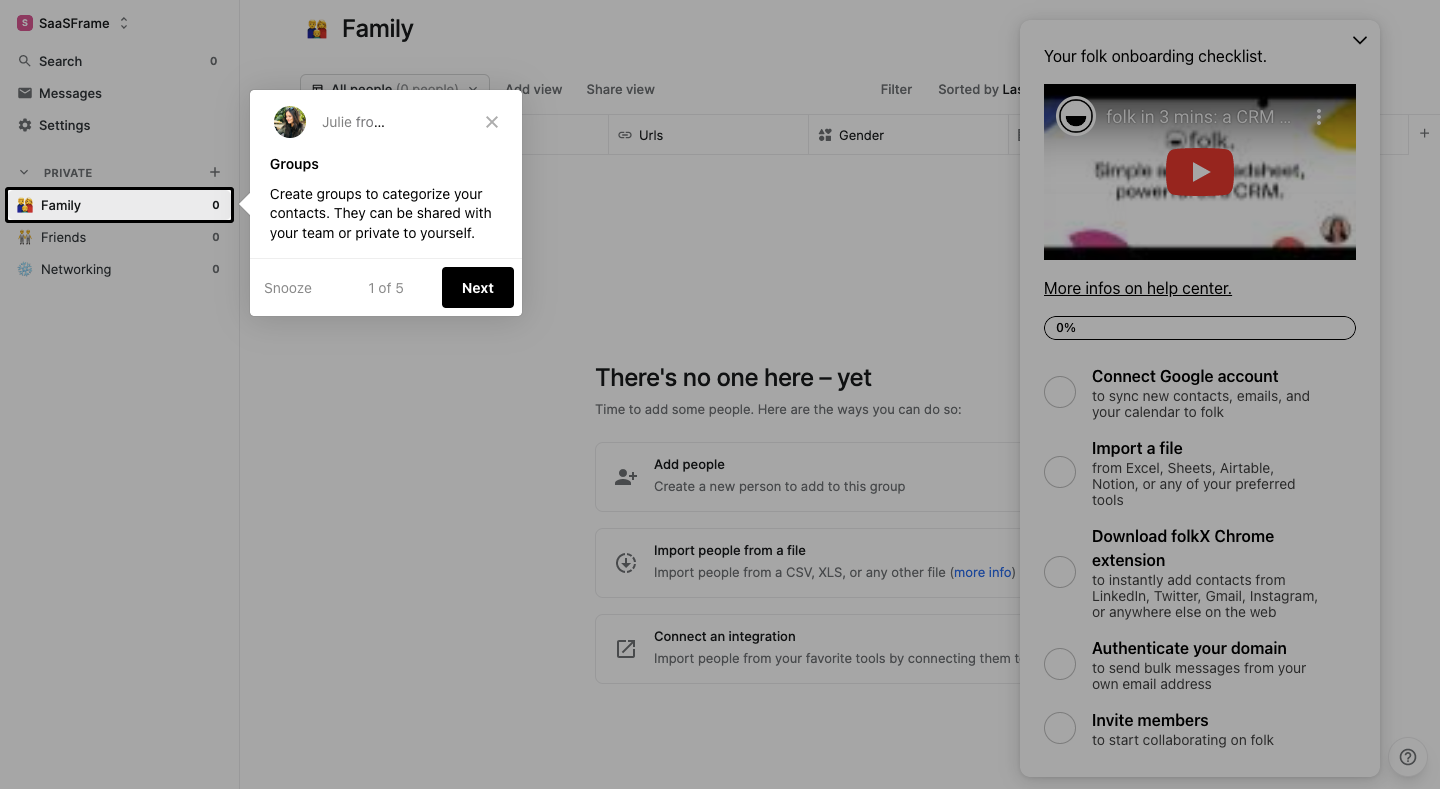
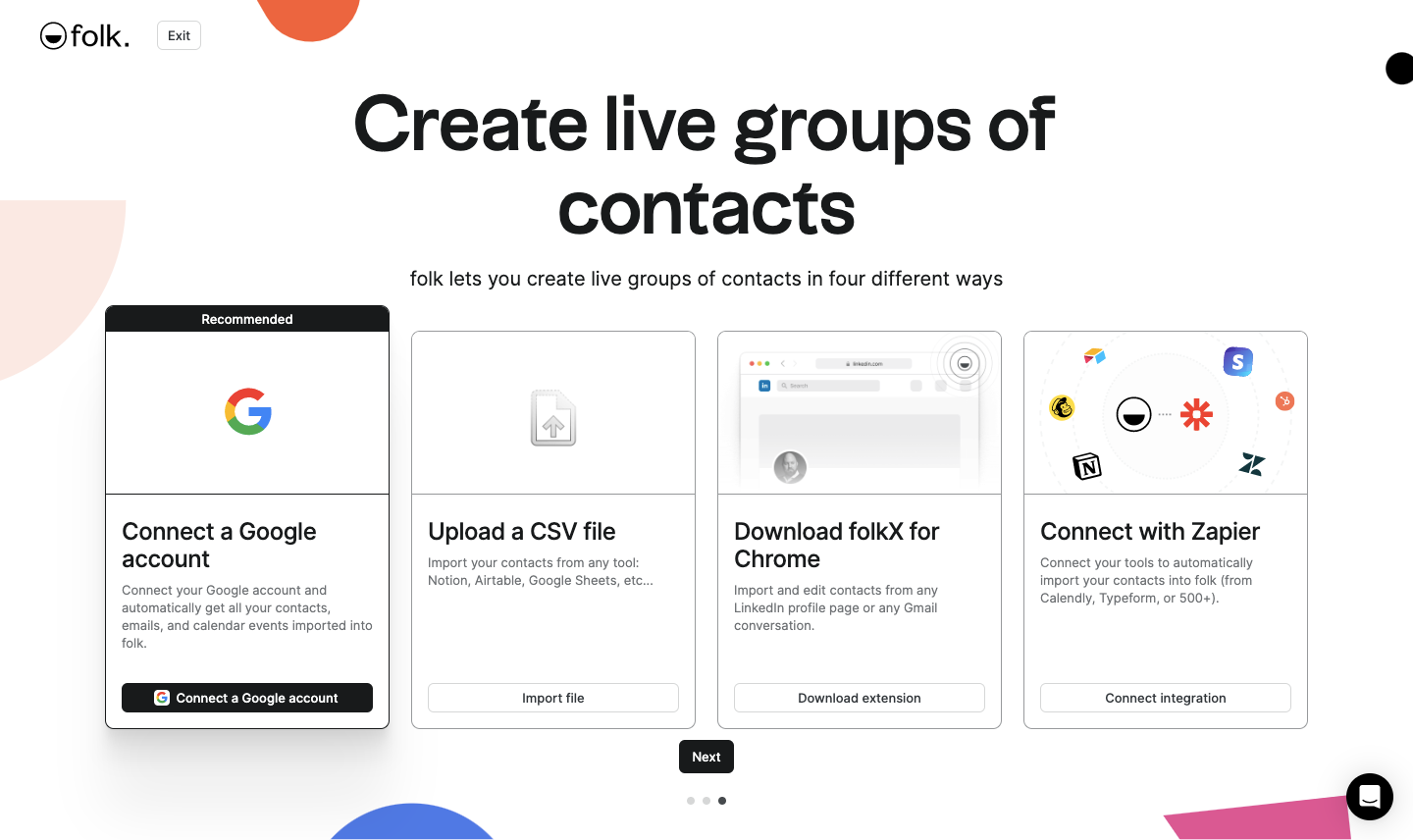
Folk's onboarding flow mixes a playful sign-up with tooltip tours of an empty CRM, using bold blobs of orange, yellow and blue. Setup screens are full page with big centered headlines: four import options as cards, an invite field and an about-you form. The tour steps dim the contacts view and anchor small white popovers with counters and black Next buttons beside a docked video checklist.
Follow Folk’s onboarding flow step by step: 9 real screens captured from the live product, from sign up page to product tour: share. Use ← → to move between steps, and open any screen to see it in full.
Steps in this flow
More flows from Folk
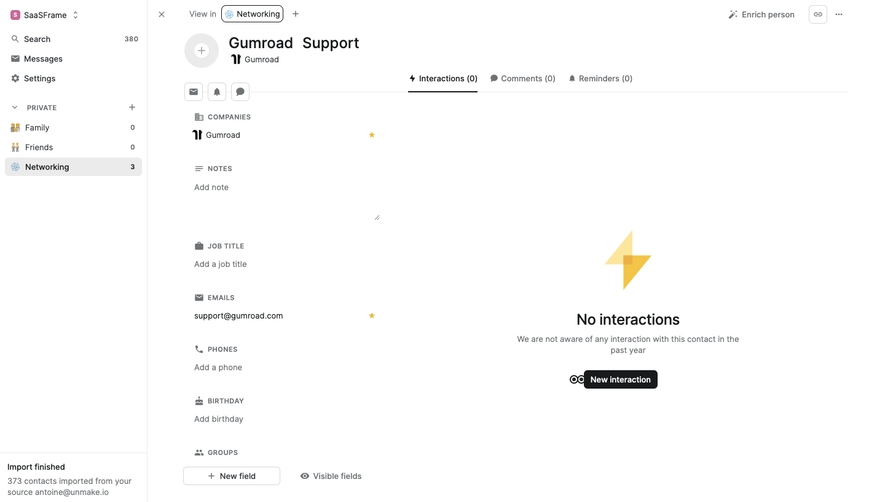
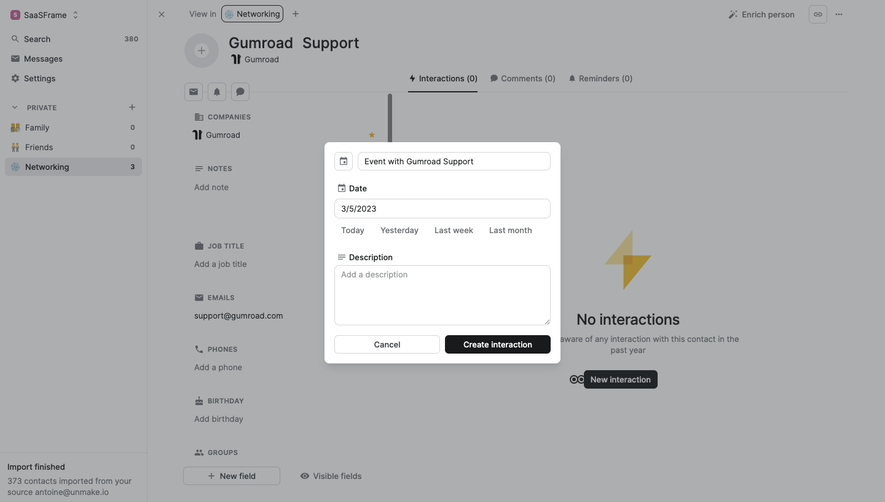
All Folk Folk Add an interaction
3 screens
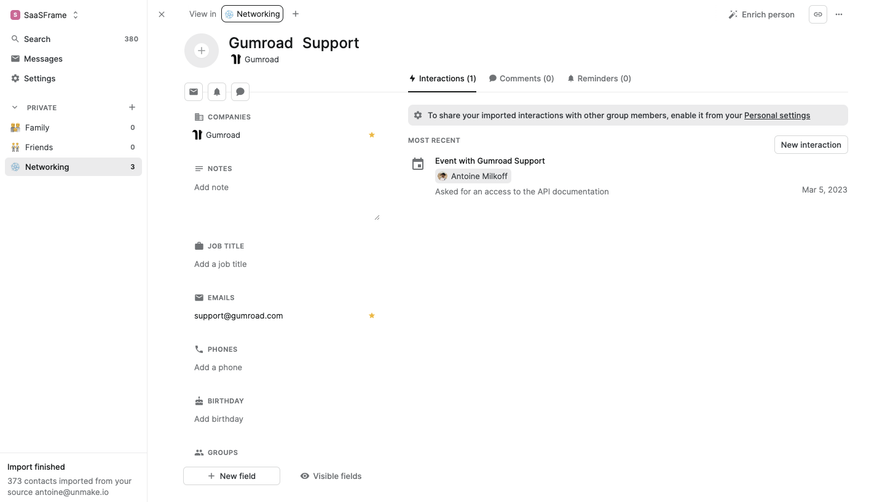
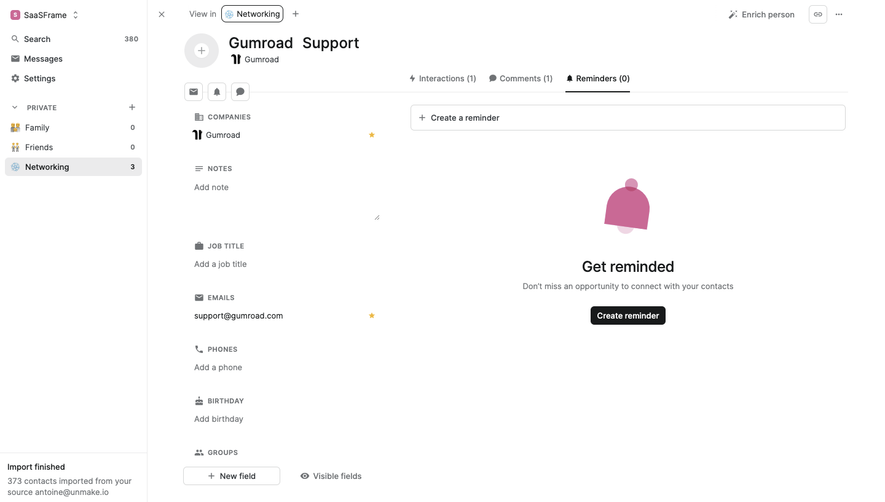
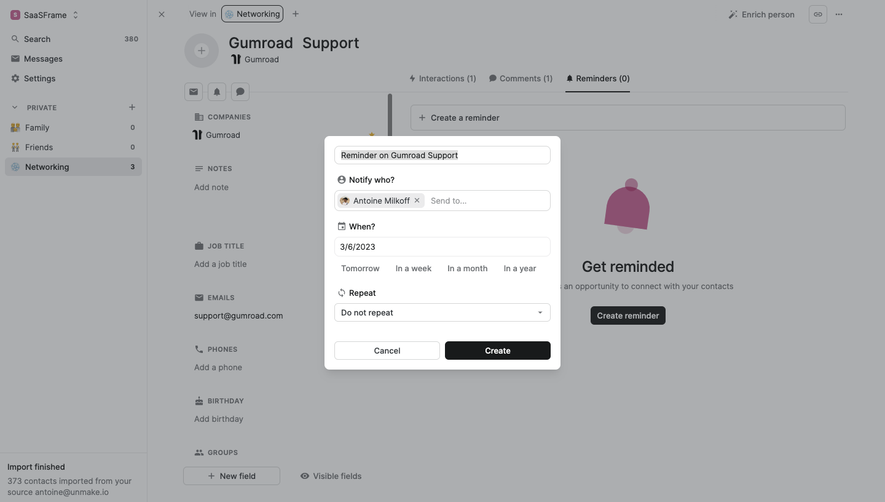
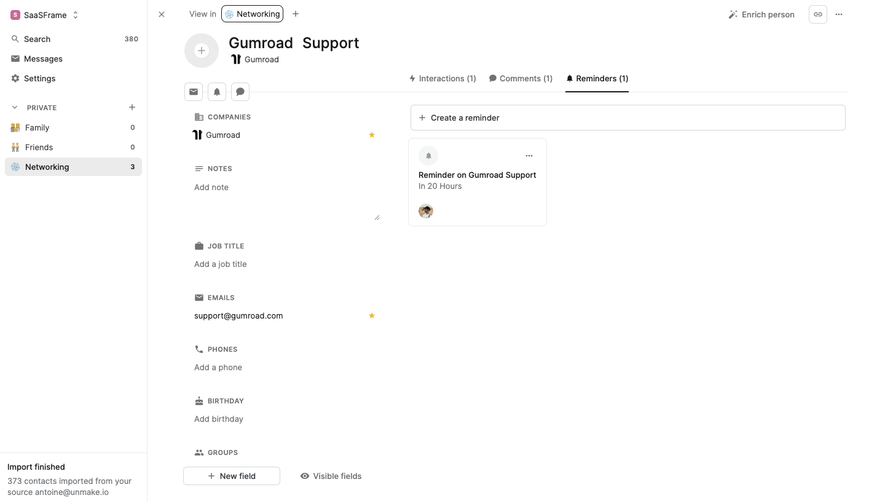
Folk Create a reminder
3 screens
Folk Connect Google Account
3 screens