 SaaSFrame
9 more steps in this flow
Free accounts see the first 3 steps of each flow. Pro unlocks every step of every flow, plus every screen, section and Copy in Figma.

Fiberplane Onboarding
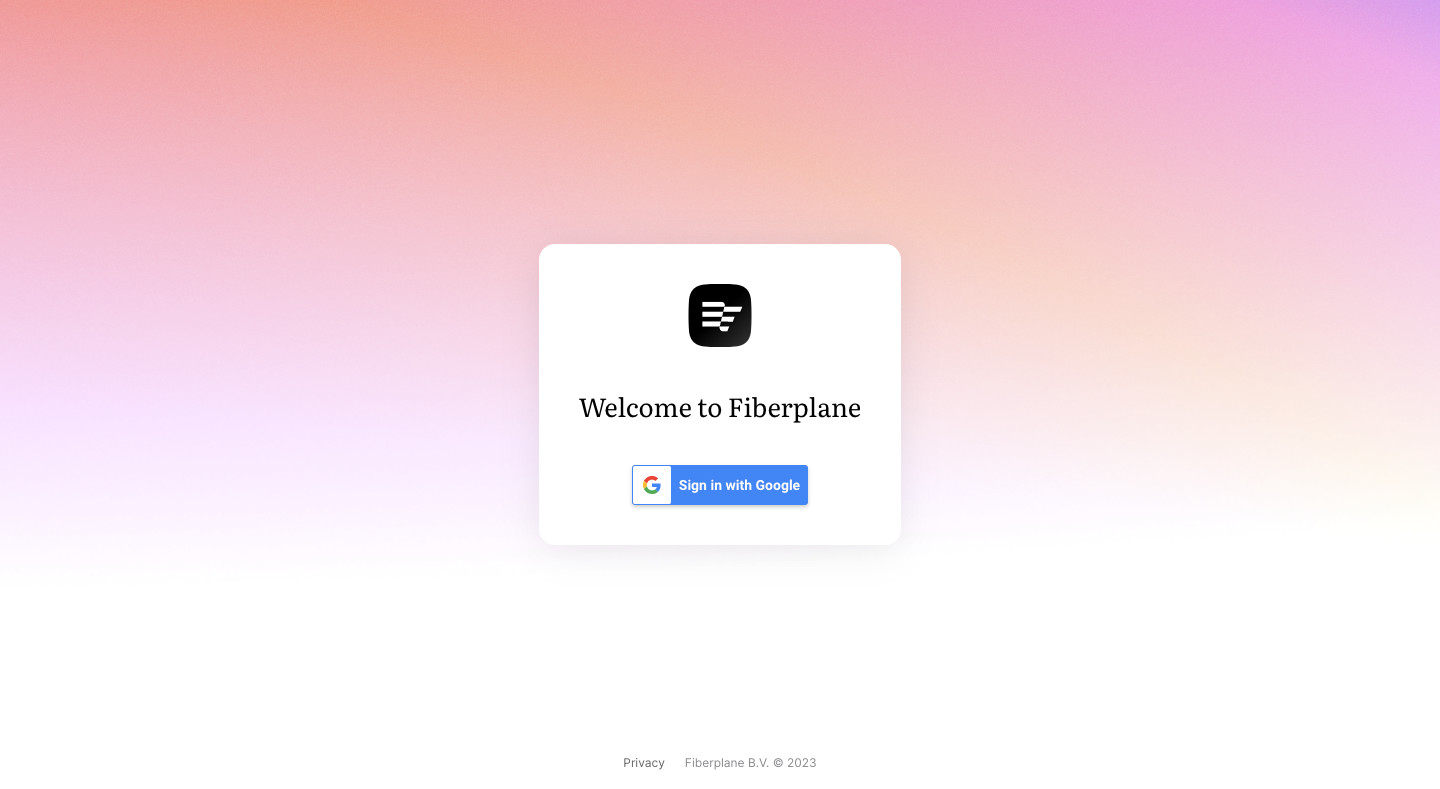
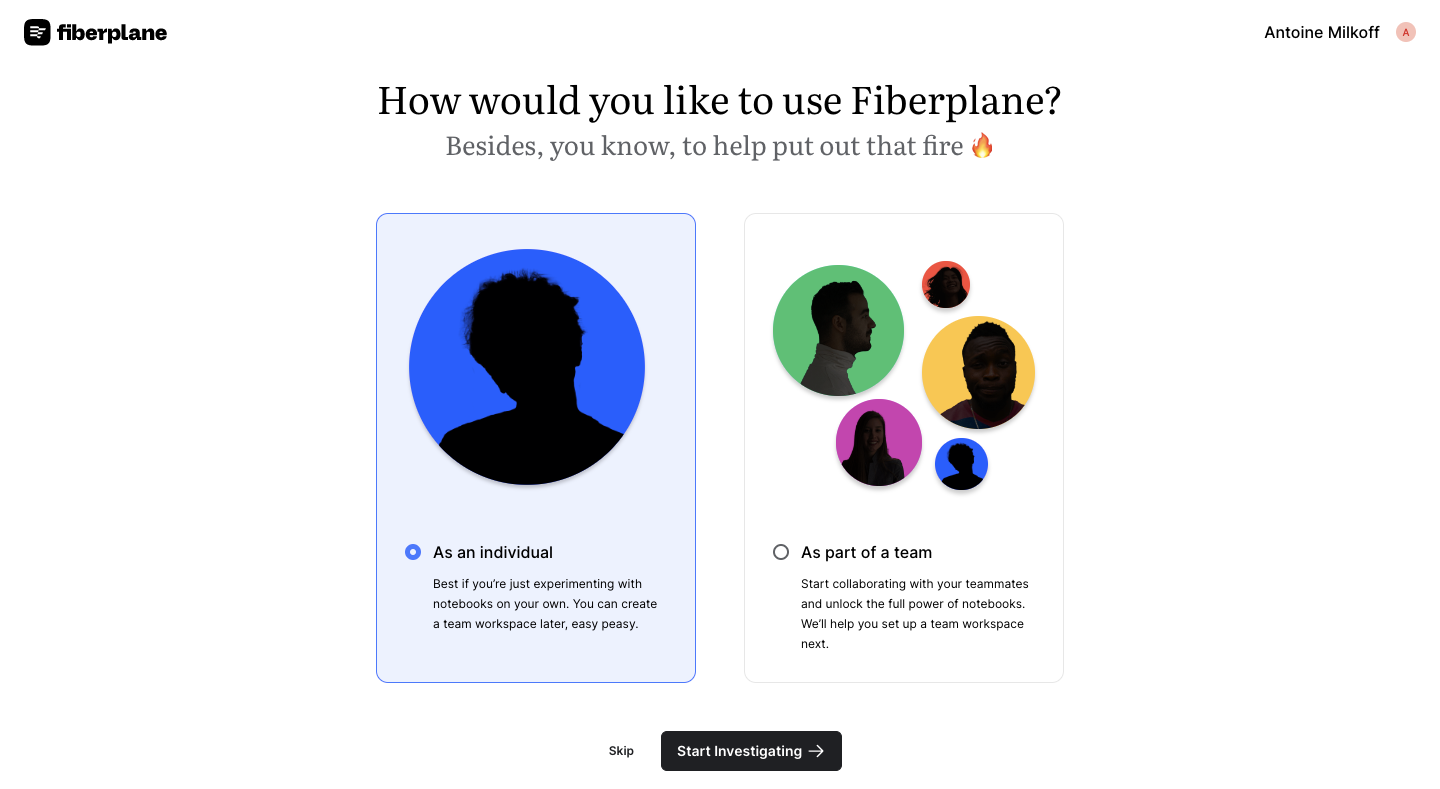
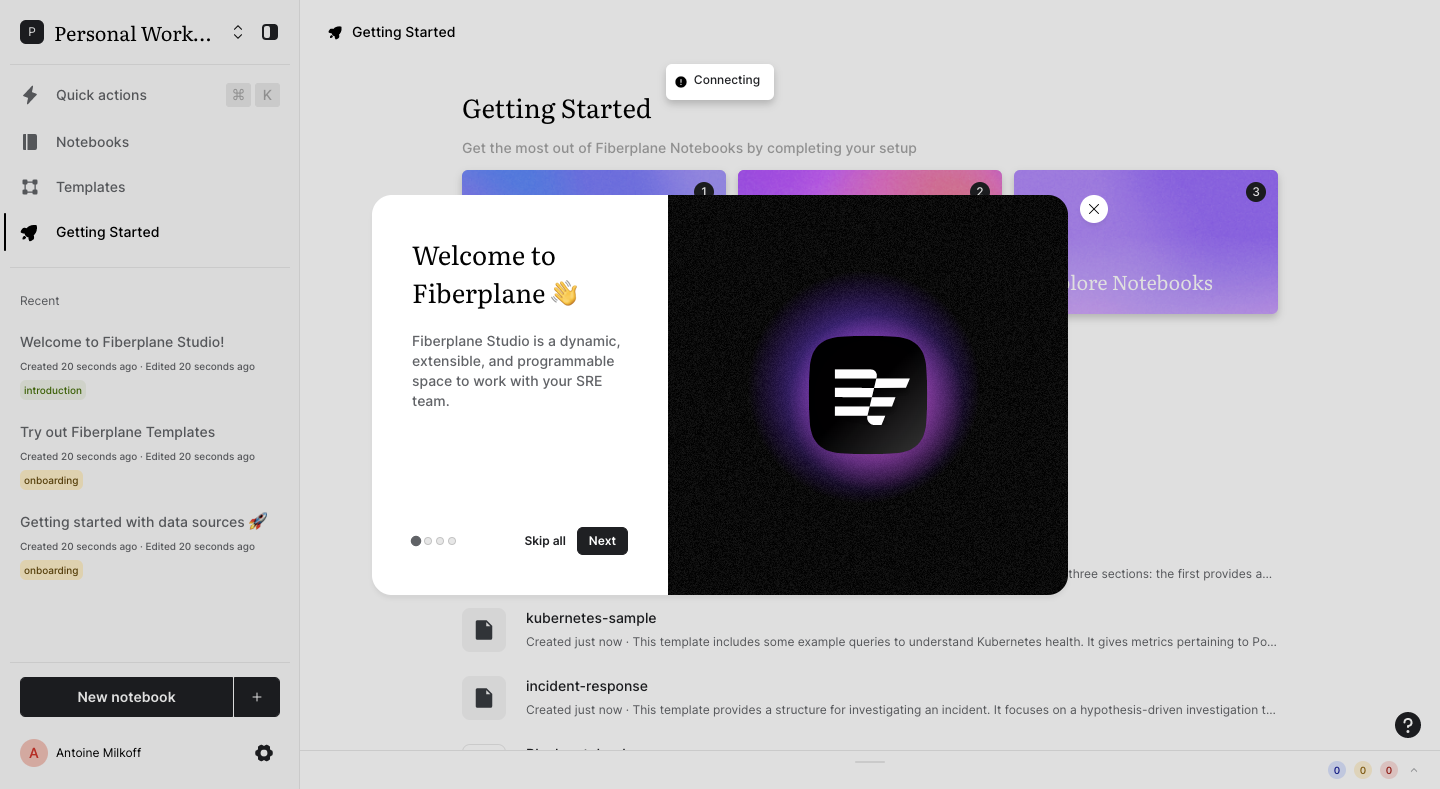
Fiberplane's onboarding flow starts with Google sign-in and an individual-or-team choice, then introduces notebooks, the CLI and proxy setup through a carousel of centered modals with soft purple gradient art. Each modal pairs a short serif heading with an icon or a code snippet, dots and Skip or Next, and proxy steps add a copyable token with Kubernetes, Docker and Local tabs.
Follow Fiberplane’s onboarding flow step by step: 12 real screens captured from the live product, from sign up flow: sign in with google to user onboarding: explore notebooks. Use ← → to move between steps, and open any screen to see it in full.
Steps in this flow
- 1Sign Up Flow: Sign In With Google
- 2Sign Up Flow: Individual or Team
- 3User Onboarding: Welcome Modal
- 4User Onboarding: Introducing Notebooks
- 5User Onboarding: Observability Tools
- 6User Onboarding: Collaborate in Real Time
- 7User Onboarding: Getting Started Page
- 8User Onboarding: Install the CLI
- 9User Onboarding: Connect Data With Proxy
- 10User Onboarding: Proxy Token Created
- 11User Onboarding: Deploy Your Proxy
- 12User Onboarding: Explore Notebooks