 SaaSFrame
4 more steps in this flow
Free accounts see the first 3 steps of each flow. Pro unlocks every step of every flow, plus every screen, section and Copy in Figma.

EmailOctopus Sign Up Flow
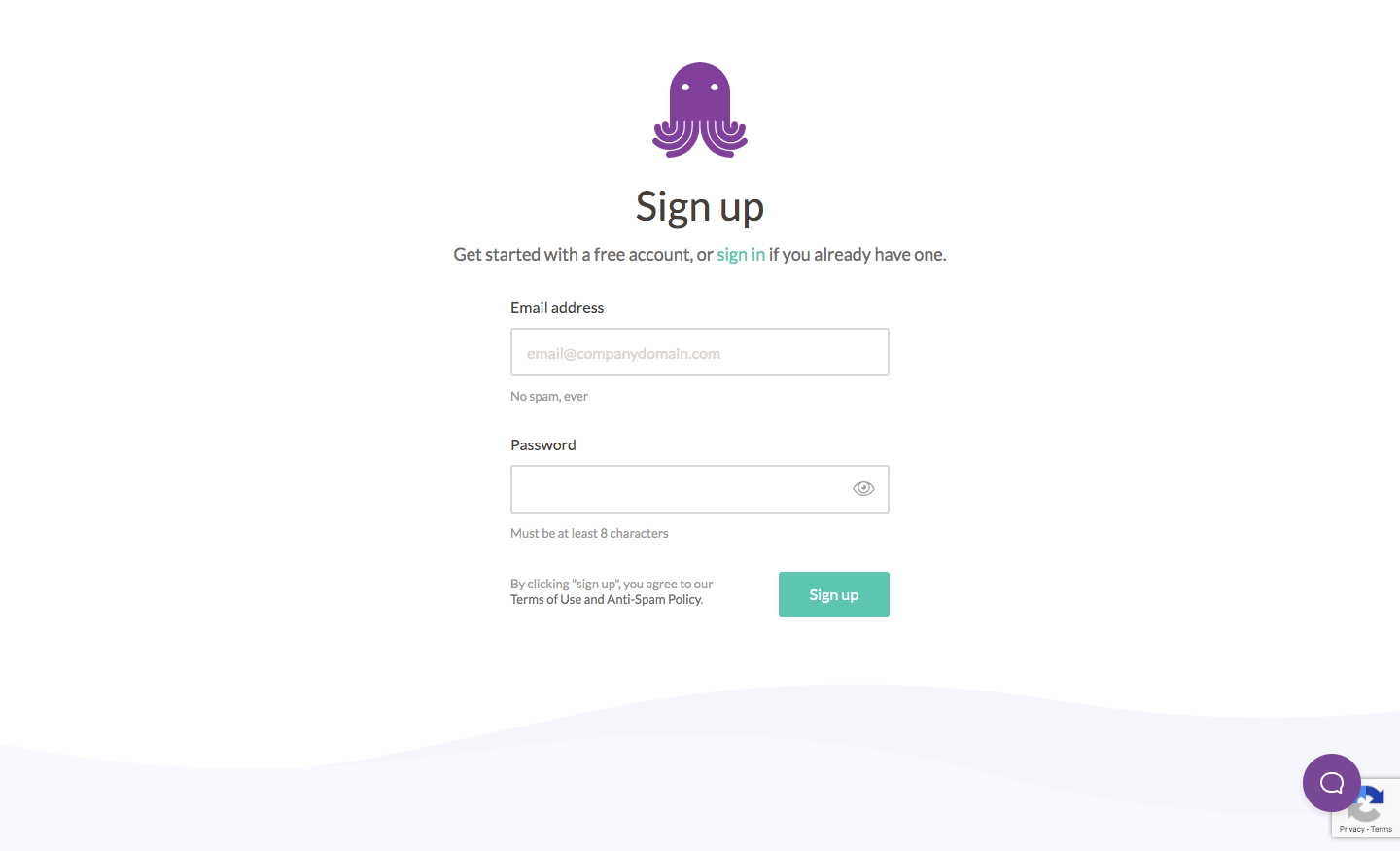
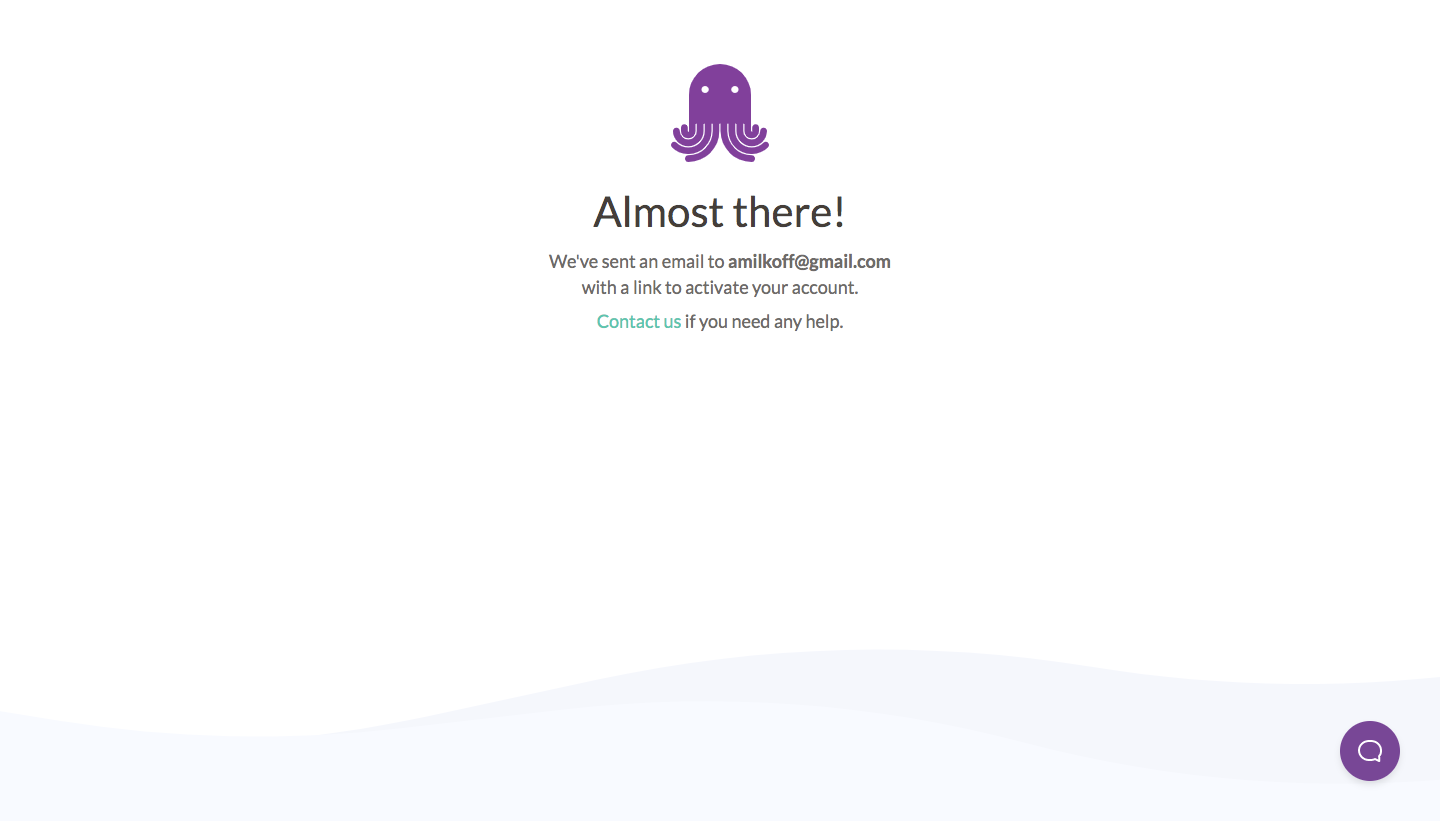
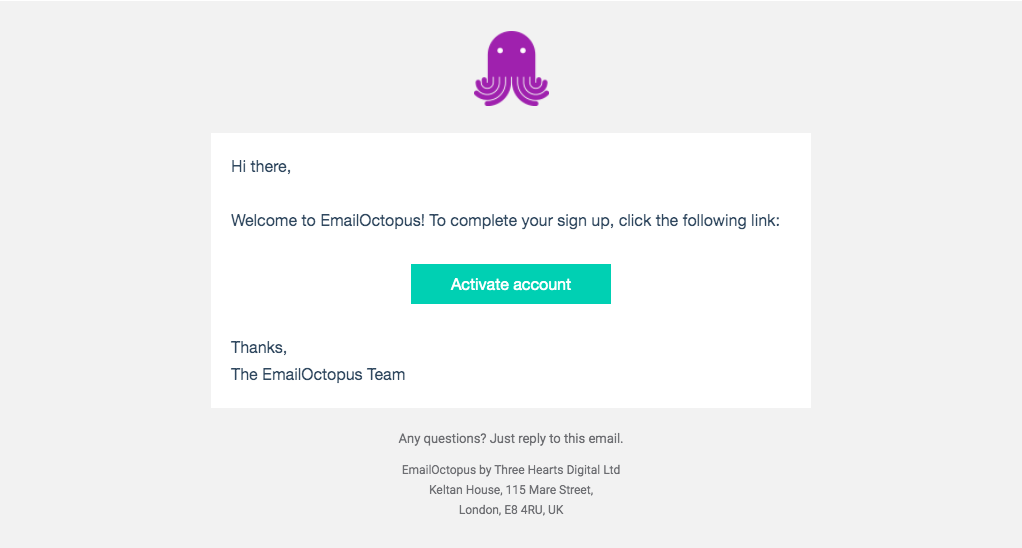
EmailOctopus's sign-up flow goes from a short form to a welcome dashboard in seven steps, each topped by the purple octopus mascot. Account creation is followed by a check-your-email screen and a plain activation email with a teal button. A thin purple progress line then tracks plan choice between Starter and Pro cards, company details and an address form, before a dashboard with two numbered setup tasks.
Follow EmailOctopus’s sign up flow flow step by step: 7 real screens captured from the live product, from sign up page to sign up flow: welcome dashboard. Use ← → to move between steps, and open any screen to see it in full.