 SaaSFrame

SaaSFrame Pro
3 more steps in this flow
Free accounts see the first 3 steps of each flow. Pro unlocks every step of every flow, plus every screen, section and Copy in Figma.

Billflow Sign Up Flow
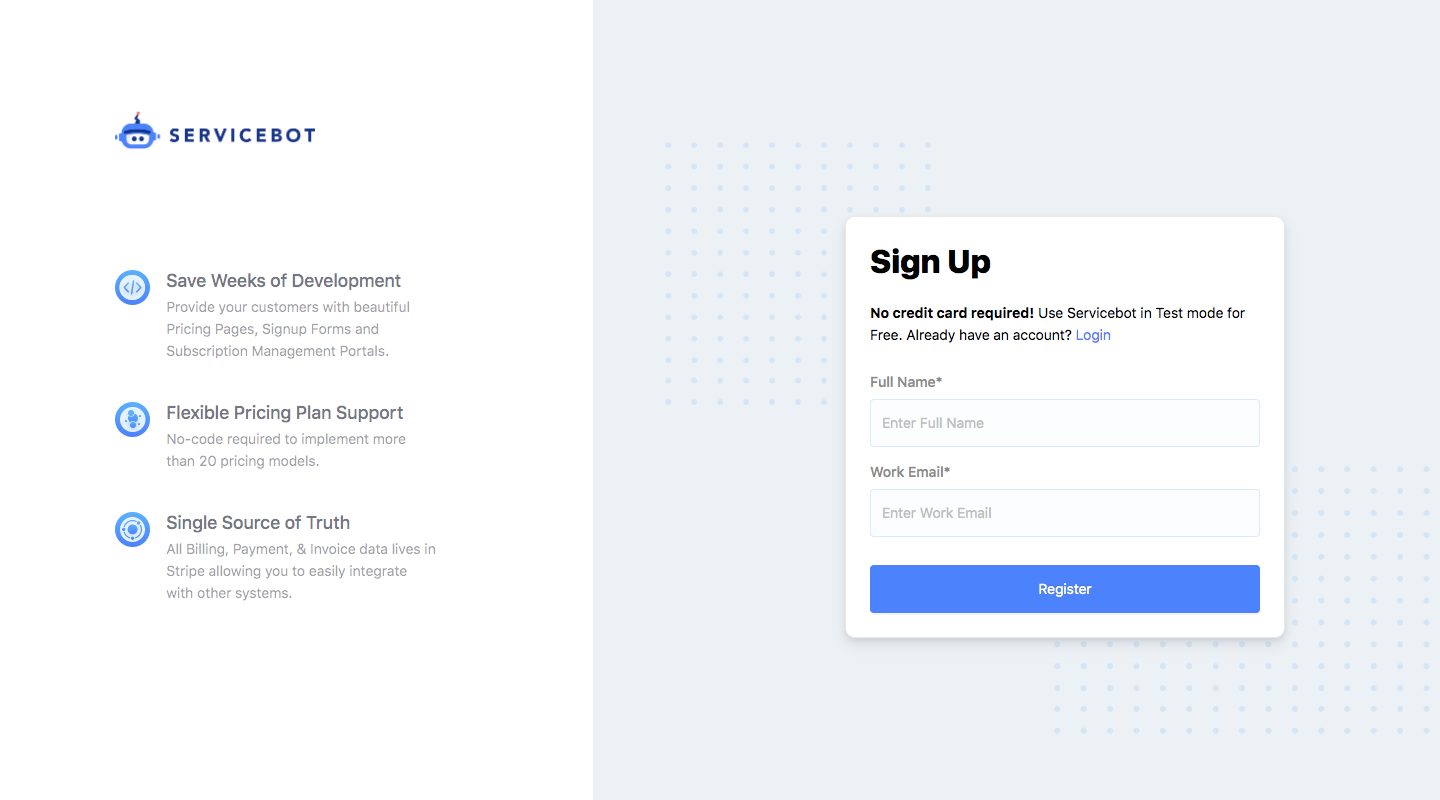
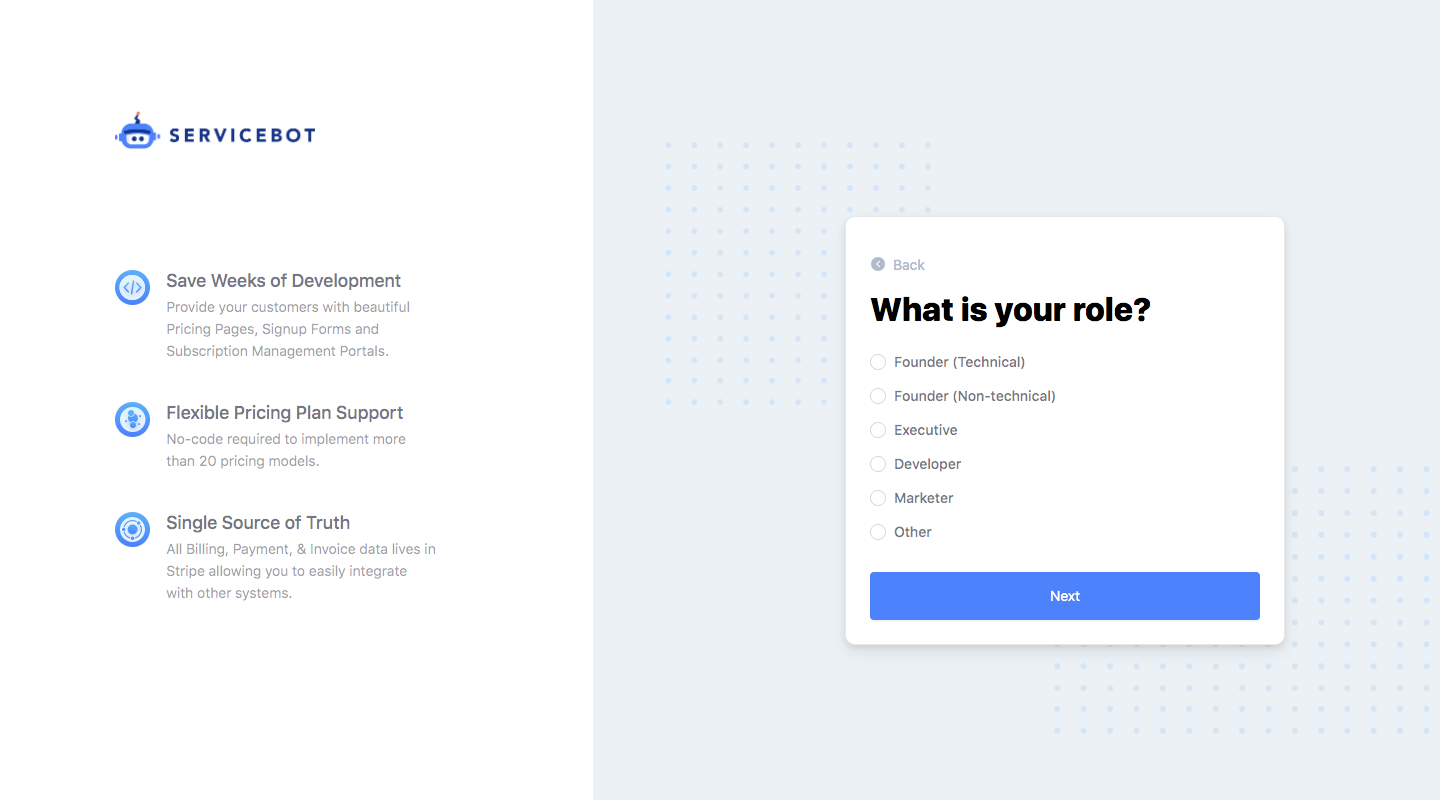
Billflow's sign up flow, branded Servicebot, asks a few quick questions before connecting Stripe in six card-based steps. A fixed left column lists three product benefits with icons, while a small white card on a dotted grey background holds one question at a time. Answers are simple radio lists with a full-width blue button, ending on a Connect with Stripe action.
Follow Billflow’s sign up flow flow step by step: 6 real screens captured from the live product, from sign up page to sign up flow: connect stripe. Use ← → to move between steps, and open any screen to see it in full.