 SaaSFrame
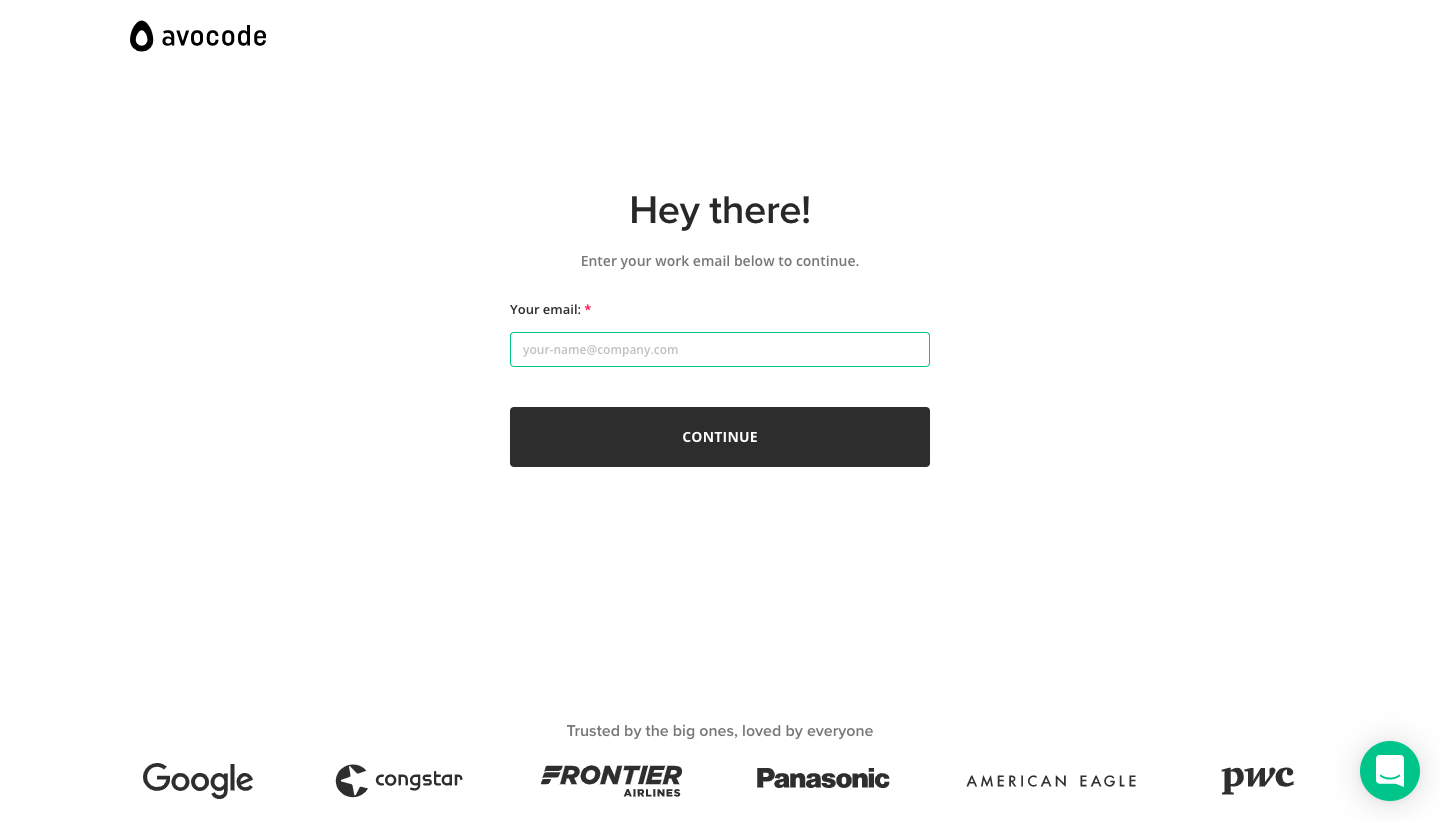
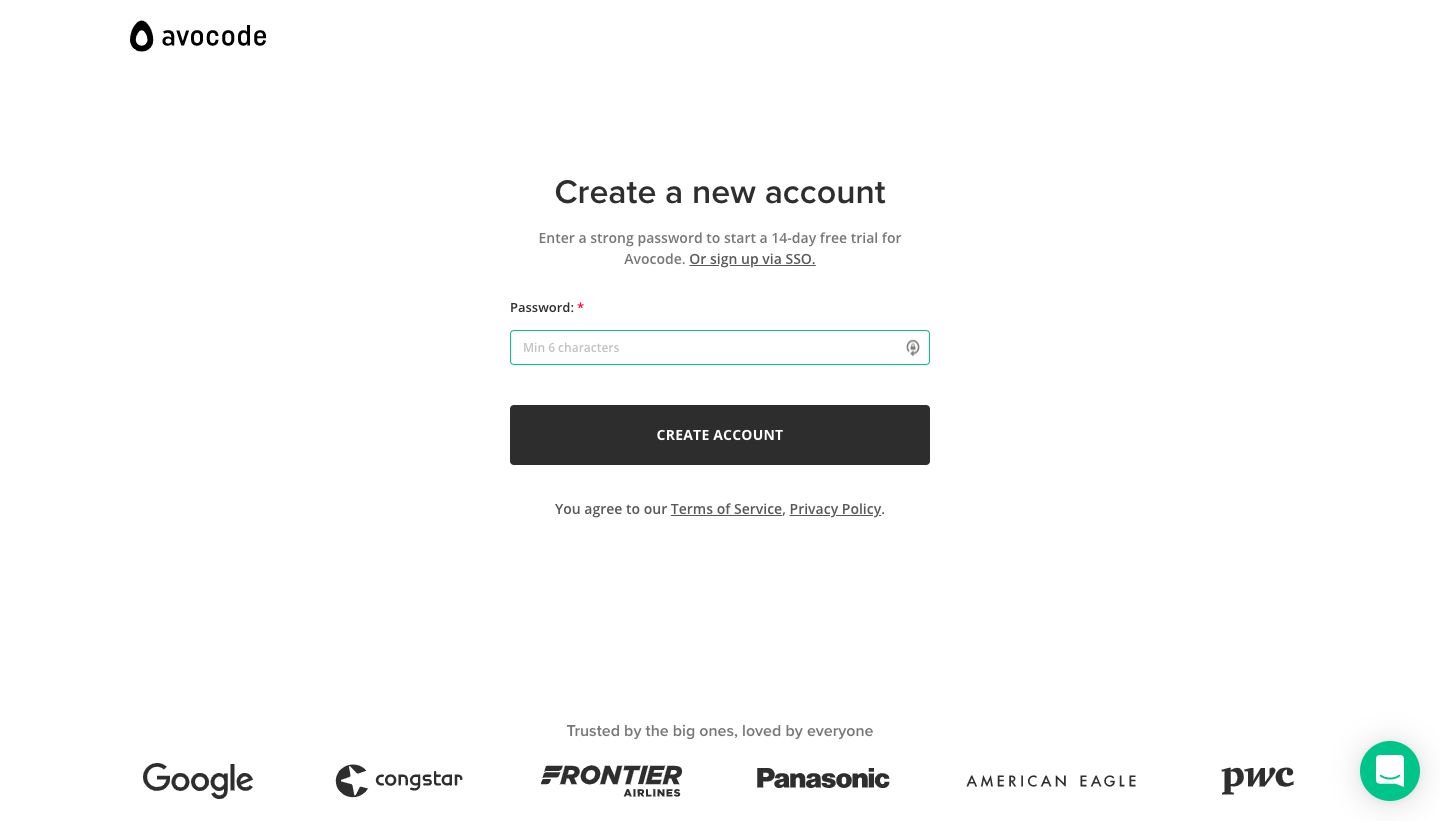
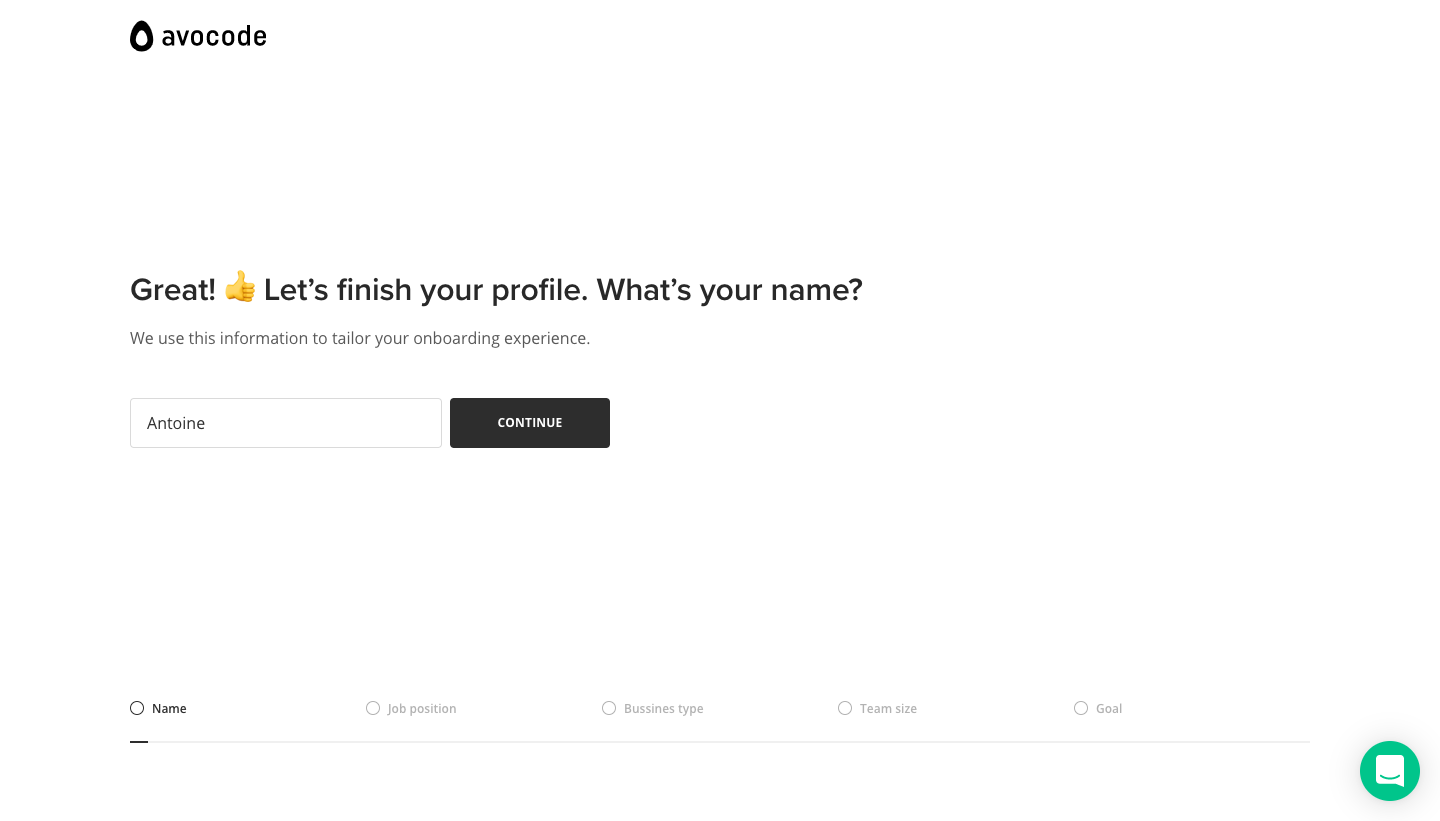
5 more steps in this flow
Free accounts see the first 3 steps of each flow. Pro unlocks every step of every flow, plus every screen, section and Copy in Figma.

Avocode Sign Up Flow
Avocode's sign-up flow collects email, password and five profile answers on bare white screens with dark buttons and grey chip choices. The first two steps keep a strip of customer logos at the bottom, then a labeled progress bar fills as you pick a job, business type, team size and main goal. Each question is one headline with a row of small icon chips, and the flow ends with a large email box to invite your team.
Follow Avocode’s sign up flow flow step by step: 8 real screens captured from the live product, from sign up page: work email to sign up flow: invite team. Use ← → to move between steps, and open any screen to see it in full.