 SaaSFrame

SaaSFrame Pro
3 more steps in this flow
Free accounts see the first 3 steps of each flow. Pro unlocks every step of every flow, plus every screen, section and Copy in Figma.

AND.CO User Onboarding
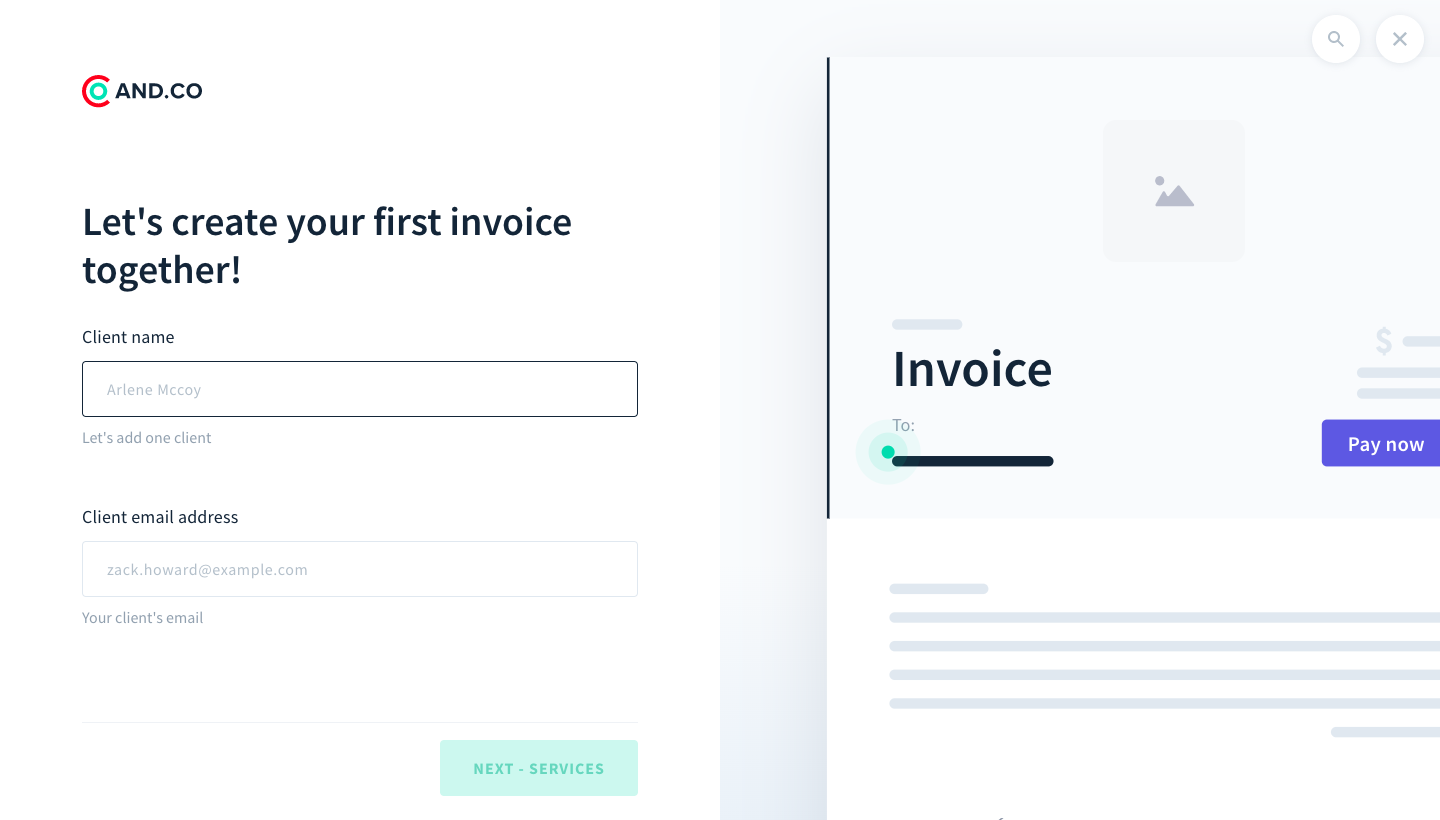
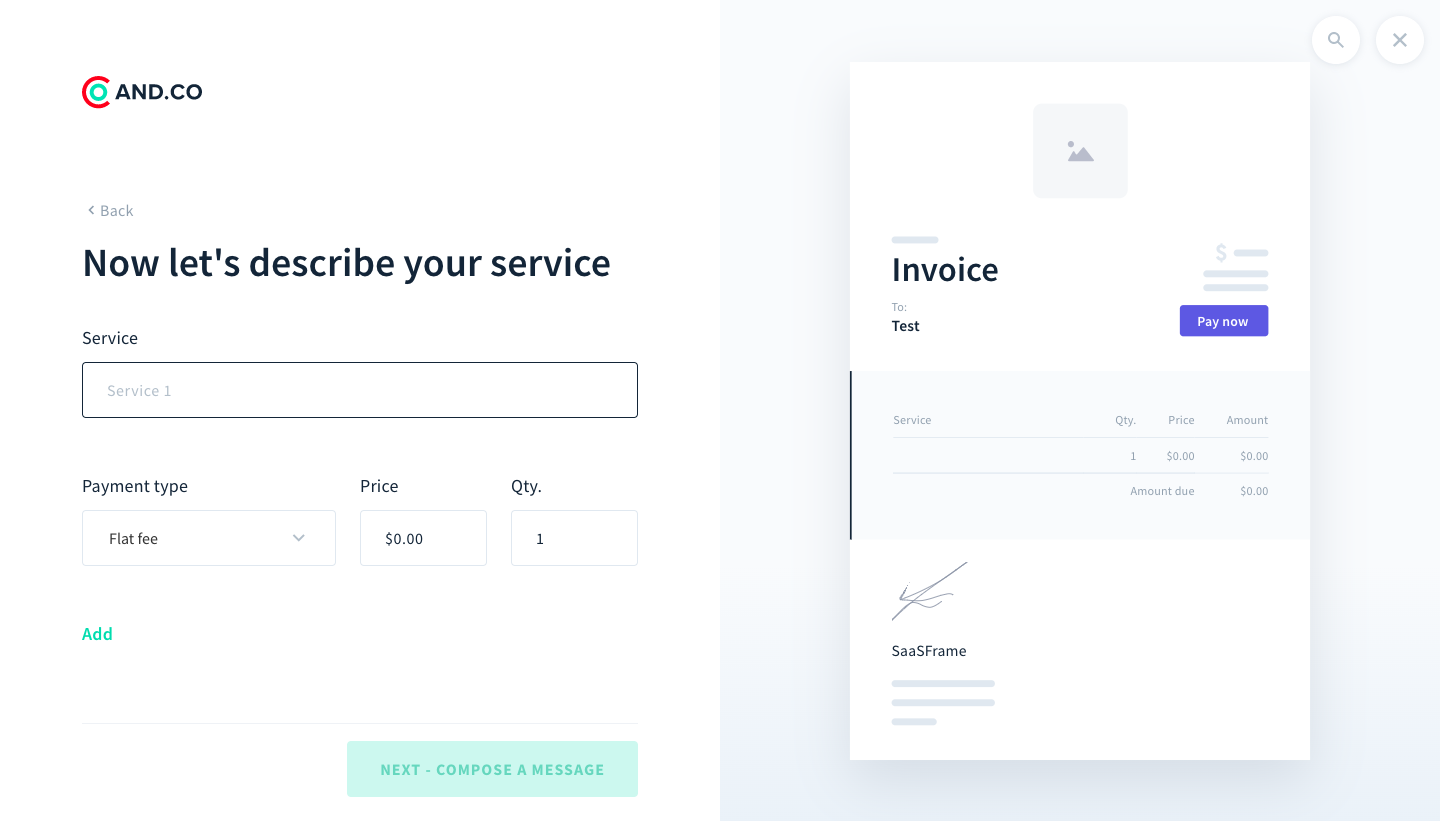
AND.CO's onboarding gets a new freelancer to send a first invoice in six split-screen steps. Questions and fields sit on the left with teal buttons, while the right side previews the invoice taking shape with the client, service line and message. A loading screen with a small illustration bridges to a confetti confirmation listing what to do next.
Follow AND.CO’s user onboarding flow step by step: 6 real screens captured from the live product, from onboarding flow: try sending an invoice to onboarding flow: invoice sent. Use ← → to move between steps, and open any screen to see it in full.