 SaaSFrame
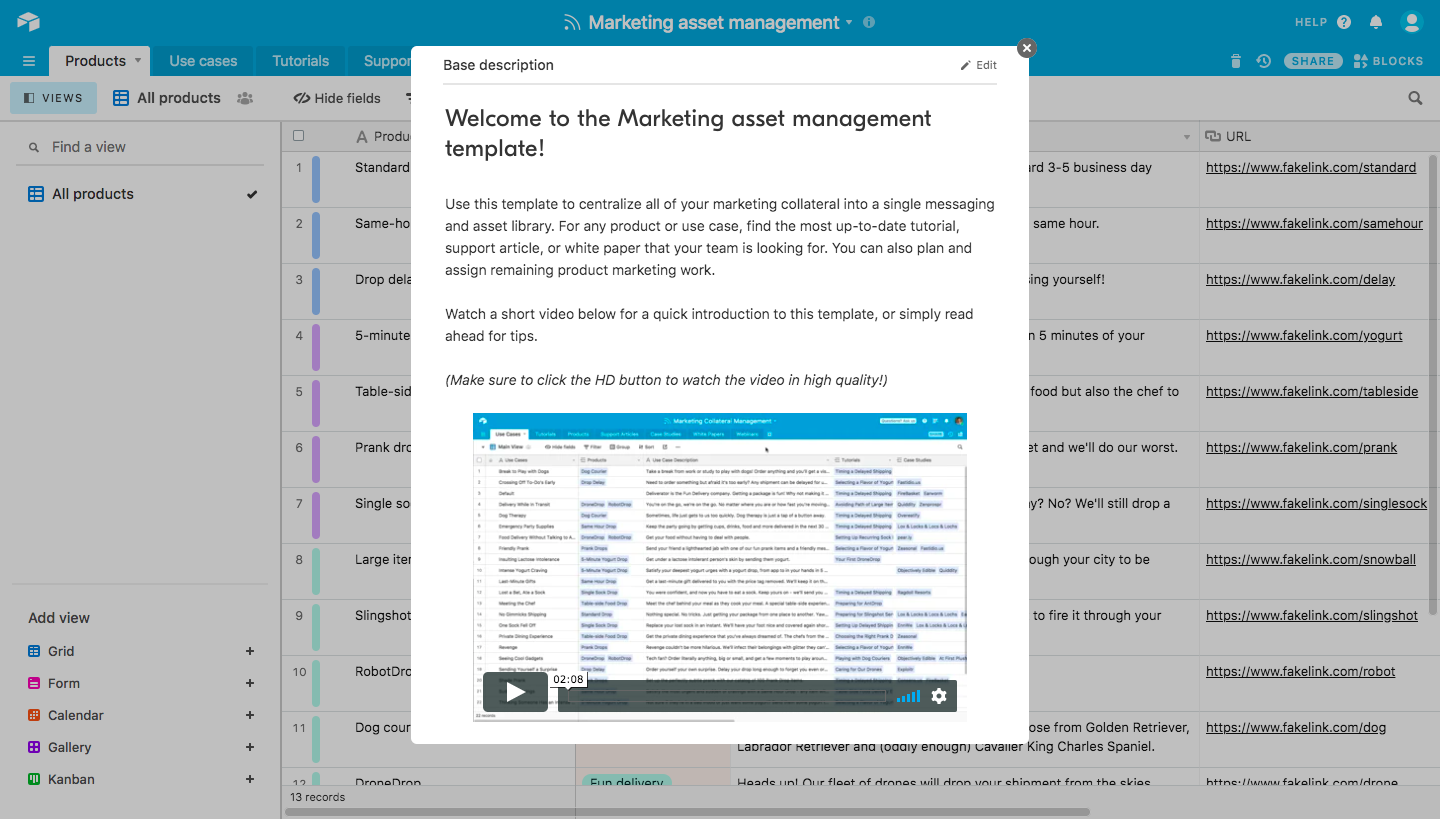
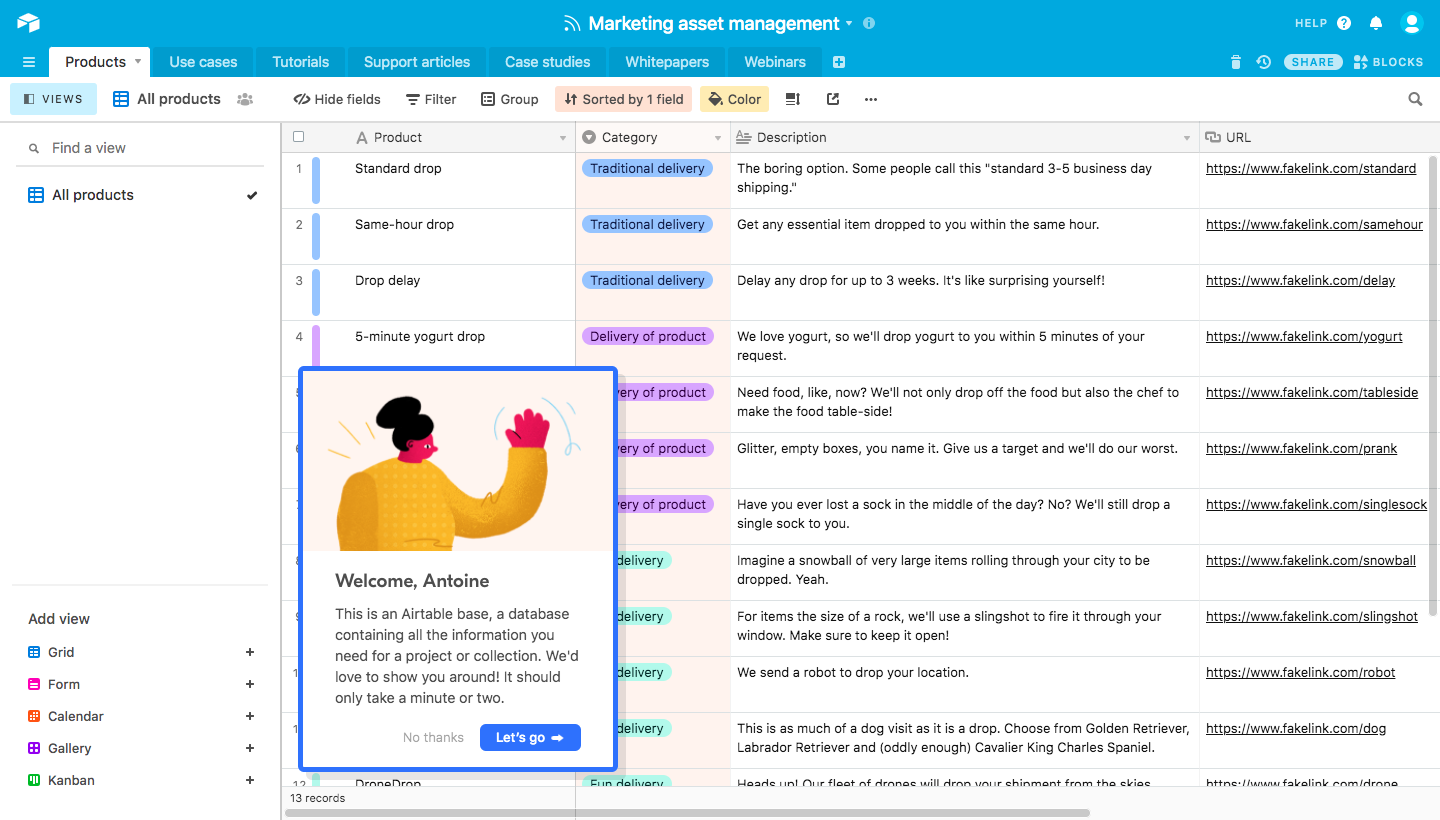
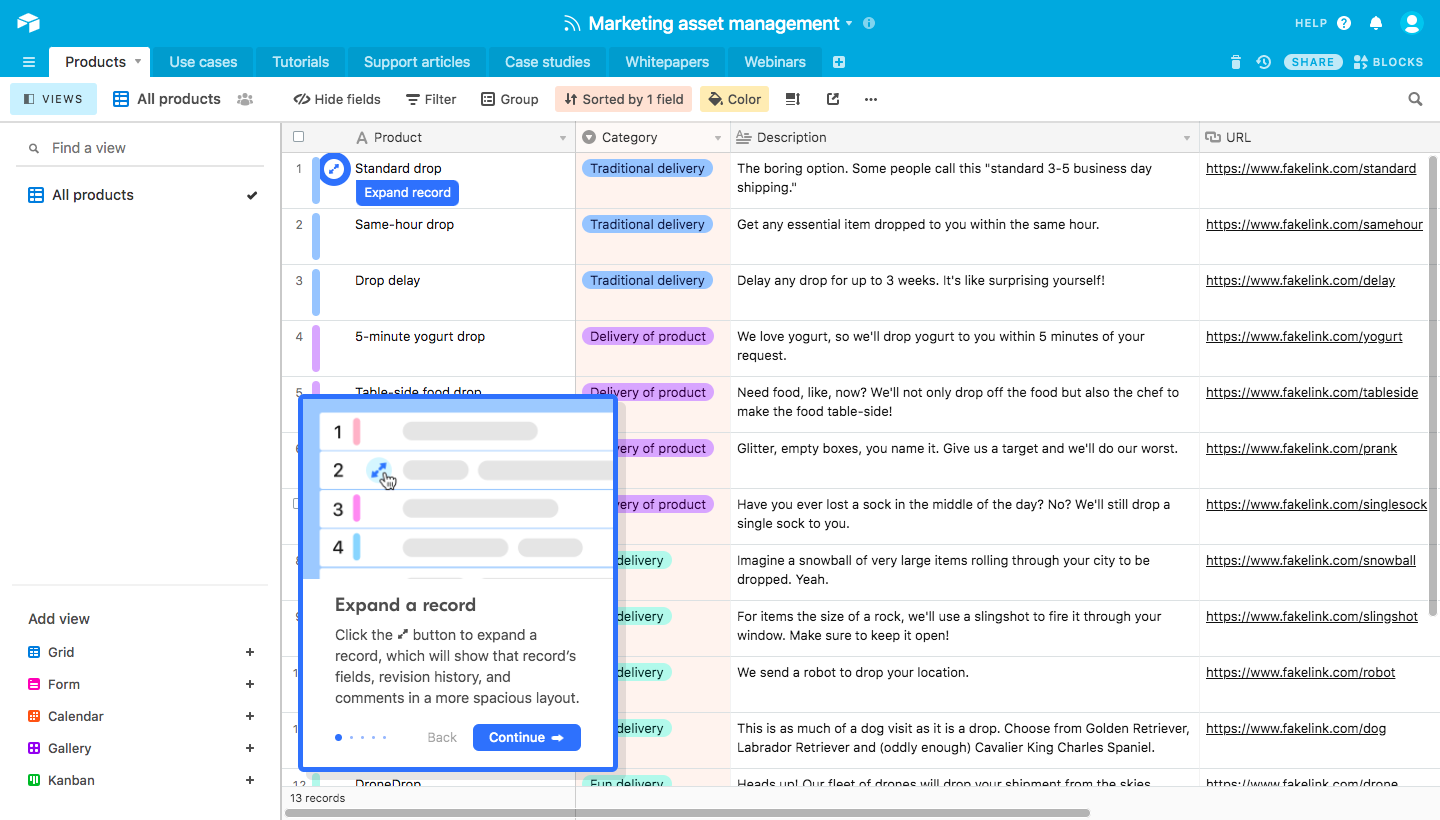
5 more steps in this flow
Free accounts see the first 3 steps of each flow. Pro unlocks every step of every flow, plus every screen, section and Copy in Figma.

Airtable User Onboarding
Airtable's onboarding tour walks through a marketing template, from a template description to records, fields, views, blocks and sharing. Small cards with playful illustrations sit in the lower left of the full base, each pointing at the relevant control with a blue continue button. The tour closes on a celebratory card while a side panel guide explains how to use the template.
Follow Airtable’s user onboarding flow step by step: 8 real screens captured from the live product, from product tour: template description to product tour: nice work. Use ← → to move between steps, and open any screen to see it in full.