SaaSFrame
Replit Security Page
 ReplitBuild apps and websites by describing them
About this page
Secure by default
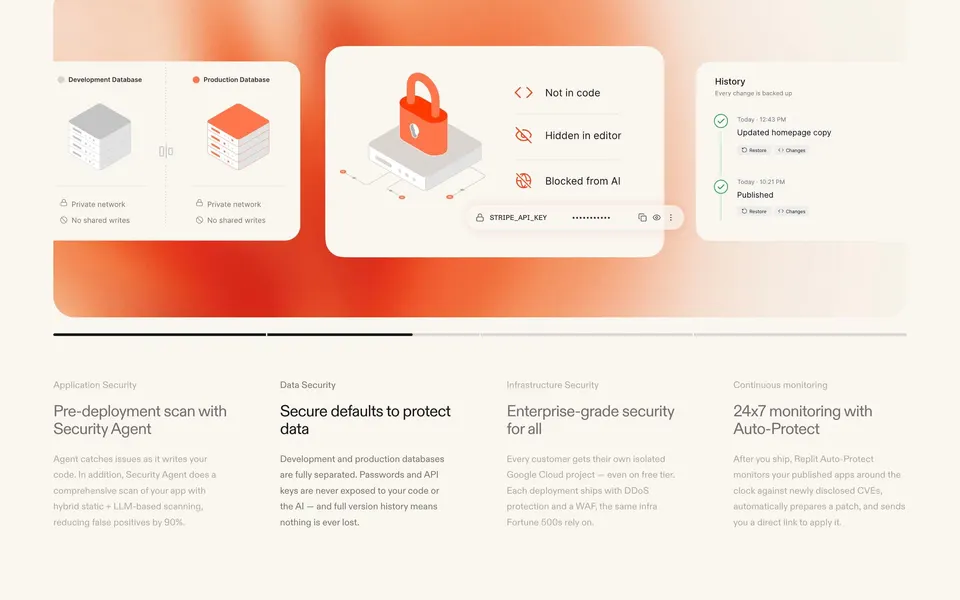
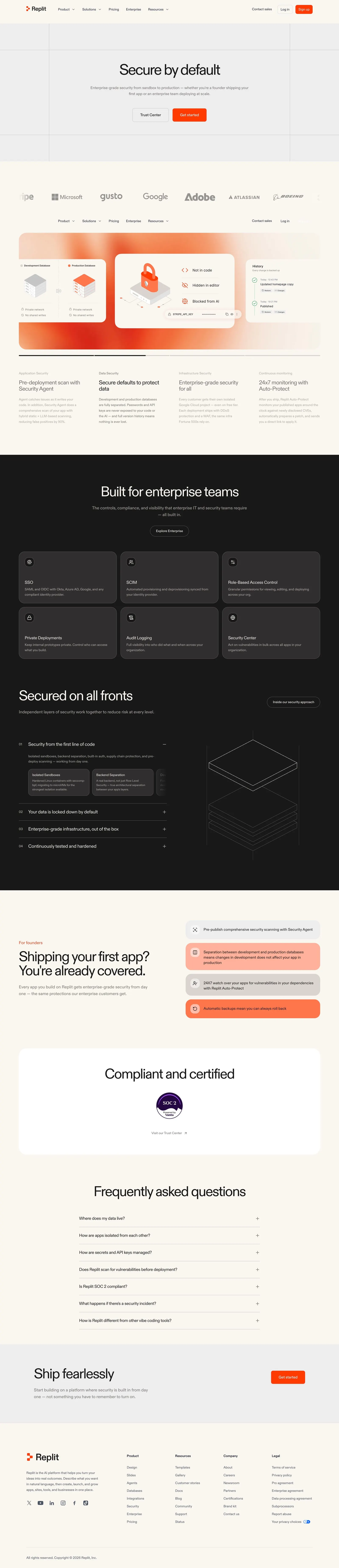
The security page opens on a grid-lined hero with two buttons, "Trust Center" and "Get started", and a row of enterprise logos. An orange illustrated panel shows a padlock between app tiles, with four points under it, from pre-deployment scanning to 24x7 monitoring.
A dark block for enterprise
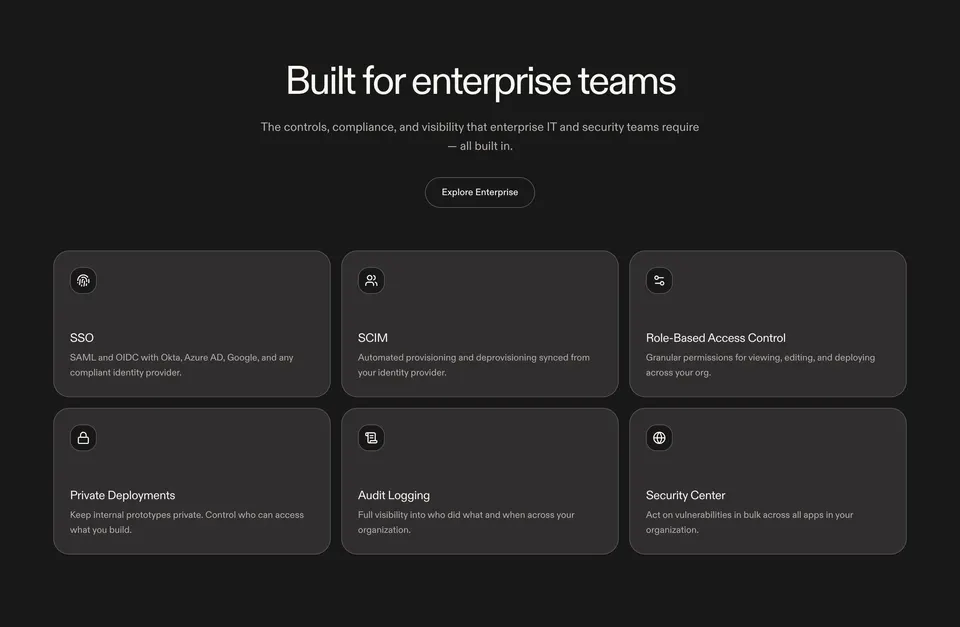
"Built for enterprise teams" lists six controls in dark cards (SSO, SCIM, role-based access, private deployments, audit logging, security center), then "Secured on all fronts" as an accordion beside a line drawing.
For founders too
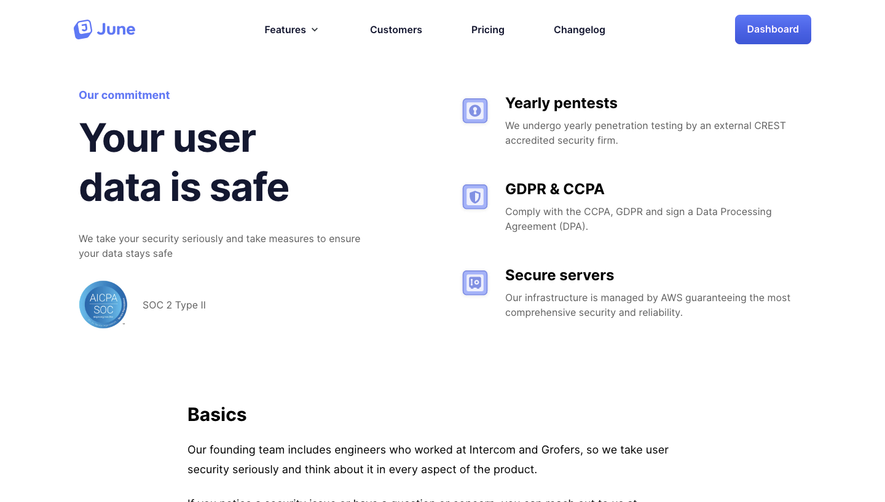
"Shipping your first app? You're already covered." shows four orange rows of protections, then "Compliant and certified" with a SOC 2 badge, an FAQ and a "Ship fearlessly" call to action.