SaaSFrame

About this screen
Settings with a vertical menu
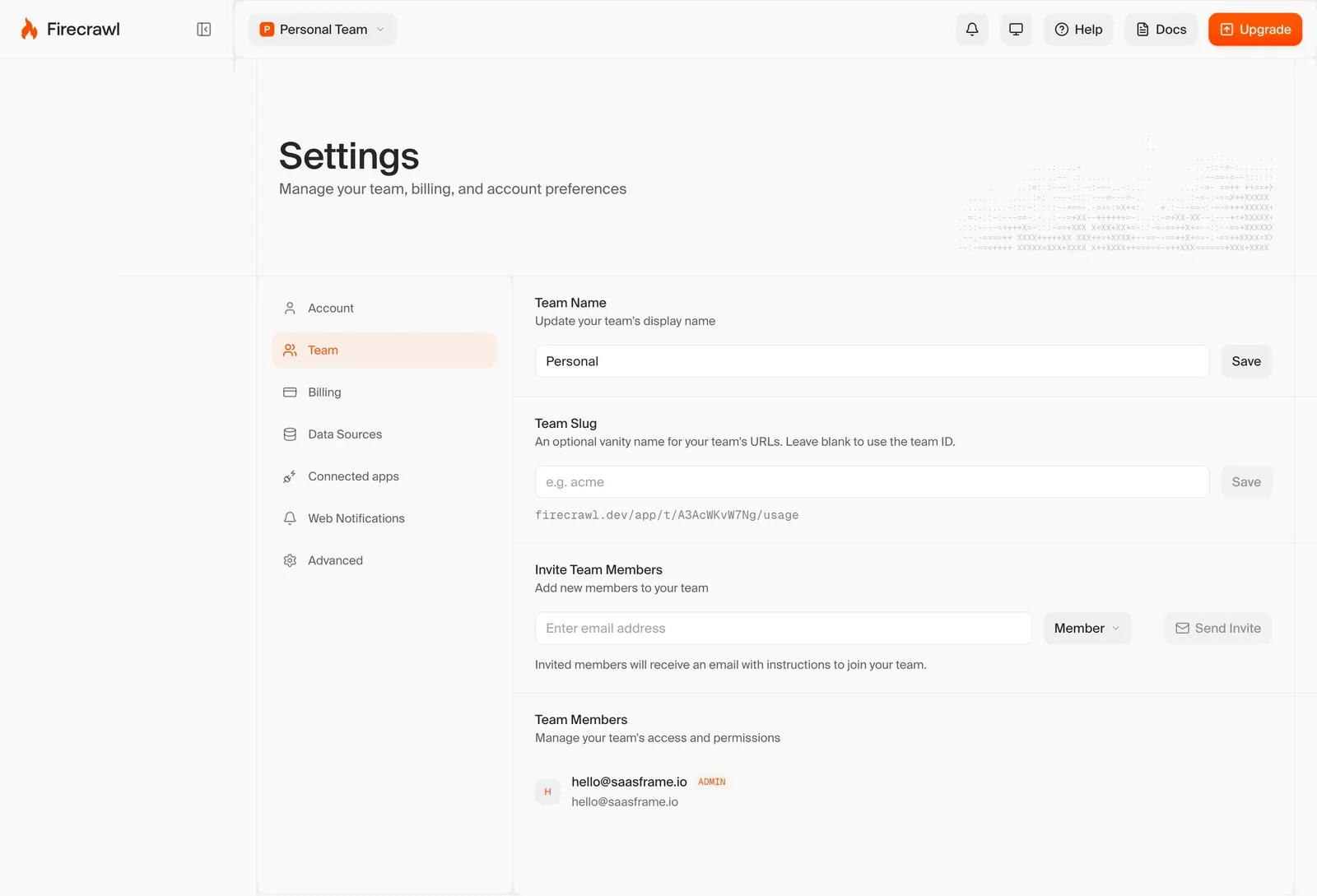
Firecrawl settings, "Manage your team, billing, and account preferences", use a left menu: Account, Team, Billing, Data Sources, Connected apps, Web Notifications and Advanced. The Team section is open.
One field, one Save
"Team Name" and "Team Slug" each have their own input and Save button. The slug field explains itself: "An optional vanity name for your team's URLs. Leave blank to use the team ID."
Invites and members below
"Invite Team Members" pairs an email field with a role selector and "Send Invite", then "Team Members" lists the current member with an Admin badge.