SaaSFrame
Cartesia Learn Hub
 CartesiaReal-time voice AI models for developers
About this page
A learning hub that reads like a card index
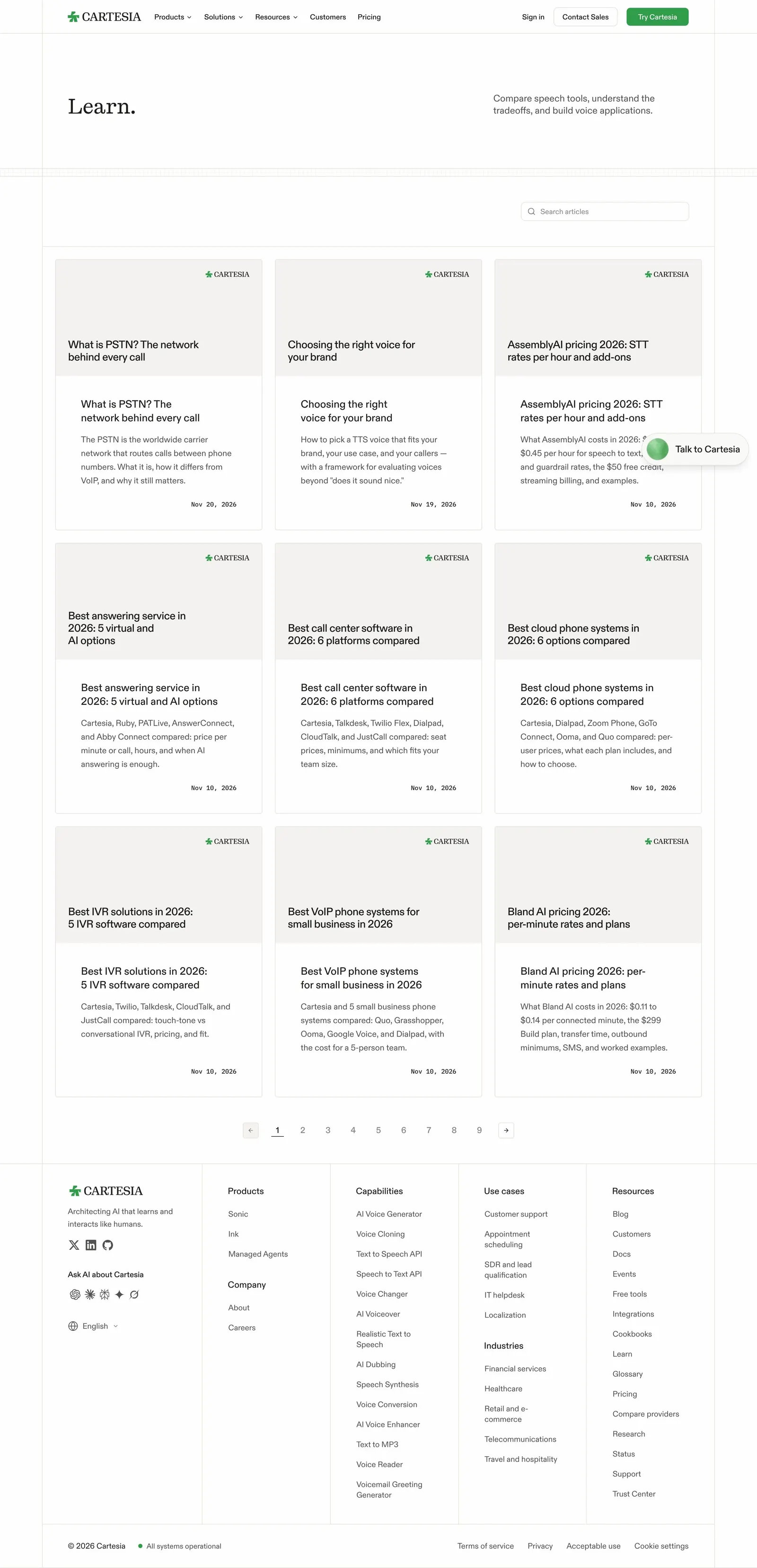
Cartesia's Learn page opens with a serif "Learn." headline and a one-line promise on the right: "Compare speech tools, understand the tradeoffs, and build voice applications." A single search field sits above the grid, aligned right, so the page goes straight from title to articles without filters or featured posts.
Text covers instead of images
Every article card uses the same grey cover with the Cartesia logo in the corner and the title set in large sans text, then repeats the title below with a two-line summary and a mono date. Topics range from "What is PSTN? The network behind every call" to pricing breakdowns of other speech providers, and the uniform covers keep a 3×3 grid calm.
Plain pagination and a dense footer
Numbered pagination with arrow buttons runs to nine pages, underlining the current one. Below it, the shared footer lists products, capabilities, use cases, industries and resources in five columns, so the hub also works as an entry point to the rest of the site.